Image Gen
Image gen
Generate images with the user's own API keys (Google Gemini "Nano Banana" or OpenAI gpt-image). Use when asked to generate, create or make an image, illustration, icon, cut-out, sticker, thumbnail, texture, mockup or visual asset, to…
---
name: image-gen
description: Generate images with the user's own API keys (Google Gemini "Nano Banana" or OpenAI gpt-image). Use when asked to generate, create or make an image, illustration, icon, cut-out, sticker, thumbnail, texture, mockup or visual asset, to edit an image, or to make several images that stay consistent (same character or object). Also used by the vox-explainer skill for collage cut-outs.
---

# Image gen

```
python3 ~/simcraft/skills/design/image-gen/scripts/gen_image.py "<prompt>" --out <dir> --name <name> [options]
```
Standard library only, so any `python3` works.

## Keys

The script reads `GEMINI_API_KEY` and `OPENAI_API_KEY` from the environment, or from `~/.config/simcraft/keys.env` (one `NAME=value` per line, chmod 600).
- Run `--check` to see which keys are set. It never prints a key.
- If no key is set, tell the user to open the file themselves (`open -e ~/.config/simcraft/keys.env`) and paste it in. Never ask them to paste a key into chat, and never read keys out of other projects' files.
- Keys go only in request headers. They never go in a URL, a log, or a sidecar file.
Overview
The script reads GEMINI_API_KEY and OPENAI_API_KEY from the environment, or from ~/.config/simcraft/keys.env (one NAME=value per line, chmod 600). - Run --check to see which keys are set. It never prints a key. - If no key is set, tell the user to open the file themselves (open -e ~/.config/simcraft/keys.env) and paste it in. Never ask them to paste a key into chat, and never read keys out of other projects' files. - Keys go only in request headers. They never go in a URL, a log, or a sidecar file. - Get a Gemini key at aistudio.google.com/apikey (it has a free tier). Get an OpenAI key at platform.openai.com/api-keys.
Manual install (npx, ZIP)
npx skills add dotslashsimran/simcraft --skill image-gen -g -a claude-codenpx degit dotslashsimran/simcraft/skills/design/image-gen#main ~/.claude/skills/image-genConnects with Agent Alley MCP · agentalley.io/mcp
Files included
SKILL.md3.0 KB
Read SKILL.md here
Show the full text47 lines
Image gen
python3 ~/simcraft/skills/design/image-gen/scripts/gen_image.py "<prompt>" --out <dir> --name <name> [options]
Standard library only, so any python3 works.
Keys
The script reads GEMINI_API_KEY and OPENAI_API_KEY from the environment, or from ~/.config/simcraft/keys.env (one NAME=value per line, chmod 600).
- Run
--checkto see which keys are set. It never prints a key. - If no key is set, tell the user to open the file themselves (
open -e ~/.config/simcraft/keys.env) and paste it in. Never ask them to paste a key into chat, and never read keys out of other projects' files. - Keys go only in request headers. They never go in a URL, a log, or a sidecar file.
- Get a Gemini key at aistudio.google.com/apikey (it has a free tier). Get an OpenAI key at platform.openai.com/api-keys.
Options
| Option | What it does |
|---|---|
--n 4 |
Makes 4 variations in parallel, plus <name>_sheet.png to pick from. Use this for anything that matters. |
--aspect 16:9 |
Sets the shape: 16:9, 9:16, 1:1, 4:3 or 3:4. Match it to where the image goes. |
--ref a.png b.png |
Reference images. Use them to edit an image, match a style, or keep the same character or object across images. |
--cutout |
Gives a transparent PNG for collages. Gemini generates on chroma green and the script keys it out with clean edges. OpenAI makes real transparency. |
--provider gemini|openai |
Picks the provider. Default: Gemini if its key is set. |
--model M |
Picks the model. By default Gemini picks the newest image model the key can use (--models lists them), and OpenAI uses gpt-image-2. |
--quality low|medium|high |
OpenAI only. Default high. |
--brand devin |
Adds a brand kit's image style and palette to the prompt. For any brand work, run the brand-kit skill first. |
Every image gets a <name>.json sidecar with the exact prompt, model and settings, so it can be remade or tweaked later.
Which provider
- Gemini: fast and cheap. Best for iterating, for edits, and for keeping things consistent with
--ref. - OpenAI gpt-image: best for images with text in them, and for true transparent cut-outs.
Prompting
- Describe the subject, the medium, the light and the framing, in that order. Say what to leave out.
- No text in images unless the user asks for it. Models still misspell words. Add type afterwards in code.
- For a series, generate one anchor image first. Then pass that same anchor as
--refto every other image. Never chain image 2 into image 3, because small errors pile up. - Show the user the contact sheet before using images anywhere. Regenerate one variation instead of all of them.
| 1 | |
| 2 | name image-gen |
| 3 | description Generate images with the user's own API keys (Google Gemini "Nano Banana" or OpenAI gpt-image). Use when asked to generate, create or make an image, illustration, icon, cut-out, sticker, thumbnail, texture, mockup or visual asset, to edit an image, or to make several images that stay consistent (same character or object). Also used by the vox-explainer skill for collage cut-outs. |
| 4 | |
| 5 | |
| 6 | # Image gen |
| 7 | |
| 8 | |
| 9 | python3 ~/simcraft/skills/design/image-gen/scripts/gen_image.py "<prompt>" --out <dir> --name <name> [options] |
| 10 | |
| 11 | Standard library only, so any `python3` works. |
| 12 | |
| 13 | ## Keys |
| 14 | |
| 15 | The script reads `GEMINI_API_KEY` and `OPENAI_API_KEY` from the environment, or from `~/.config/simcraft/keys.env` (one `NAME=value` per line, chmod 600). |
| 16 | Run `--check` to see which keys are set. It never prints a key. |
| 17 | If no key is set, tell the user to open the file themselves (`open -e ~/.config/simcraft/keys.env`) and paste it in. Never ask them to paste a key into chat, and never read keys out of other projects' files. |
| 18 | Keys go only in request headers. They never go in a URL, a log, or a sidecar file. |
| 19 | Get a Gemini key at aistudio.google.com/apikey (it has a free tier). Get an OpenAI key at platform.openai.com/api-keys. |
| 20 | |
| 21 | ## Options |
| 22 | |
| 23 | | Option | What it does | |
| 24 | |---|---| |
| 25 | | `--n 4` | Makes 4 variations in parallel, plus `<name>_sheet.png` to pick from. Use this for anything that matters. | |
| 26 | | `--aspect 16:9` | Sets the shape: 16:9, 9:16, 1:1, 4:3 or 3:4. Match it to where the image goes. | |
| 27 | | `--ref a.png b.png` | Reference images. Use them to edit an image, match a style, or keep the same character or object across images. | |
| 28 | | `--cutout` | Gives a transparent PNG for collages. Gemini generates on chroma green and the script keys it out with clean edges. OpenAI makes real transparency. | |
| 29 | | `--provider gemini\|openai` | Picks the provider. Default: Gemini if its key is set. | |
| 30 | | `--model M` | Picks the model. By default Gemini picks the newest image model the key can use (`--models` lists them), and OpenAI uses gpt-image-2. | |
| 31 | | `--quality low\|medium\|high` | OpenAI only. Default high. | |
| 32 | | `--brand devin` | Adds a brand kit's image style and palette to the prompt. **For any brand work, run the brand-kit skill first.** | |
| 33 | |
| 34 | Every image gets a `<name>.json` sidecar with the exact prompt, model and settings, so it can be remade or tweaked later. |
| 35 | |
| 36 | ## Which provider |
| 37 | |
| 38 | **Gemini:** fast and cheap. Best for iterating, for edits, and for keeping things consistent with `--ref`. |
| 39 | **OpenAI gpt-image:** best for images with text in them, and for true transparent cut-outs. |
| 40 | |
| 41 | ## Prompting |
| 42 | |
| 43 | Describe the subject, the medium, the light and the framing, in that order. Say what to leave out. |
| 44 | **No text in images** unless the user asks for it. Models still misspell words. Add type afterwards in code. |
| 45 | For a series, generate one anchor image first. Then pass that same anchor as `--ref` to every other image. Never chain image 2 into image 3, because small errors pile up. |
| 46 | Show the user the contact sheet before using images anywhere. Regenerate one variation instead of all of them. |
| 47 |
Details
- License
- MIT
- Stars on the repo
- ★ 546
- Checked
- Source
- dotslashsimran/simcraft ↗
- Creator
- dotslashsimran · 9 listings
Similar skills
See all → Cel-Shaded Video Creator
 edenfunf/reelmimic · by edenfunfMake Japanese TV-anime style videos (MP4) with code — cel-shaded characters with tapered line art, big detailed eyes, hair clumps with a specular band, comedic anime reactions (sweat drop, anger vein, sparkle eyes, ≥< eyes, dot eyes, tears), painted skies with cumulus clouds, school/street/classroom/rooftop sets with time-of-day palettes, speed/focus lines, impact frames, dramatic zooms, smears, sakura petals and anime subtitles (CJK). Canvas 2D rendered frame by frame in headless Chrome, encoded with ffmpeg. Use when a reference video or brief calls for anime / 動畫 / 日系動畫 / アニメ / cel-shaded / slice-of-life / school romance / shōnen-style reactions, or when the video-clone router picks the anime-cel style. 2D only; characters are original (Hina, Ren) or new ones built on the same rig.★ 3.6k GitHub stars
 Opuscar Film Director
 lemomo-ai/lemo-opuscar · by lemomo-aiDirect and produce a short film made entirely in code, in one of the styles of the Lemo-Opuscar library (e.g. Impasto Oil Painting 油画厚涂, Watercolor Brush 水彩笔刷, Ukiyo-e 浮世绘, Satellite Briefing 卫星简报, Exploded Teardown 产品拆解, Microscope Story 显微叙事). Use when the user asks for a video, film, short, promo, explainer or animation (视频、短片、动画、宣传片) in a named style, including data, science and product explainers built from real material such as satellite imagery, laser scans, CAD files or archive scans (数据解说、科普、产品拆解); when they want a film made about their own topic and haven't chosen a style (help them choose); or when they ask which film styles there are. Not for editing or converting existing video files.★ 3k GitHub stars
 Xiaohei Illustration Generator
 dzhng/skills · by dzhngGenerate Ian-style Xiaohei illustrations for articles, posts, blogs, Notion documents, workflows, methods, processes, structures, states, metaphors, and opinions. Use when the user asks for weird, hand-drawn, Xiaohei, article, editorial, body illustrations, illustration ideas, shot lists, title removal, image edits, or image regeneration. By default, all image text and annotations are English, even when the source article is Chinese; only use another language when the user explicitly asks.★ 1.3k GitHub stars
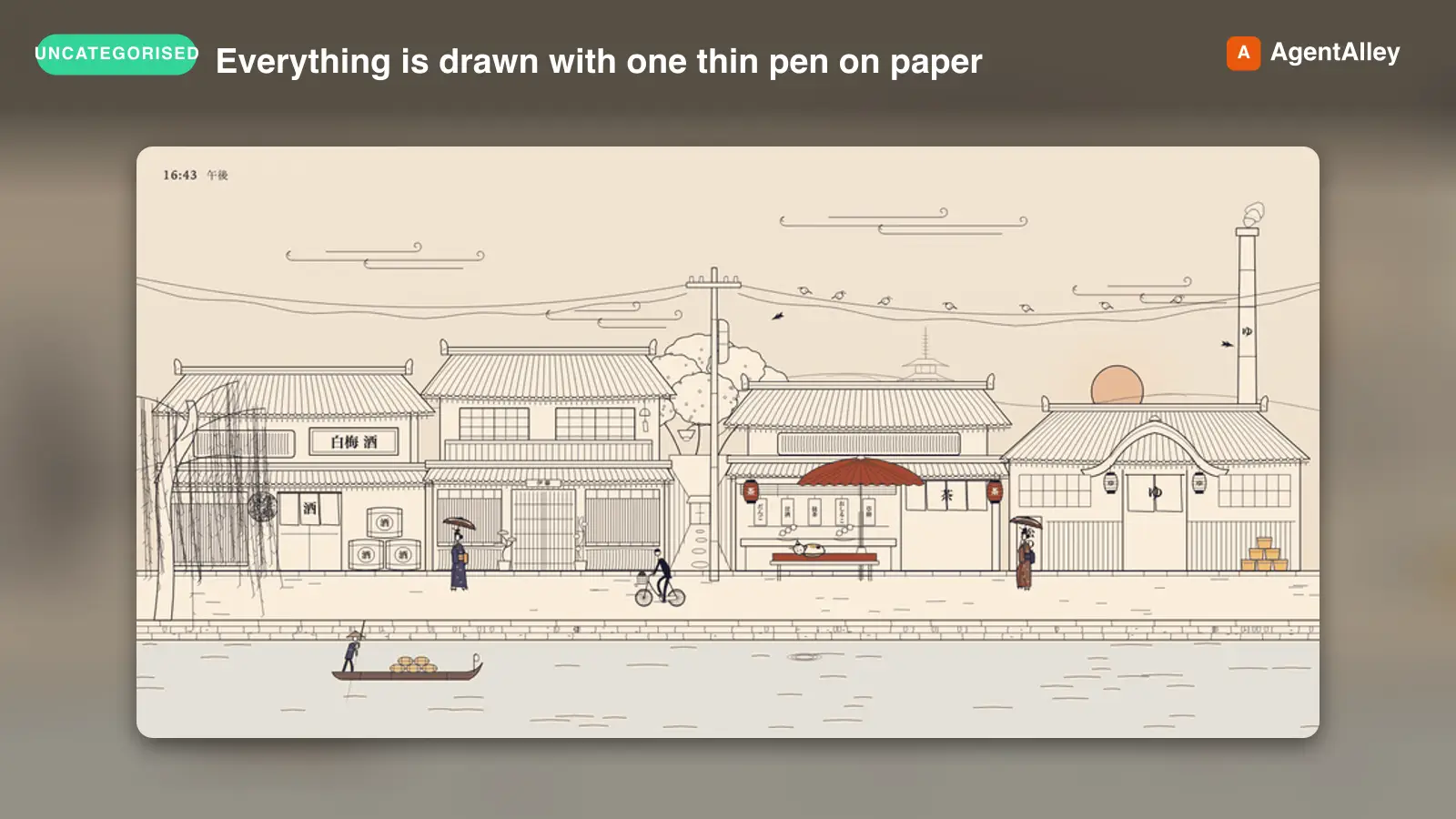 Line Art Animation
 JDhruv14/line-art-animation · by JDhruv14Build animated line-art components in SVG and TypeScript — thin ink lines on paper, people and animals that walk, run, cycle and react, scenes with wind, lit windows and a day/night cycle, exported to video if needed. Use this whenever someone asks for a line art (or ink, pen, doodle, hand-drawn) animation, an animated illustration or scene component, little characters doing everyday things, a living street/village/shop/park, a day-night cycle illustration, "make it like this clip" for a drawn animation, or a video of such a component — even if they never say "SVG" or "line art".★ 1.2k GitHub stars
 Game Asset Generator
 scenario-labs/skills · by scenario-labsUse when creating game art through Scenario MCP: sprites, sprite sheets, icons, props, loot, tilesets and autotile terrain transitions, seamless tiles, isometric buildings, top-down maps, pixel art, UI buttons and panels, parallax background layers or depth planes for side-scrollers, and character or concept art; or when assets need transparent backgrounds, background removal, style-consistent variation batches, upscaling, pixel-grid cleanup, or PNG export for Unity, Godot, or Unreal.★ 854 GitHub stars
 AI-Toolkit LoRA Trainer
 artokun/comfyui-mcp · by artokunTrain custom LoRAs with ostris AI-Toolkit. Covers WAN 2.2/2.1 (people, styles, video motion) and Z-Image (Turbo & Base, low-VRAM image LoRAs). Use when the user wants to train a WAN or Z-Image LoRA; covers local + RunPod setup, dataset prep, key params, and using the result in a ComfyUI workflow.★ 759 GitHub stars
More from dotslashsimran
 Clean Audio
 dotslashsimran/simcraft · by dotslashsimranClean up voice audio in a video: rumble, electrical hum, background noise and hiss, muddy or harsh tone, sharp S sounds, uneven volume, and loudness for YouTube/Instagram/TikTok. Measures the audio first, picks the strongest cleanup that doesn't make the words less clear, and keeps lip sync exact. Use when the user says "clean up the audio", "fix the sound", "remove background noise", "remove hum", "my audio is too quiet/loud", "make it sound better", or after a rough cut.★ 546 GitHub stars
 From Scratchdotslashsimran/simcraft · by dotslashsimranLearn how something really works by building the smallest working version of it from scratch, Karpathy style, one small step at a time, with the user predicting what each step will do before running it. Works for ML and AI ideas (attention, tokenizers, backprop, RAG, agents), systems (a database, an HTTP server, git, a shell) and anything else that can be coded. Use when the user says "teach me how X works", "build X from scratch", "I want to really understand X", "explain X from first principles", or "implement X without the library".★ 546 GitHub stars
 Perspective Illusiondotslashsimran/simcraft · by dotslashsimranMake a looping illustrated 3D video in the Japanese perspective-illusion style (e.g. @garments__) of any place, such as a street, crossing, station, shop aisle, room, park or rooftop. A clean line-art scene squashed flat by a telephoto lens opens into deep perspective with dolly zooms, swings round to corner views that first read flat and then turn 3D, and objects quietly swap depth while the view is flat. Use when asked for a perspective or optical-illusion video, a "dolly zoom" or "flat to 3D" loop, an isometric-looking illustrated scene that turns out to be 3D, or to recreate one of these clips.★ 546 GitHub stars
 Repo Timelapsedotslashsimran/simcraft · by dotslashsimranTurn a git repo's history into a video of the project growing. Files appear as a living treemap coloured by language that grows with the code, glows when touched and fades on delete, with a date, a lines-of-code counter, commit messages typing in as captions and an activity sparkline. 16:9 or 9:16, dark or light. Use when the user says "timelapse of my repo", "visualise git history", "build in public video", "show how the project grew", "animate my commits", or wants a video of a codebase evolving.★ 546 GitHub stars
 Reverse Engineer a Videodotslashsimran/simcraft · by dotslashsimranBreak down a reference or viral video clip so it can be remade. Finds every cut and dissolve, times each shot, measures pacing, works out the camera move in each shot (static, pan, tilt, zoom or push in, roll, handheld shake, with speed), finds beats and loudness jumps and checks whether the cuts land on them, and reads on-screen text and speech when the tools are installed. Makes a contact sheet, a timeline strip, breakdown.md with a beat map and a remake plan, and breakdown.json. Also makes side-by-side or stacked comparison videos of a remake against the reference. Use when the user says "break down this video", "reverse engineer this clip", "how was this edited", "shot list from this video", "why does this go viral", "recreate/remake this video", "what camera moves are in this", "do the cuts hit the beat", or "compare my remake with the original".★ 546 GitHub stars
 Rough Cut: Trim the Fatdotslashsimran/simcraft · by dotslashsimranTrim the fat from raw talking footage. Turns raw video into a tight first cut by removing dead air, ums and uhs, stutters, false starts and bad takes (keeping the last good take), then checks the result by listening to it again. Use when the user says "rough cut", "first cut", "trim the fat", "cut the pauses", "remove the ums", "cut my retakes", "make it snappy", or hands over raw footage to edit.★ 546 GitHub stars