Repo Timelapse
Repo timelapse
Turn a git repo's history into a video of the project growing. Files appear as a living treemap coloured by language that grows with the code, glows when touched and fades on delete, with a date, a lines-of-code counter, commit messages…
---
name: repo-timelapse
description: Turn a git repo's history into a video of the project growing. Files appear as a living treemap coloured by language that grows with the code, glows when touched and fades on delete, with a date, a lines-of-code counter, commit messages typing in as captions and an activity sparkline. 16:9 or 9:16, dark or light. Use when the user says "timelapse of my repo", "visualise git history", "build in public video", "show how the project grew", "animate my commits", or wants a video of a codebase evolving.
---

# Repo timelapse

Two steps: read the history into a JSON file, then render it. Both only read the repo.

```
SK=~/simcraft/skills/video/repo-timelapse
python3 $SK/scripts/extract.py <repo> -o history.json
node $SK/scripts/render.mjs history.json preview.mp4 --preview
node $SK/scripts/render.mjs history.json timelapse.mp4
```

Needs python3, git, node with Playwright (already in the simcraft repo root), and ffmpeg (set `FFMPEG` to use a specific one).
Overview
Two steps: read the history into a JSON file, then render it. Both only read the repo.
Manual install (npx, ZIP)
npx skills add dotslashsimran/simcraft --skill repo-timelapse -g -a claude-codenpx degit dotslashsimran/simcraft/skills/video/repo-timelapse#main ~/.claude/skills/repo-timelapseConnects with Agent Alley MCP · agentalley.io/mcp
Files included
SKILL.md4.3 KB
Read SKILL.md here
Show the full text63 lines
Repo timelapse
Two steps: read the history into a JSON file, then render it. Both only read the repo.
SK=~/simcraft/skills/video/repo-timelapse
python3 $SK/scripts/extract.py <repo> -o history.json
node $SK/scripts/render.mjs history.json preview.mp4 --preview
node $SK/scripts/render.mjs history.json timelapse.mp4
Needs python3, git, node with Playwright (already in the simcraft repo root), and ffmpeg (set FFMPEG to use a specific one).
Steps
Extract and read the report.
extract.pyprints activity by month, the busiest 30 days, the biggest folders, bulk commits and a suggested duration. Use it to pick the story before rendering anything.Pick the story. A whole repo is rarely the best video. Choose one arc and say it in one line, such as "the week I built the MVP" or "how the API folder took over". Narrow with:
--since 2025-03-01 --until 2025-04-01for a stretch of time,--path src/apito film one folder,--exclude 'docs/**'when docs, fixtures or generated files dwarf the code. Re-run extract after each change and check the report again.
Clean the noise. Lockfiles, vendored and build folders, minified files and test cassettes are skipped by default. Merge commits are folded into the main line, so line counts stay exact. If the report lists a bulk commit (an import or generated code), exclude its folder unless the import is the story.
Preview. Render with
--preview(half size, 30fps, about 10 seconds for a 40-second video) and watch it. Check pacing, that captions are readable, and that the map is not dominated by one folder. For single frames use--stills 3,12,25, which writes PNGs into the output folder.Render the final without
--preview. It renders at 1080p and 60fps by default. A 30-second video takes about a minute.Report the file path, the range and filters used, and anything excluded.
Render options
--duration 30sets the length in seconds. Use the suggestion from the report: about 20 seconds for a small repo, 40 to 60 for a big one.--verticalrenders 1080x1920 for Reels, TikTok and Shorts.--size 2560x1440sets any size.--theme lightswitches to the light theme. Dark is the default.--highlight src/apidims everything outside that folder and shows its line count.--title "My app",--subtitle "...",--end-text "part 2 next week"change the cards.--no-titleand--no-endremove them.--grow fillkeeps the map full size from the first commit. The defaultareamakes it grow with the code.--fps 30halves render time.
Extract options: --anonymize (Contributor 1, 2, ...), --rev main, --name, --max-events 1500, --include-default-noise.
Pacing
- Quiet weeks are compressed automatically. Busy days get more screen time than empty ones, but a long pause never stops the video.
- Captions change at most about once a second. When several commits land close together, the most descriptive message is shown, so "wip" and "fix" rarely appear.
- Fewer than 10 commits makes a thin video. Pick a repo or range with at least 30.
Posting
- The video opens on a title card, so put the hook in the post text: the final line count or the arc. For Reels,
--no-titlestarts the motion in the first frame. - For 9:16, the layout already keeps the top 150px and bottom 380px clear of platform buttons. Put your own text caption above the video in the editor, not over the map.
- Add a stacked caption in the post that names the arc, such as "60 days of building X, every commit".
- Anonymise authors for repos with other people's names in them, and check commit messages in the preview for anything private before posting.
How it works, the data format and the known limits: reference.md.
| 1 | |
| 2 | name repo-timelapse |
| 3 | description Turn a git repo's history into a video of the project growing. Files appear as a living treemap coloured by language that grows with the code, glows when touched and fades on delete, with a date, a lines-of-code counter, commit messages typing in as captions and an activity sparkline. 16:9 or 9:16, dark or light. Use when the user says "timelapse of my repo", "visualise git history", "build in public video", "show how the project grew", "animate my commits", or wants a video of a codebase evolving. |
| 4 | |
| 5 | |
| 6 | # Repo timelapse |
| 7 | |
| 8 | Two steps: read the history into a JSON file, then render it. Both only read the repo. |
| 9 | |
| 10 | |
| 11 | SK=~/simcraft/skills/video/repo-timelapse |
| 12 | python3 $SK/scripts/extract.py <repo> -o history.json |
| 13 | node $SK/scripts/render.mjs history.json preview.mp4 --preview |
| 14 | node $SK/scripts/render.mjs history.json timelapse.mp4 |
| 15 | |
| 16 | |
| 17 | Needs python3, git, node with Playwright (already in the simcraft repo root), and ffmpeg (set `FFMPEG` to use a specific one). |
| 18 | |
| 19 | ## Steps |
| 20 | |
| 21 | **Extract and read the report.** `extract.py` prints activity by month, the busiest 30 days, the biggest folders, bulk commits and a suggested duration. Use it to pick the story before rendering anything. |
| 22 | |
| 23 | **Pick the story.** A whole repo is rarely the best video. Choose one arc and say it in one line, such as "the week I built the MVP" or "how the API folder took over". Narrow with: |
| 24 | `--since 2025-03-01 --until 2025-04-01` for a stretch of time, |
| 25 | `--path src/api` to film one folder, |
| 26 | `--exclude 'docs/**'` when docs, fixtures or generated files dwarf the code. |
| 27 | Re-run extract after each change and check the report again. |
| 28 | |
| 29 | **Clean the noise.** Lockfiles, vendored and build folders, minified files and test cassettes are skipped by default. Merge commits are folded into the main line, so line counts stay exact. If the report lists a bulk commit (an import or generated code), exclude its folder unless the import is the story. |
| 30 | |
| 31 | **Preview.** Render with `--preview` (half size, 30fps, about 10 seconds for a 40-second video) and watch it. Check pacing, that captions are readable, and that the map is not dominated by one folder. For single frames use `--stills 3,12,25`, which writes PNGs into the output folder. |
| 32 | |
| 33 | **Render the final** without `--preview`. It renders at 1080p and 60fps by default. A 30-second video takes about a minute. |
| 34 | |
| 35 | **Report** the file path, the range and filters used, and anything excluded. |
| 36 | |
| 37 | ## Render options |
| 38 | |
| 39 | `--duration 30` sets the length in seconds. Use the suggestion from the report: about 20 seconds for a small repo, 40 to 60 for a big one. |
| 40 | `--vertical` renders 1080x1920 for Reels, TikTok and Shorts. `--size 2560x1440` sets any size. |
| 41 | `--theme light` switches to the light theme. Dark is the default. |
| 42 | `--highlight src/api` dims everything outside that folder and shows its line count. |
| 43 | `--title "My app"`, `--subtitle "..."`, `--end-text "part 2 next week"` change the cards. `--no-title` and `--no-end` remove them. |
| 44 | `--grow fill` keeps the map full size from the first commit. The default `area` makes it grow with the code. |
| 45 | `--fps 30` halves render time. |
| 46 | |
| 47 | Extract options: `--anonymize` (Contributor 1, 2, ...), `--rev main`, `--name`, `--max-events 1500`, `--include-default-noise`. |
| 48 | |
| 49 | ## Pacing |
| 50 | |
| 51 | Quiet weeks are compressed automatically. Busy days get more screen time than empty ones, but a long pause never stops the video. |
| 52 | Captions change at most about once a second. When several commits land close together, the most descriptive message is shown, so "wip" and "fix" rarely appear. |
| 53 | Fewer than 10 commits makes a thin video. Pick a repo or range with at least 30. |
| 54 | |
| 55 | ## Posting |
| 56 | |
| 57 | The video opens on a title card, so put the hook in the post text: the final line count or the arc. For Reels, `--no-title` starts the motion in the first frame. |
| 58 | For 9:16, the layout already keeps the top 150px and bottom 380px clear of platform buttons. Put your own text caption above the video in the editor, not over the map. |
| 59 | Add a stacked caption in the post that names the arc, such as "60 days of building X, every commit". |
| 60 | Anonymise authors for repos with other people's names in them, and check commit messages in the preview for anything private before posting. |
| 61 | |
| 62 | How it works, the data format and the known limits: [reference.md]. |
| 63 |
Details
- License
- MIT
- Stars on the repo
- ★ 546
- Checked
- Source
- dotslashsimran/simcraft ↗
- Creator
- dotslashsimran · 9 listings
Similar skills
See all → CI/CD Pipeline Setup
 addyosmani/agent-skills · by addyosmaniAutomates CI/CD pipeline setup. Use when setting up or modifying build and deployment pipelines. Use when you need to automate quality gates, configure test runners in CI, or establish deployment strategies.★ 98.7k GitHub stars
 Semantic Release Automation
 thedotmack/claude-mem · by thedotmackAutomated semantic versioning and release workflow for Claude Code plugins. Handles version increments across package.json, marketplace.json, plugin.json manifests, build verification, git tagging, GitHub releases, and changelog generation. NPM publishing is the final human-required handoff because the maintainer raised npm security.★ 95.6k GitHub stars
 Orca CLI
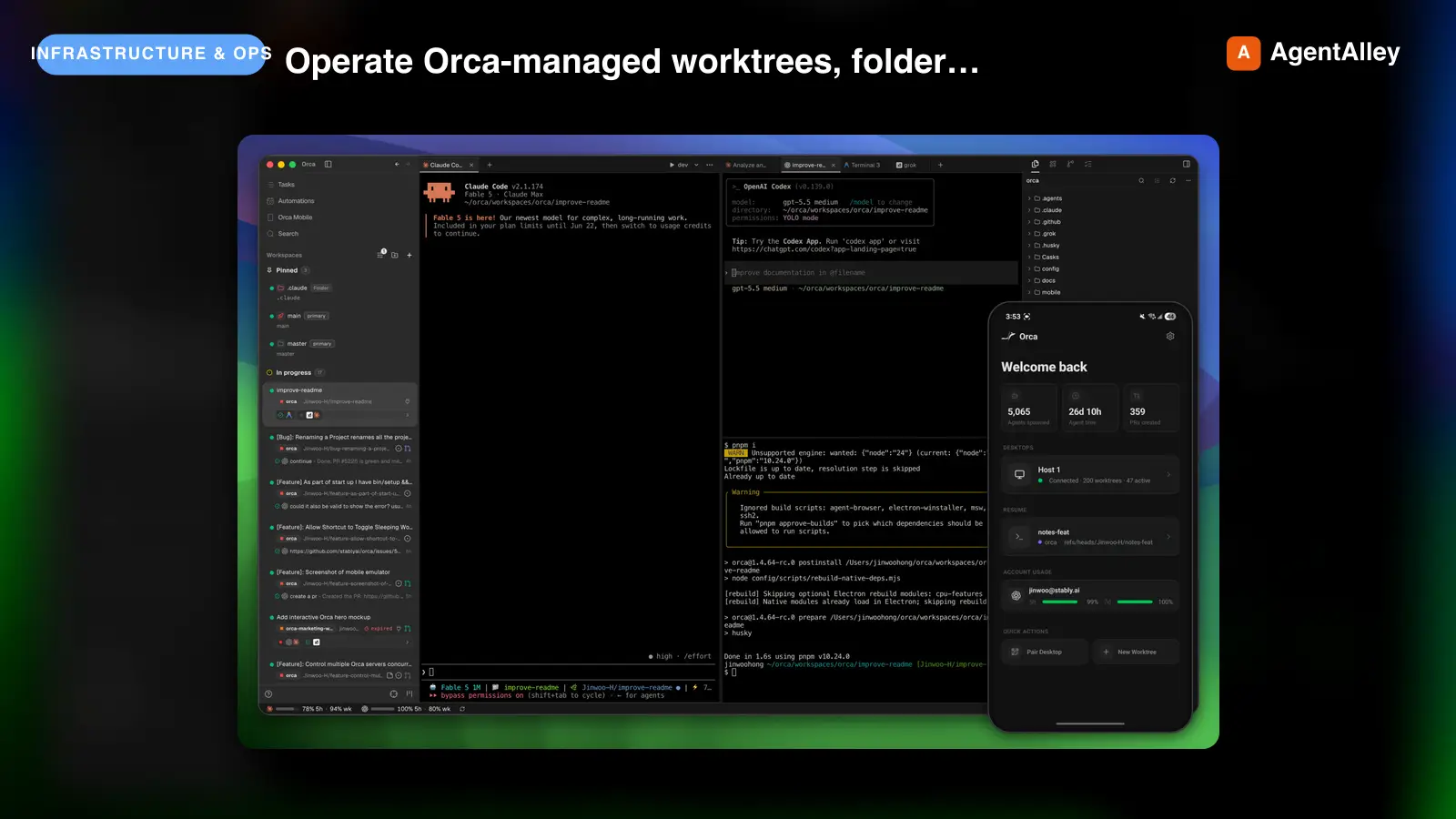
 stablyai/orca · by stablyaiOperate Orca-managed worktrees, folder contexts, terminals, repos, automations, artifacts, skill sharing, worktree comments, and Orca's embedded browser through the `orca` CLI. Use when the user says "$orca-cli", "Orca worktree", "child worktree", "spawn codex/claude in a worktree", "read/wait/send Orca terminal", "handoff" / "handover" / "give this to another agent", "Orca browser", "orca artifacts", or "share skills". Prefer it over raw git worktree, ad hoc PTYs, or Computer Use when Orca state is involved. Use Computer Use only when a visible window needs GUI control that a CLI, filesystem, or API cannot do.★ 84.5k GitHub stars
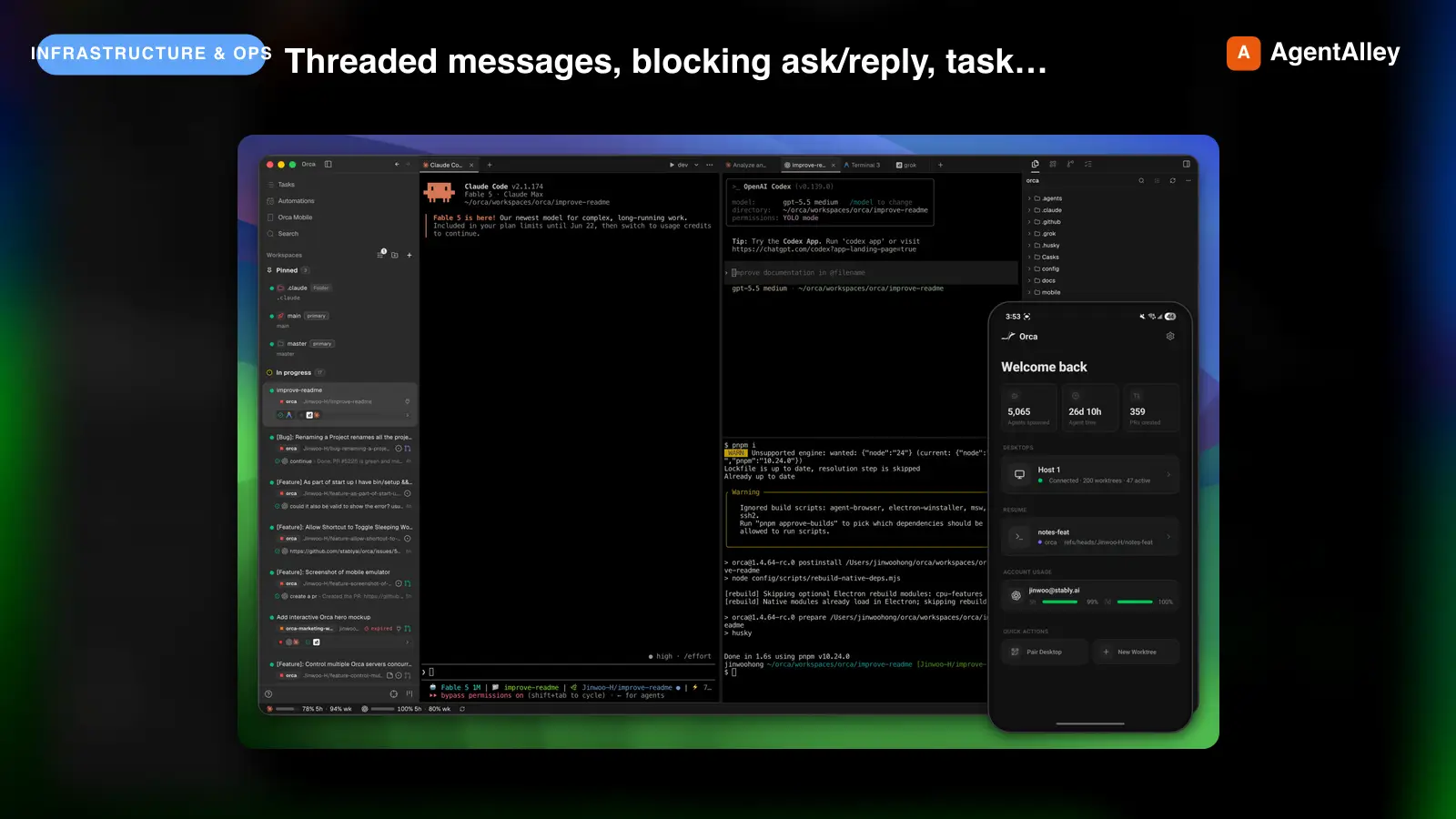 Worker Coordination Enginestablyai/orca · by stablyaiCoordinate supervised Orca workers: threaded messages, blocking ask/reply, task dispatch, worker_done/escalation waits, task DAGs, decision gates, coordinator loops, and decomposing work across agents. Use `orca-cli` for full ownership handoffs — "hand off", "handoff", "handover", "give this to another agent", "another worktree" — unless asked to supervise, monitor, or coordinate a DAG, and for terminal control, lightweight terminal prompts, shell commands, Orca worktree management, and reading or waiting on terminals.★ 84.5k GitHub stars
 Vercel Deployment Tool
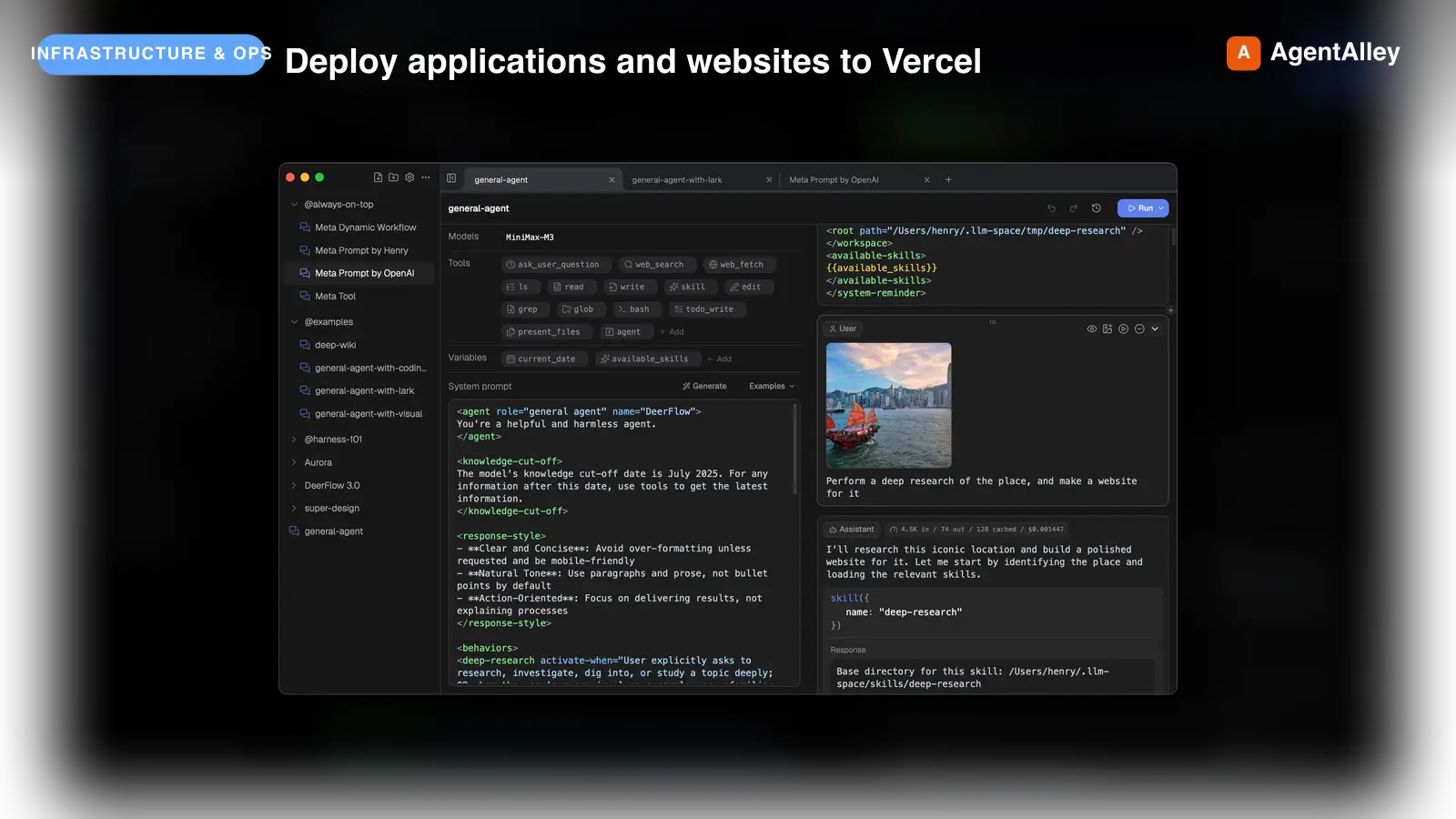
 bytedance/deer-flow · by bytedanceDeploy applications and websites to Vercel. Use this skill when the user requests deployment actions such as "Deploy my app", "Deploy this to production", "Create a preview deployment", "Deploy and give me the link", or "Push this live". No authentication required - returns preview URL and claimable deployment link.★ 83.5k GitHub stars
 Pull Request Manager
 pascalorg/editor · by pascalorgOpen or update a pull request on pascalorg/editor from the current branch, describing only what the branch actually did. Use when the user asks to open/create a PR, push and PR, or ship a branch in the editor repo.★ 24.6k GitHub stars
More from dotslashsimran
 Clean Audio
 dotslashsimran/simcraft · by dotslashsimranClean up voice audio in a video: rumble, electrical hum, background noise and hiss, muddy or harsh tone, sharp S sounds, uneven volume, and loudness for YouTube/Instagram/TikTok. Measures the audio first, picks the strongest cleanup that doesn't make the words less clear, and keeps lip sync exact. Use when the user says "clean up the audio", "fix the sound", "remove background noise", "remove hum", "my audio is too quiet/loud", "make it sound better", or after a rough cut.★ 546 GitHub stars
 From Scratchdotslashsimran/simcraft · by dotslashsimranLearn how something really works by building the smallest working version of it from scratch, Karpathy style, one small step at a time, with the user predicting what each step will do before running it. Works for ML and AI ideas (attention, tokenizers, backprop, RAG, agents), systems (a database, an HTTP server, git, a shell) and anything else that can be coded. Use when the user says "teach me how X works", "build X from scratch", "I want to really understand X", "explain X from first principles", or "implement X without the library".★ 546 GitHub stars
 Image Gendotslashsimran/simcraft · by dotslashsimranGenerate images with the user's own API keys (Google Gemini "Nano Banana" or OpenAI gpt-image). Use when asked to generate, create or make an image, illustration, icon, cut-out, sticker, thumbnail, texture, mockup or visual asset, to edit an image, or to make several images that stay consistent (same character or object). Also used by the vox-explainer skill for collage cut-outs.★ 546 GitHub stars
 Perspective Illusiondotslashsimran/simcraft · by dotslashsimranMake a looping illustrated 3D video in the Japanese perspective-illusion style (e.g. @garments__) of any place, such as a street, crossing, station, shop aisle, room, park or rooftop. A clean line-art scene squashed flat by a telephoto lens opens into deep perspective with dolly zooms, swings round to corner views that first read flat and then turn 3D, and objects quietly swap depth while the view is flat. Use when asked for a perspective or optical-illusion video, a "dolly zoom" or "flat to 3D" loop, an isometric-looking illustrated scene that turns out to be 3D, or to recreate one of these clips.★ 546 GitHub stars
 Reverse Engineer a Videodotslashsimran/simcraft · by dotslashsimranBreak down a reference or viral video clip so it can be remade. Finds every cut and dissolve, times each shot, measures pacing, works out the camera move in each shot (static, pan, tilt, zoom or push in, roll, handheld shake, with speed), finds beats and loudness jumps and checks whether the cuts land on them, and reads on-screen text and speech when the tools are installed. Makes a contact sheet, a timeline strip, breakdown.md with a beat map and a remake plan, and breakdown.json. Also makes side-by-side or stacked comparison videos of a remake against the reference. Use when the user says "break down this video", "reverse engineer this clip", "how was this edited", "shot list from this video", "why does this go viral", "recreate/remake this video", "what camera moves are in this", "do the cuts hit the beat", or "compare my remake with the original".★ 546 GitHub stars
 Rough Cut: Trim the Fatdotslashsimran/simcraft · by dotslashsimranTrim the fat from raw talking footage. Turns raw video into a tight first cut by removing dead air, ums and uhs, stutters, false starts and bad takes (keeping the last good take), then checks the result by listening to it again. Use when the user says "rough cut", "first cut", "trim the fat", "cut the pauses", "remove the ums", "cut my retakes", "make it snappy", or hands over raw footage to edit.★ 546 GitHub stars