Best skills for Core Web Vitals in 2026: six free picks
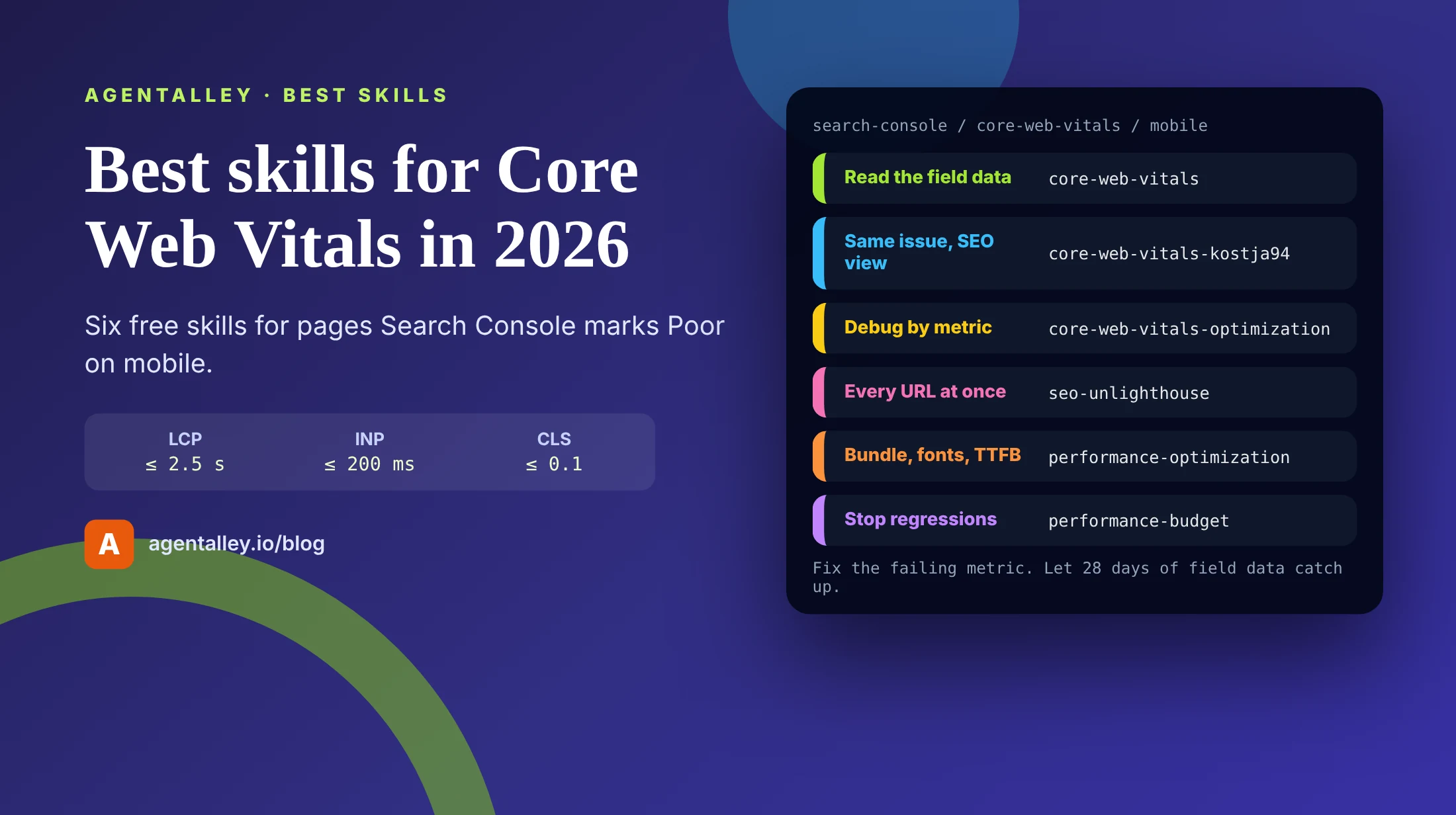
Updated 26 November 2026. Each item below was read from its own page on AgentAlley on 26 November 2026.
A question that keeps coming up on Reddit goes like this: Search Console shows every page as Poor on mobile, the developer says the site loads fine on their phone, and nobody knows where to start. One r/DigitalMarketing post describes exactly that, with an old WordPress theme as the main suspect.
Both sides can be right. Google's Core Web Vitals report is built from field data, meaning real visits from Chrome users, and a URL group takes the status of its worst metric. Good means LCP at or under 2.5 seconds, INP at or under 200 milliseconds and CLS at or under 0.1, measured at the 75th percentile of visits. A fast phone on office Wi-Fi is not your typical visitor. Vercel's guide adds the other half: Lighthouse runs one simulated load and never clicks anything, so it cannot report INP at all, and a perfect lab score can sit next to failing field data on the same page.
So the job is not "get a green Lighthouse score". It is: find which metric fails in the field, find the cause, fix it, and wait for real visits to confirm it. A skill is a folder with a SKILL.md file that an agent such as Claude Code loads when your request matches it. Below are six free skills on AgentAlley that cover that job, in the order you will reach for them.
1. core-web-vitals
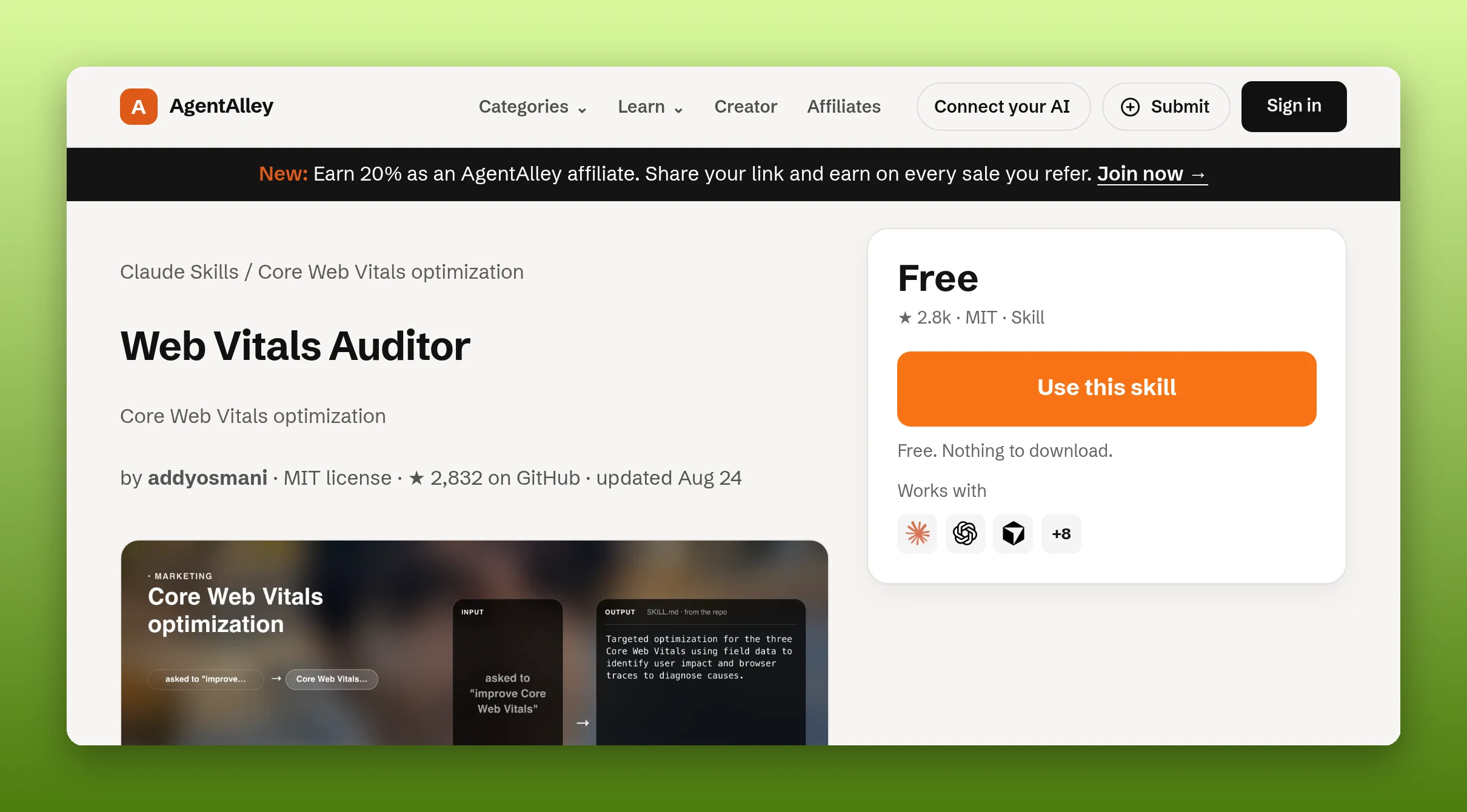
core-web-vitals by addyosmani (MIT) is the one to start with because it insists on evidence. Its first rule is to measure before optimizing: check page-level CrUX data at the 75th percentile, record a browser performance trace, look only at the insights tied to the failing metric, then re-run the same lab measurement after the fix. It also tells the agent not to claim LCP, INP or CLS is failing when it only has source code and no runtime data, and not to promise an instant field improvement.
Good for: turning "everything is Poor" into one named metric on one page template, with code-level fixes such as making the LCP image discoverable in the HTML with fetchpriority="high".
The catch: it is written for people who can edit templates and read a trace. If you only have access to a page builder, you will get a clear diagnosis but may need a developer for the fix.
2. core-web-vitals-kostja94
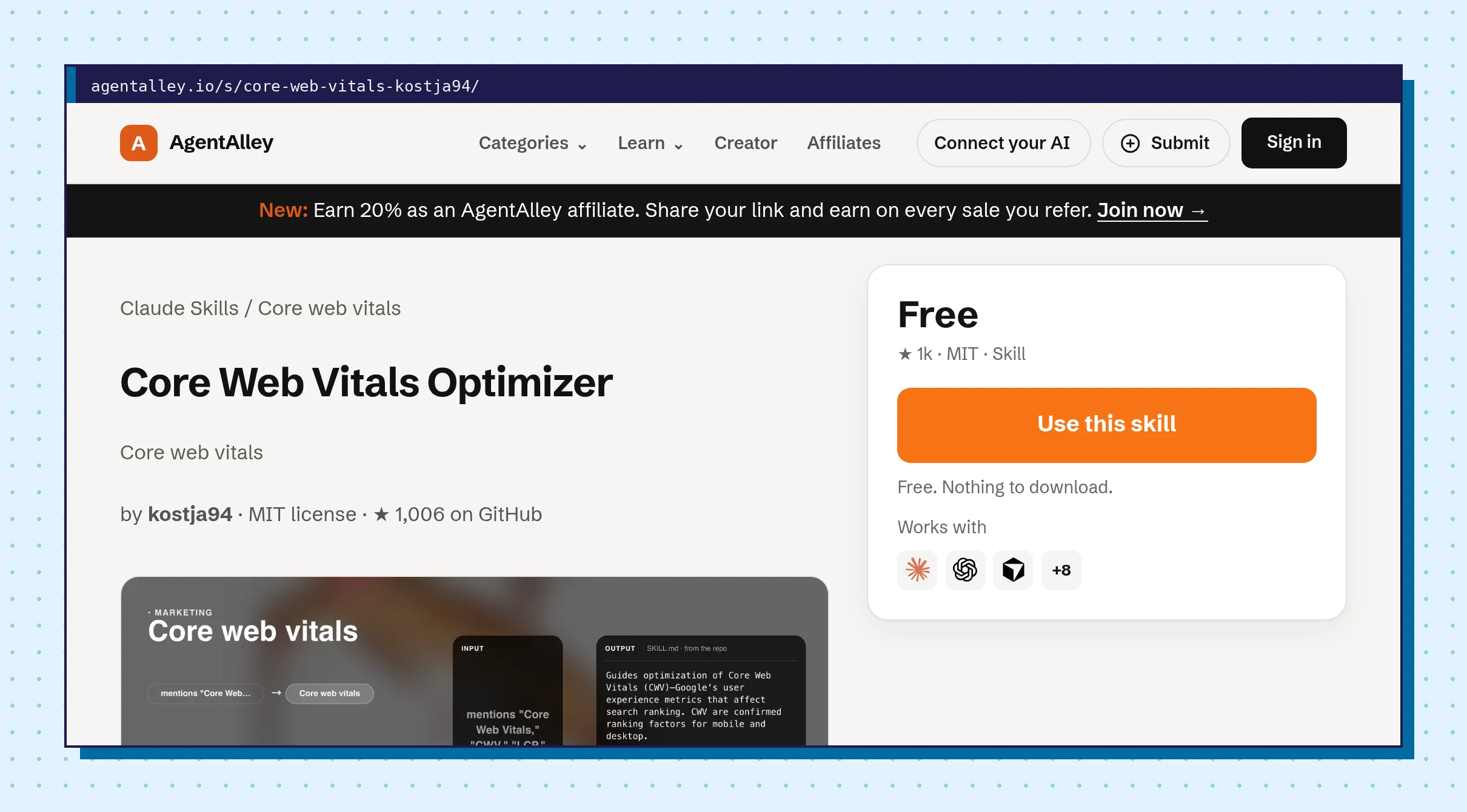
core-web-vitals-kostja94 by kostja94 (MIT) looks at the same problem from the technical SEO side. It is short and built around cause and fix tables: slow server response, render-blocking files, large images, client-side rendering and third-party scripts for LCP; long JavaScript tasks, heavy event handlers and layout thrashing for INP; images without dimensions, late ads and embeds, and web fonts for CLS. Its output is a plain list: which metrics fail, then fixes sorted by impact.
Good for: a marketer or site owner who needs to explain the problem to a developer in one page, and a reminder never to lazy-load the LCP image.
The catch: it points to related skills from the same creator (image optimization, rendering strategies) for the deeper work, so on its own it is a map, not a full repair manual.
3. core-web-vitals-optimization
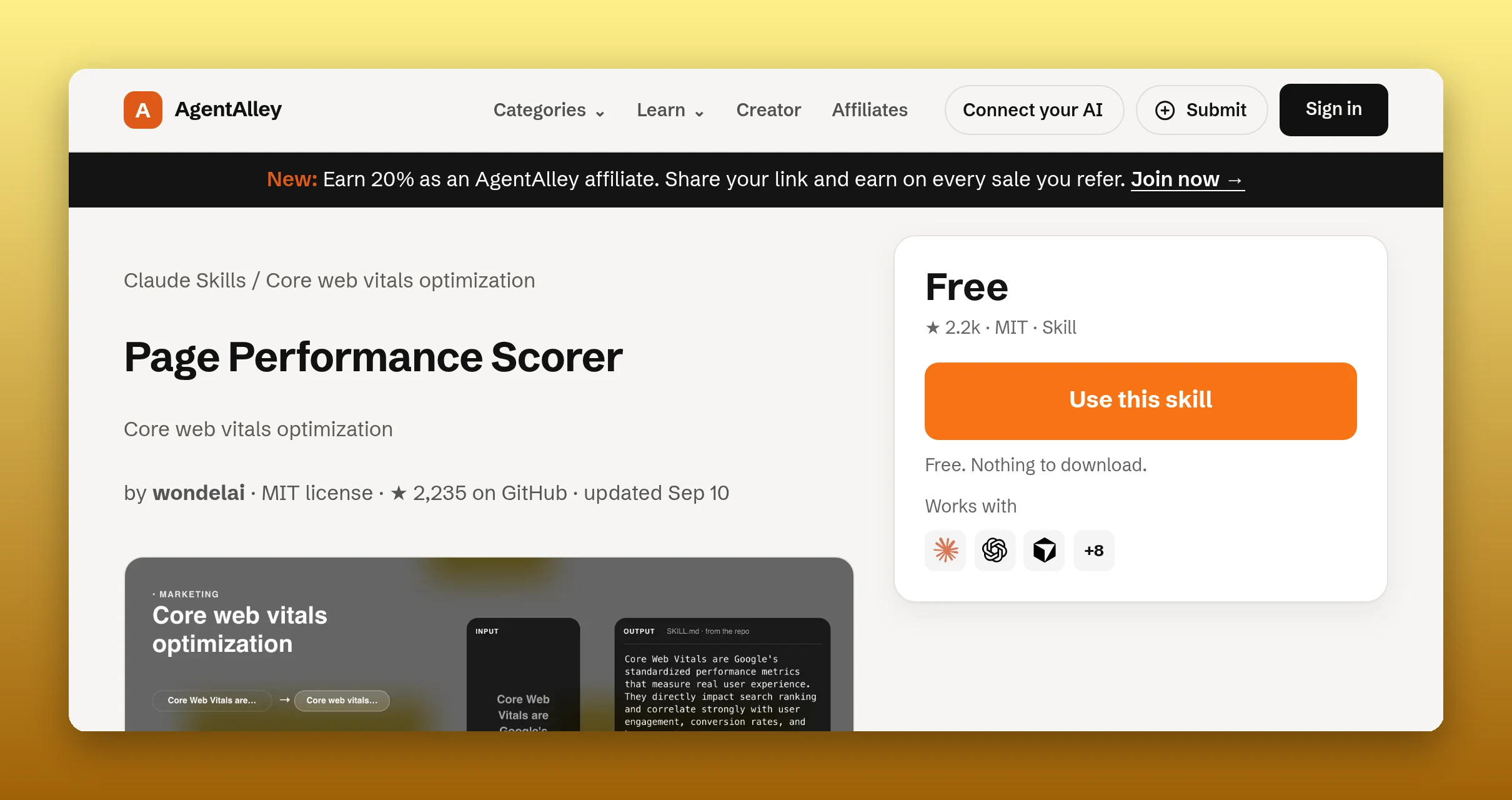
core-web-vitals-optimization by wondelai (MIT) is the most complete debugging guide of the six. It adds supporting metrics (TTFB, FCP and Total Blocking Time as a lab stand-in for INP) and a four-step workflow: identify the failing metric in Search Console or PageSpeed Insights, reproduce it in the lab with throttling that matches your users, diagnose the root cause per metric, then fix and verify with field data. It ends with a quick table that rates each common fix by effect on LCP, INP and CLS and by effort.
Good for: INP problems in particular. It walks the agent through recording a trace, finding long tasks in the flame chart and tracing them back to the script and function that caused them.
The catch: the effect and effort labels in its table are the author's general guidance, not measurements of your site.
4. seo-unlighthouse
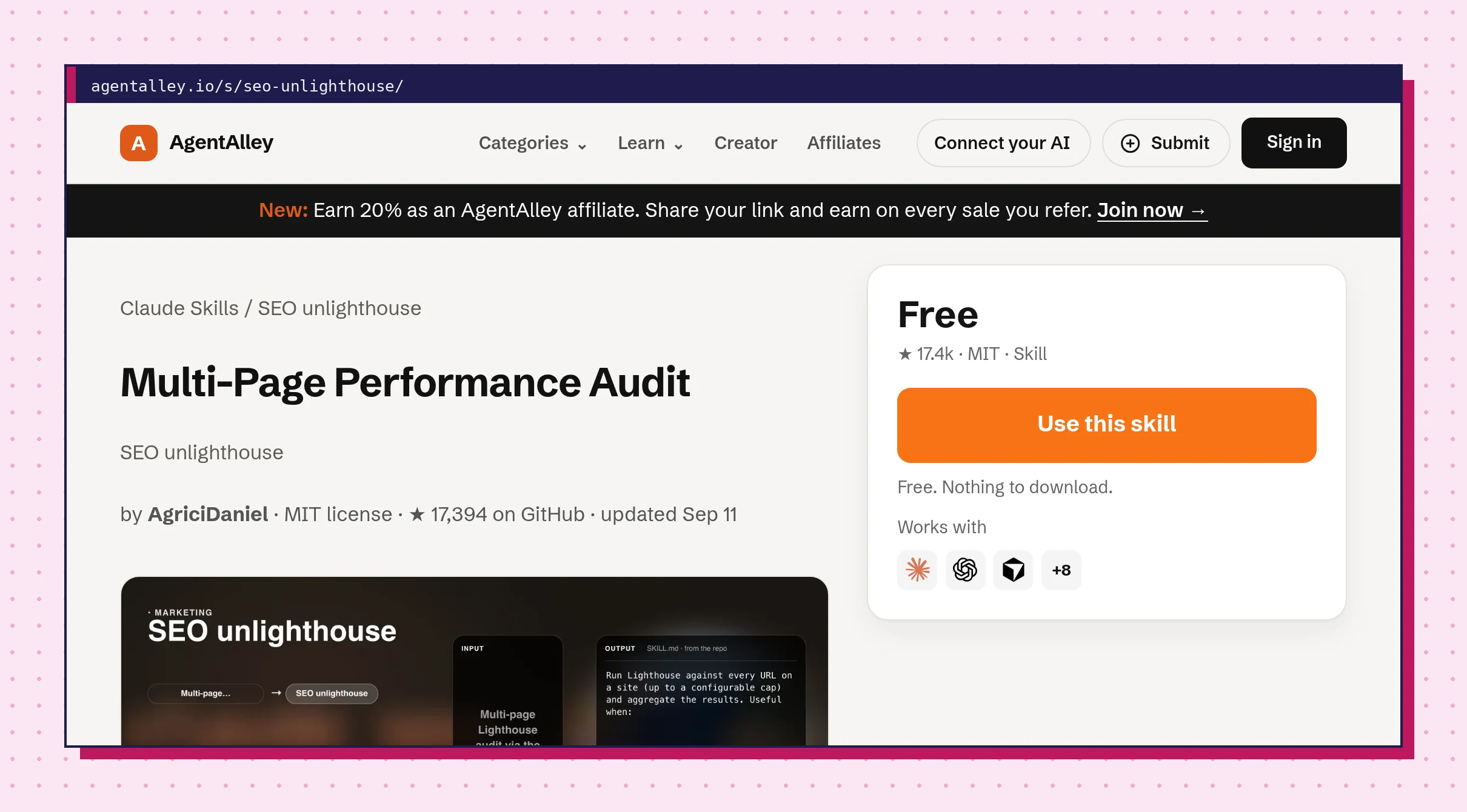
seo-unlighthouse by AgriciDaniel (MIT) solves a different problem: Search Console shows you sample URLs, but you need to know which templates are slow across the whole site. It runs Lighthouse against every route through the open source Unlighthouse CLI, on your own machine, with no API key. You can set mobile or desktop and a route cap, and it returns a median score per Lighthouse category plus a per-route breakdown in JSON.
Good for: a quick site-wide check after a deploy or a theme change, to spot the page types that drag the rest down.
The catch: this is lab data. It finds suspects, not verdicts, and it is part of the larger claude-seo plugin, so it needs that plugin, Node 18 or newer and its install script.
5. performance-optimization
performance-optimization by rampstackco (MIT) is for when performance itself is the project, not a line item in an SEO audit. It starts by asking for the page, the specific complaints, target metrics and any real-user data, then goes past the three vitals into TTFB, JavaScript bundle size, images and fonts. For INP it lists the usual causes in modern apps: long tasks, heavy handlers, too many framework re-renders and a large DOM. The result is a remediation plan.
Good for: the WordPress theme case from the Reddit thread, where the real cause is often a mix of render-blocking files, heavy plugins and third-party scripts.
The catch: its size targets, such as initial JavaScript under 170KB compressed, are rules of thumb. Treat them as a starting point, not as Google's thresholds.
6. performance-budget
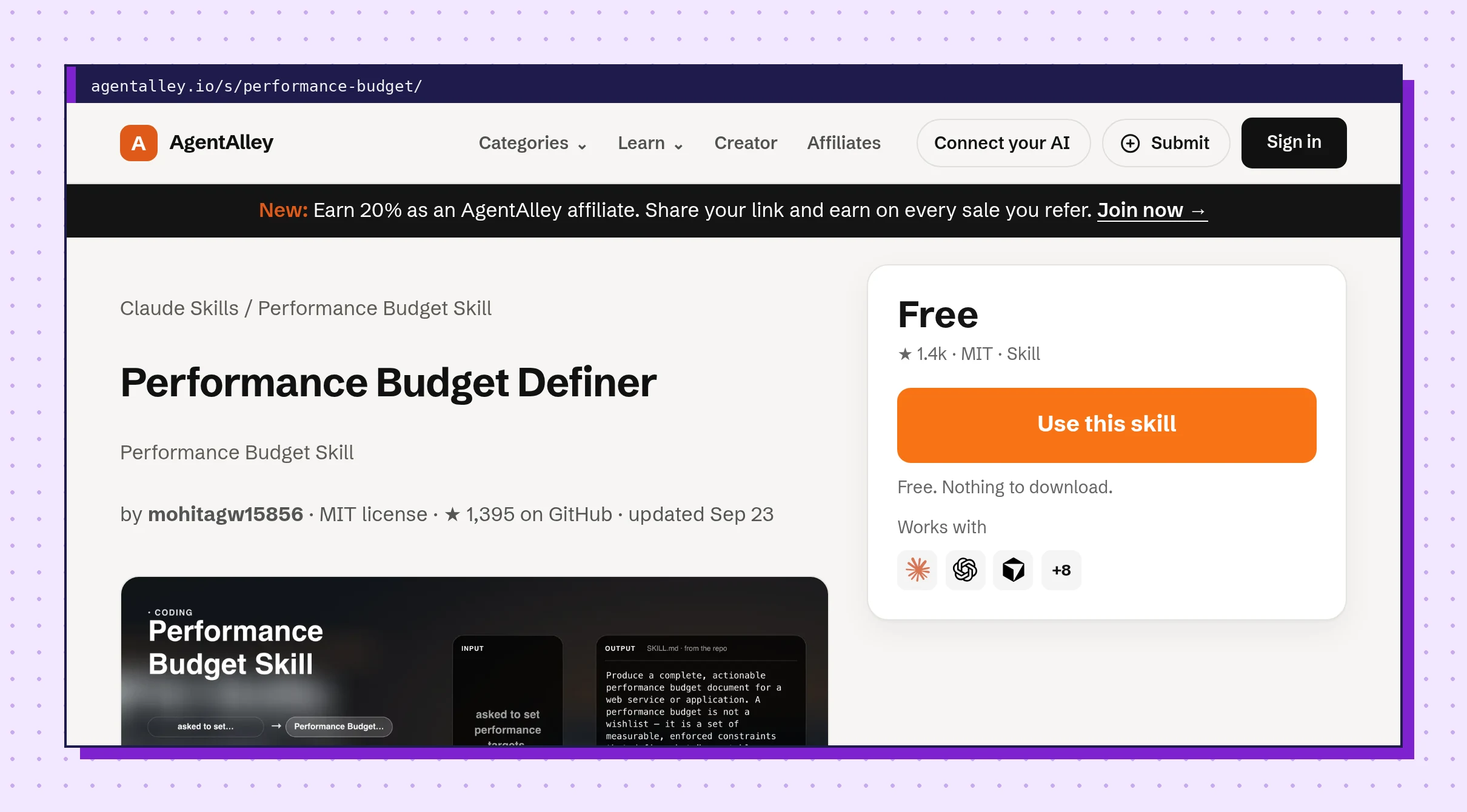
performance-budget by mohitagw15856 (MIT) is the step most teams skip. Once the pages pass, a new plugin or tracking script can push them back to Poor within weeks. This skill writes a performance budget document: Core Web Vitals targets per key user journey, a page weight budget, a bundle size check that blocks a pull request when it grows past the limit, a synthetic test such as Lighthouse CI before a production deploy, and a written process for what happens when a budget is breached.
Good for: keeping the fix in place, and giving the team a rule ("fix the cause, do not just raise the threshold") before the next redesign.
The catch: it asks for real baseline numbers. If you have not measured yet, it tells you to write "no baseline" rather than guess, so run steps 1 to 4 first.
How to use them together
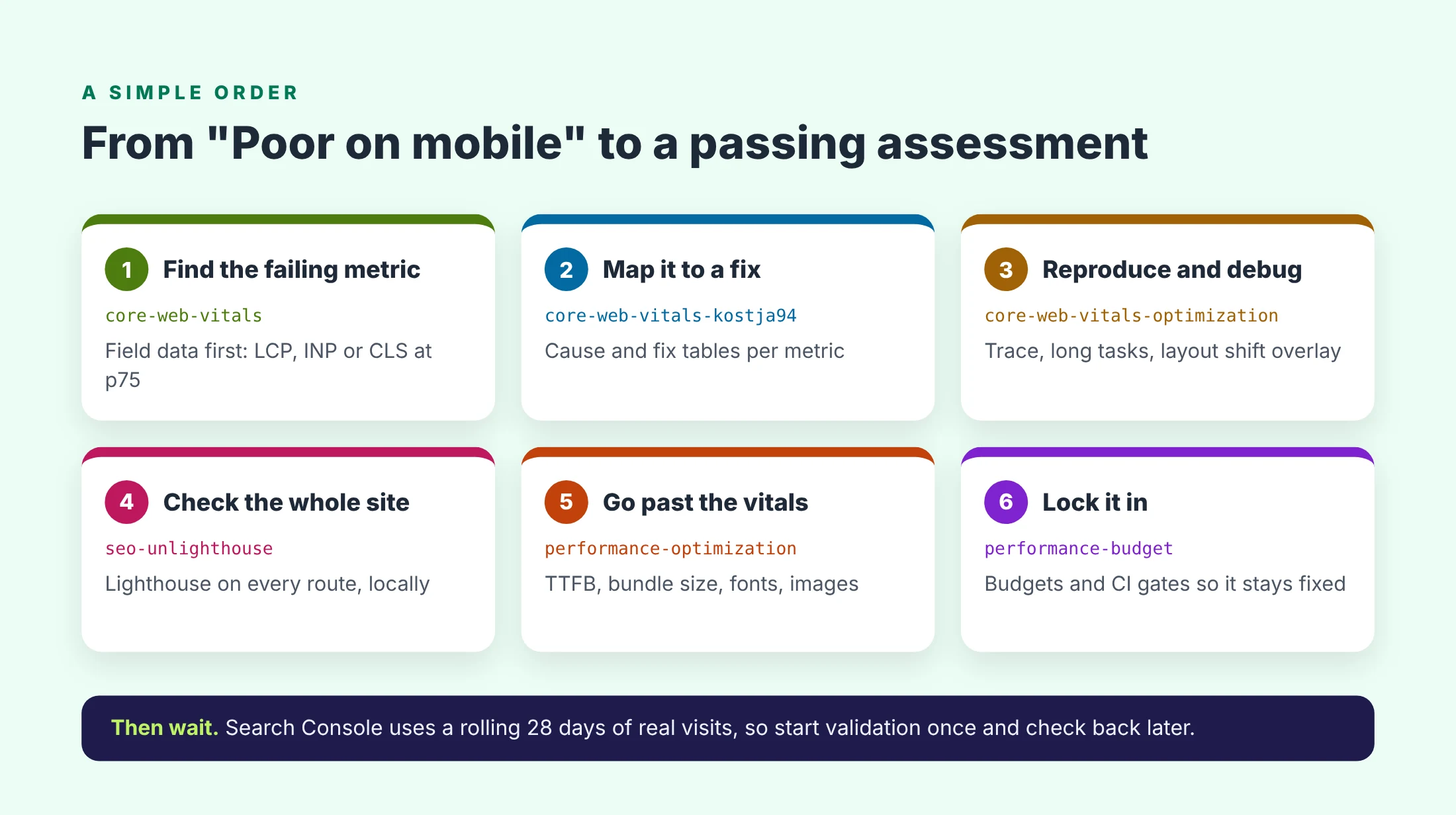
- Open the Core Web Vitals report in Search Console, pick the mobile URL group with the worst status and note which metric fails.
- Ask your agent to apply core-web-vitals to one example URL from that group, with field data and a trace.
- Use core-web-vitals-kostja94 to write the cause and fix list for whoever edits the site.
- If the failing metric is INP, follow the trace steps in core-web-vitals-optimization until you find the script behind the slow interaction.
- Run seo-unlighthouse after the fix to check the other templates did not get worse.
- Write the budget with performance-budget and add its checks to your deploy steps.
- Start validation in Search Console once, then check back. The report works from the last 28 days of visits, so it moves slowly.
What no skill does for you
No skill can make the field data change faster. CrUX needs new visits from real users, and pages with little traffic may not appear in the report at all. Passing Core Web Vitals also does not lift rankings on its own: Vercel's guide notes that relevance and content quality matter more, and page experience mostly decides between pages Google already rates as equally relevant. We have not measured any of these skills on a client site, so there are no before and after numbers here.
Install
Open each item page, check the license and the files, and follow the install steps there. For the general skill flow, read how to install a skill.
Let your agent find these skills for you
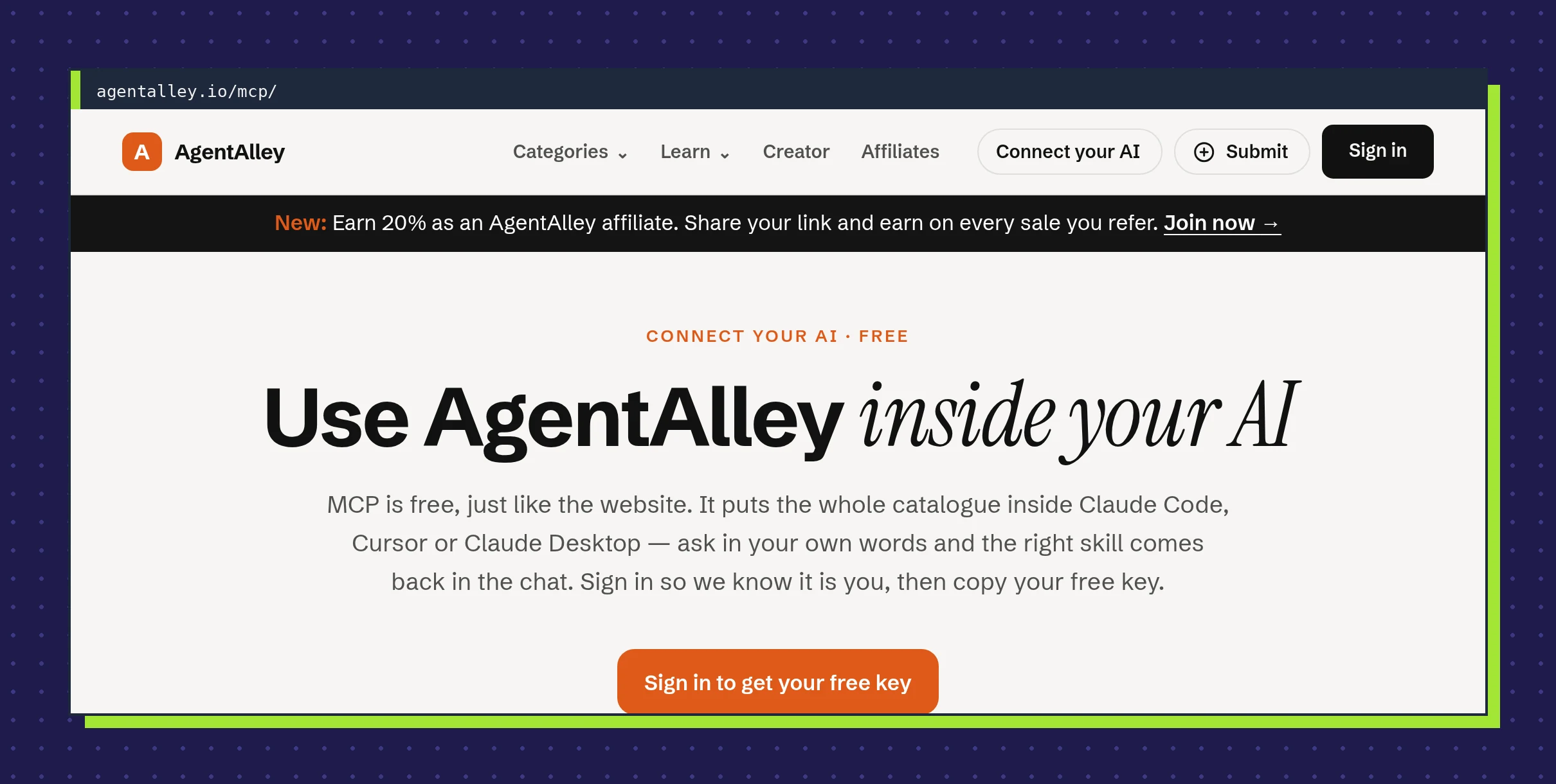
- Open agentalley.io/mcp, sign in (free, no card) and create your key.
- In Claude Code, run:
claude mcp add --transport http agentalley https://agentalley.io/mcp --header "Authorization: Bearer aa_mcp_..."
- In Cursor, Claude Desktop or another app, follow the step-by-step guide shown on the MCP page after you sign in.
Then ask in plain words, for example "find me a skill that explains why my pages fail Core Web Vitals on mobile," and your agent pulls the right one.