Best skills to get cited in AI search in 2026: six free picks
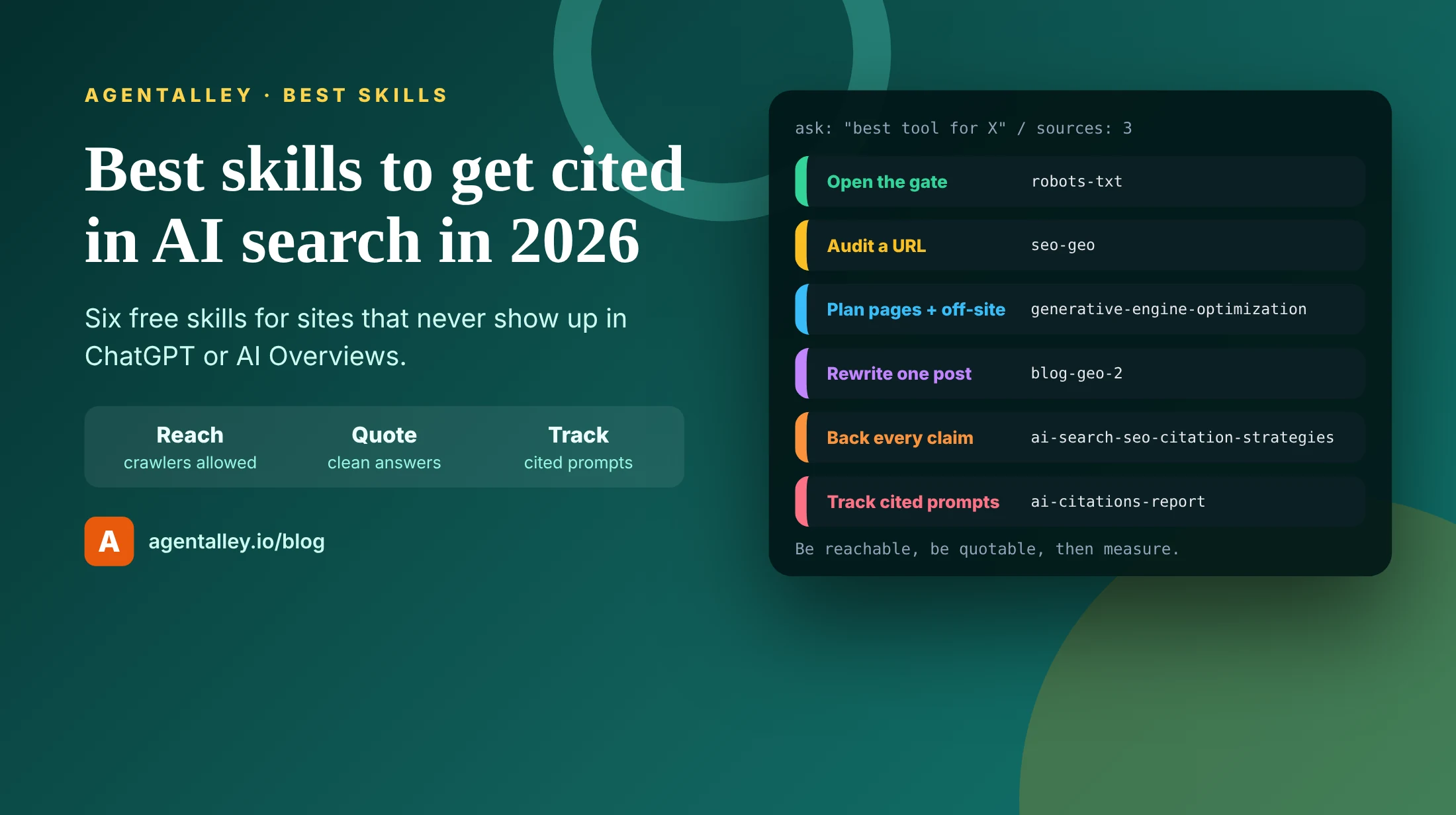
Updated 27 November 2026. Each item below was read from its own page on AgentAlley on 27 November 2026.
"What's the best and fastest way to get recommended on ChatGPT?" That is the whole of a recent r/GEO_optimization post, and it is the question behind most of the "GEO" and "AEO" advice you see this year. The honest replies in that thread start the same way: there is no fast way, but a few things are concrete.
The first concrete thing is access. OpenAI's crawler documentation says sites that opt out of OAI-SearchBot will not be shown in ChatGPT search answers, and that GPTBot, the training crawler, is a separate setting. You can block training and still allow search. The second is that Google treats this as normal SEO. Its guide to generative AI features says a page must be indexed and eligible to show with a snippet, that Google Search ignores llms.txt files, that structured data is not required, and that unique, people-first content matters more than any trick. Profound's guide explains why: an engine retrieves candidate pages, picks the strongest, then quotes the passage that answers the question cleanly.
So the job is: let the right crawlers in, make each page easy to quote, earn mentions outside your own site, and check which prompts actually cite you. A skill is a folder with a SKILL.md file that an agent such as Claude Code loads when your request matches it. Below are six free skills on AgentAlley for that job, in the order you will reach for them.
1. robots-txt
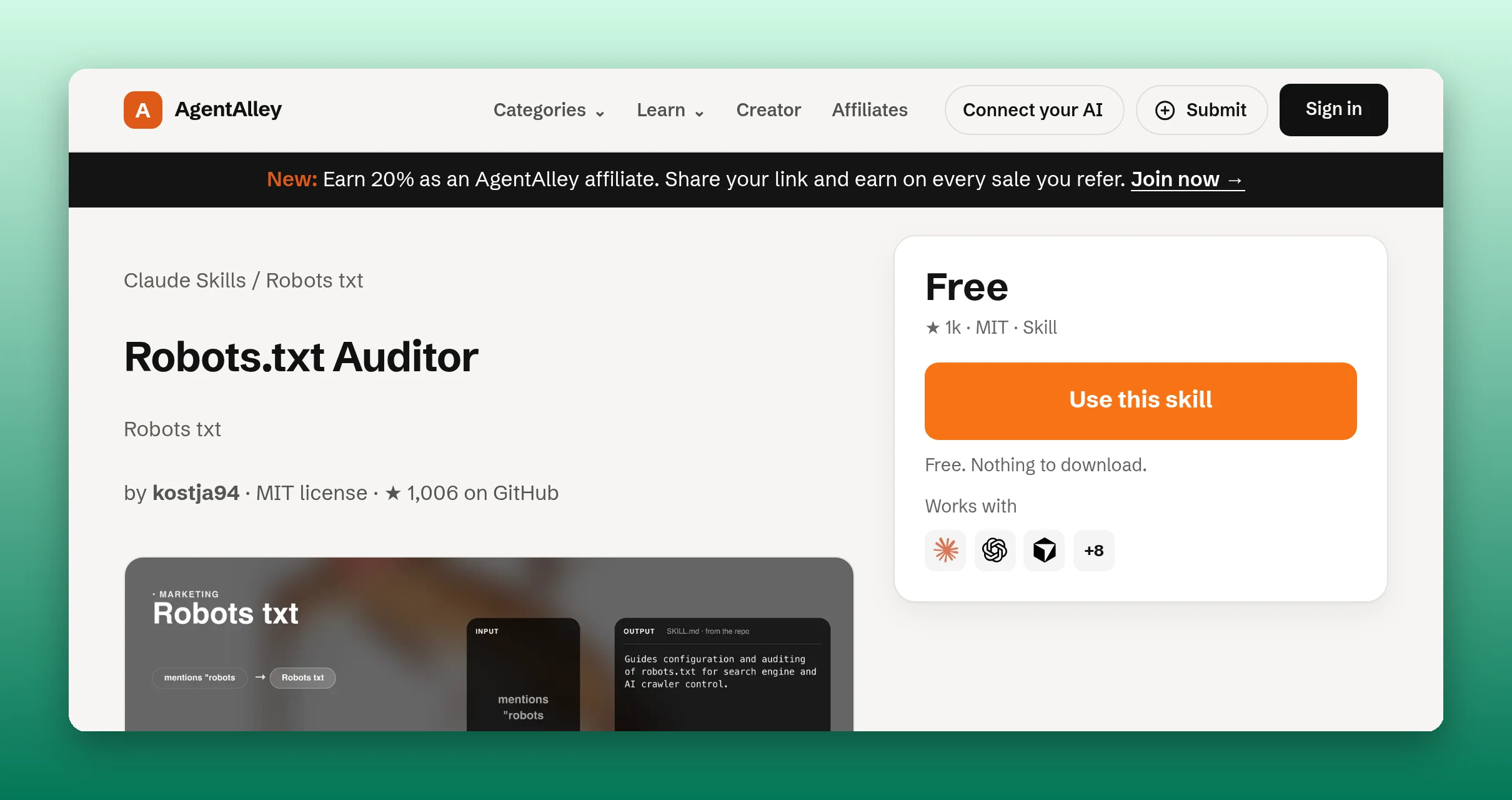
robots-txt by kostja94 (MIT) is the boring first step that many sites skip. It audits or writes your robots.txt and has a full section on AI crawlers, with one row per user agent: allow the search bots (OAI-SearchBot, Claude-SearchBot, PerplexityBot) and decide separately about the training bots (GPTBot, ClaudeBot, Google-Extended). It also explains the difference between crawl control and index control, so the agent does not block a page that relies on noindex.
Good for: finding the one old Disallow rule or plugin default that quietly keeps ChatGPT search away from your site.
The catch: robots.txt is only one gate. A CDN bot setting or a firewall rule can still block crawlers that robots.txt allows, so check those too.
2. seo-geo
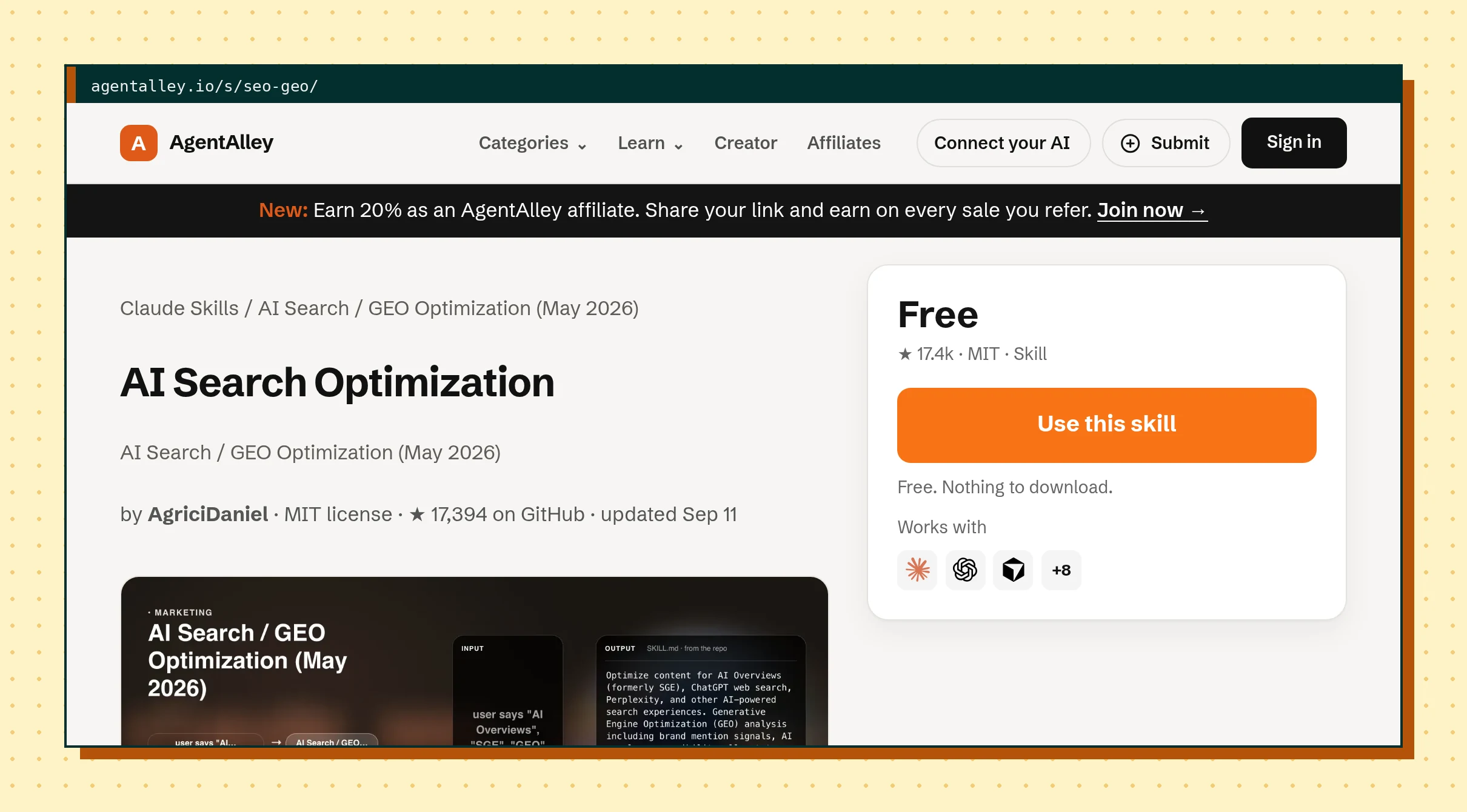
seo-geo by AgriciDaniel (MIT) is the full audit. Give it a URL and it returns a readiness score, a breakdown for Google AI Overviews, ChatGPT and Perplexity, the access status of each AI crawler, llms.txt status, brand mention checks on sites such as Wikipedia, Reddit and YouTube, and the passages on the page that are most quotable. Its opening section quotes Google's position that this work is still SEO and tells the agent to defer to Google when community advice disagrees.
Good for: a one-page report you can hand to a client or a developer, with fixes grouped by platform.
The catch: its statistics tables come from third-party studies, and the skill itself marks some of them as not confirmed by Google. Read them as background, not as targets. It also belongs to the larger claude-seo plugin.
3. generative-engine-optimization
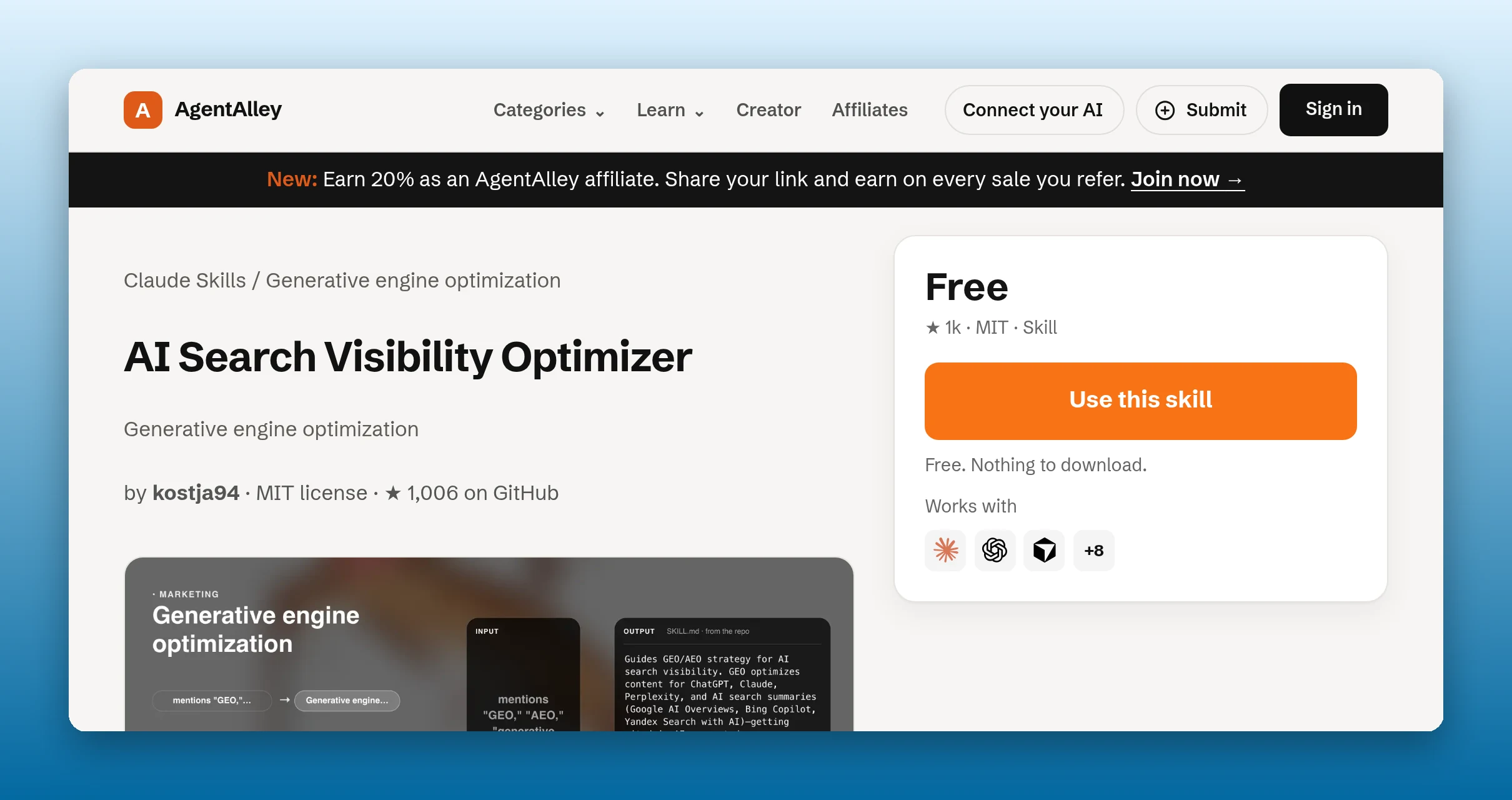
generative-engine-optimization by kostja94 (MIT) is the strategy map. It explains where each engine gets its sources (Google's own index for AI Overviews, the Bing index for Copilot, an own crawl for Perplexity), sorts AI crawlers into training, index and real-time types, and gives an article pattern: a question as the heading, a direct answer in the first sentences, then evidence such as data, examples or a list. Its output is a content structure, an entity plan, a distribution plan and a way to measure.
Good for: planning which pages to rewrite first and where to show up off-site, such as YouTube, GitHub or forum threads.
The catch: many of its figures are the author's summaries of outside studies. It also hands off to other skills from the same creator for rendering and crawlability details.
4. blog-geo-2
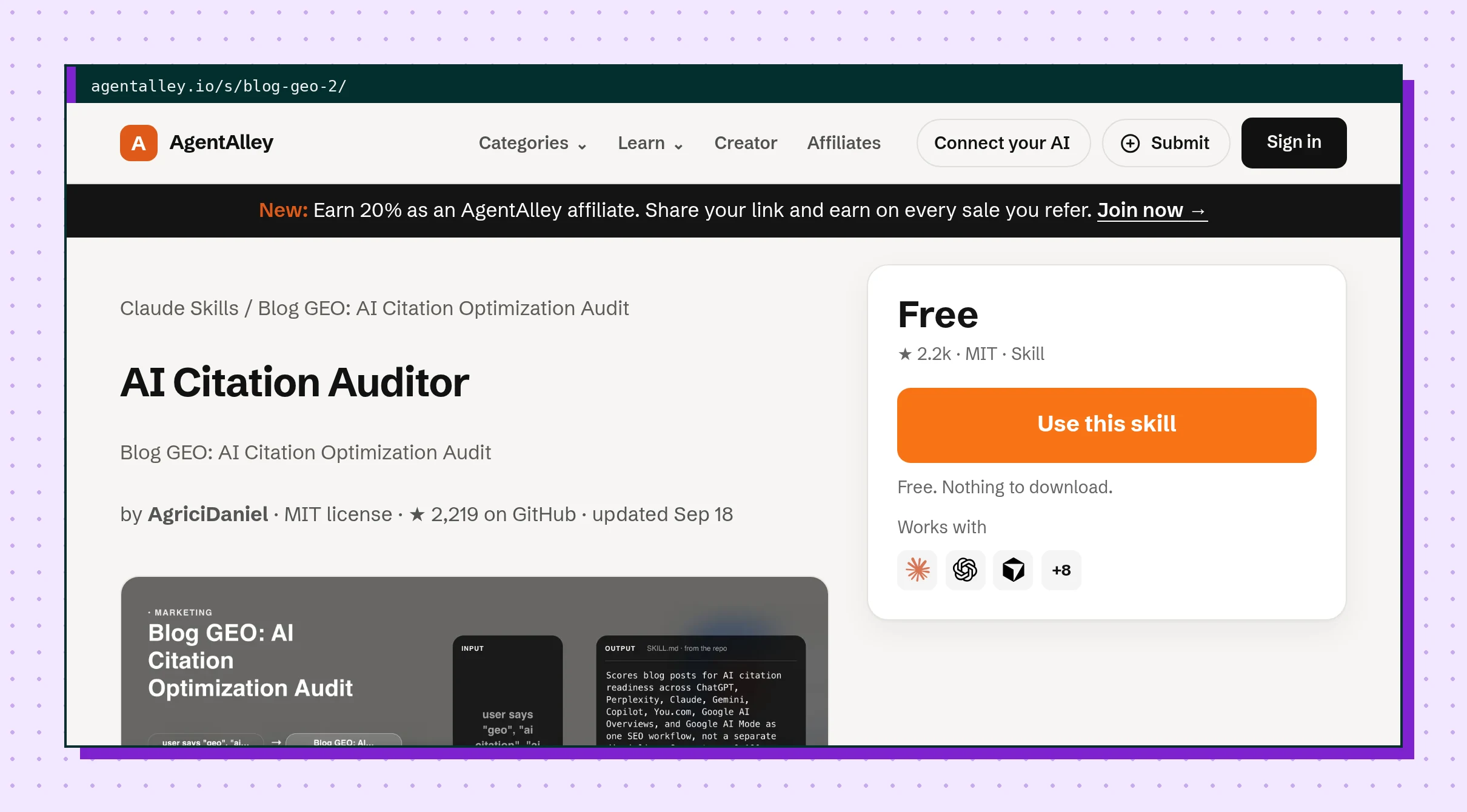
blog-geo-2 by AgriciDaniel (MIT) works on one blog post at a time. It reads the headings, paragraphs, FAQ and schema, then scores the post on evidence, purpose fit, entity clarity, structure for extraction and AI crawler access. The part worth copying is its evidence rule: a number about AI citations only goes into the report if it comes with a source, a method, a sample size and a date. Otherwise it is labeled directional or removed.
Good for: rewriting your ten most important posts so a model can lift a clean answer from each section.
The catch: the 0 to 100 score is the author's own heuristic, not a Google metric. The page also notes that the skill reads shared reference files from elsewhere in its repo that are not in the ZIP.
5. ai-search-seo-citation-strategies
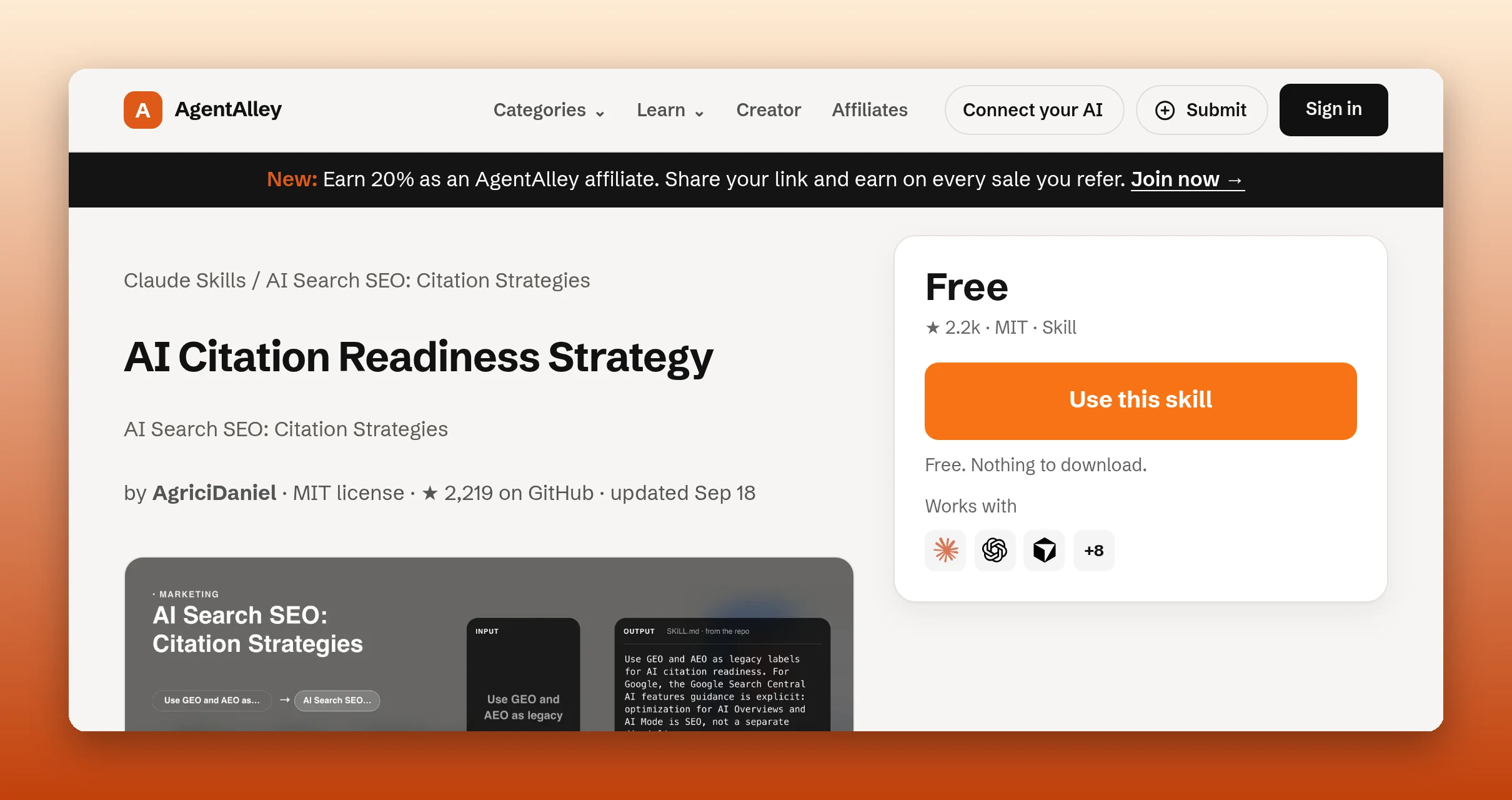
ai-search-seo-citation-strategies by AgriciDaniel (MIT) is a reference file rather than a workflow. It summarizes the Princeton GEO paper from KDD 2024: citing authoritative sources, adding quotations and adding statistics all raised visibility in the paper's test conditions, while keyword stuffing did worse than doing nothing. It adds notes on passage-level answers and on how freshness and third-party mentions show up in vendor studies.
Good for: giving your agent the reasons behind each rewrite, so it adds a real source instead of a vague claim.
The catch: the lifts in that paper were measured in a research setup, and the file itself labels many vendor figures as unverified. Treat it as a checklist of habits, not a forecast.
6. ai-citations-report
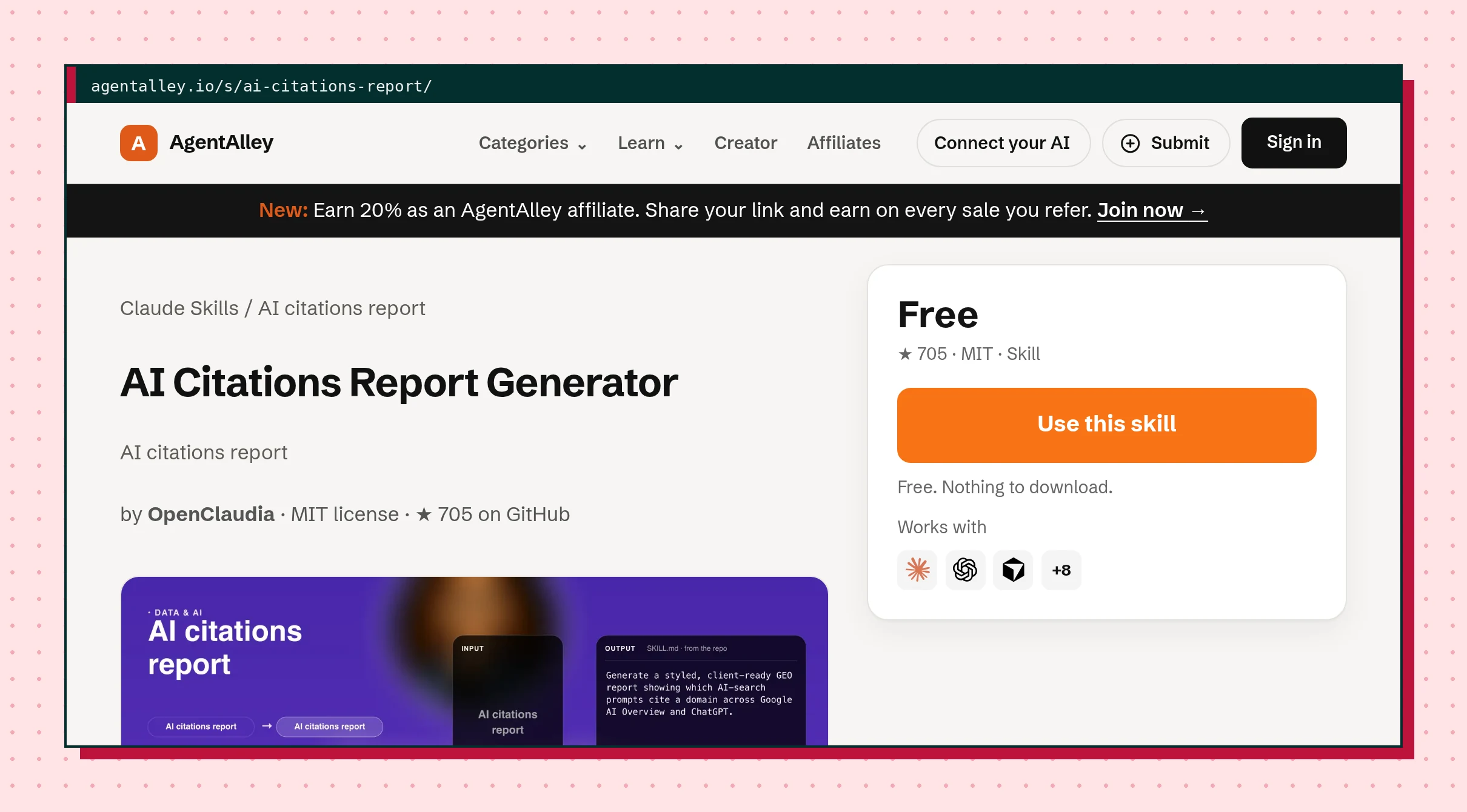
ai-citations-report by OpenClaudia (MIT) answers the last question: is anything working? It produces a PDF, HTML or JSON report of which AI search prompts cite or retrieve your domain across Google AI Overview and ChatGPT, with answer cards that highlight your source and "retrieved but not cited" gaps that point to content to improve. Its guardrails tell the agent never to promise future citations in client documents.
Good for: a repeatable before and after check, and a list of prompts where you were retrieved but not quoted.
The catch: it is a thin client over Enception's paid API. You need an API key, the skill page lists a free tier of 10 reports a month, and the traffic figures are modeled estimates, not your analytics. For Google alone, the Generative AI performance report in Search Console is free.
How to use them together
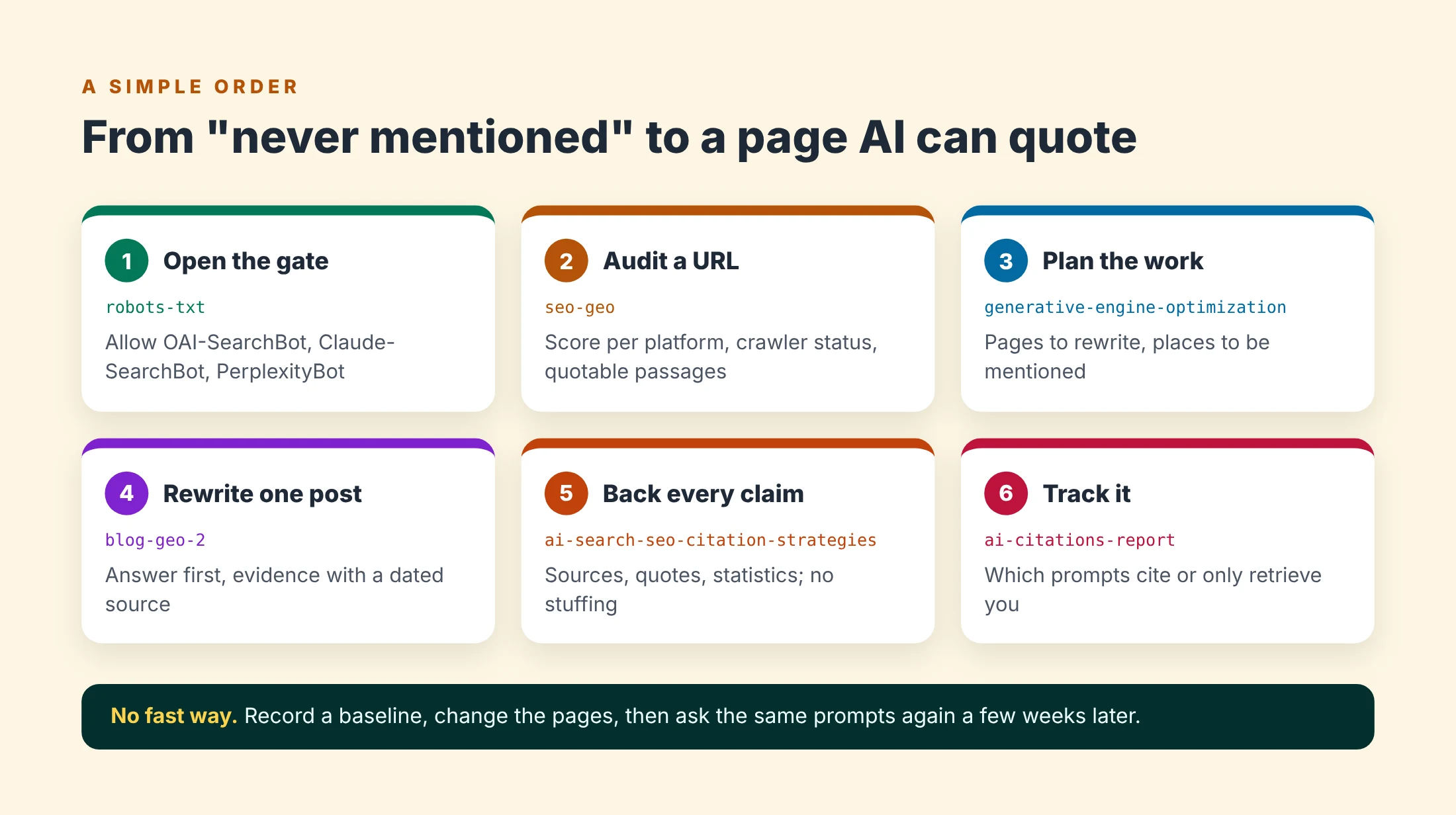
- Ask your agent to run robots-txt on your site and confirm OAI-SearchBot, Claude-SearchBot and PerplexityBot are allowed. Then check your CDN bot settings by hand.
- Run seo-geo on your homepage and one key article to see which platform and which signal is weakest.
- Use generative-engine-optimization to pick the pages to rewrite and the off-site places where your buyers already ask questions.
- Rewrite those pages one by one with blog-geo-2, keeping its evidence rule.
- Keep ai-search-seo-citation-strategies loaded while you write, so each claim gets a source or a quote.
- Record a baseline with ai-citations-report or the Search Console report, then check again a few weeks later with the same prompts.
What no skill does for you
No skill can make an engine cite you. Google's guide warns that chasing inauthentic mentions does not help, and that creating near-duplicate pages for every query variation can break its spam policies. The pages that get quoted usually say something first-hand that other pages do not. A top reply in an r/digital_marketing thread on AI visibility makes a similar point: mentions on sites the models already trust, such as reviews, comparison articles and real forum threads, often matter more than any change to your own markup. We have not measured any of these skills on a client site, so there are no before and after numbers here.
Install
Open each item page, check the license and the files, and follow the install steps there. For the general skill flow, read how to install a skill.
Let your agent find these skills for you
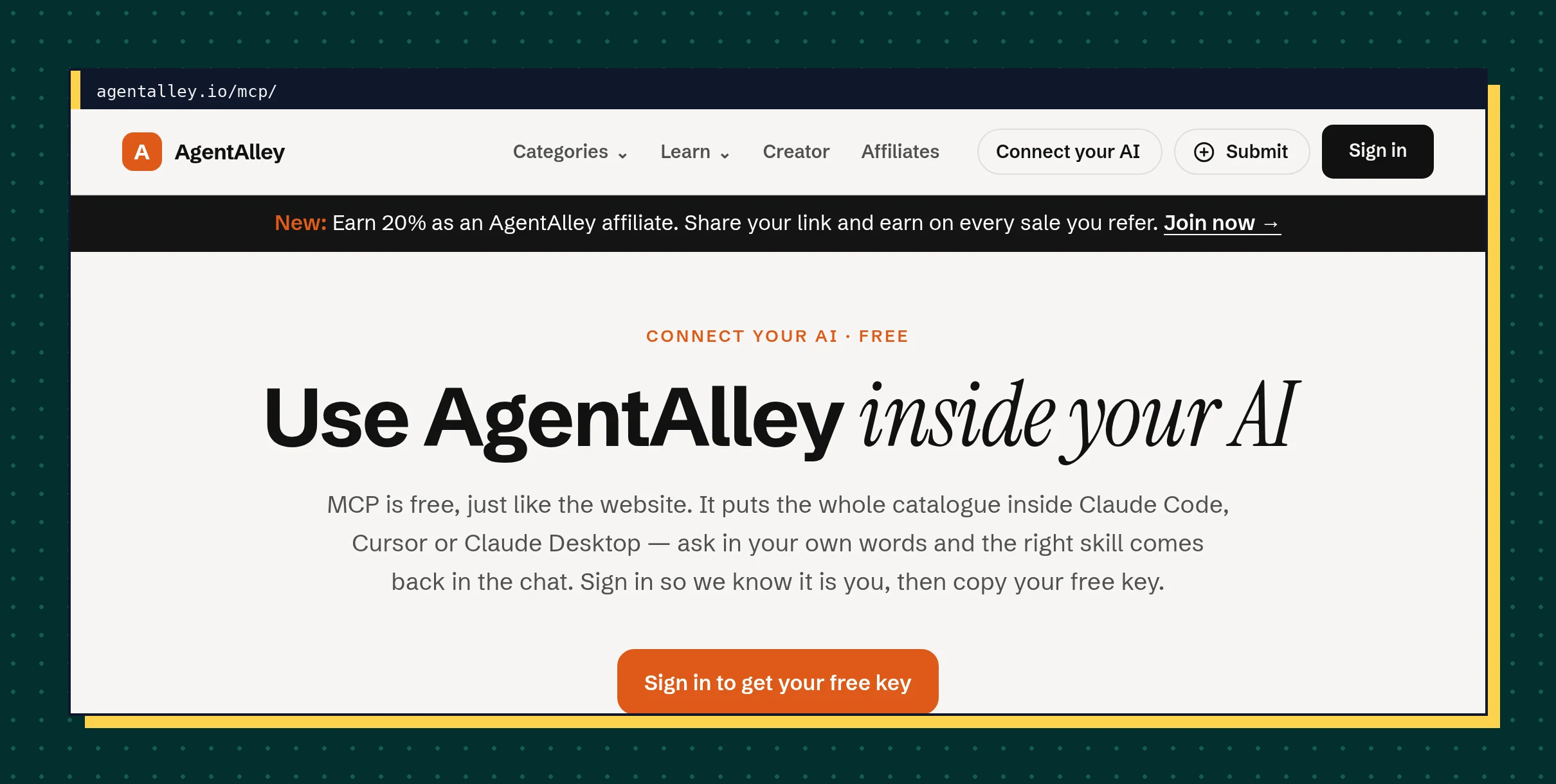
- Open agentalley.io/mcp, sign in (free, no card) and create your key.
- In Claude Code, run:
claude mcp add --transport http agentalley https://agentalley.io/mcp --header "Authorization: Bearer aa_mcp_..."
- In Cursor, Claude Desktop or another app, follow the step-by-step guide shown on the MCP page after you sign in.
Then ask in plain words, for example "find me a skill that checks whether ChatGPT search can crawl my site," and your agent pulls the right one.