Best skills to build an AI agent: six free picks, in order (2026)
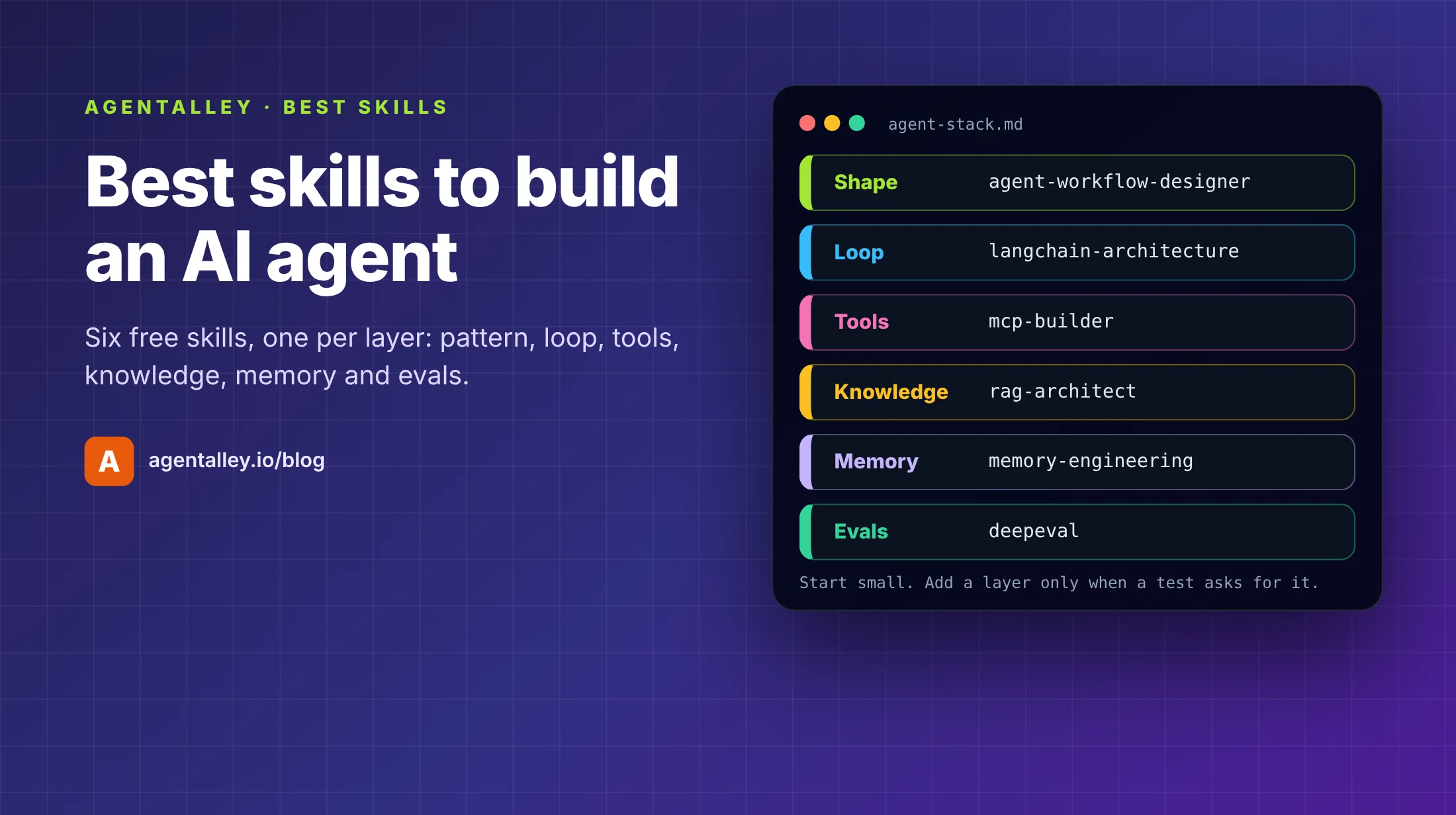
Updated 9 November 2026. Each item below was read from its own page on AgentAlley on 9 November 2026.
Most first agents fail in a boring way. The demo works, so you add a second agent, three more tools and a vector store, and a week later nobody can say why it called the wrong tool or kept looping. The hard part of building an AI agent is not the first model call. It is the decisions around it: how many agents, which tools, what the agent may read, what it should remember, and how you will know a change made it worse.
The top guides for this search agree on that. JetBrains tells you to start with one narrow, measurable task, define stop conditions and permissions, and test with real tasks before you widen scope. OpenAI's practical guide splits an agent into model, tools and instructions, and recommends getting the most out of a single agent before you add more. aiarch.dev maps the layers (orchestration, memory, tools, retrieval, and an operational plane for guardrails and evals) and the failure each layer prevents. What none of them hands you is a set of files your own coding agent can load while you build. Below are six free skills on AgentAlley, one per layer, in the order you will need them.
A skill is a folder with a SKILL.md file that an agent such as Claude Code loads when your request matches it. You install it once, then ask in plain words.
1. agent-workflow-designer
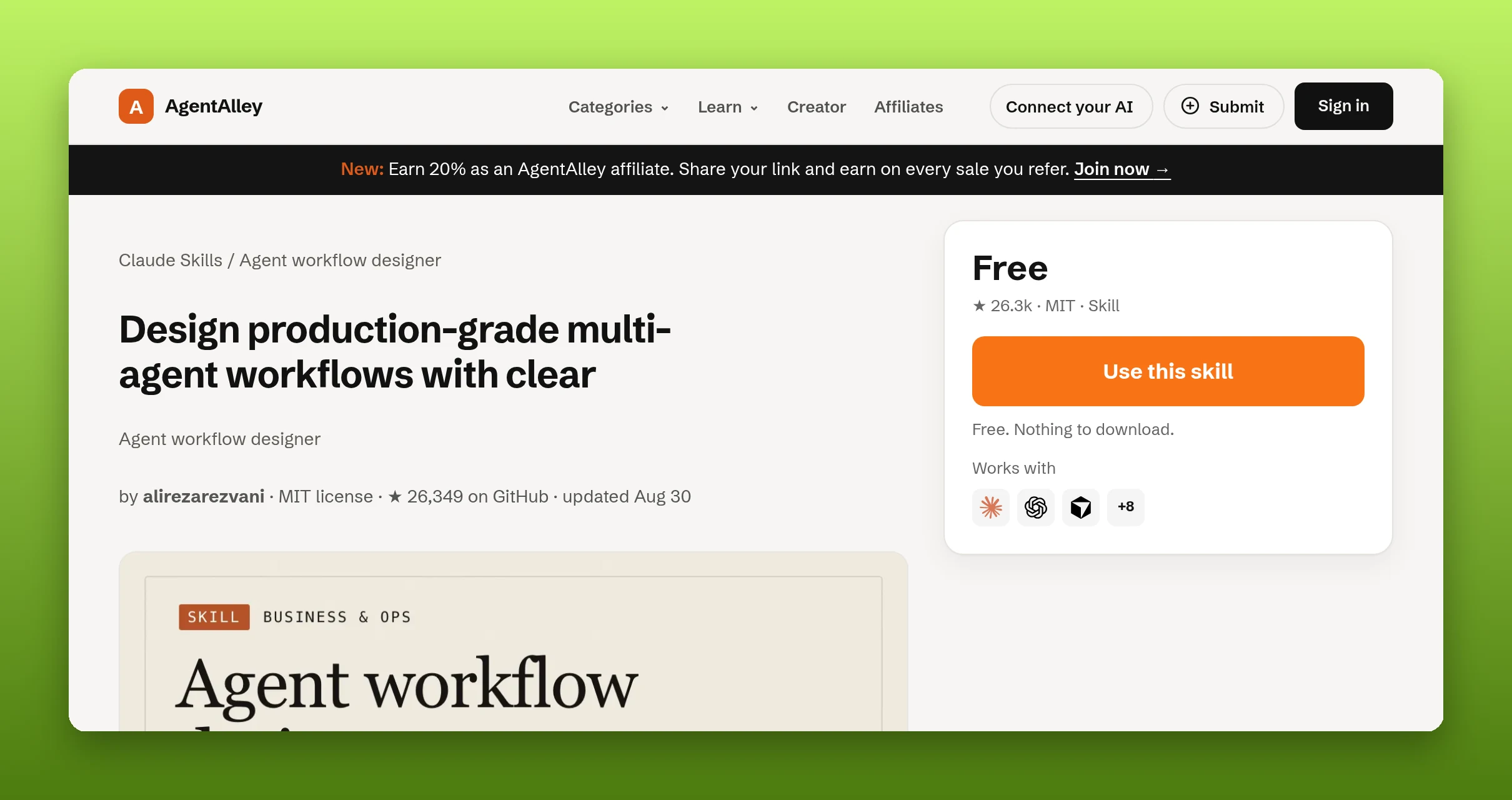
agent-workflow-designer by alirezarezvani (MIT) helps you choose the shape before you write code. Its pattern map has five options: sequential, parallel, router, orchestrator and evaluator (a generator plus a quality gate loop). A bundled workflow_scaffolder.py script writes a skeleton config for the pattern you pick. The recommended workflow then asks you to define handoff contract fields for every edge, add retries, timeouts and output validation, and dry-run with small context budgets before scaling.
Good for: deciding whether you need more than one agent at all. Its first listed pitfall is over-orchestrating tasks that one well-structured prompt could solve.
The catch: it gives you structure, not a running agent. The skeleton is a config file you still have to wire into a framework.
2. langchain-architecture
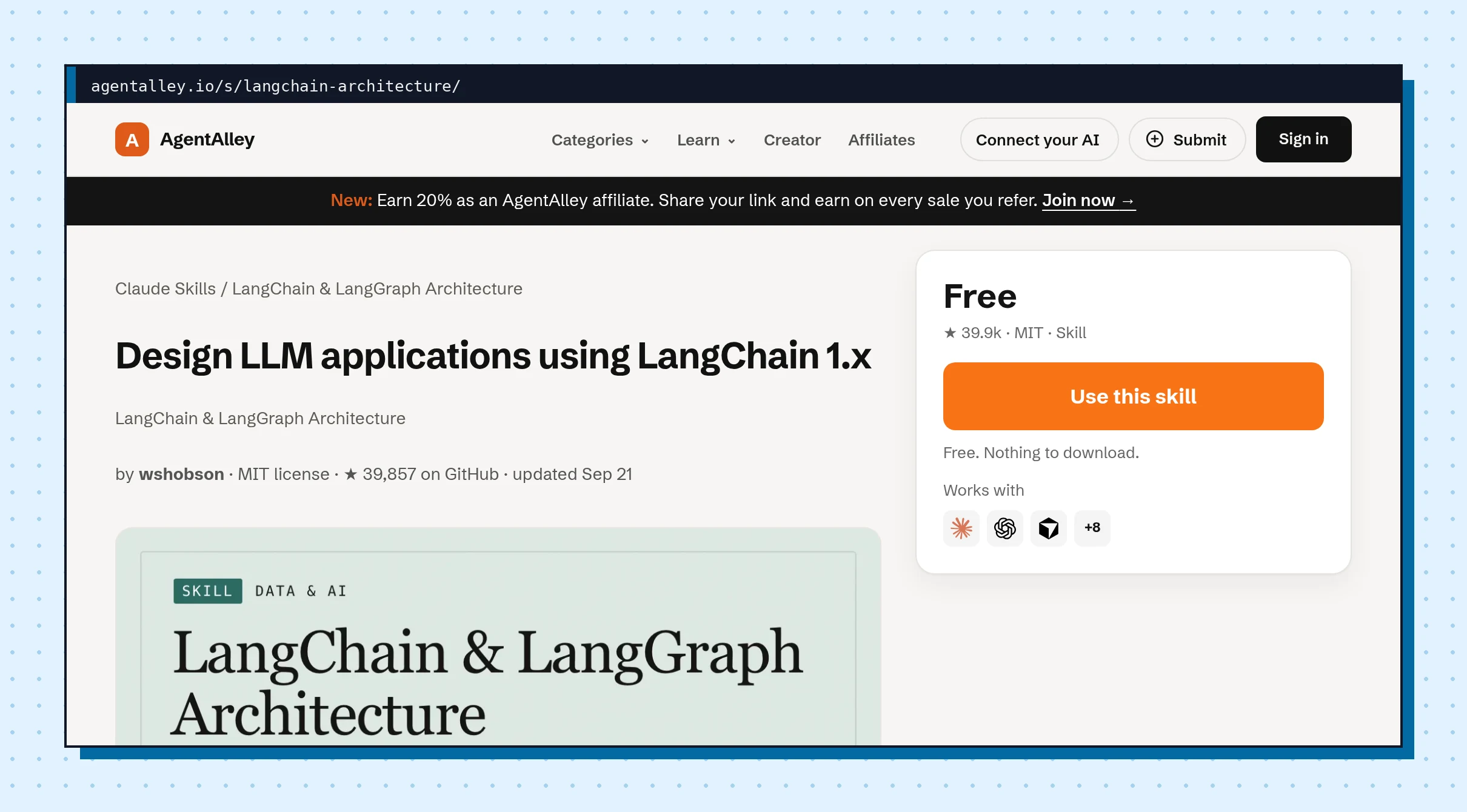
langchain-architecture by wshobson (MIT) is the build step if you choose LangChain 1.x and LangGraph. It covers typed state with StateGraph, checkpointing so an agent can save and resume, human-in-the-loop points where you inspect or change state, and agent patterns such as ReAct, plan-and-execute and a supervisor routing between specialists. The quick start builds a ReAct agent with two tools and a memory checkpointer, and the file includes pytest examples that check tool selection and memory across two calls.
Good for: Python developers who want one reference for state, tools and memory in the same framework.
The catch: it is tied to one framework and pins model names and package versions that will age. Check them against the current LangChain docs before you copy code.
3. mcp-builder
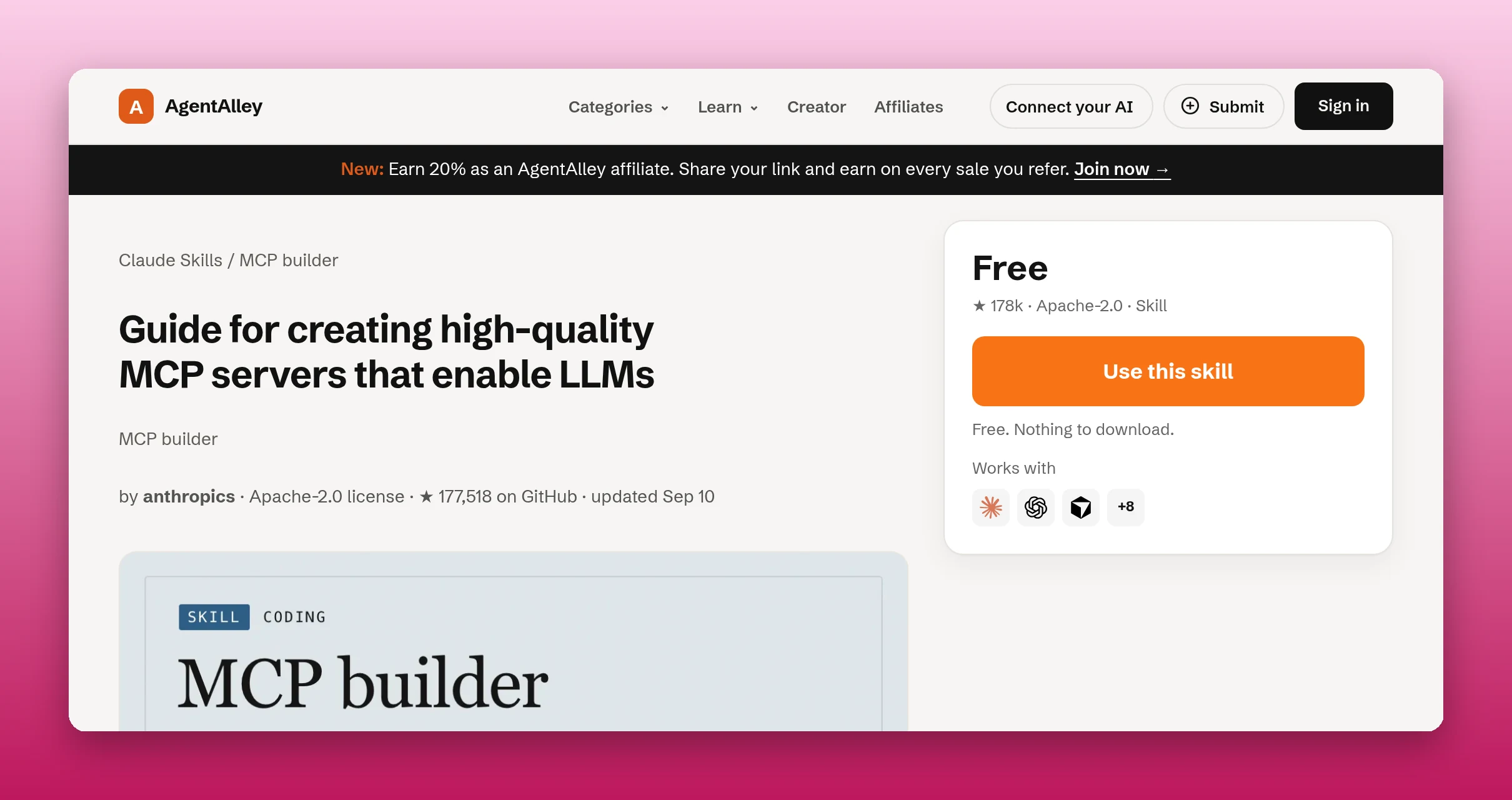
mcp-builder by anthropics (Apache-2.0) is for the tools your agent calls. It walks through four phases: research and planning, implementation, review, and evaluations. The design advice is specific: action-oriented tool names with consistent prefixes, concise descriptions, pagination, and error messages that tell the agent what to try next. Each tool gets an input schema (Zod or Pydantic) and annotations such as readOnlyHint and destructiveHint, so a client can tell a lookup from a delete. Phase 4 asks for ten read-only, verifiable questions to check whether a model can actually use the server.
Good for: giving an agent access to your own API or database through MCP instead of custom glue code.
The catch: it is a guide for writing a server, so you still write and run the code. It recommends TypeScript and streamable HTTP for remote servers; for local servers it lists stdio.
4. rag-architect
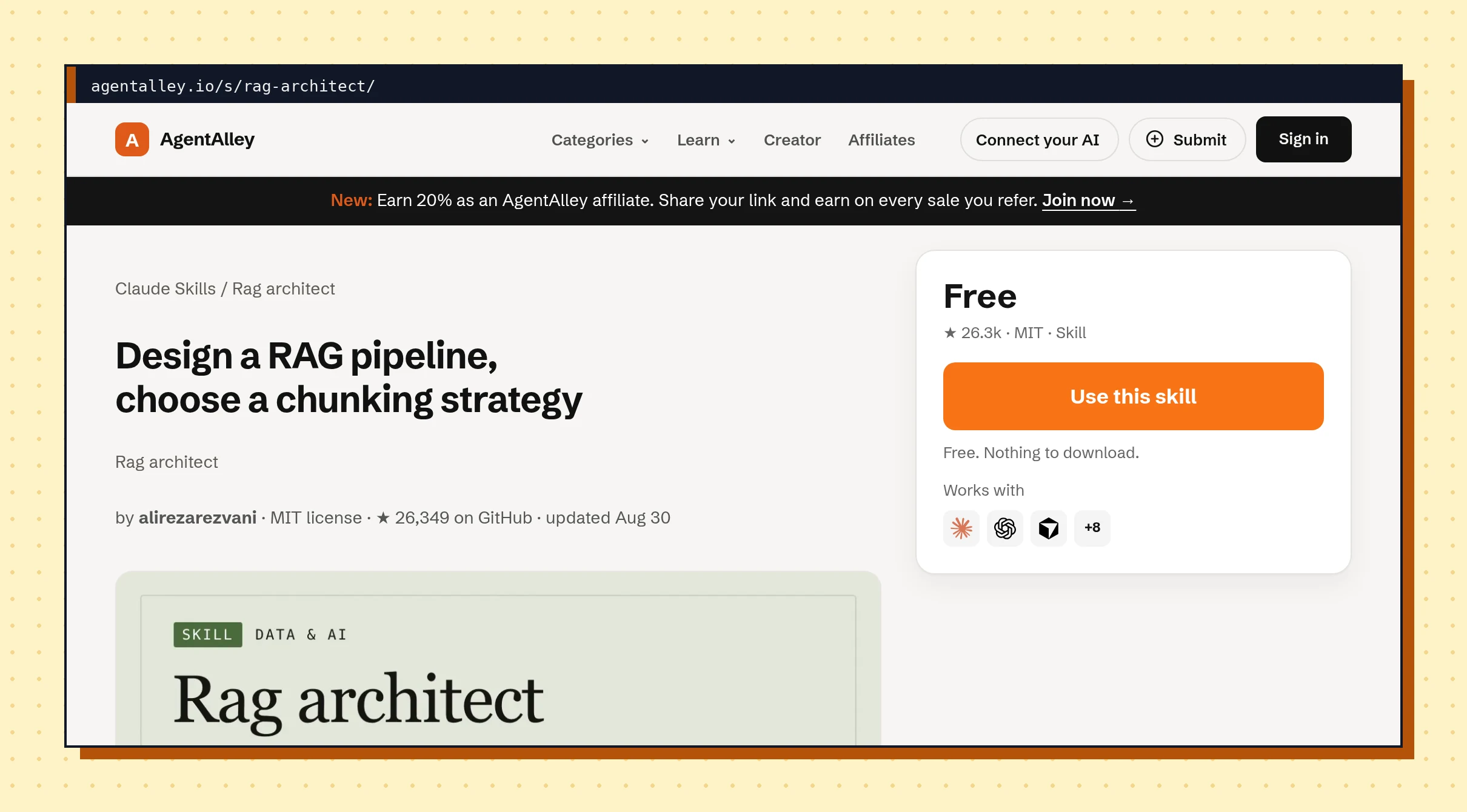
rag-architect by alirezarezvani (MIT) grounds the agent in your documents. It ships three scripts: chunking_optimizer.py reads your real corpus and recommends a chunking strategy, rag_pipeline_designer.py turns a requirements file into a design with a diagram, and retrieval_evaluator.py scores retrieval against ground truth with precision, recall, MRR and NDCG. Its hard rules are useful on their own: never present model names or vendor prices as current facts, and a design without evaluation numbers is a hypothesis.
Good for: an agent that has to answer from a help center, a policy folder or internal docs.
The catch: you need a small set of real queries with known correct documents before the evaluator means anything. Any cost figure in the design is an estimate you have to check against live pricing.
5. memory-engineering
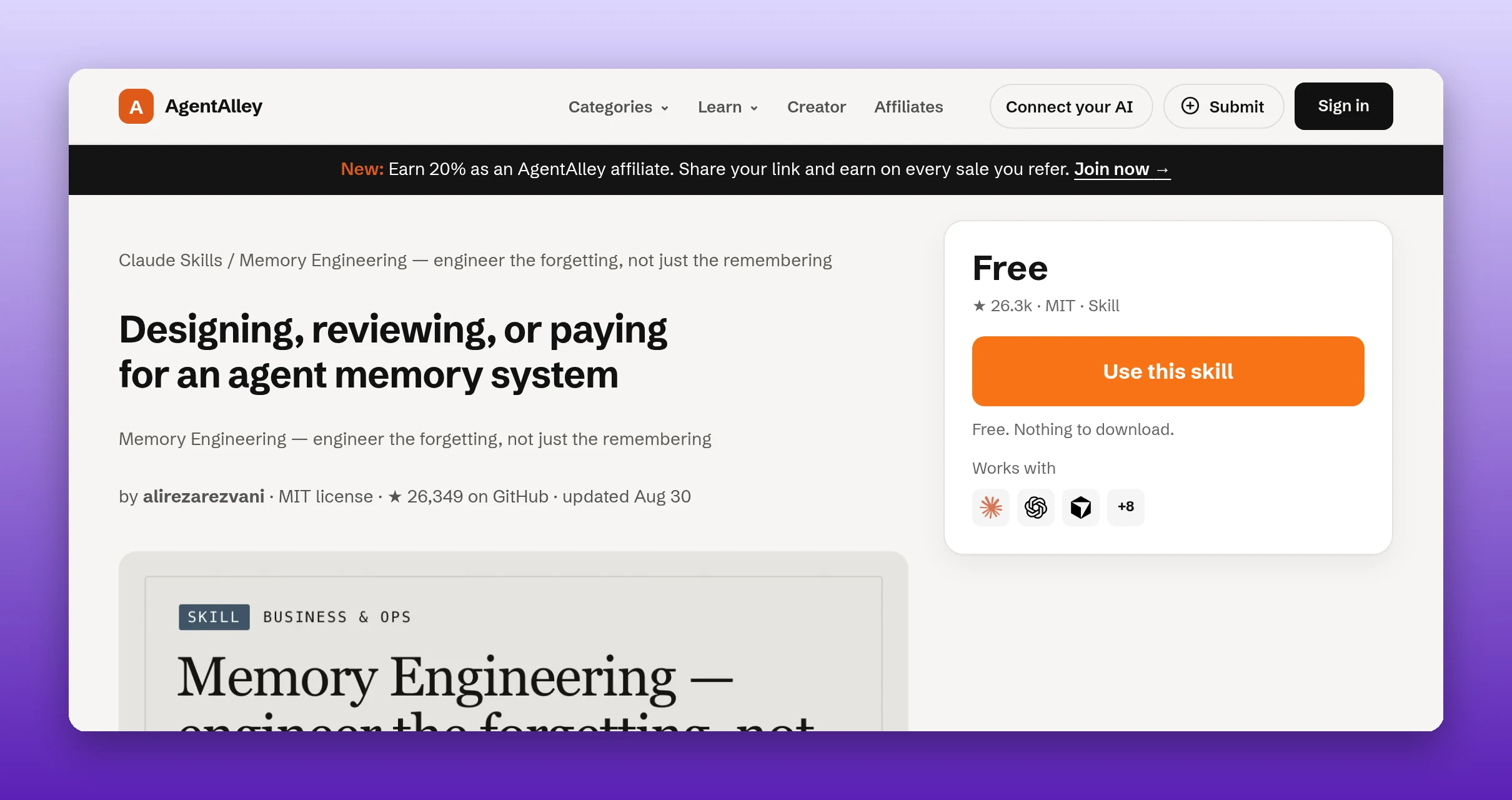
memory-engineering by alirezarezvani (MIT) is about what your agent should remember, and what it should drop. Four local scripts with no network calls price the write path, compare memory families without naming a single winner, audit an existing store into facts, skills, logs and prose, and lint a forgetting policy. The linter blocks a design with no explicit forgetting rule, and it blocks auto-merging contradictory memories; the human decides.
Good for: the moment you are about to add "long-term memory" because it sounds right, or when a memory file keeps growing and nobody prunes it.
The catch: it measures and gates; it does not build the memory store for you. Its last step has no script on purpose: run each pass by hand before you schedule it.
6. deepeval
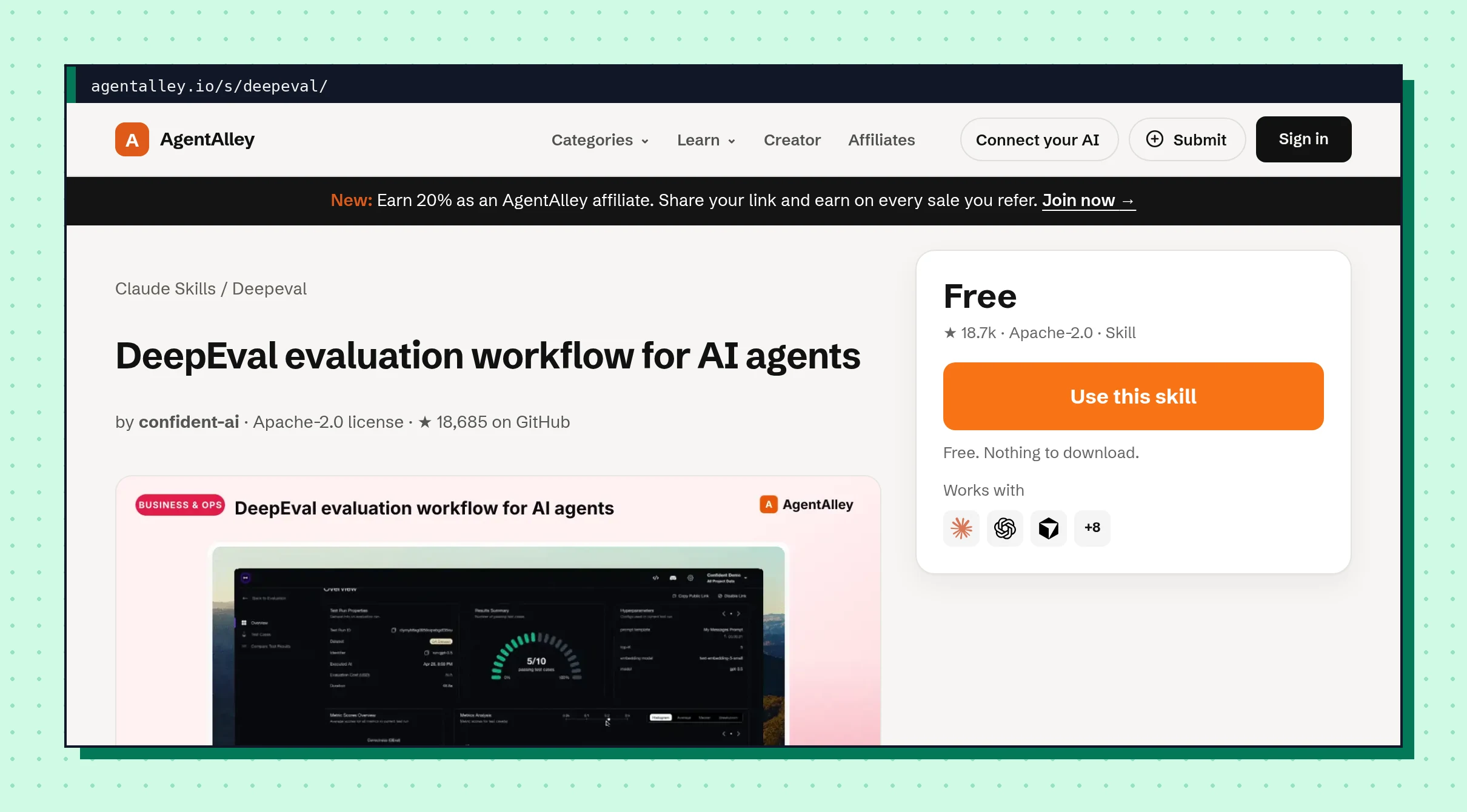
deepeval by confident-ai (Apache-2.0) adds an eval loop to the agent you just built. It inspects the app, asks intake questions, reuses any dataset you already have or generates goldens with deepeval generate, writes a committed pytest suite with metrics kept in a separate module, runs deepeval test run, and iterates on failures. The file says not to hand-create or make up goldens and to keep the suite small enough to rerun without an agent.
Good for: catching the change that quietly makes your agent worse, before a user does.
The catch: it needs Python 3.9+ and pip install deepeval, and metrics need model credentials, so runs can cost you model usage on your own account. Hosted reports need a Confident AI login.
How to use them together
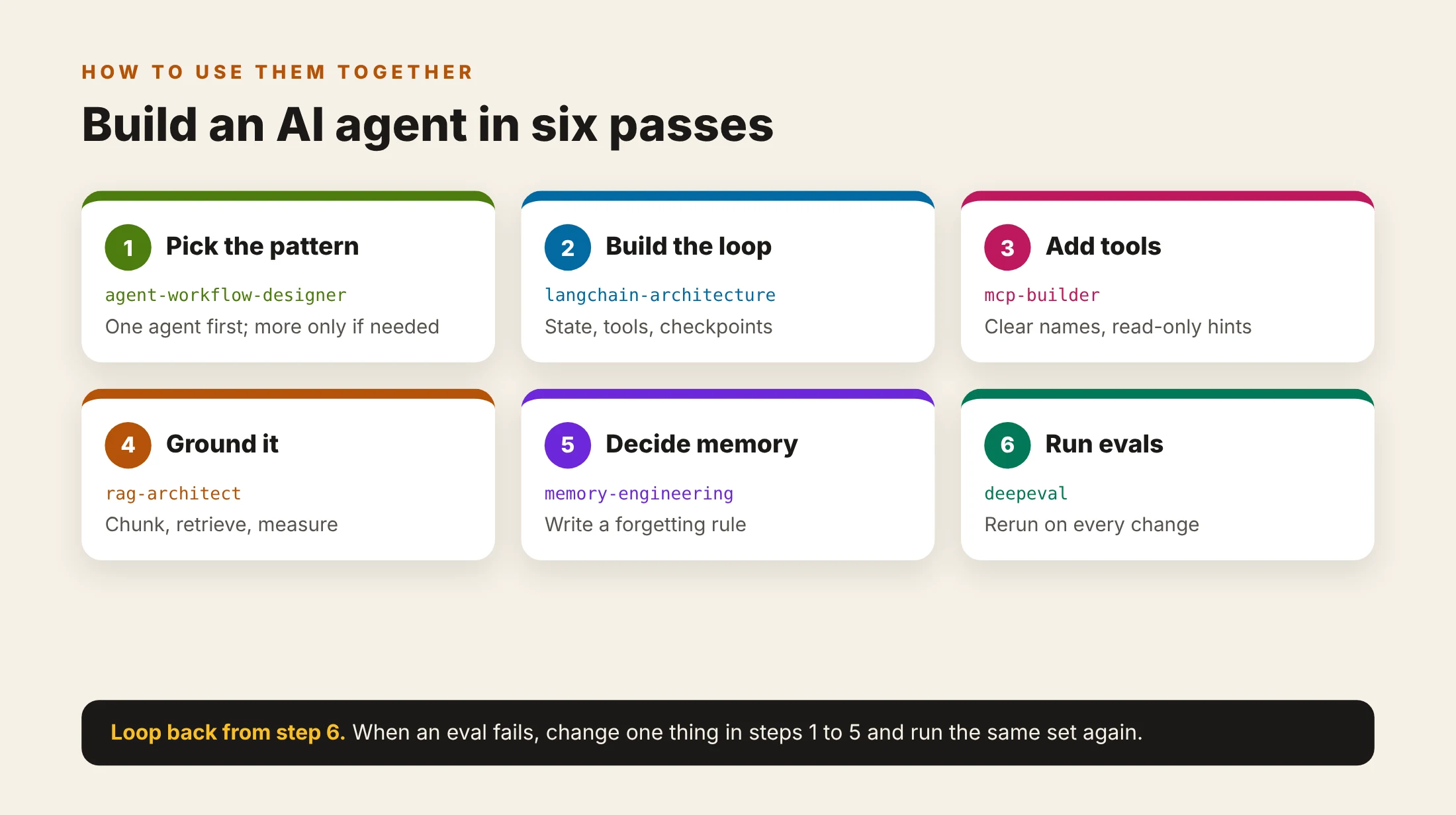
- Write one narrow task with a clear output, then run agent-workflow-designer and keep the smallest pattern that fits.
- Build that pattern with langchain-architecture, with a step limit and a checkpointer from day one.
- Expose only the tools the task needs with mcp-builder, and mark anything destructive.
- If the agent answers from documents, run rag-architect on the real corpus and keep its evaluation numbers.
- Before adding memory, run memory-engineering and write the forgetting rule first.
- Put deepeval in front of every change. When a case fails, change one thing in steps 1 to 5 and rerun the same set.
What no skill does for you
No skill picks the task your agent should own or decides which actions are too risky to automate. You still choose what needs a human yes, such as sending, spending or deleting, and you still run the code in your own environment. Results depend on your model, data and tools; none of this is measured here. JetBrains, OpenAI and aiarch.dev make the same point in different words: scope, guardrails and evaluation come from you.
Install
Open each item page, check the license and the files, and follow the install steps there. For the general skill flow, read how to install a skill.
Let your agent find these skills for you
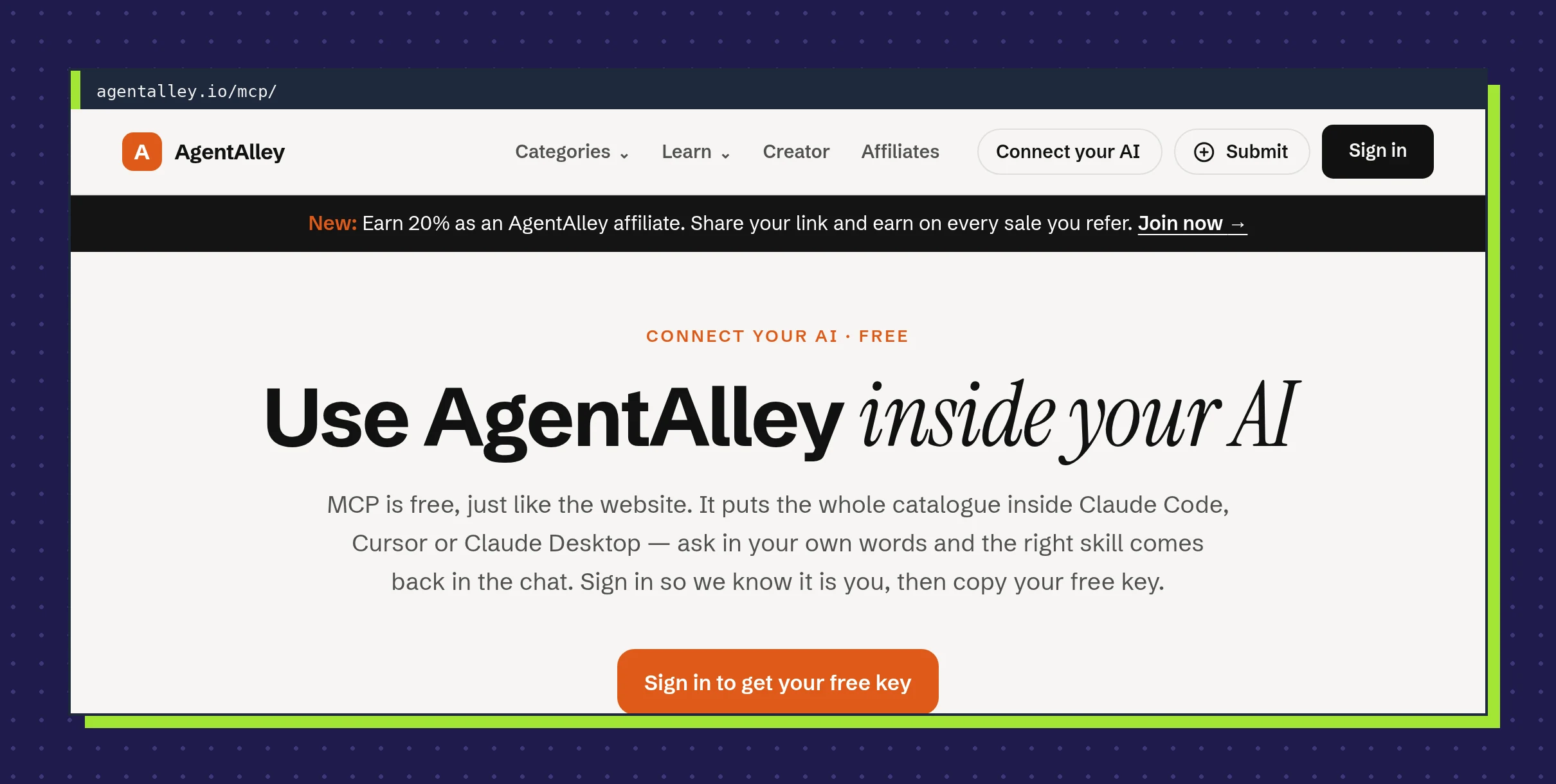
- Open agentalley.io/mcp, sign in (free, no card) and create your key.
- In Claude Code, run:
claude mcp add --transport http agentalley https://agentalley.io/mcp --header "Authorization: Bearer aa_mcp_..."
- In Cursor or Claude Desktop, follow the step-by-step guide shown on the MCP page after you sign in.
Then ask in plain words, for example "find me a skill that designs evals for my agent," and your agent pulls the right one.