Best game development skills for Claude Code (2026)
Updated October 2026. Each skill below was read from its own SKILL.md on GitHub on 18 October 2026.
Looking for the best game development skills for Claude Code? The honest answer depends on your engine. A coding agent writes decent general code, but game engines have their own habits: signals and scenes in Godot, entities and jobs in Unity's data-oriented stack, a render loop in a browser game. A skill gives the agent those habits before it starts typing. Here are three free, open-source ones on AgentAlley, one per kind of project.
A skill is a folder with a SKILL.md file. When your request matches the skill's description, the agent loads its instructions. You keep working in plain language: "add a pause menu", "why does this scene stutter".
1. Godot GDScript patterns
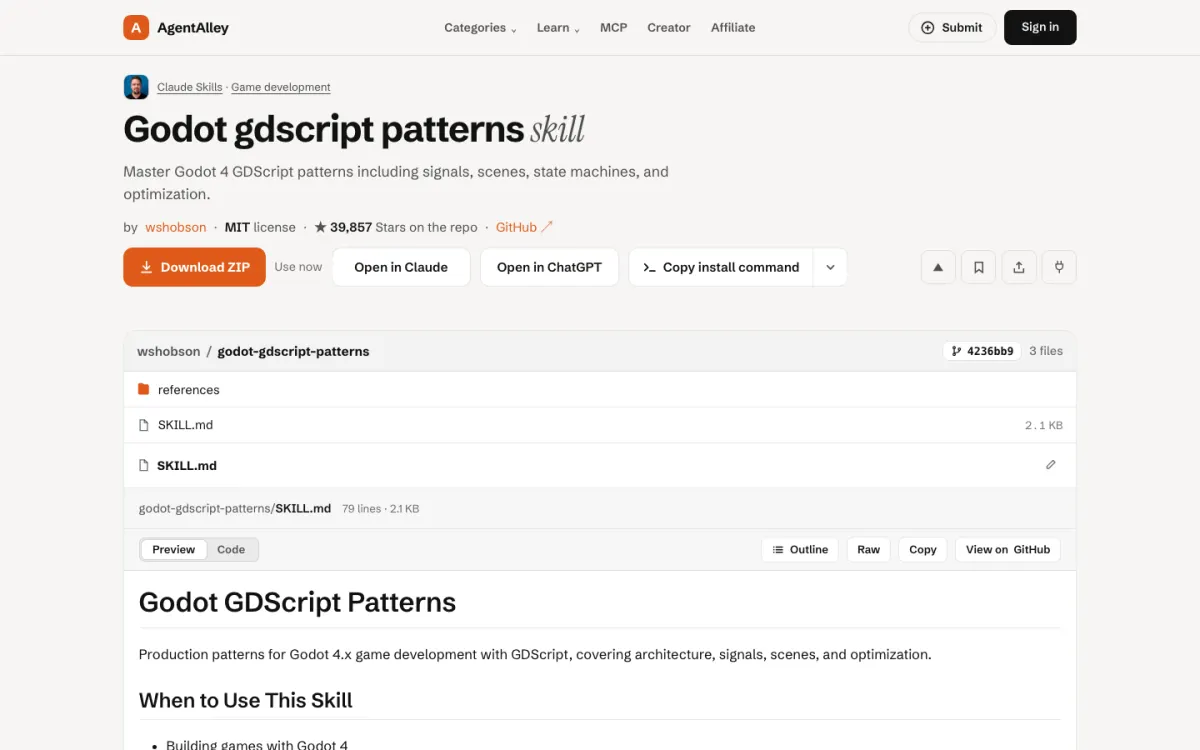
godot-gdscript-patterns is part of the game development plugin in the wshobson/agents collection. Its description covers Godot 4 GDScript patterns: signals, scenes, state machines and optimization, for building Godot games, adding game systems or learning GDScript practice.
Good for: solo developers and game jam teams on Godot 4 who want the agent to write GDScript the way the engine expects, rather than a translation of Python or C#.
The catch: it targets Godot 4. If your project is still on Godot 3, expect some of the advice to need adjusting, since the scripting changed between the two.
2. Unity ECS patterns
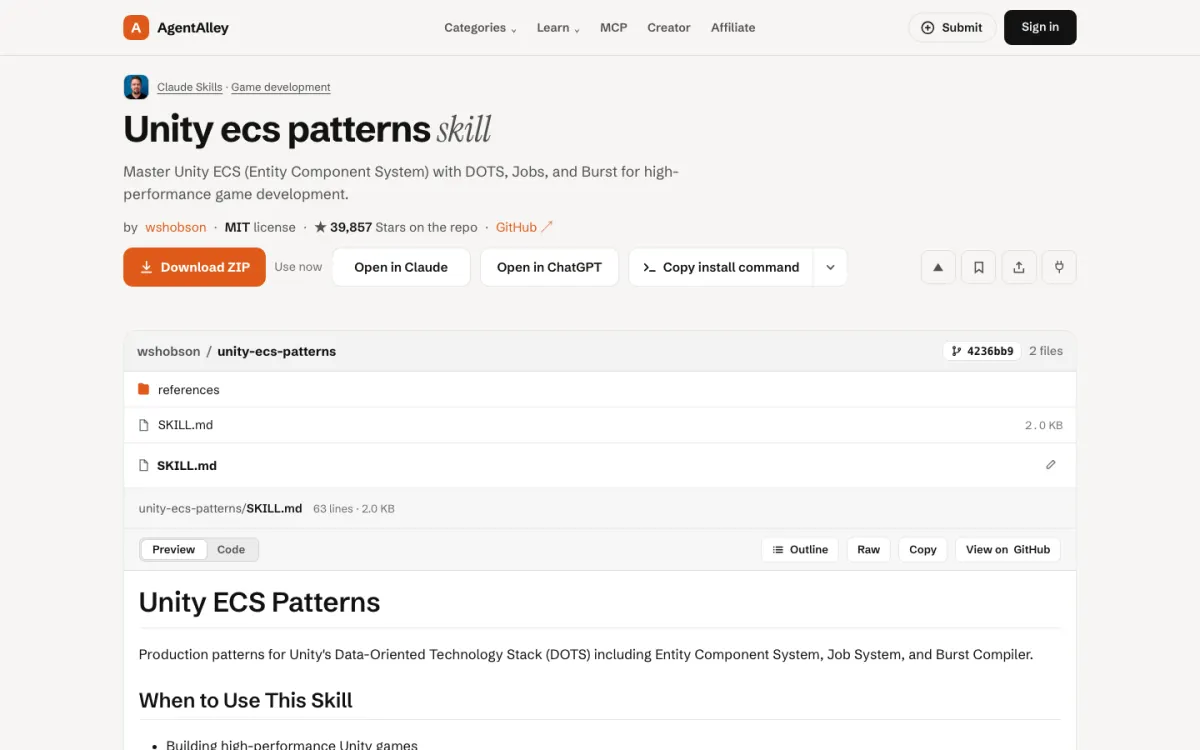
unity-ecs-patterns is from the same plugin. Its description is about Unity's Entity Component System with DOTS, the Jobs system and the Burst compiler, for data-oriented games, performance work and scenes with very large numbers of entities.
Good for: Unity developers who have hit the limits of classic GameObjects, for example a strategy game with thousands of units.
The catch: ECS is a different way of building a Unity game, not a setting you switch on. If your game is small and runs fine, classic Unity code is simpler, and this skill will push you toward a bigger change than you need.
3. Web game build loop
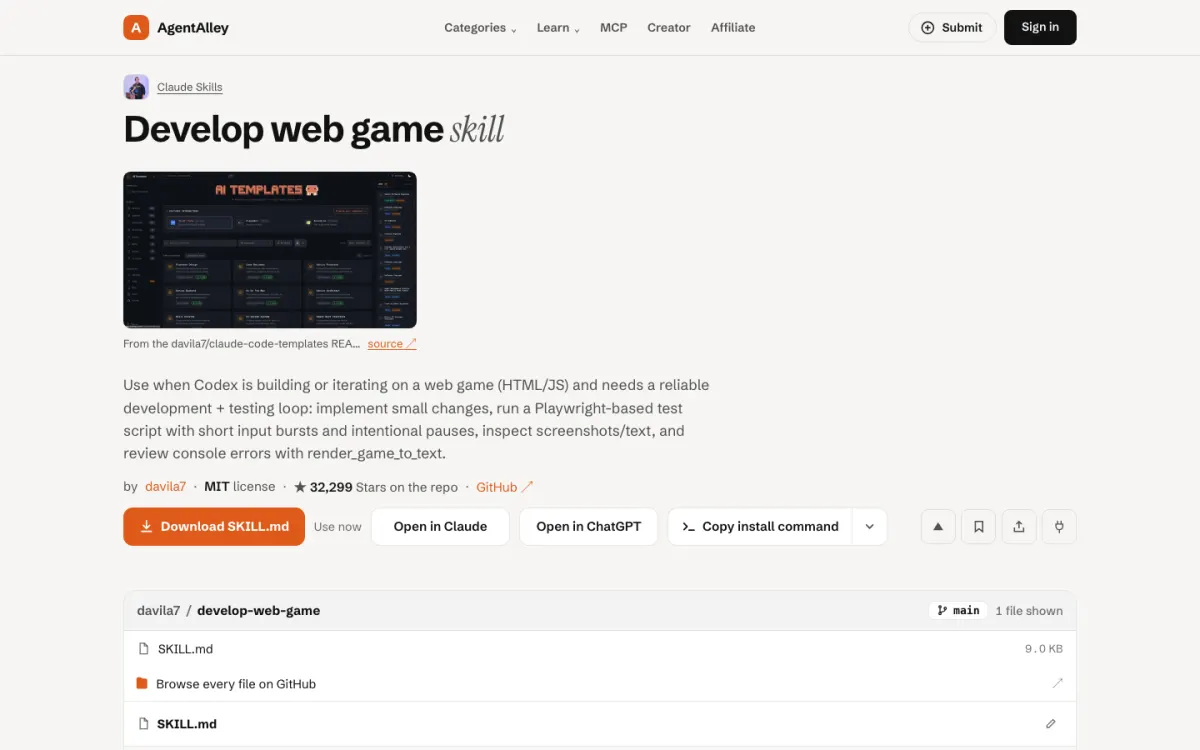
develop-web-game is in the creative and design section of the Claude Code Templates collection. Its description is a working loop for an HTML and JavaScript game: make a small change, run a Playwright script that sends short bursts of input with pauses, look at screenshots and text output, and read console errors.
Good for: browser games, prototypes and jam entries, where you want the agent to actually play the build after each change instead of guessing that it works.
The catch: the description was written with Codex in mind, and the loop depends on Playwright, so the first run has to install browsers. It is about the build-and-check cycle, not about game design.
Picking one
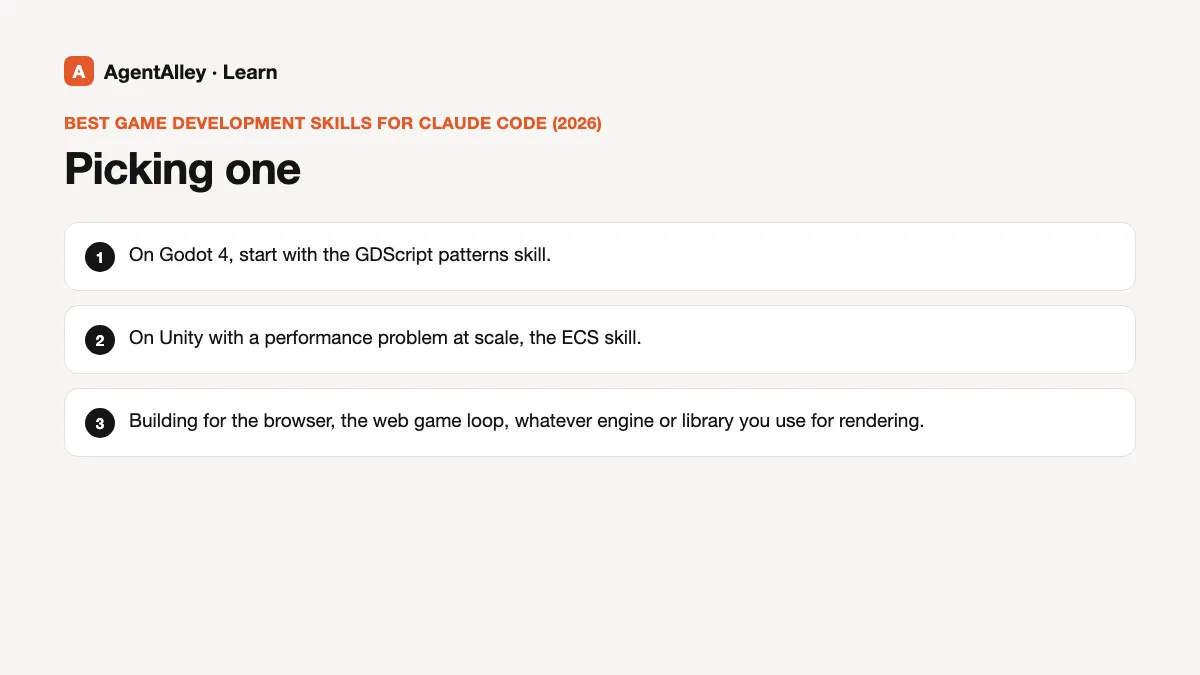
- On Godot 4, start with the GDScript patterns skill.
- On Unity with a performance problem at scale, the ECS skill.
- Building for the browser, the web game loop, whatever engine or library you use for rendering.
None of these replaces playing your own game. What they do is stop the agent from making the engine-specific mistakes a new team member would make in week one.
Tips that apply to all three
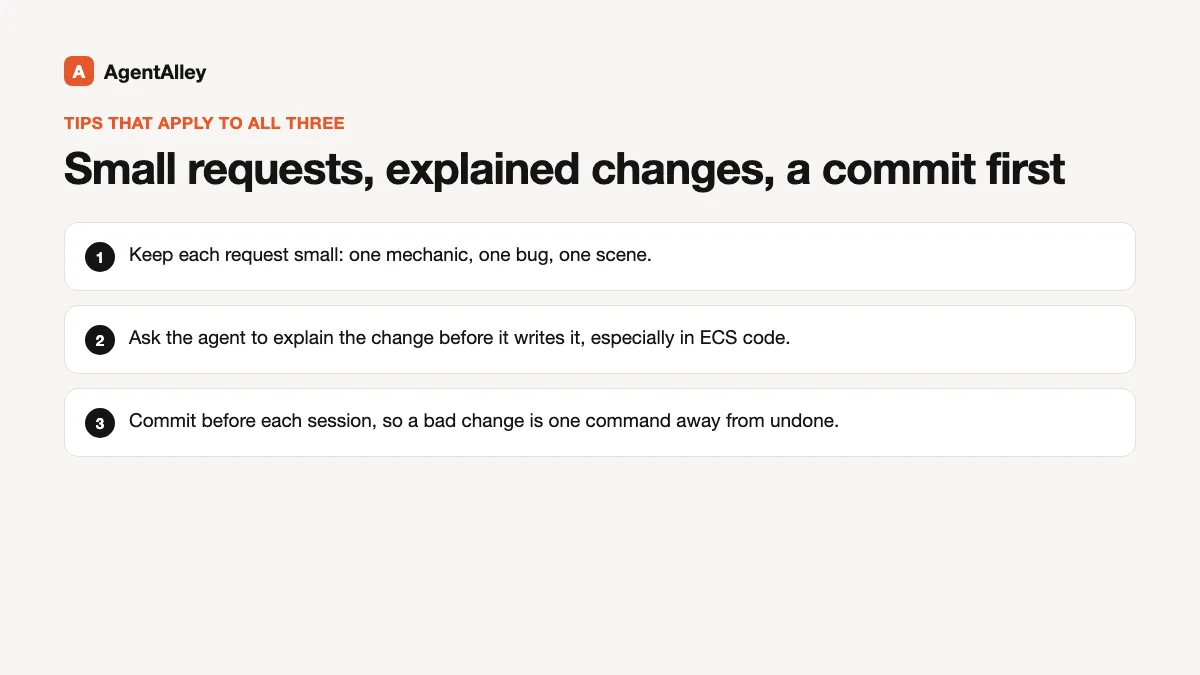
Keep each request small: one mechanic, one bug, one scene. Ask the agent to explain the change before it writes it, especially in ECS code where a wrong assumption spreads. And commit before each session, so a bad change is one command away from undone.
Install
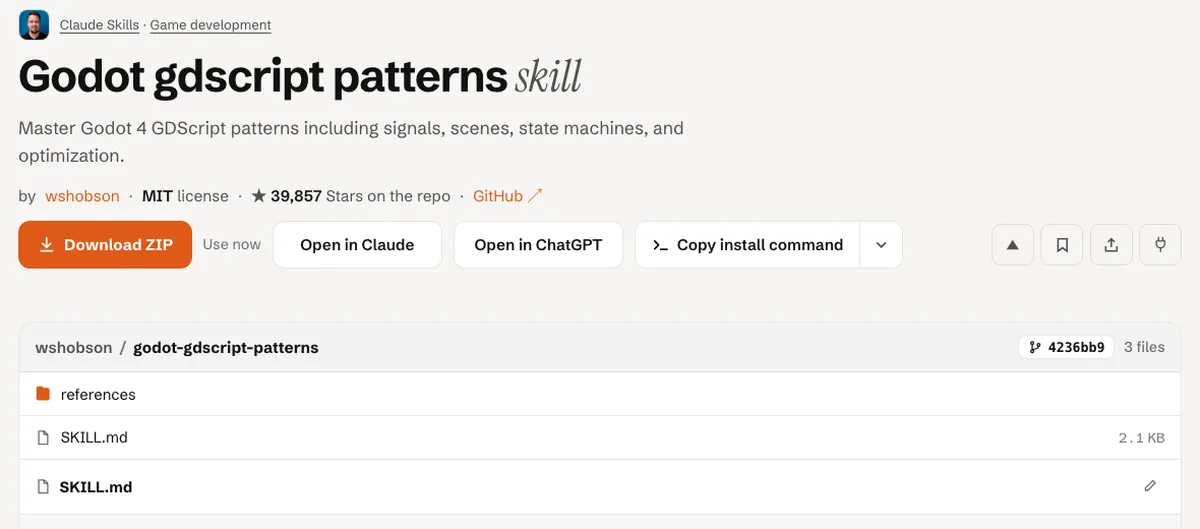
Open the item page, check the license and files, and follow the install steps. For the general flow, see how to install a skill.