Best prompt engineering skills for Claude and Codex (2026)
Updated October 2026. Each skill below was read from its own SKILL.md on GitHub on 18 October 2026.
The best prompt engineering skills are the ones that change how you work on a prompt, not the ones that hand you a pile of templates. A template helps once. A skill that makes your agent ask "what does good output look like, and how will we check it?" helps every time. This list has three free, open-source skills on AgentAlley that do that, each aimed at a different kind of person.
A quick word on what a skill is here: a folder with a SKILL.md file that an agent such as Claude Code loads when your request matches its description. Install one and you can just say "help me fix this prompt" and the agent pulls in the method.
1. prompt-engineering-patterns
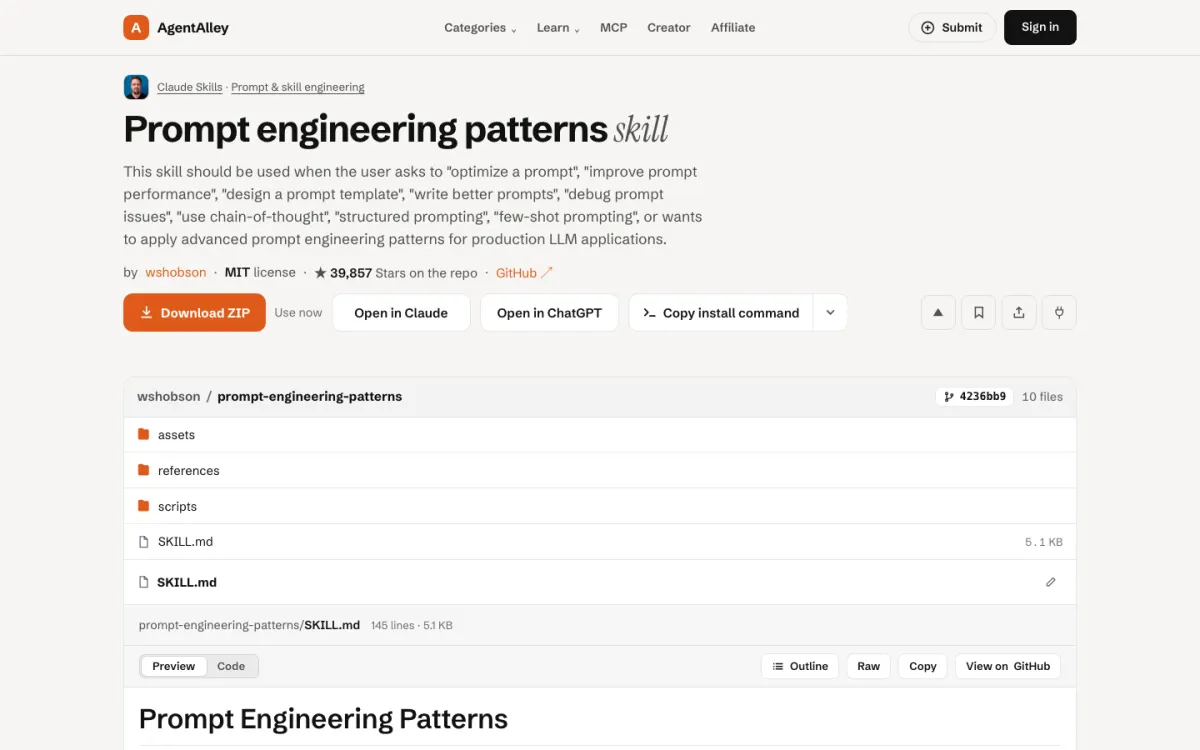
prompt-engineering-patterns comes from the wshobson/agents collection, inside its LLM application development plugin. Its description lists the requests it is meant for: optimizing a prompt, improving prompt performance, designing a template, debugging prompt issues, chain-of-thought, structured prompting and few-shot prompting, for production LLM apps.
Good for: developers who ship a feature that calls a model and need the prompt to behave the same way on the thousandth call as on the first.
The catch: it is written for people building LLM applications. If you just want a better chat prompt for a one-off task, it will feel heavier than you need.
2. prompt-engineer-toolkit
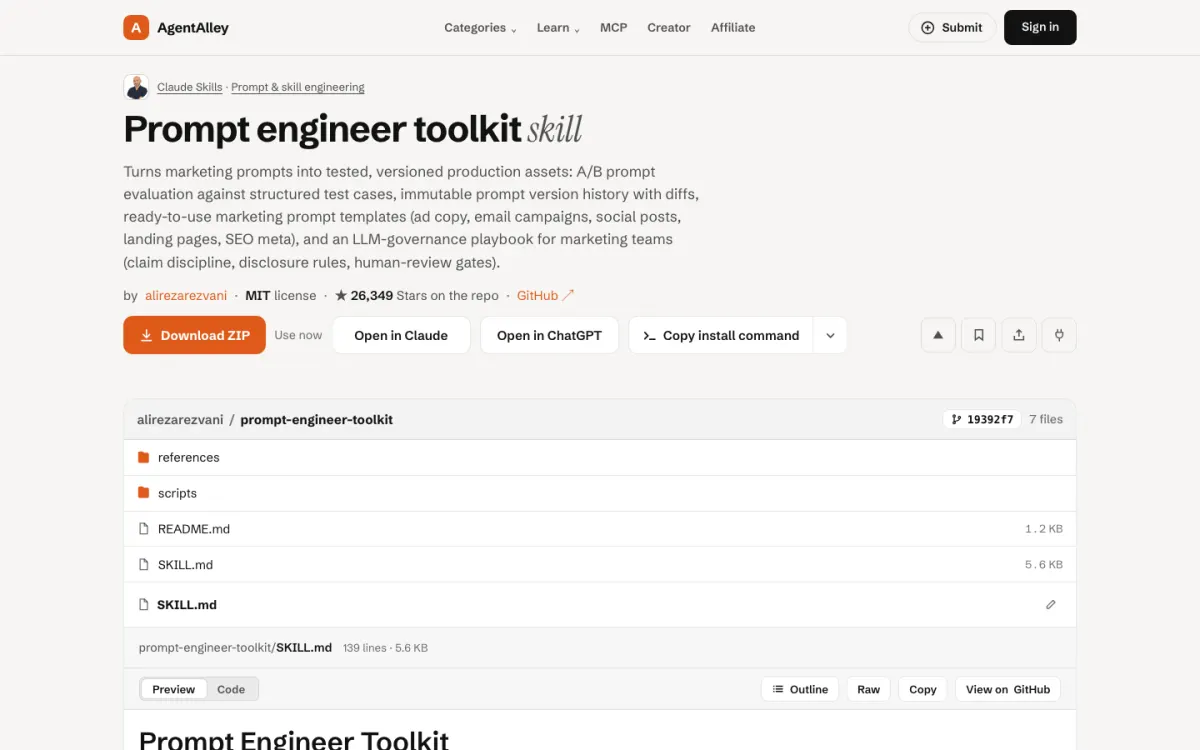
prompt-engineer-toolkit sits in the marketing part of alirezarezvani/claude-skills (MIT). Its description frames prompts as production assets: comparing prompt versions against structured test cases, keeping a version history with diffs, ready templates for ad copy, email campaigns, social posts, landing pages and SEO meta, and a governance playbook with claim discipline, disclosure rules and human review gates.
Good for: marketing teams where several people reuse the same prompts and someone has to know which version wrote last week's campaign.
The catch: the version history and review gates only pay off if the team keeps using them. A solo writer may only want the templates.
3. senior-prompt-engineer
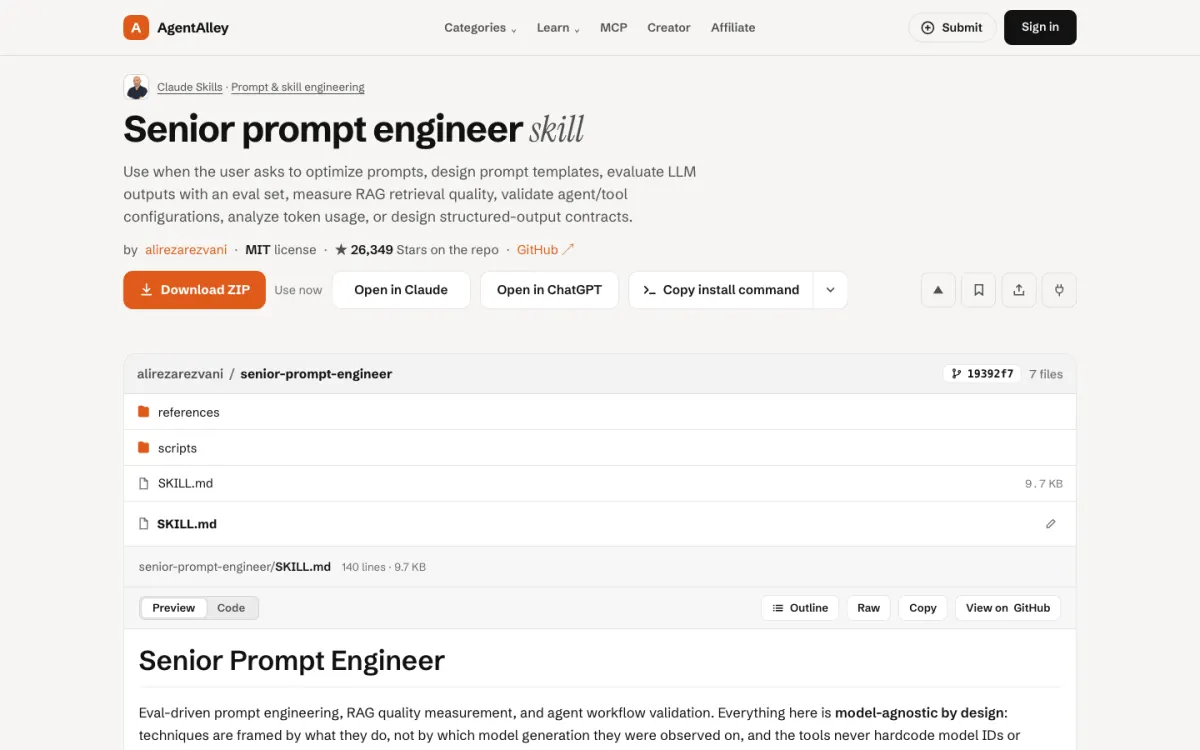
senior-prompt-engineer is from the engineering part of the same repo. Its description covers optimizing prompts, designing templates, evaluating outputs with an eval set, measuring retrieval quality for RAG (relevance, faithfulness, coverage), checking agent and tool configurations, analysing token use and designing structured-output contracts. It says the method is not tied to one model.
Good for: anyone whose prompt is part of a bigger system, with retrieval, tools or a strict JSON output, and who wants numbers rather than a feeling that it got better.
The catch: eval-driven work needs an eval set. If you do not have example inputs and the answers you expect, the first job is writing them, and the skill cannot invent those for you.
How to choose
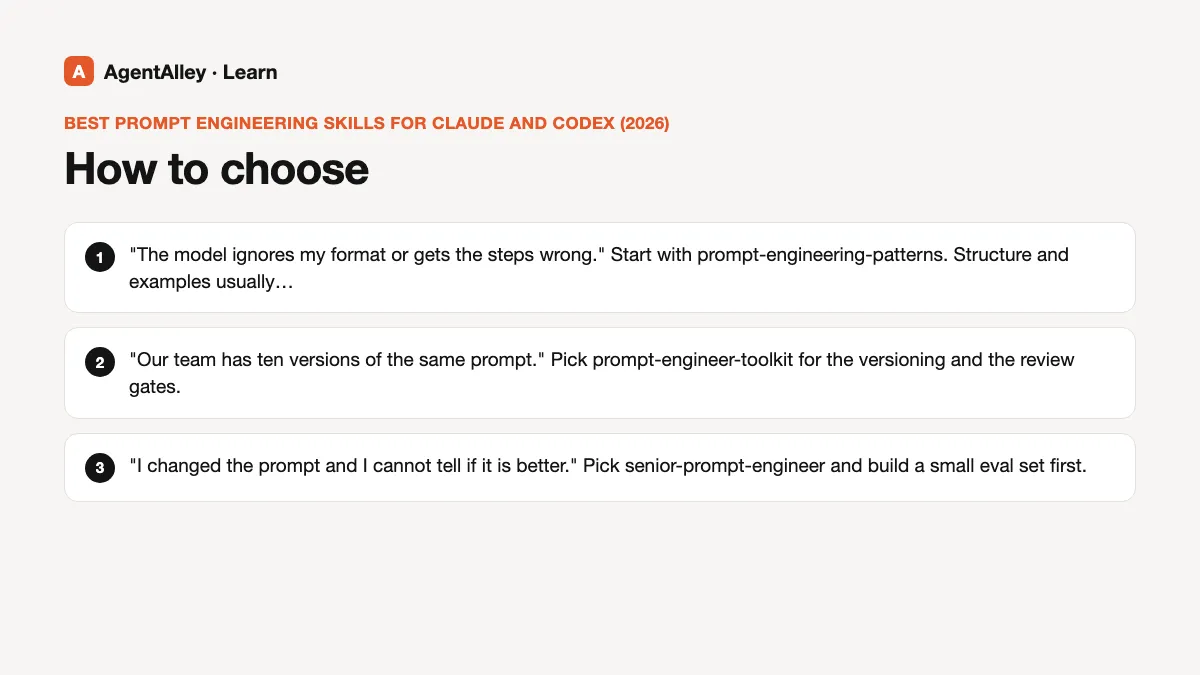
Ask what you are trying to fix.
- "The model ignores my format or gets the steps wrong." Start with prompt-engineering-patterns. Structure and examples usually fix this.
- "Our team has ten versions of the same prompt." Pick prompt-engineer-toolkit for the versioning and the review gates.
- "I changed the prompt and I cannot tell if it is better." Pick senior-prompt-engineer and build a small eval set first.
You do not need all three. One skill that matches your problem beats three that the agent has to choose between.
A habit worth keeping, with any skill
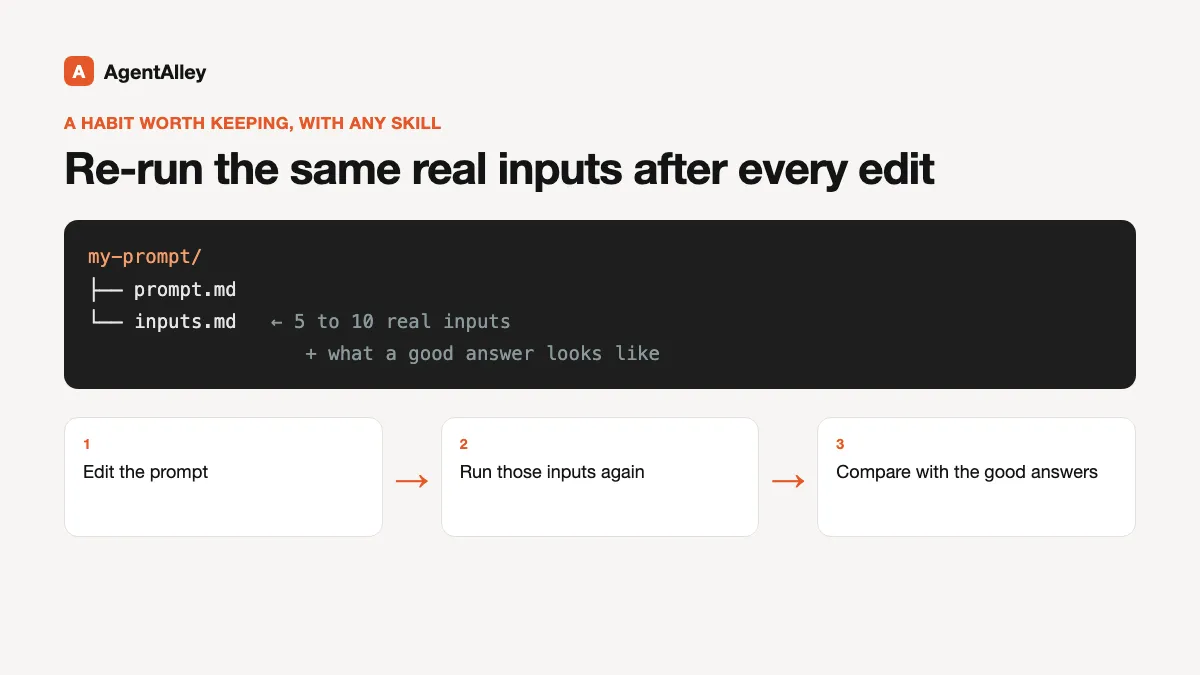
Whichever you install, keep five to ten real inputs in a file next to your prompt, along with what a good answer looks like. Each time you edit the prompt, run those inputs again and compare. This is the idea all three skills share in different words, and it is the part people skip.
Install
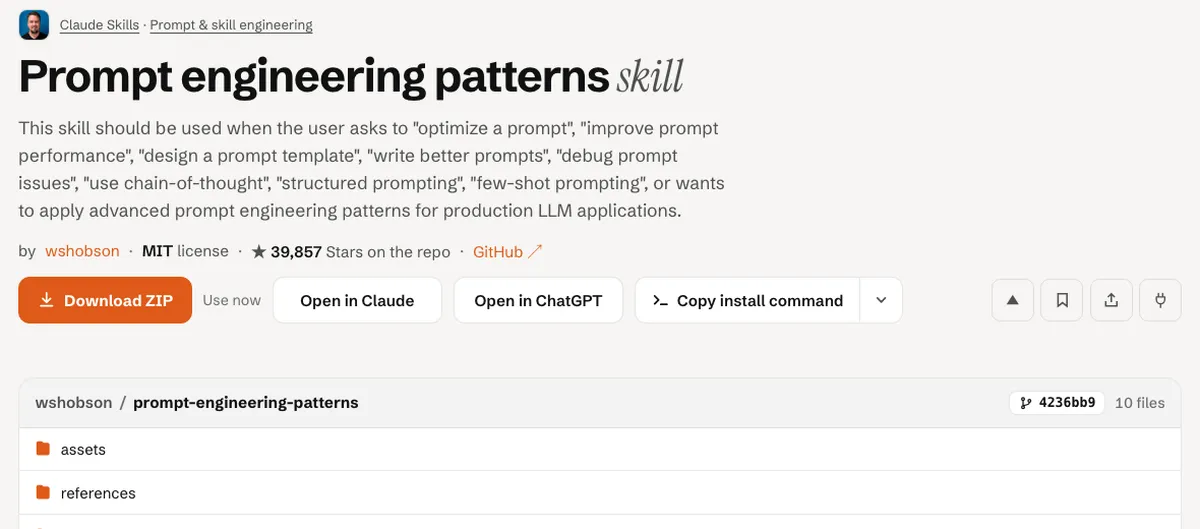
Open the item page, check the license and the files, and follow the install steps there. For the general flow, read how to install a skill.