Creative Writing Setup
Project setup
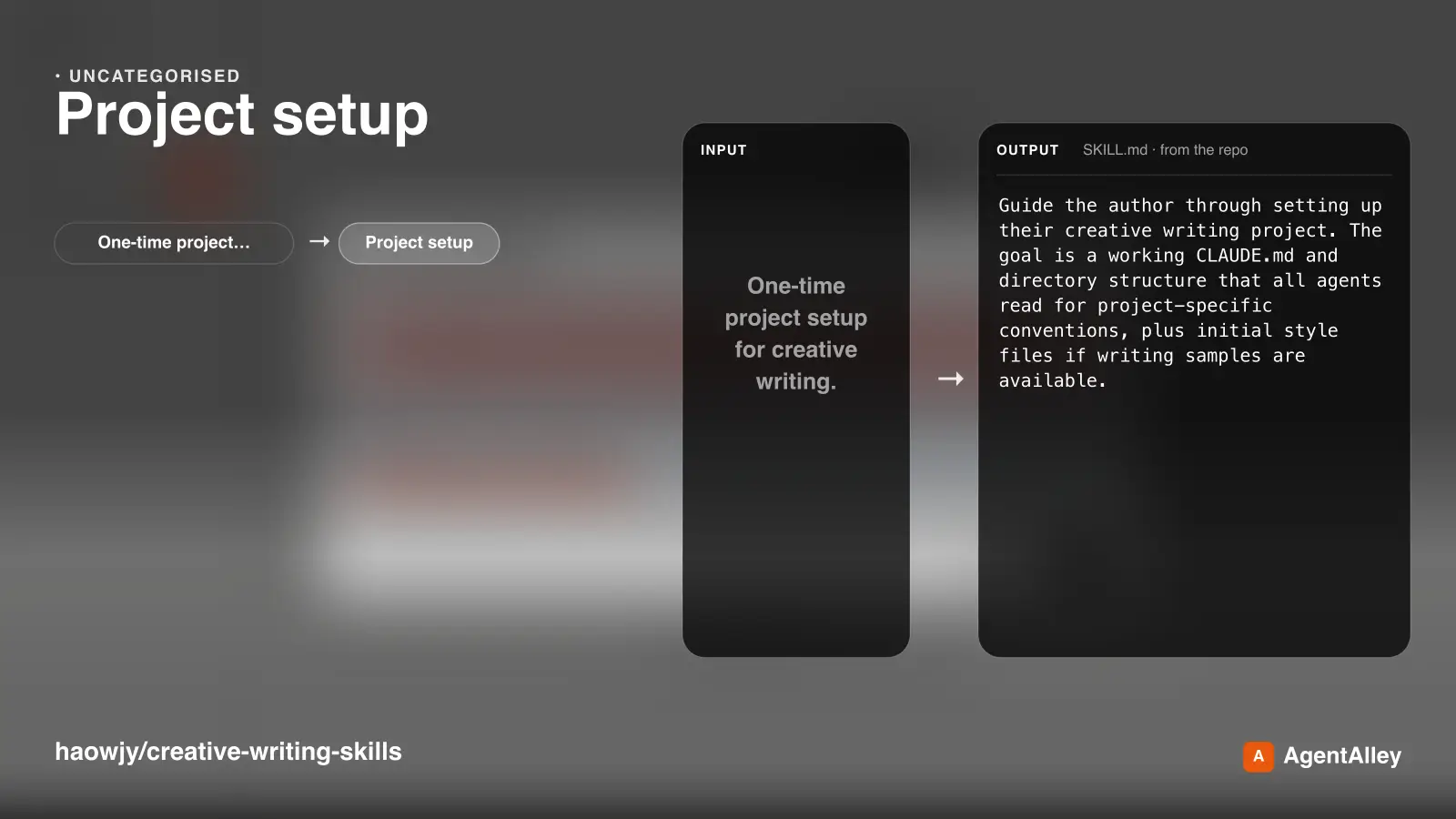
One-time project setup for creative writing. Interviews you about your project, collects writing samples, proposes kb structure, and creates CLAUDE.md with project conventions.
---
name: project-setup
description: >
  One-time project setup for creative writing. Interviews you about your project, collects writing samples, proposes kb structure, and creates CLAUDE.md with project conventions.
---

# Project Setup

Guide the author through setting up their creative writing project. The goal
is a working `CLAUDE.md` and directory structure that all agents read for
project-specific conventions, plus initial style files if writing samples are
available.

## Learn About the Project

Ask about:

- What kind of project: novel, short story collection, serial?
Overview
Guide the author through setting up their creative writing project. The goal is a working CLAUDE.md and directory structure that all agents read for project-specific conventions, plus initial style files if writing samples are available.
Manual install (npx, ZIP)
npx skills add haowjy/creative-writing-skills --skill project-setup -g -a claude-codenpx degit haowjy/creative-writing-skills/cw/skills/project-setup#main ~/.claude/skills/project-setupConnects with Agent Alley MCP · agentalley.io/mcp
Files included
SKILL.md3.4 KB
Read SKILL.md here
Show the full text82 lines
Project Setup
Guide the author through setting up their creative writing project. The goal
is a working CLAUDE.md and directory structure that all agents read for
project-specific conventions, plus initial style files if writing samples are
available.
Learn About the Project
Ask about:
- What kind of project: novel, short story collection, serial?
- How far along: starting fresh, or existing chapters and worldbuilding?
- Single POV or multiple? Linear or non-linear timeline? How much worldbuilding?
- Where do they keep their writing? What's the existing layout?
Writing Samples and Style
Ask about writing samples: these are the foundation for style analysis:
- Do they have sample chapters or scenes already written?
- Do they have writing from other projects that captures the voice they want?
- Are there published works they want to draw style inspiration from?
- Voice goals: close third, omniscient, first person? Formal, colloquial?
Collect whatever they have. Save samples to kb/samples/ so they're available
for future style analysis. If they have enough material, offer to analyze
their style using the /creative-writing-craft methodology: read the samples,
identify the voice dimensions, and produce initial style files in kb/styles/.
If they're starting fresh with no samples, capture their voice goals in CLAUDE.md so style files can be created from early drafts.
Propose and Iterate
Based on what you learn, draft a CLAUDE.md section and show it to the
author. Cover:
- Project overview: what the project is, one paragraph
- Author's space: where the author keeps their writing and how it's organized
- KB structure: what subdirectories exist under
kb/and what they're for. Suggest based on project complexity:- Simple (short story, single POV):
characters/,canon/,styles/, rootvocab.md - Medium (novel, few POVs): add
timeline/ - Complex (series, large world): add
world/,issues/, and domain vocab files such asworld/vocab.md
- Simple (short story, single POV):
- Voice and style: what style files exist, what samples they're derived from, voice goals not yet captured
- Conventions: anything project-specific: naming patterns, chapter numbering, POV tagging, spoiler handling
- Shared vocabulary: early canonical terms, aliases, invented words, genre terms with project-specific meanings, and terms the author wants agents to avoid or distinguish
Present the draft and let the author adjust. Iterate until they're satisfied.
Create the Files
Once approved:
- Write or update
CLAUDE.mdwith the agreed content - Create the
kb/directories referenced in CLAUDE.md - Create
kb/vocab.mdwhen the project has named concepts agents must use consistently; create domain vocab files when a domain already has enough distinct terms - Create
work/with standard subdirectories (outline/, drafts/, critique-reports/, brainstorm/) - Save any writing samples to
kb/samples/ - If samples were provided and the author wants style analysis, produce
initial style files in
kb/styles/
Existing Projects
If CLAUDE.md already has creative writing conventions, read it first and
suggest updates rather than overwriting.
| 1 | |
| 2 | name project-setup |
| 3 | description > |
| 4 | One-time project setup for creative writing. Interviews you about your project, collects writing samples, proposes kb structure, and creates CLAUDE.md with project conventions. |
| 5 | |
| 6 | |
| 7 | # Project Setup |
| 8 | |
| 9 | Guide the author through setting up their creative writing project. The goal |
| 10 | is a working `CLAUDE.md` and directory structure that all agents read for |
| 11 | project-specific conventions, plus initial style files if writing samples are |
| 12 | available. |
| 13 | |
| 14 | ## Learn About the Project |
| 15 | |
| 16 | Ask about: |
| 17 | |
| 18 | What kind of project: novel, short story collection, serial? |
| 19 | How far along: starting fresh, or existing chapters and worldbuilding? |
| 20 | Single POV or multiple? Linear or non-linear timeline? How much worldbuilding? |
| 21 | Where do they keep their writing? What's the existing layout? |
| 22 | |
| 23 | ## Writing Samples and Style |
| 24 | |
| 25 | Ask about writing samples: these are the foundation for style analysis: |
| 26 | |
| 27 | Do they have sample chapters or scenes already written? |
| 28 | Do they have writing from other projects that captures the voice they want? |
| 29 | Are there published works they want to draw style inspiration from? |
| 30 | Voice goals: close third, omniscient, first person? Formal, colloquial? |
| 31 | |
| 32 | Collect whatever they have. Save samples to `kb/samples/` so they're available |
| 33 | for future style analysis. If they have enough material, offer to analyze |
| 34 | their style using the `/creative-writing-craft` methodology: read the samples, |
| 35 | identify the voice dimensions, and produce initial style files in `kb/styles/`. |
| 36 | |
| 37 | If they're starting fresh with no samples, capture their voice goals in |
| 38 | CLAUDE.md so style files can be created from early drafts. |
| 39 | |
| 40 | ## Propose and Iterate |
| 41 | |
| 42 | Based on what you learn, draft a `CLAUDE.md` section and show it to the |
| 43 | author. Cover: |
| 44 | |
| 45 | **Project overview**: what the project is, one paragraph |
| 46 | **Author's space**: where the author keeps their writing and how it's |
| 47 | organized |
| 48 | **KB structure**: what subdirectories exist under `kb/` and what they're |
| 49 | for. Suggest based on project complexity: |
| 50 | Simple (short story, single POV): `characters/`, `canon/`, `styles/`, root `vocab.md` |
| 51 | Medium (novel, few POVs): add `timeline/` |
| 52 | Complex (series, large world): add `world/`, `issues/`, and domain vocab files such as `world/vocab.md` |
| 53 | **Voice and style**: what style files exist, what samples they're derived |
| 54 | from, voice goals not yet captured |
| 55 | **Conventions**: anything project-specific: naming patterns, chapter |
| 56 | numbering, POV tagging, spoiler handling |
| 57 | **Shared vocabulary**: early canonical terms, aliases, invented words, |
| 58 | genre terms with project-specific meanings, and terms the author wants |
| 59 | agents to avoid or distinguish |
| 60 | |
| 61 | Present the draft and let the author adjust. Iterate until they're satisfied. |
| 62 | |
| 63 | ## Create the Files |
| 64 | |
| 65 | Once approved: |
| 66 | |
| 67 | Write or update `CLAUDE.md` with the agreed content |
| 68 | Create the `kb/` directories referenced in CLAUDE.md |
| 69 | Create `kb/vocab.md` when the project has named concepts agents must use |
| 70 | consistently; create domain vocab files when a domain already has enough |
| 71 | distinct terms |
| 72 | Create `work/` with standard subdirectories (outline/, drafts/, |
| 73 | critique-reports/, brainstorm/) |
| 74 | Save any writing samples to `kb/samples/` |
| 75 | If samples were provided and the author wants style analysis, produce |
| 76 | initial style files in `kb/styles/` |
| 77 | |
| 78 | ## Existing Projects |
| 79 | |
| 80 | If `CLAUDE.md` already has creative writing conventions, read it first and |
| 81 | suggest updates rather than overwriting. |
| 82 |
Details
- License
- Apache-2.0
- Stars on the repo
- ★ 506
- Checked
- Source
- haowjy/creative-writing-skills ↗
- Creator
- haowjy · 22 listings
Similar skills
See all → Cross-Platform Reverse Engineer
 morluto/rea · by morlutoReverse engineer native, managed, Electron/JavaScript, packaged, firmware, and browser targets with REA. Use shipped-artifact or requested runtime evidence to explain features, compare versions, decompile code, or guide a reconstruction. Skip REA for ordinary source-repository architecture analysis.★ 316k GitHub stars
 Brainstorm Ideas
 obra/superpowers · by obraYou MUST use this before any creative work - creating features, building components, adding functionality, or modifying behavior. Explores user intent, requirements and design before implementation.★ 290k GitHub stars
 Code Review Feedback Analyzerobra/superpowers · by obraUse when receiving code review feedback, before implementing suggestions, especially if feedback seems unclear or technically questionable - requires technical rigor and verification, not performative agreement or blind implementation★ 290k GitHub stars
 Bug Diagnosis Framework
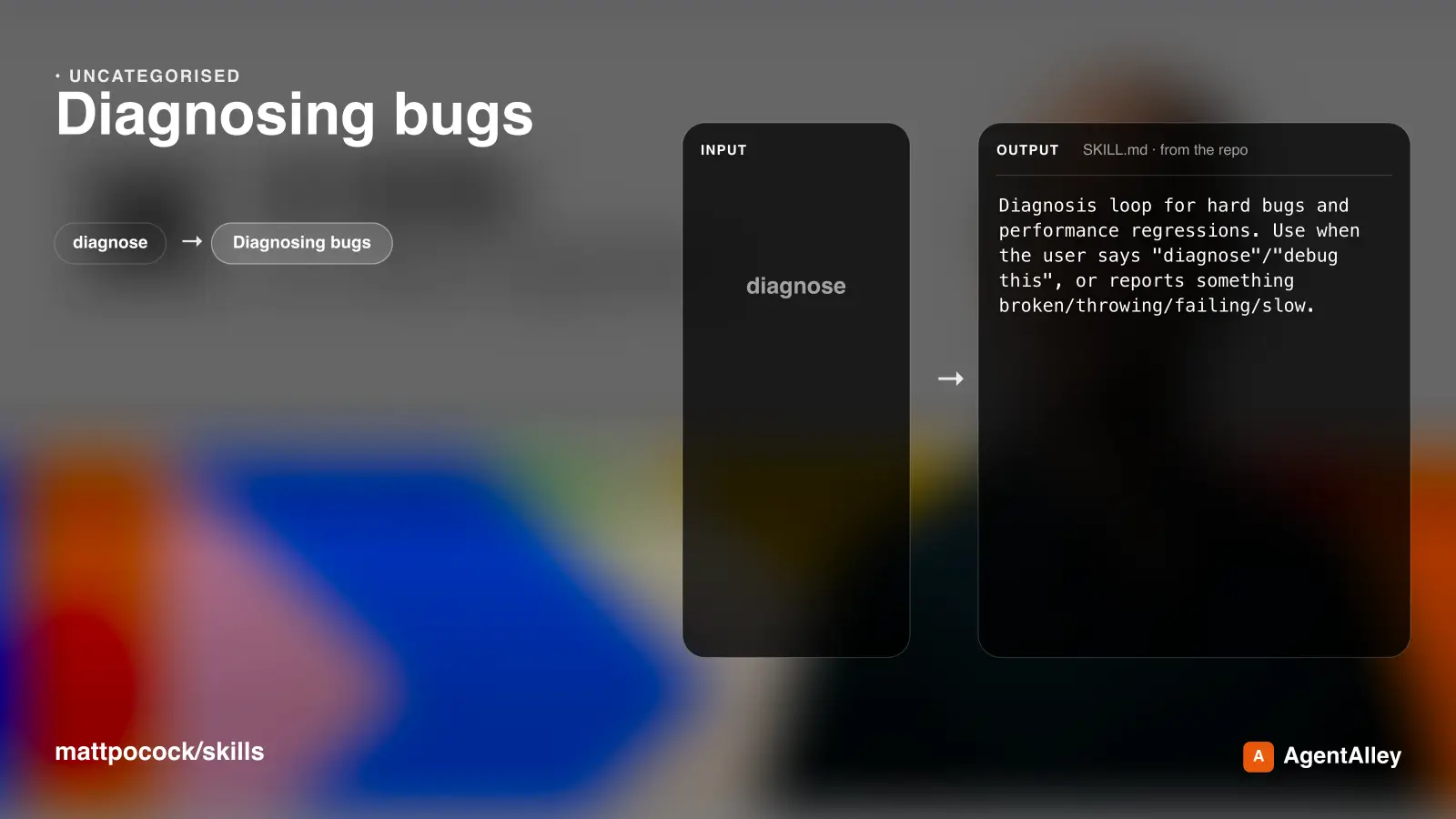
 mattpocock/skills · by mattpocockDiagnosis loop for hard bugs and performance regressions. Use when the user says "diagnose"/"debug this", or reports something broken/throwing/failing/slow.★ 267k GitHub stars
 Implement Specmattpocock/skills · by mattpocockImplement the result of /to-spec and /to-tickets in code.★ 267k GitHub stars
 PR Description Writermattpocock/skills · by mattpocockUse when writing a PR body.★ 267k GitHub stars
More from haowjy
 Character Voice Simulator
 haowjy/creative-writing-skills · by haowjySpeak as a specified character from their current knowledge, voice, and emotional state. Use for skill-only workflows that need in-character conversation, voice discovery, or relationship pressure tests.★ 506 GitHub stars
 Story Research Assistanthaowjy/creative-writing-skills · by haowjyLoad when a story needs factual grounding the writer doesn't have: historical detail, cultural texture, domain accuracy, or how other authors handled similar material. Pass the question and story context; returns a sourced report the writer can draw from.★ 506 GitHub stars
 Fiction Writing Craft Guidehaowjy/creative-writing-skills · by haowjyCraft references for writing fiction well: prose, scenes, style, voice, and genre/page-level technique. Load when a writer, critic, or muse needs how-to-write guidance rather than a production mode.★ 506 GitHub stars
 Writing Mode Guidehaowjy/creative-writing-skills · by haowjyCreative-writing addendum to /llm-writing. Load when putting prose on the page: draft, revise, bridge, vary, or polish.★ 506 GitHub stars
 Multi-Mode Writing Studiohaowjy/creative-writing-skills · by haowjyLoad when no subagents are available and one agent must plan, draft, critique, research, and capture memory by switching stances.★ 506 GitHub stars
 Output Information Hierarchyhaowjy/creative-writing-skills · by haowjyLoad for large human-facing outputs: reports, docs, multi-section explanations, artifacts. Choose the right form for each beat (prose, diagram, table, mockup) and put the answer first, depth behind it. If the medium allows, use progressive disclosure.★ 506 GitHub stars