How to write a SKILL.md: a step-by-step guide (2026)
Updated October 2026. Format rules below follow the Agent Skills spec at agentskills.io and the Claude Code skills docs, both read on 18 October 2026.
A SKILL.md is a short Markdown file with a small block of YAML at the top. An agent such as Claude Code reads the top block of every installed skill, and loads the rest only when your request matches. That one fact shapes everything about how to write one: the top block decides whether the skill is ever used, and the body decides whether it helps once it is.
If you want the field-by-field reference, read SKILL.md format explained. This guide is the practical order of work.
Step 1: Pick one job
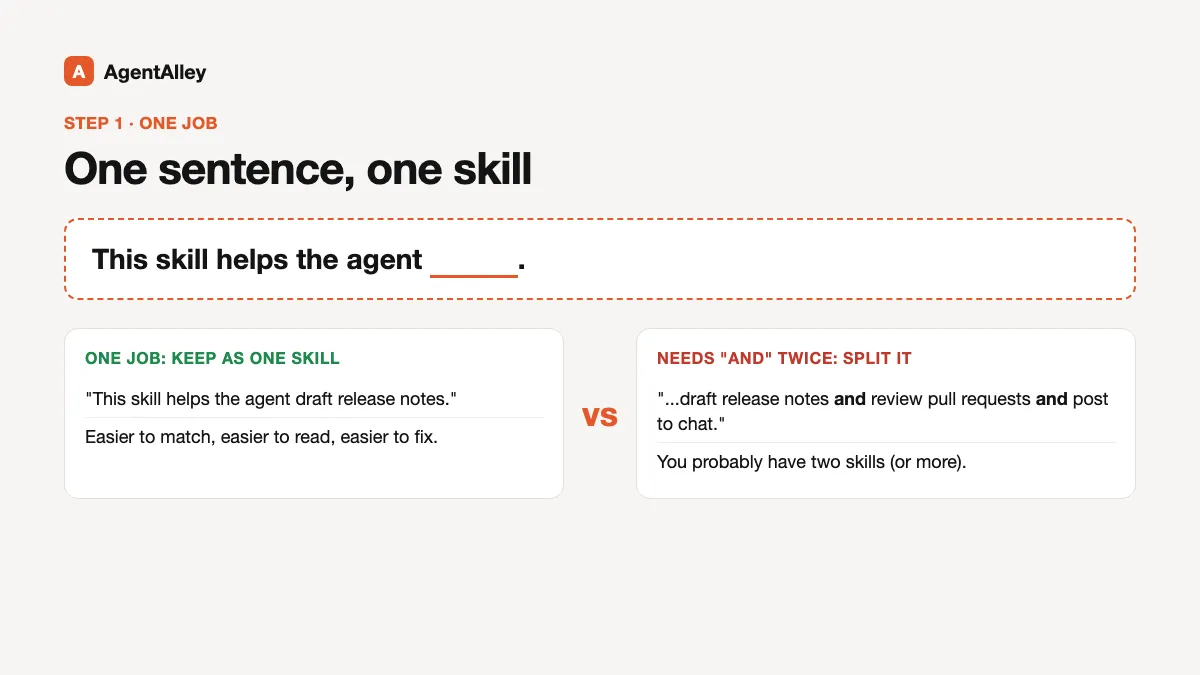
Write one sentence: "This skill helps the agent ___." If you need "and" twice, you probably have two skills. Small skills are easier to match, easier to read and easier to fix.
Step 2: Name the folder
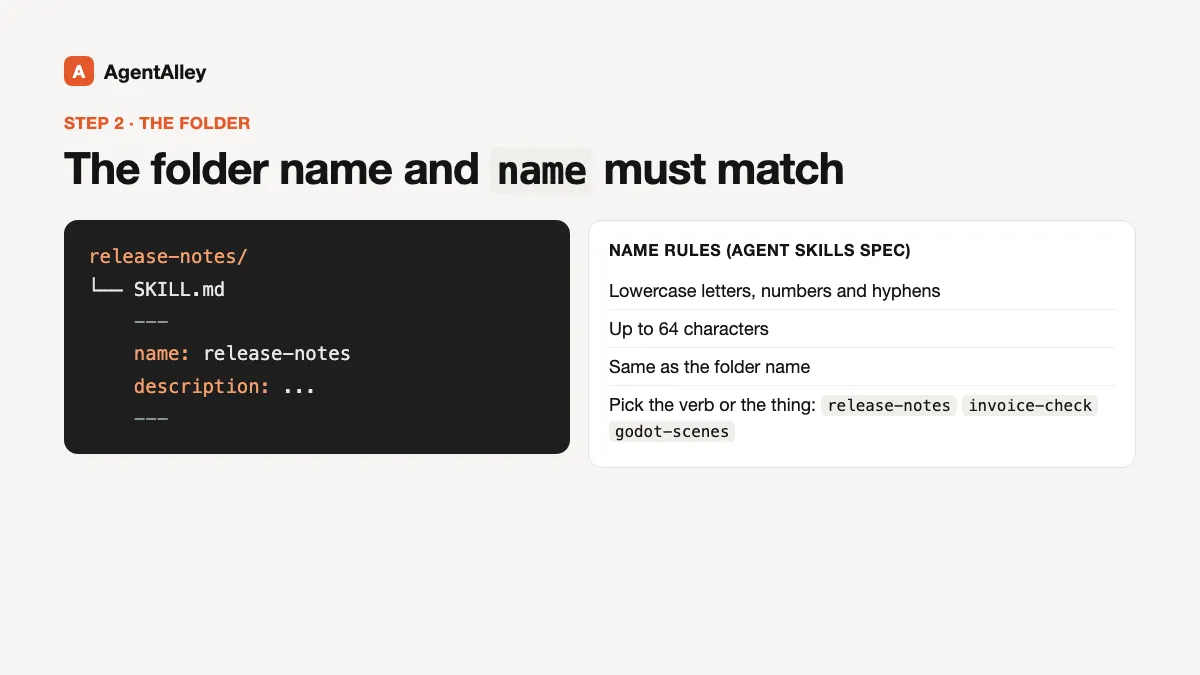
The skill lives in a folder, and the name field must match the folder name. Per the Agent Skills spec, the name uses lowercase letters, numbers and hyphens, up to 64 characters. Pick the verb or the thing the skill is about: release-notes, invoice-check, godot-scenes.
Step 3: Write the description for matching
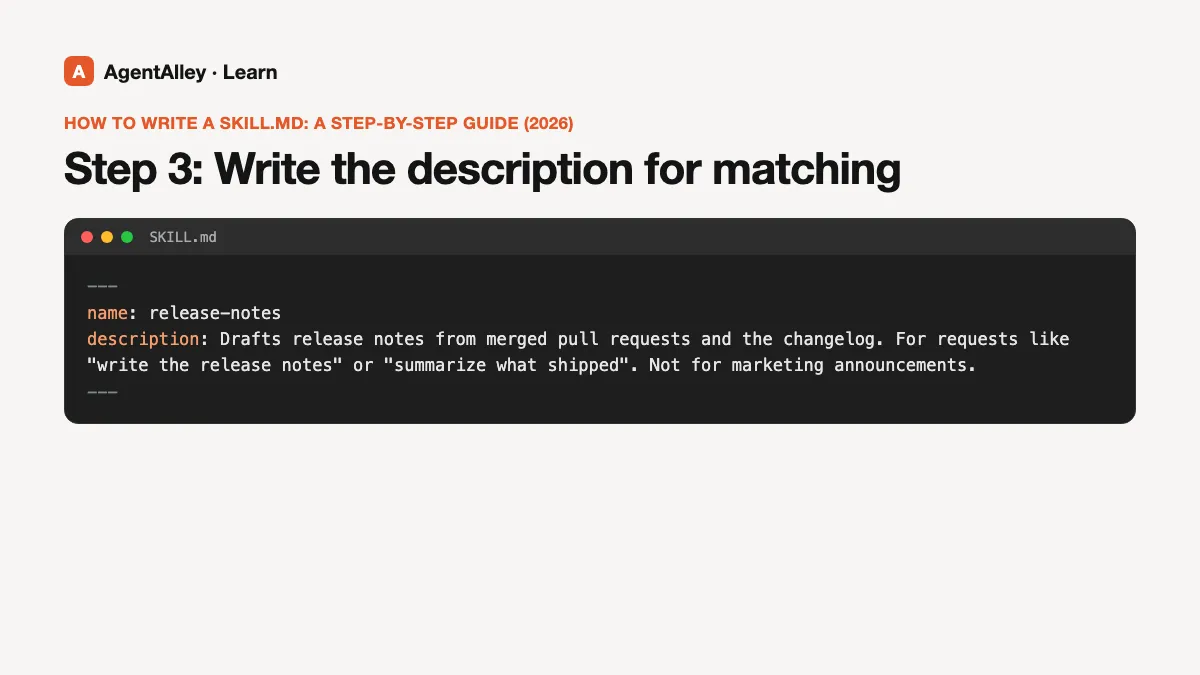
The description is the field the agent reads to decide whether to load your skill. The spec allows up to 1024 characters. Say what the skill does and the kinds of requests it is for, in the words a user would type. Name the file types, tools or phrases that should bring it in, and say what it is not for if there is a close neighbor.
---
name: release-notes
description: Drafts release notes from merged pull requests and the changelog. For requests like "write the release notes" or "summarize what shipped". Not for marketing announcements.
---
Step 4: Keep the body short
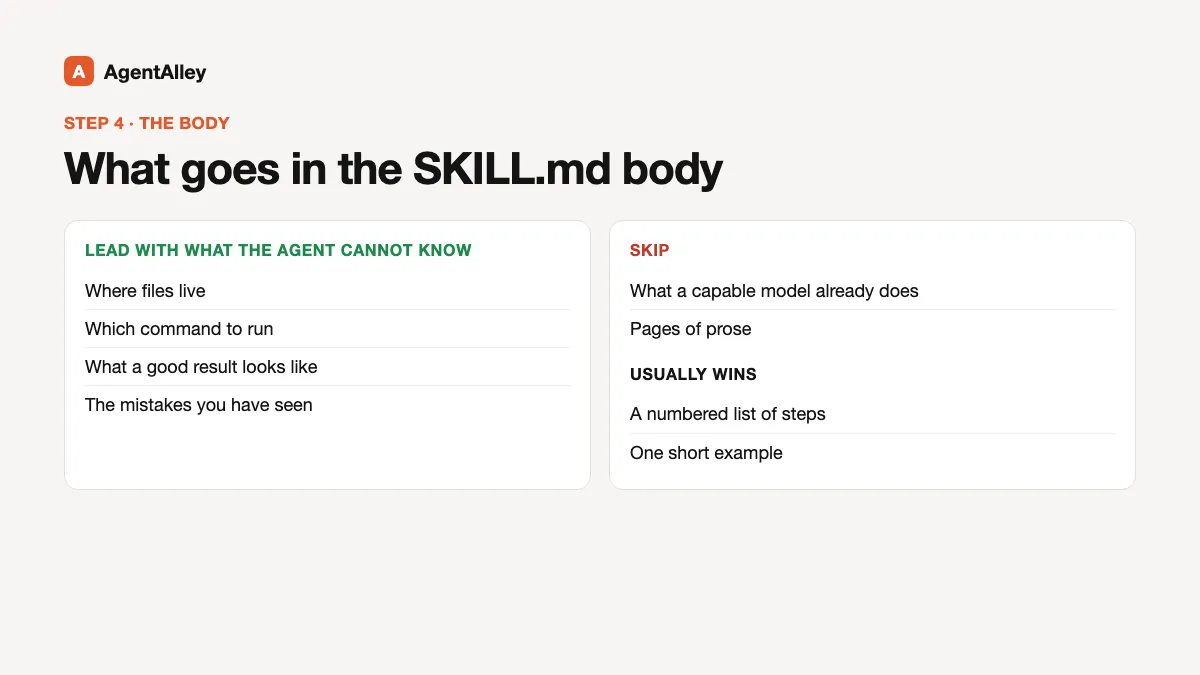
The body is plain Markdown. Lead with what the agent cannot know on its own: where files live, which command to run, what a good result looks like, and the mistakes you have seen. Skip what a capable model already does. A numbered list of steps and one short example usually beat pages of prose.
Step 5: Move detail into files
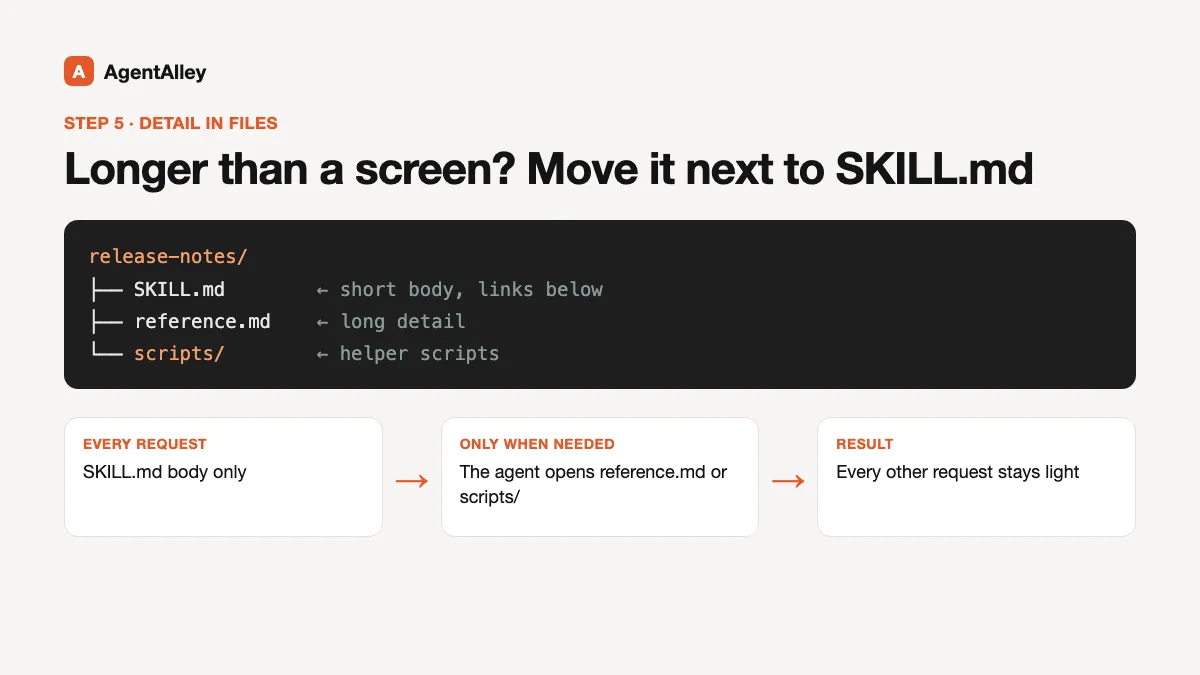
If a section grows past a screen, move it into a file next to SKILL.md, such as reference.md or a scripts/ folder, and link it from the body. The agent opens those only when it needs them, which keeps every other request light.
Step 6: Check it on a real task
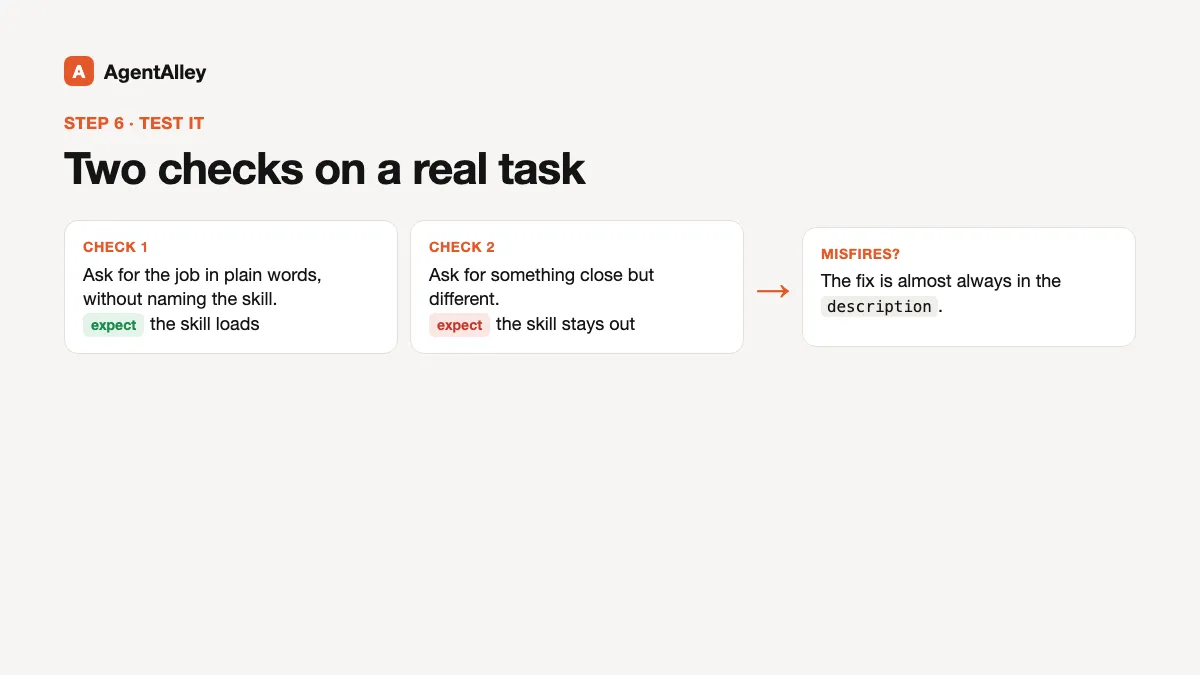
Ask for the job in plain words, without naming the skill, and see whether it loads. Then ask for something close but different and make sure it stays out. If it misfires, the fix is almost always in the description.
Three free skills that help you write skills
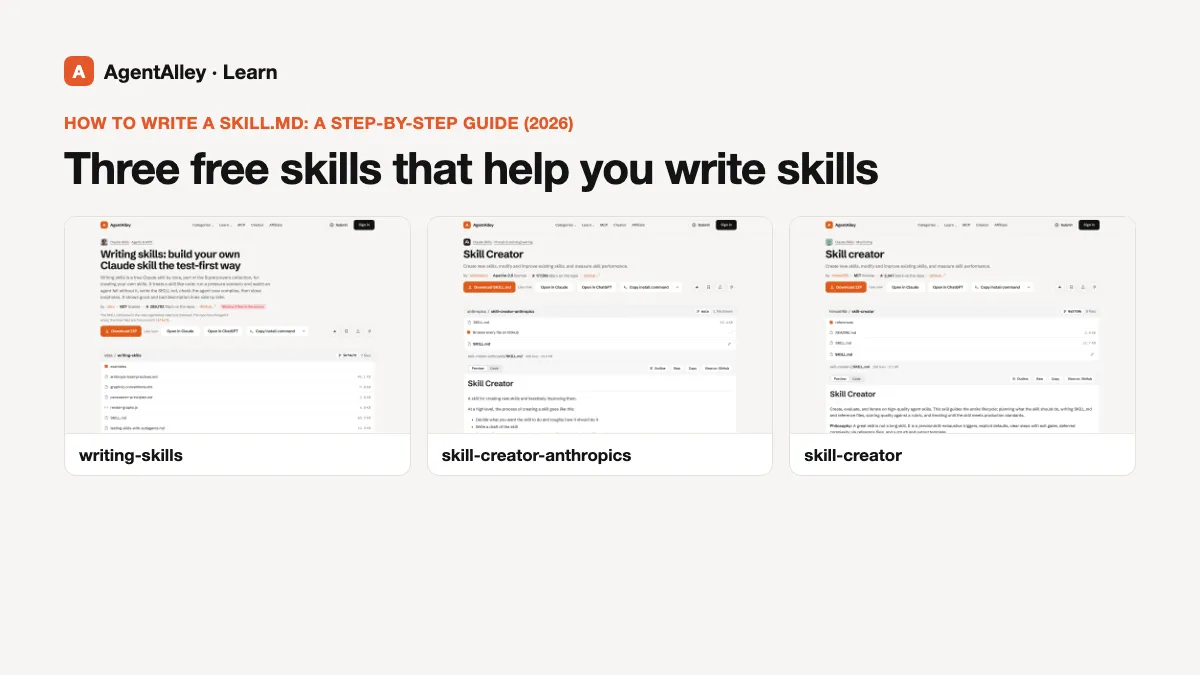
- writing-skills by obra (MIT), from the superpowers collection, treats skill writing like test-driven development: first watch an agent fail at the task without the skill, then write the skill, then confirm the agent now gets it right. Good if you want a disciplined loop.
- skill-creator by Anthropic (Apache-2.0) helps create a skill from scratch, improve an existing one, run evals and tune the description so it triggers on the right requests.
- skill-creator by himself65 (MIT) covers planning, writing SKILL.md and reference files, scoring against a rubric and iterating. Its guidance warns that an over-scripted skill makes the agent rigid, and that a clear goal lets the model plan the work itself.
Common mistakes
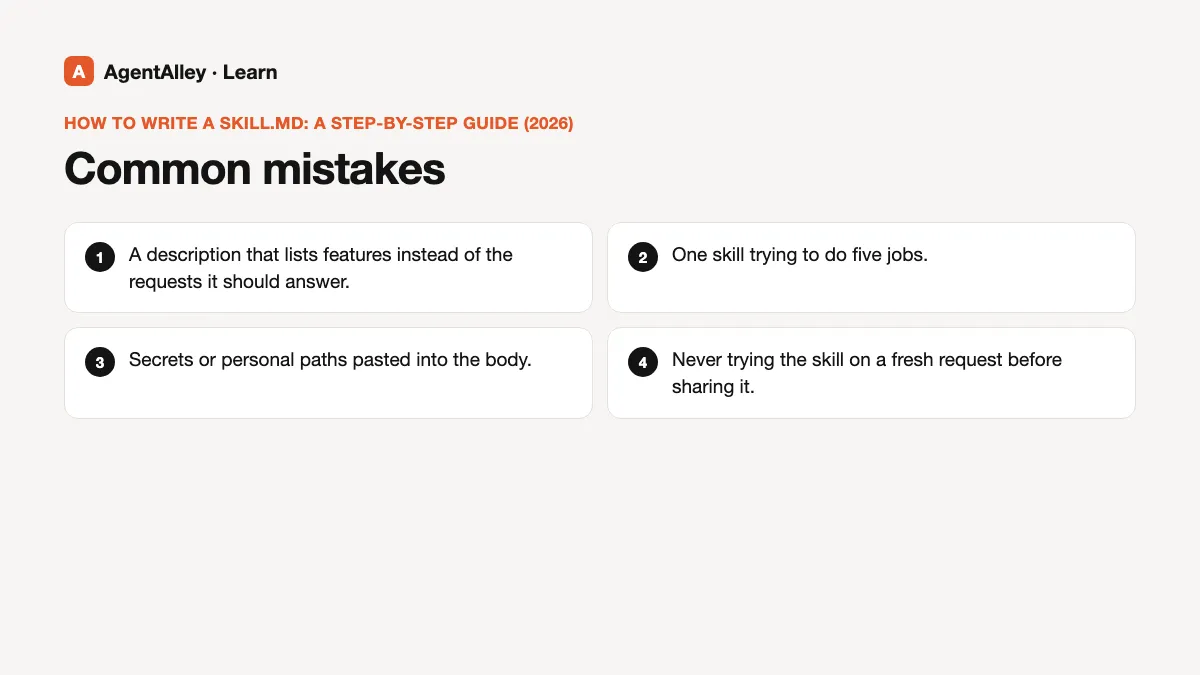
- A description that lists features instead of the requests it should answer.
- One skill trying to do five jobs.
- Secrets or personal paths pasted into the body.
- Never trying the skill on a fresh request before sharing it.
Next
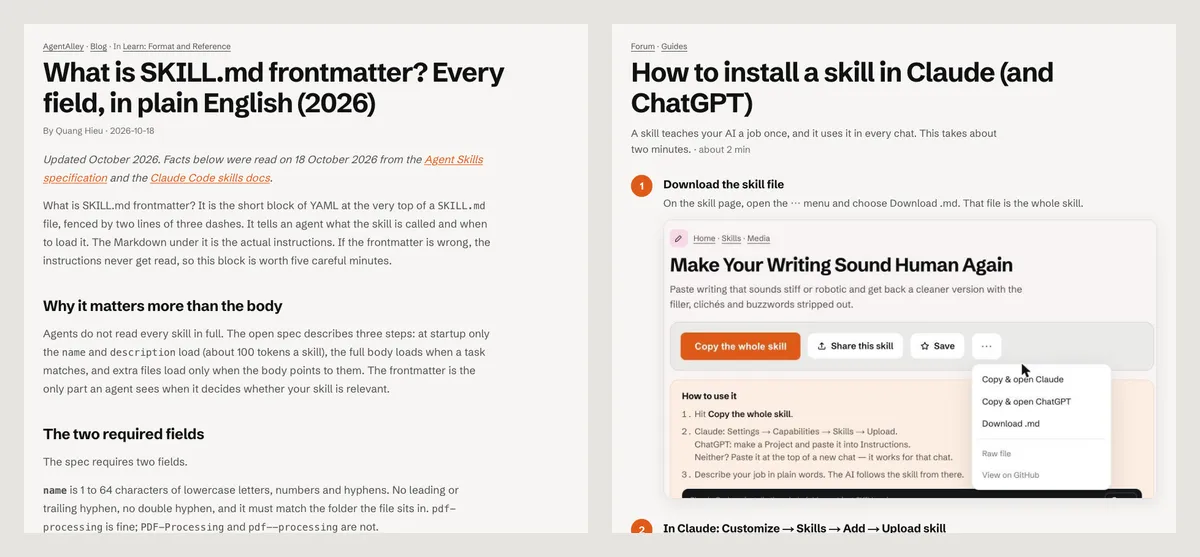
Read what is SKILL.md frontmatter for every optional field, then how to install a skill to put yours to work.