SKILL.md format explained: files, fields and limits (2026)
Updated October 2026. Facts below were read on 18 October 2026 from the Agent Skills specification and the Claude Code skills docs.
Here is the SKILL.md format explained in one sentence: a skill is a folder, the folder holds a file called SKILL.md, and that file is YAML frontmatter on top and plain Markdown instructions below. Everything else is detail. This page walks through that detail in the order you will meet it when you write your first skill.
The folder
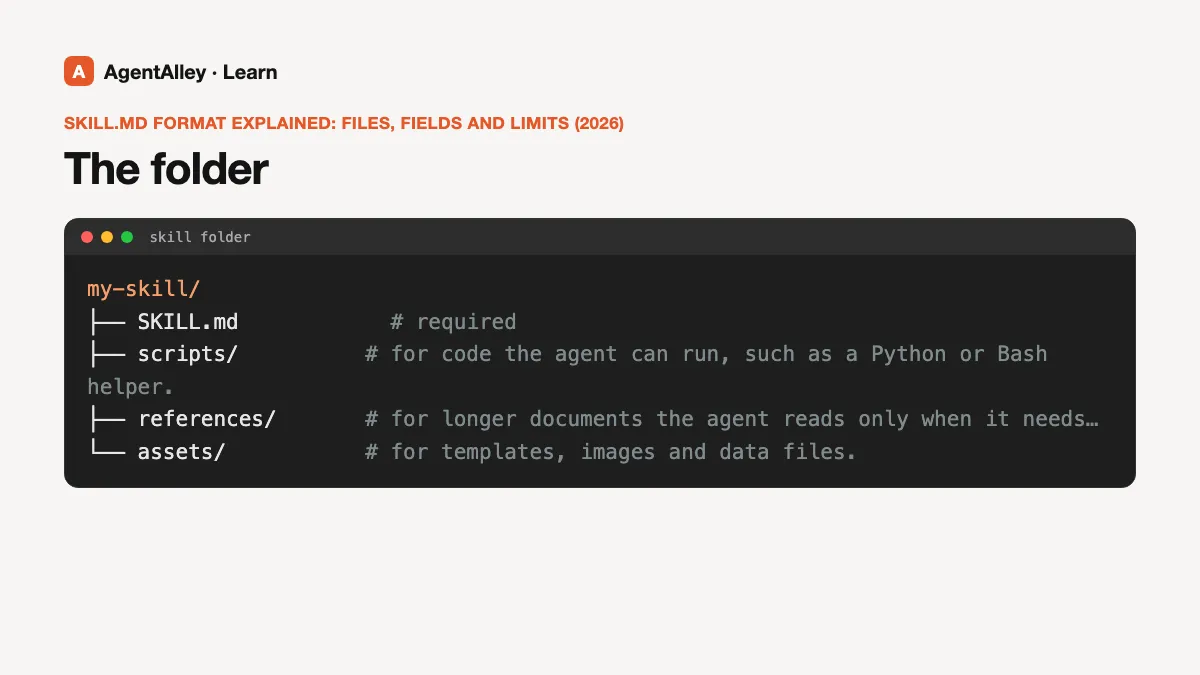
The open spec describes a skill as a directory that contains, at minimum, a SKILL.md file. Three subfolders are suggested, none of them required:
scripts/for code the agent can run, such as a Python or Bash helper.references/for longer documents the agent reads only when it needs them.assets/for templates, images and data files.
So the smallest valid skill is one folder with one file in it. You can add more later, when the instructions get long.
The frontmatter
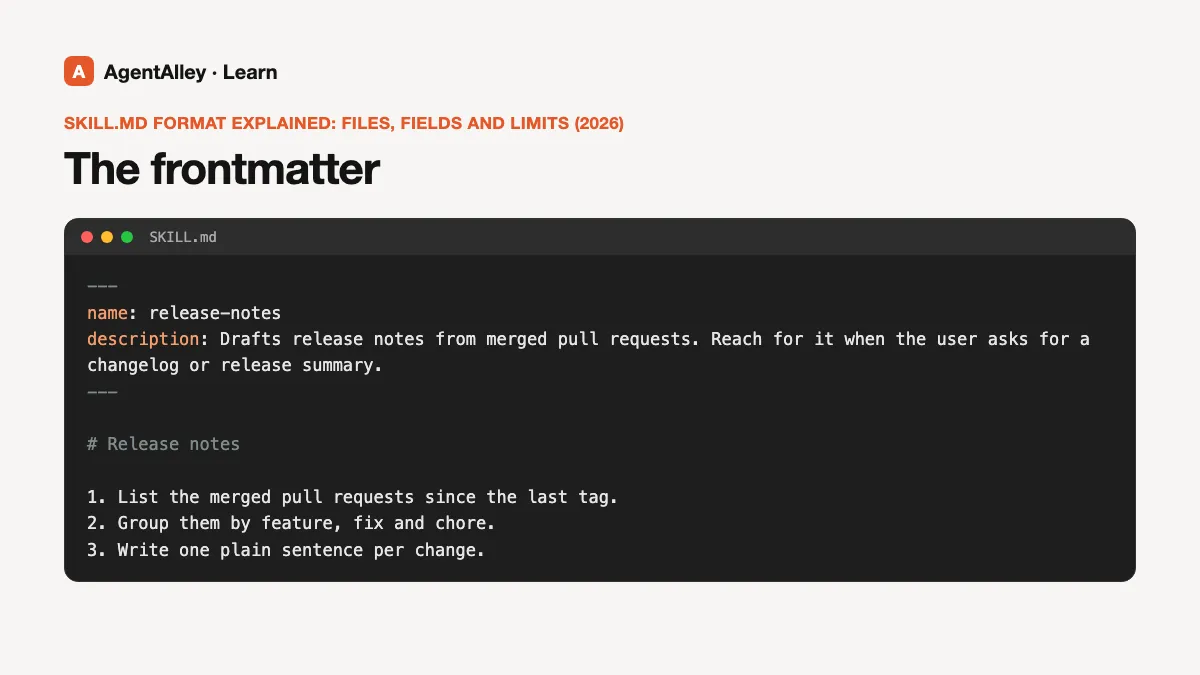
The top of the file sits between two lines of three dashes. Per the spec, two fields are required:
name– 1 to 64 characters, lowercase letters, numbers and hyphens only. It cannot start or end with a hyphen, cannot contain two hyphens in a row, and must match the name of the folder.description– 1 to 1024 characters. The spec asks it to say what the skill does and when an agent should reach for it, and to include the words a person would type when they need it.
A minimal example looks like this:
---
name: release-notes
description: Drafts release notes from merged pull requests. Reach for it when the user asks for a changelog or release summary.
---

# Release notes

1. List the merged pull requests since the last tag.
2. Group them by feature, fix and chore.
3. Write one plain sentence per change.
Optional fields in the spec are license, compatibility (up to 500 characters, for things like "needs git and internet access"), metadata (a map of string keys to string values) and allowed-tools, which the spec marks as experimental.
What Claude Code adds
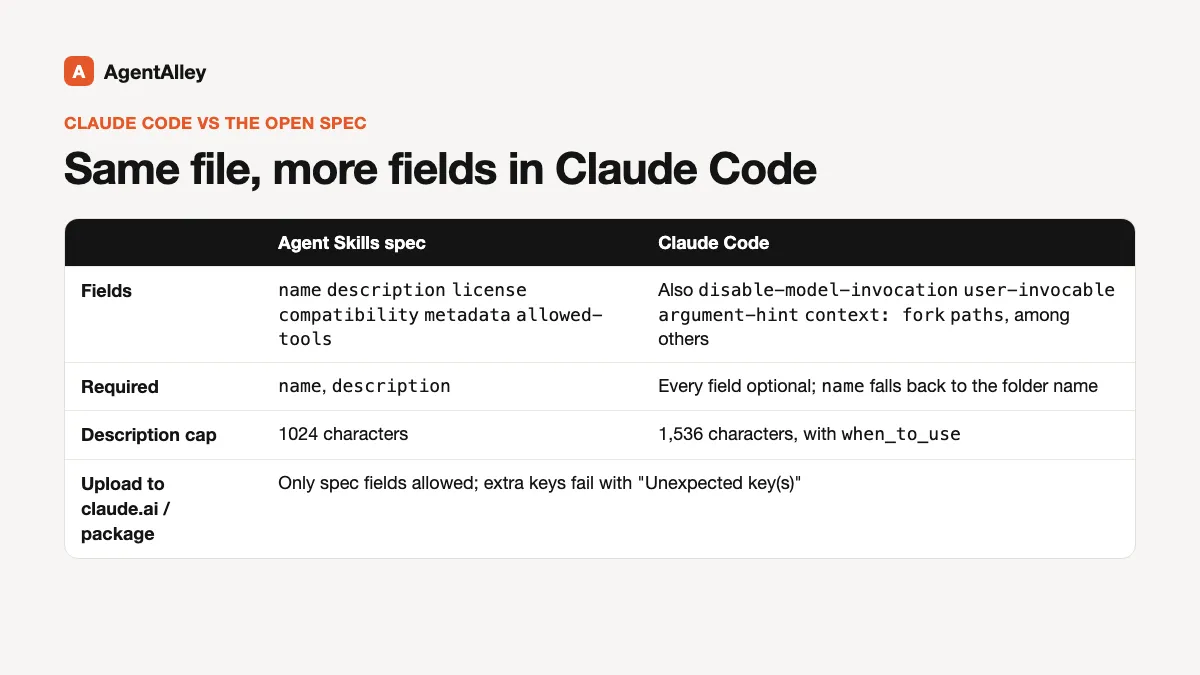
Claude Code reads the same file but accepts more fields. Its docs list, among others, disable-model-invocation (stop Claude from loading the skill on its own), user-invocable (hide it from the / menu), argument-hint, context: fork to run the skill in a subagent, and paths to load it only when matching files are in play. In Claude Code every field is optional and name falls back to the folder name.
One limit to know: Claude Code caps the description, together with the optional when_to_use field, at 1,536 characters in the skill listing. The open spec's own cap on description is lower, 1024, so if you want one file that works everywhere, stay under 1024.
The docs also warn that when you upload a skill to claude.ai or package it, only the spec fields are allowed (name, description, license, compatibility, metadata, allowed-tools). Extra keys make the upload fail with an "Unexpected key(s)" error.
How agents load it
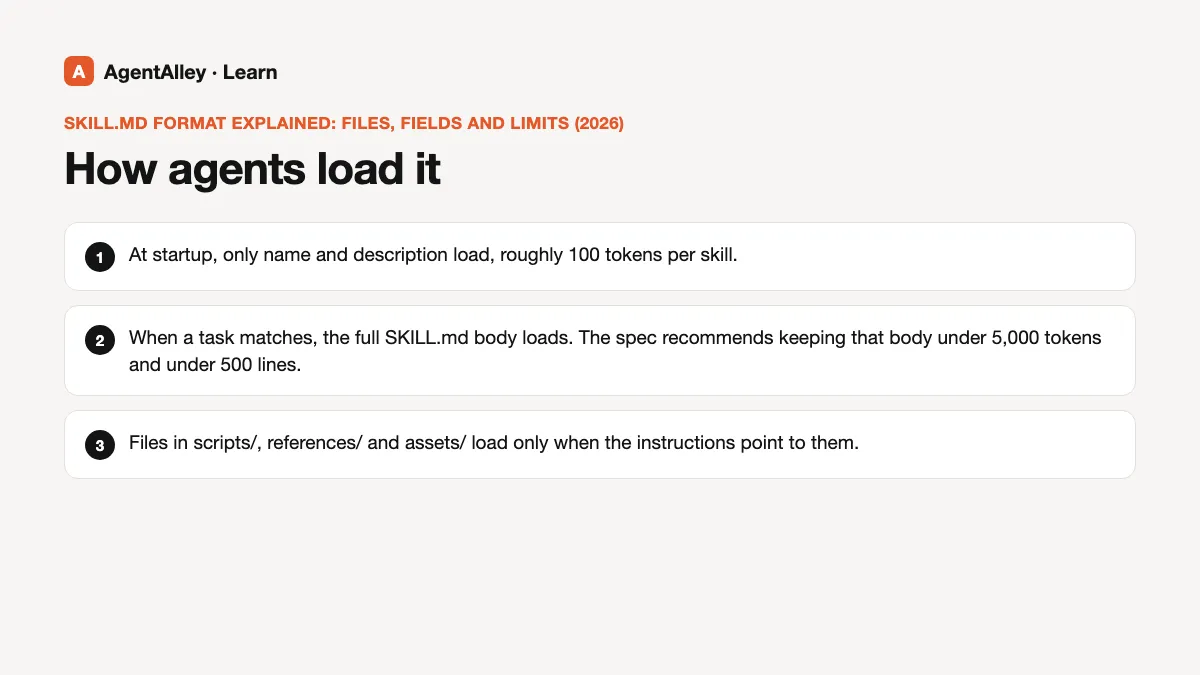
The spec calls this progressive disclosure, and it is the reason the format looks the way it does:
- At startup, only
nameanddescriptionload, roughly 100 tokens per skill. - When a task matches, the full
SKILL.mdbody loads. The spec recommends keeping that body under 5,000 tokens and under 500 lines. - Files in
scripts/,references/andassets/load only when the instructions point to them.
That is why the description matters more than any other line. It is the only part the agent sees before it decides. A vague description such as "Helps with PDFs" gets skipped; one that names the task and the trigger words gets picked.
Where the folder goes
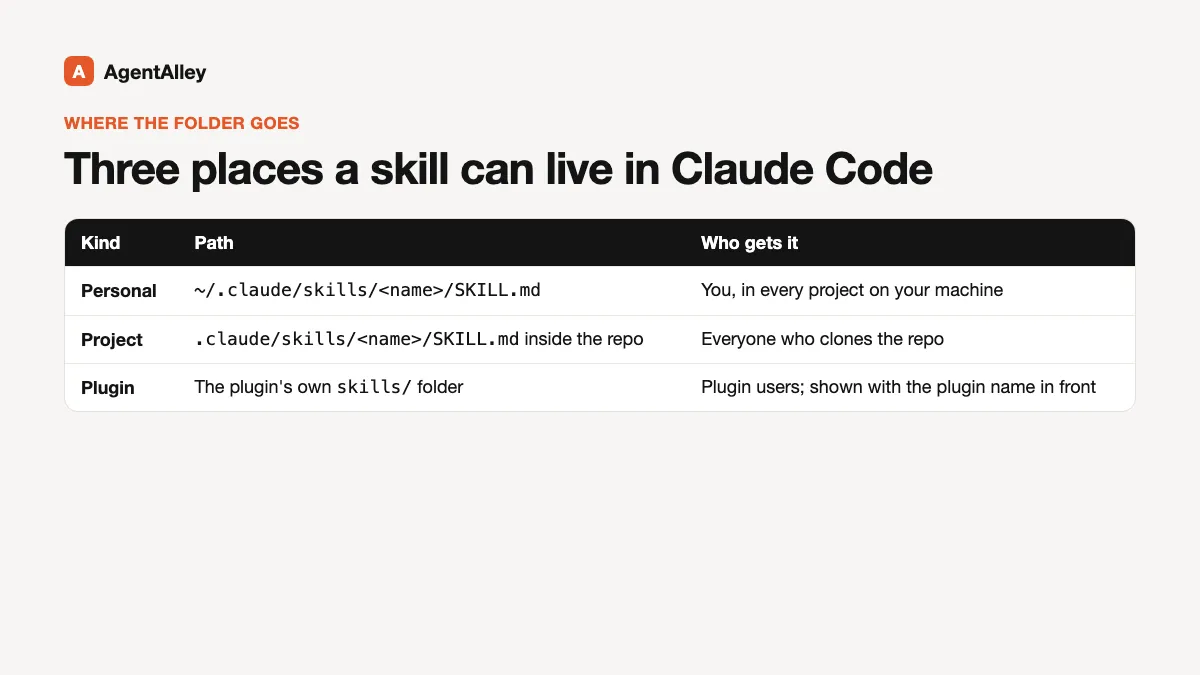
In Claude Code, a personal skill lives at ~/.claude/skills/<name>/SKILL.md and is available in every project on your machine. A project skill lives at .claude/skills/<name>/SKILL.md inside the repo, so everyone who clones it gets it. Plugins ship skills under their own skills/ folder, and those show up with the plugin name in front.
Checking your file
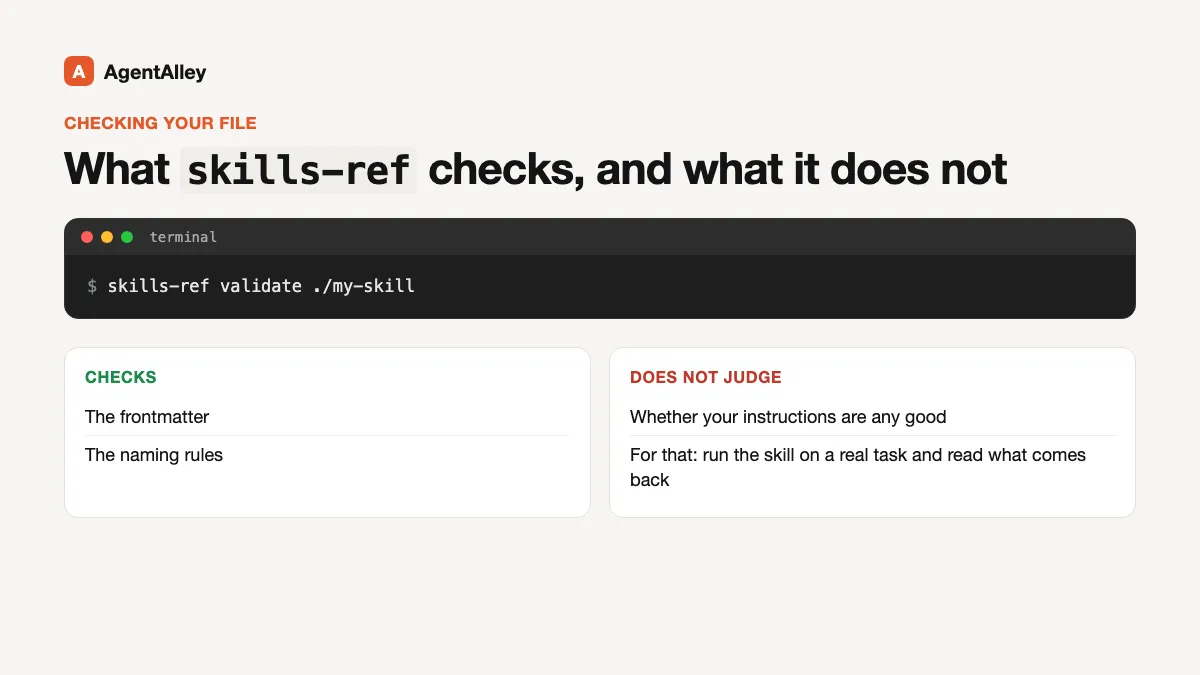
The spec points to a small validator, skills-ref, that you run as skills-ref validate ./my-skill. It checks the frontmatter and the naming rules above. It does not judge whether your instructions are any good; for that you still have to run the skill on a real task and read what comes back.
Skills that help you write skills
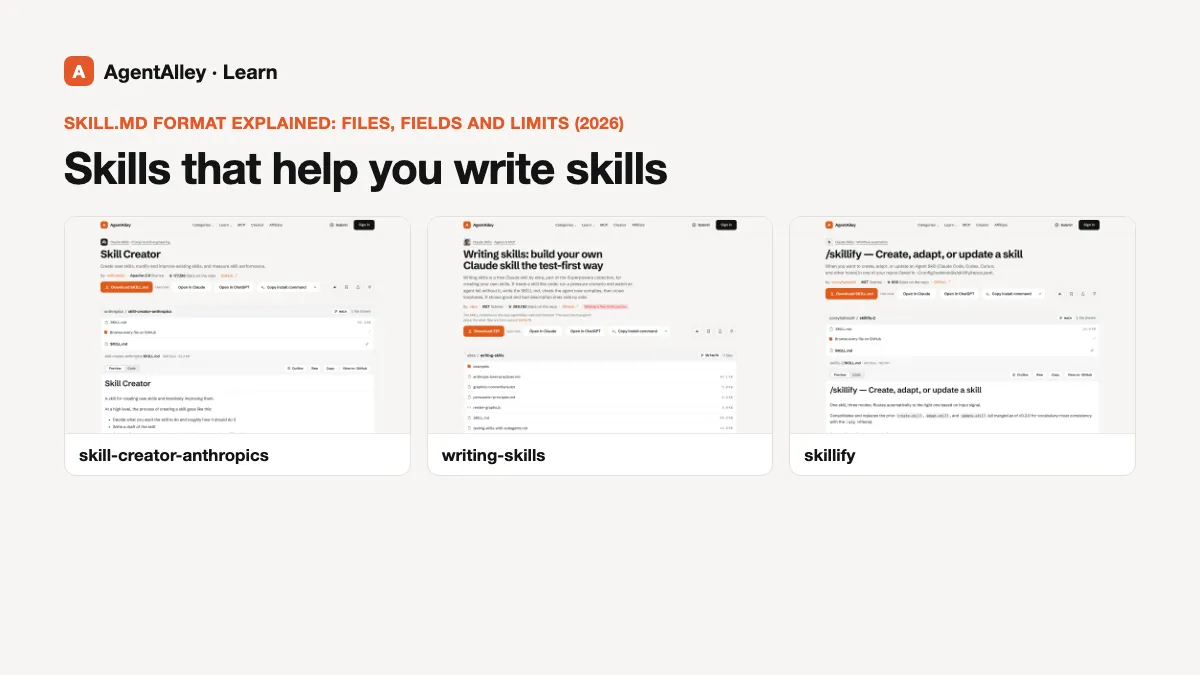
If you would rather not start from a blank file, these three on AgentAlley are skills whose whole job is writing other skills:
- skill-creator by Anthropic walks you through drafting a new skill, then running it against test prompts and tightening the description.
- writing-skills from the Superpowers collection treats a skill like code: write it, check it against a real case, then revise.
- skillify turns a workflow you just did by hand into a reusable skill.
Read each item page for the install steps and the license before you copy it into your own folder.