What is SKILL.md frontmatter? Every field, in plain English (2026)
Updated October 2026. Facts below were read on 18 October 2026 from the Agent Skills specification and the Claude Code skills docs.
What is SKILL.md frontmatter? It is the short block of YAML at the very top of a SKILL.md file, fenced by two lines of three dashes. It tells an agent what the skill is called and when to load it. The Markdown under it is the actual instructions. If the frontmatter is wrong, the instructions never get read, so this block is worth five careful minutes.
Why it matters more than the body
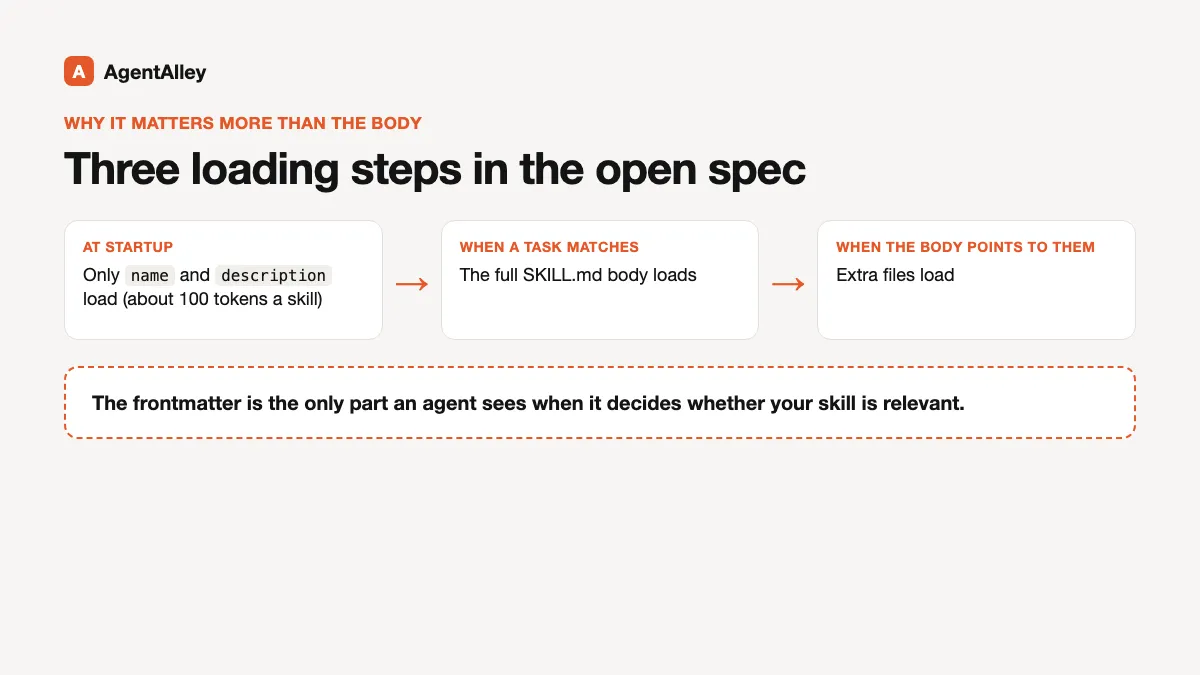
Agents do not read every skill in full. The open spec describes three steps: at startup only the name and description load (about 100 tokens a skill), the full body loads when a task matches, and extra files load only when the body points to them. The frontmatter is the only part an agent sees when it decides whether your skill is relevant.
The two required fields
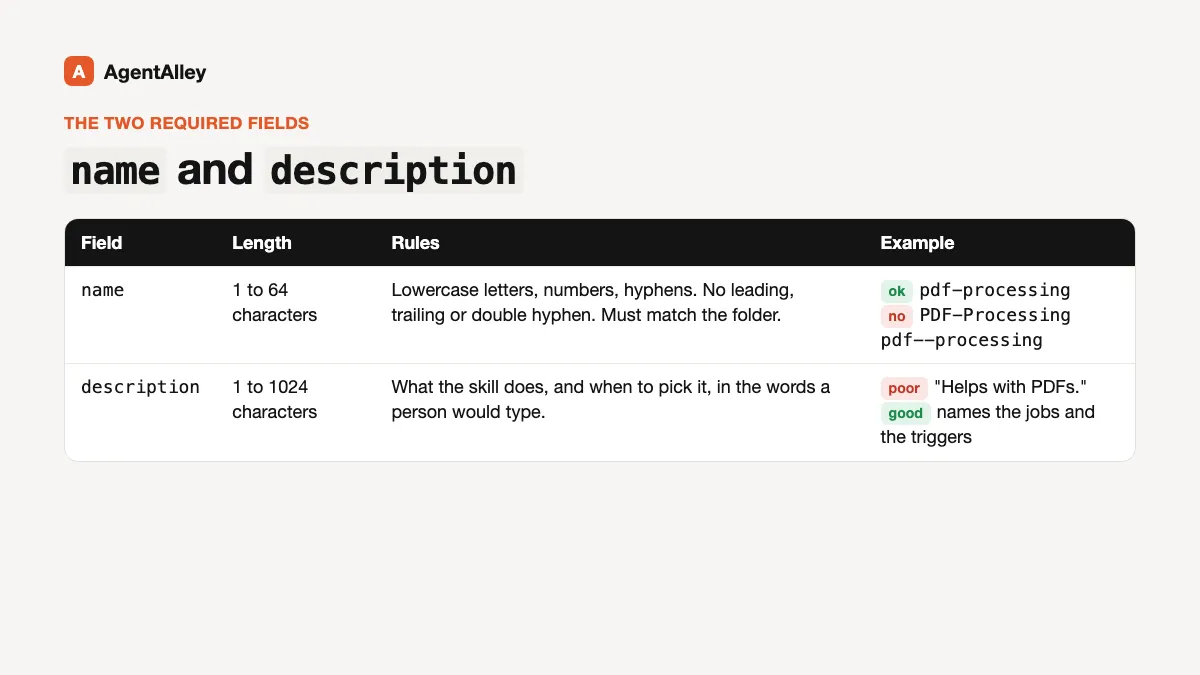
The spec requires two fields.
name is 1 to 64 characters of lowercase letters, numbers and hyphens. No leading or trailing hyphen, no double hyphen, and it must match the folder the file sits in. pdf-processing is fine; PDF-Processing and pdf--processing are not.
description is 1 to 1024 characters. The spec asks for two things in it: what the skill does, and the situations where it should be picked, written with the words a person would really type. Its own poor example is "Helps with PDFs." Its good example names the jobs (extract text and tables, fill forms, merge files) and the triggers (PDFs, forms, document extraction).
The four optional spec fields
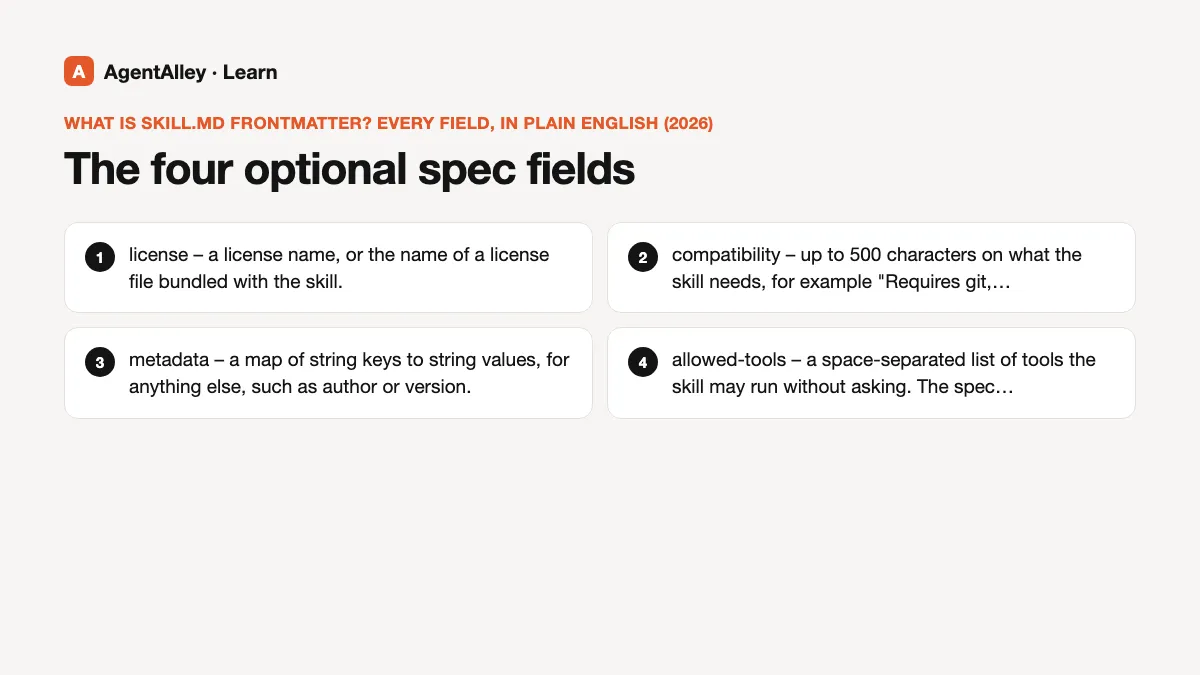
license– a license name, or the name of a license file bundled with the skill.compatibility– up to 500 characters on what the skill needs, for example "Requires git, docker, jq, and access to the internet". The spec notes most skills do not need it.metadata– a map of string keys to string values, for anything else, such as author or version.allowed-tools– a space-separated list of tools the skill may run without asking. The spec marks it experimental, so support varies between agents.
The extra fields Claude Code reads
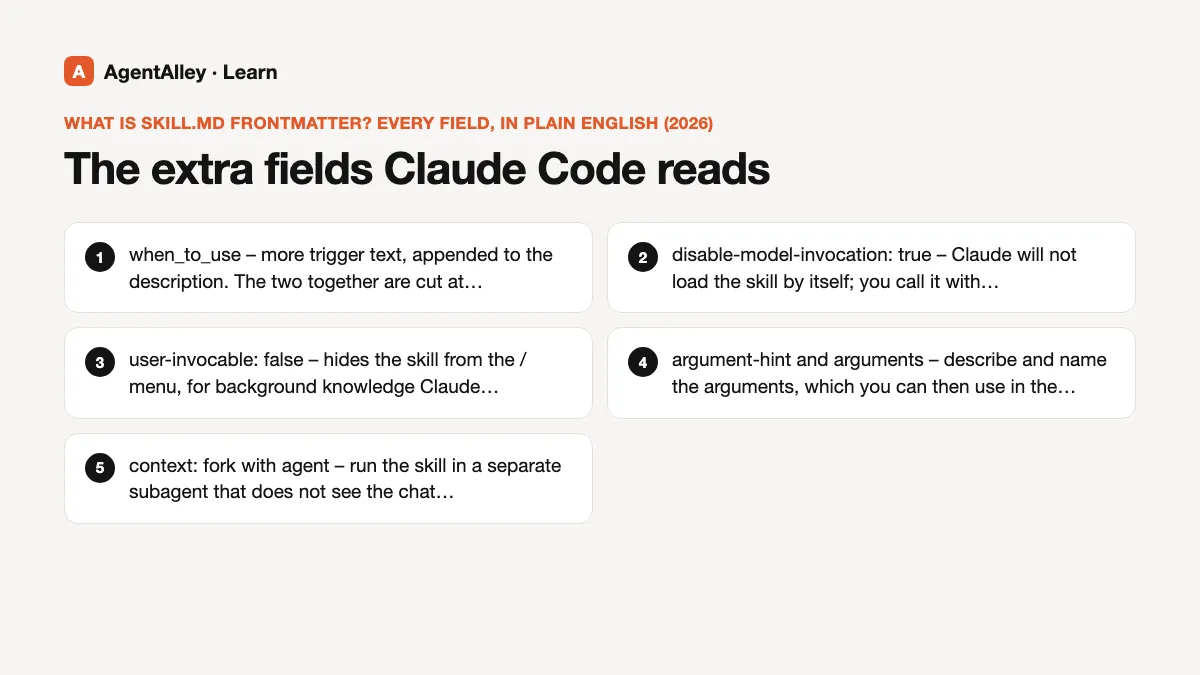
Claude Code accepts the spec fields and adds its own. A few you are likely to use:
when_to_use– more trigger text, appended to the description. The two together are cut at 1,536 characters in the skill listing.disable-model-invocation: true– Claude will not load the skill by itself; you call it with/name. The docs suggest this for things like a deploy workflow.user-invocable: false– hides the skill from the/menu, for background knowledge Claude should pick up on its own.argument-hintandarguments– describe and name the arguments, which you can then use in the body as$ARGUMENTSor$name.context: forkwithagent– run the skill in a separate subagent that does not see the chat history.paths– glob patterns, so the skill loads only when matching files are involved.modelandeffort– override the model or effort level for that skill.
In Claude Code every field is optional, and name falls back to the folder name. That is looser than the spec.
Three mistakes that bite
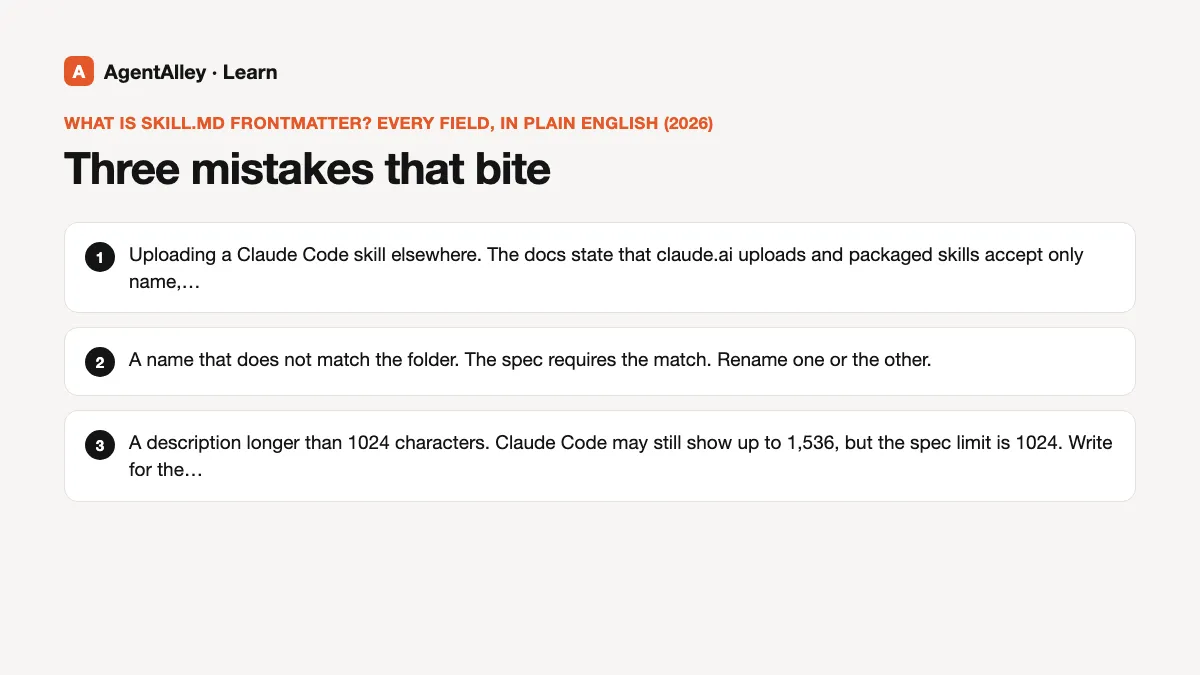
- Uploading a Claude Code skill elsewhere. The docs state that claude.ai uploads and packaged skills accept only
name,description,license,compatibility,metadataandallowed-tools. Any other key fails with "Unexpected key(s)". Keep Claude Code extras out if you plan to share the file. - A name that does not match the folder. The spec requires the match. Rename one or the other.
- A description longer than 1024 characters. Claude Code may still show up to 1,536, but the spec limit is 1024. Write for the stricter number.
You can check the spec rules with the reference validator: skills-ref validate ./my-skill.
A frontmatter you can copy
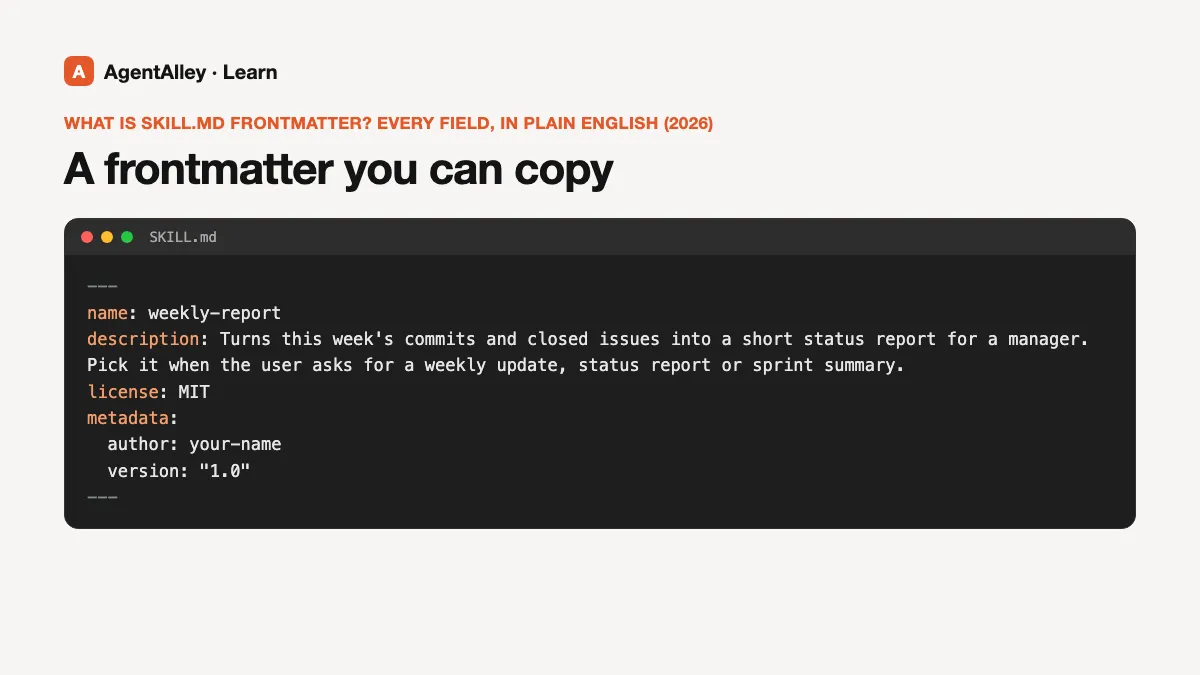
---
name: weekly-report
description: Turns this week's commits and closed issues into a short status report for a manager. Pick it when the user asks for a weekly update, status report or sprint summary.
license: MIT
metadata:
  author: your-name
  version: "1.0"
---
Skills that write this block for you
- skill-creator by Anthropic drafts a new skill, including the frontmatter, and helps you sharpen the description.
- writing-skills is the Superpowers writing-skills guide as republished in the Claude Code Templates collection: for creating, editing and checking skills before you rely on them.
- CreateSkill from Daniel Miessler's LifeOS repo scaffolds a new skill folder in his house style.
Open each item page for the install steps and the license before you use it.