Best skills to stop emails going to spam in 2026: six free picks
Updated 28 November 2026. Each item below was read from its own page on AgentAlley on 28 November 2026.
"Our campaigns keep going to Promotions, sometimes Spam, mainly on Gmail. SPF and DKIM are configured on our domain. Is DMARC the missing piece?" That is a recent r/Emailmarketing post from someone running email for a startup, and the replies are a good map of the problem. One says Promotions is normal for marketing mail and only Spam needs fixing. Another says to check that SPF or DKIM aligns with the From domain, not just passes. A third points at a new click-tracking domain with no reputation of its own.
The rules behind those replies are public. Google's email sender guidelines ask every sender to set up SPF or DKIM and keep the spam rate in Postmaster Tools below 0.3%. Senders of more than 5,000 messages a day to Gmail also need SPF, DKIM and a DMARC record (a policy of none is accepted), a From domain aligned with SPF or DKIM, and one-click unsubscribe on marketing mail. Constant Contact's guide makes a useful point for anyone hunting for the "bad word": filters weigh authentication, reputation and engagement far more than single words. Postmark's list of reasons adds the part people forget, which is links and images hosted on domains that are not yours.
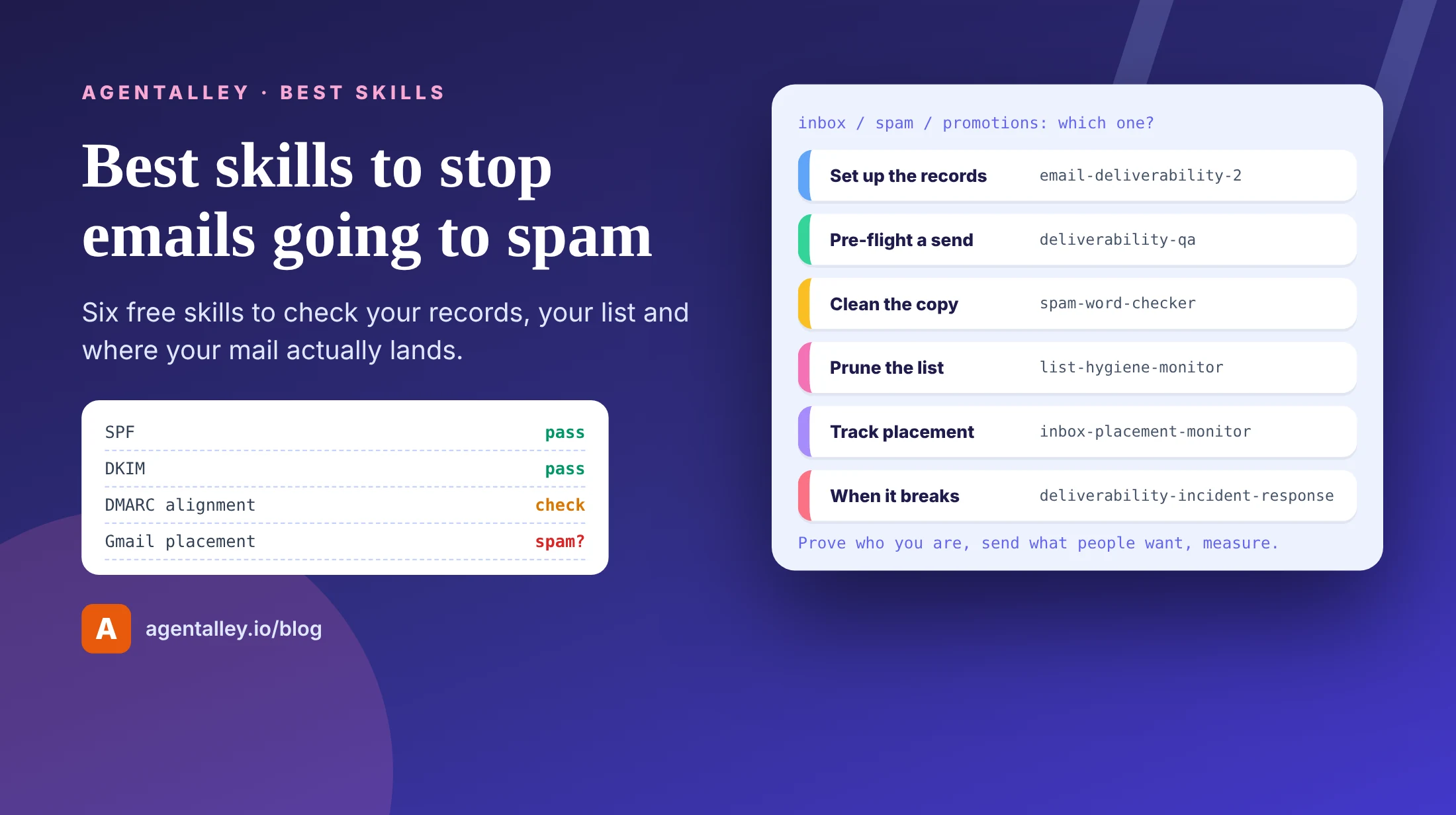
So the job has four parts: prove who you are, send only to people who want the mail, keep the message plain, and measure where it lands. A skill is a folder with a SKILL.md file that an agent such as Claude Code loads when your request matches it. Below are six free skills on AgentAlley for that job, in the order you will reach for them.
1. email-deliverability-2
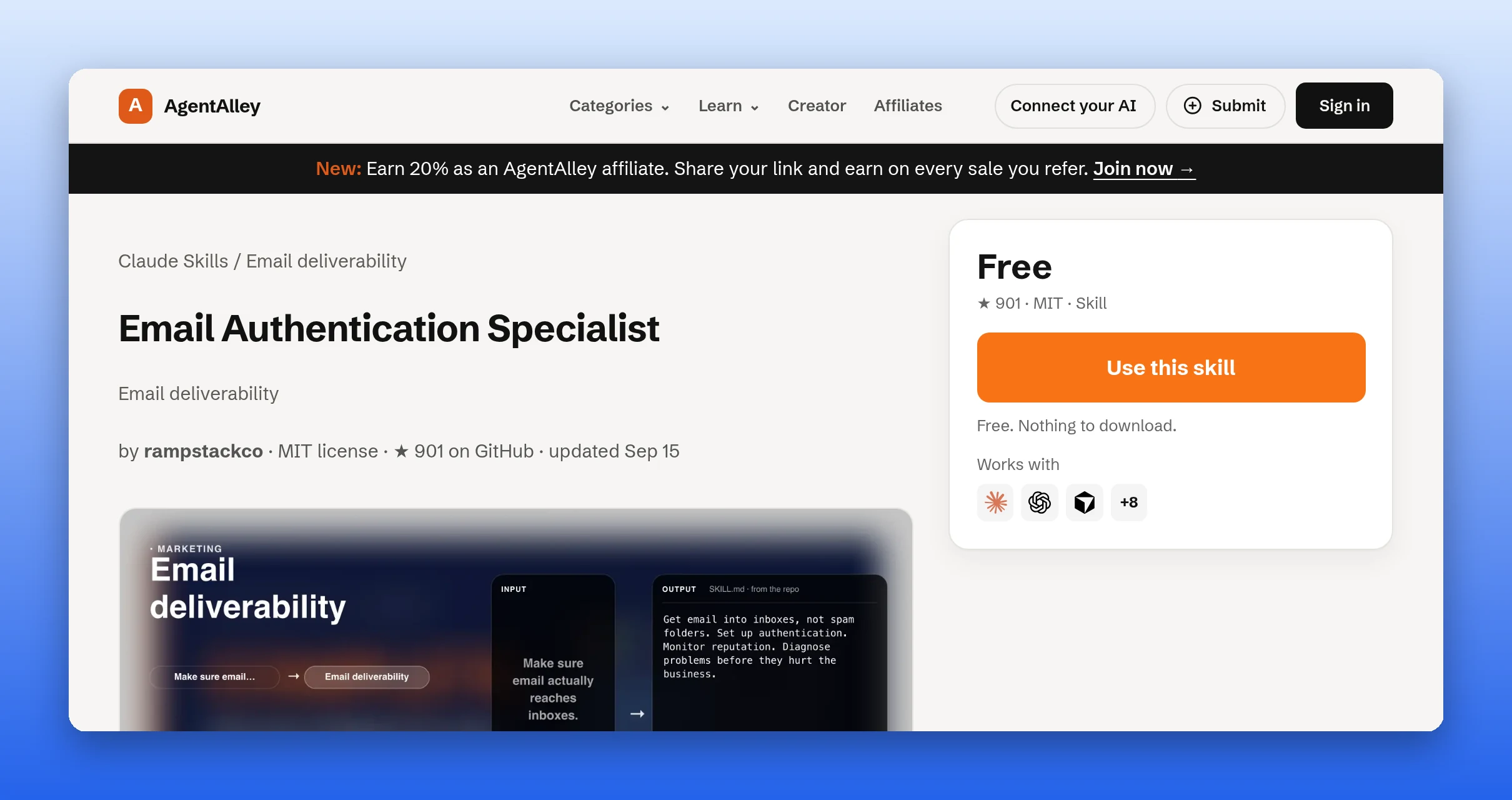
email-deliverability-2 by rampstackco (MIT) is the setup guide. It works on three pillars: authentication, reputation, and list quality. It starts with dig commands for your SPF, DKIM and DMARC records, then walks through the fixes in order: one combined SPF record under ten lookups, a DKIM selector per sending service, and DMARC rolled out from p=none to quarantine to reject over weeks of reading reports. Its list of failure patterns is worth reading on its own: two SPF records on one domain, an ESP signing with its own DKIM instead of yours, and marketing mail sent from the same domain as your receipts.
Good for: a first audit document listing every sending domain, every service that sends as you, and which record each one is missing.
The catch: it is a guide, not a scanner. The agent still needs your DNS records and ESP settings, and the BIMI step needs a trademarked logo and a paid certificate.
2. deliverability-qa
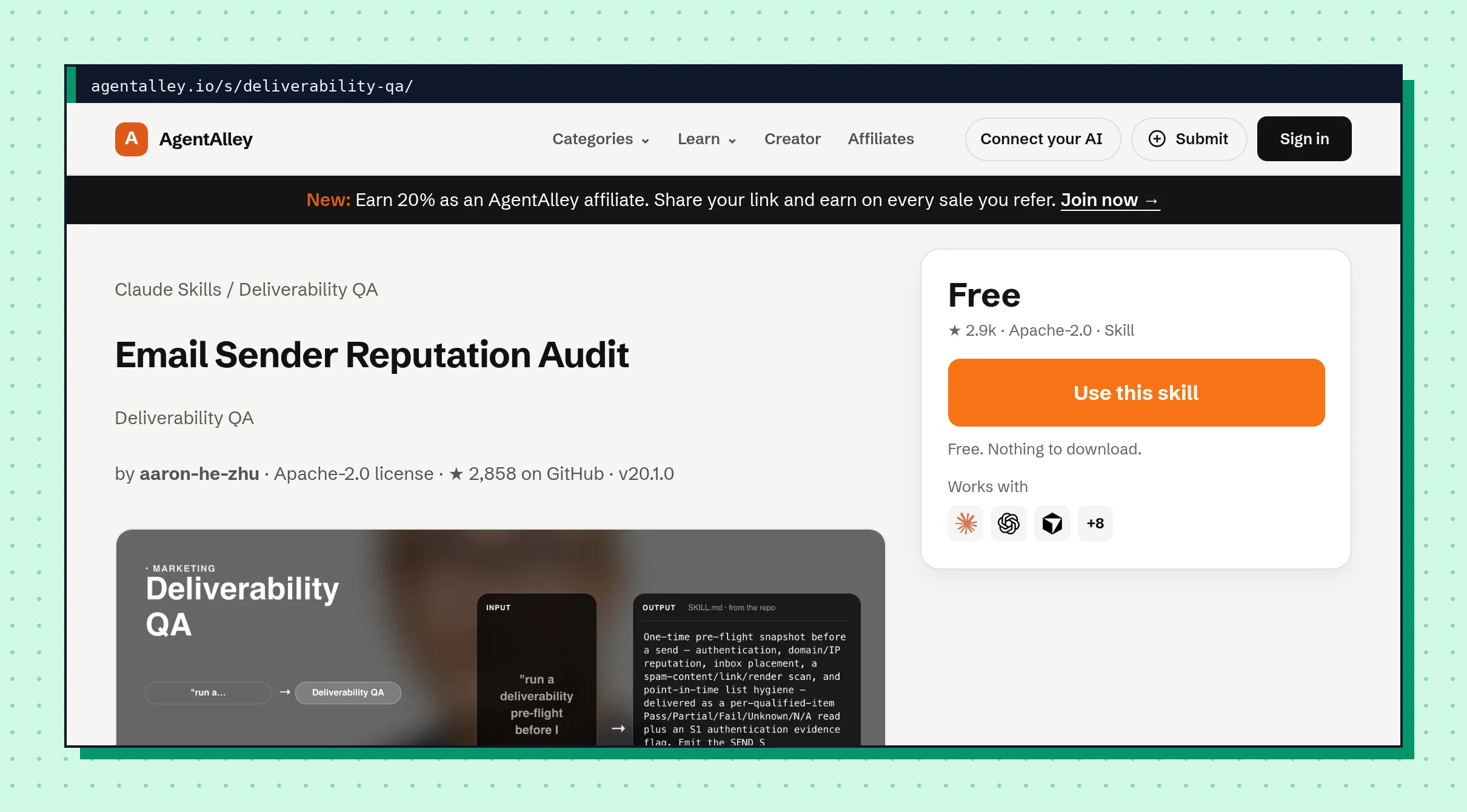
deliverability-qa by aaron-he-zhu (Apache-2.0) is a pre-flight check before a big send. Give it your sending domain, a DNS export, a DMARC aggregate report, a seed-list placement test and your ESP's deliverability report, and it returns Pass, Partial, Fail, Unknown or N/A for each item, plus a scan of the content, links and rendering. The most useful rule: nothing passes by default. If an input is missing, it says NEEDS_INPUT and lists the gap instead of guessing a score.
Good for: answering "is it safe to send this campaign to the whole list today?" with evidence.
The catch: it is part of a larger marketing skill pack and hands off to sibling skills by name. Every input is your own export, so it is only as good as the files you give it.
3. spam-word-checker
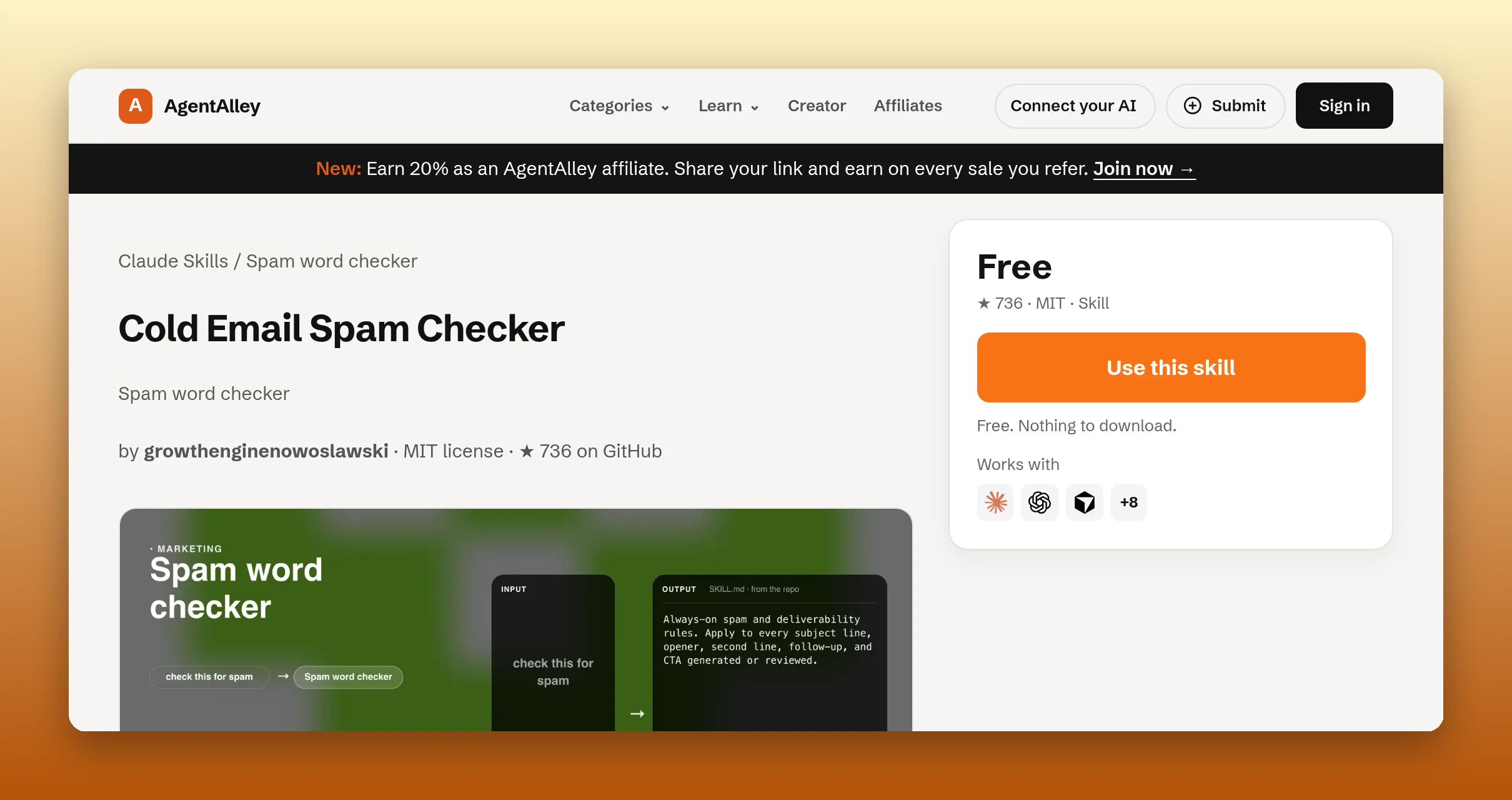
spam-word-checker by growthenginenowoslawski (MIT) is a set of always-on rules for outreach copy. It bans pressure phrases, phishing-style lines such as "confirm your details", ALL CAPS, stacked exclamation marks and excessive links, and gives a plain replacement for each, such as "let me know and I can send it over" instead of "click here". It also has a fair rule about closing lines: never promise to stop emailing on silence if the sequence will keep going.
Good for: cold email and follow-ups, where a calm, specific tone also tends to get more replies.
The catch: its single-word ban list is very strict and includes everyday words like "new" and "open". It was written for cold outreach, so for newsletters treat it as a style check. As the guides above say, words alone rarely decide where a message lands.
4. list-hygiene-monitor
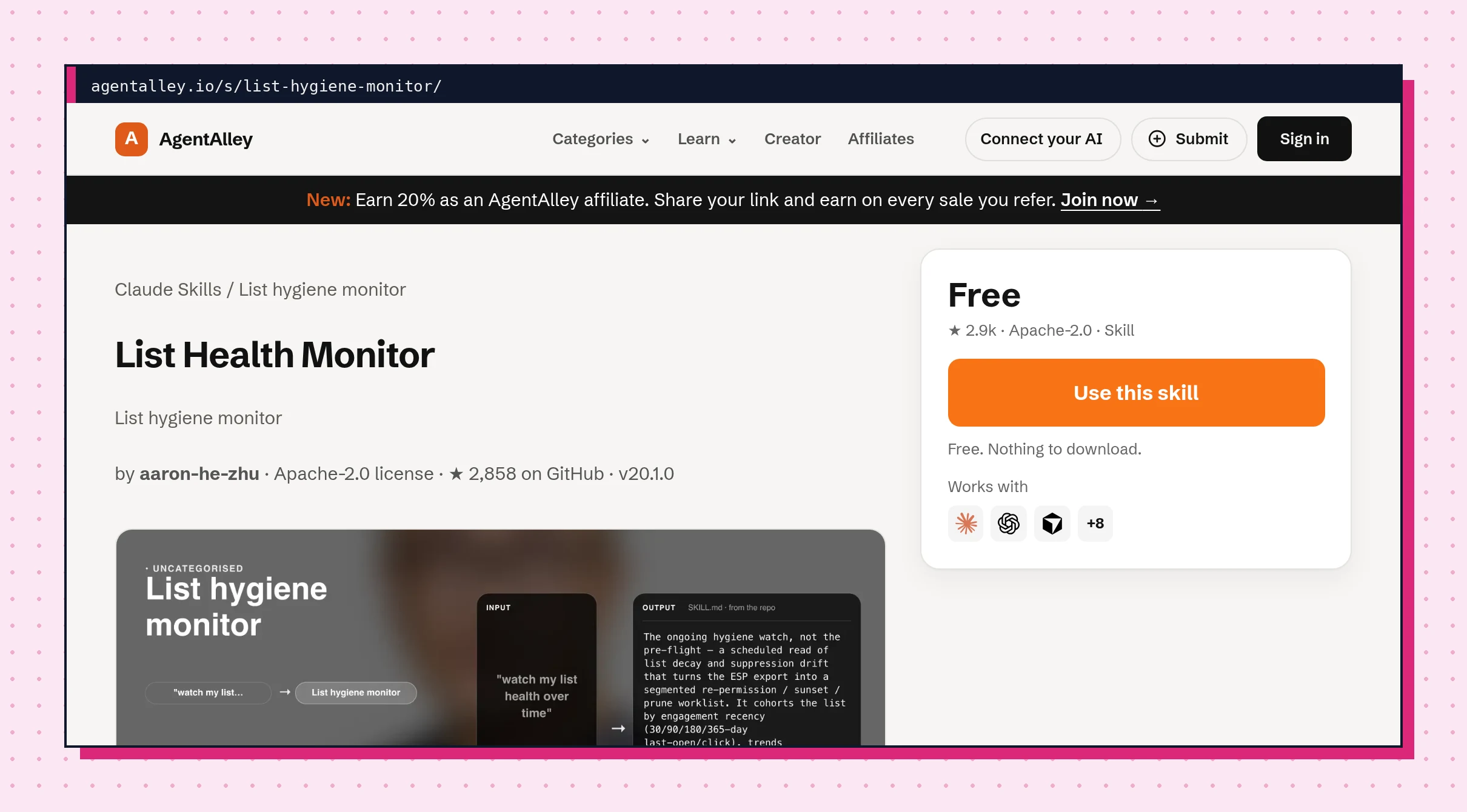
list-hygiene-monitor by aaron-he-zhu (Apache-2.0) is the recurring check between sends. From your ESP's engagement export it groups subscribers by last open or click (30, 90, 180 and 365 days), trends hard bounces and spam complaints against your last baseline, and builds a worklist with three groups: re-permission, sunset, and prune. It keeps raw email addresses out of its saved notes.
Good for: the advice from the Reddit thread above: stop mailing people who have not opened in months while your domain rebuilds trust.
The catch: it needs member-level exports, and it is a monthly habit, not a one-time fix. The re-permission campaign itself is a separate skill.
5. inbox-placement-monitor
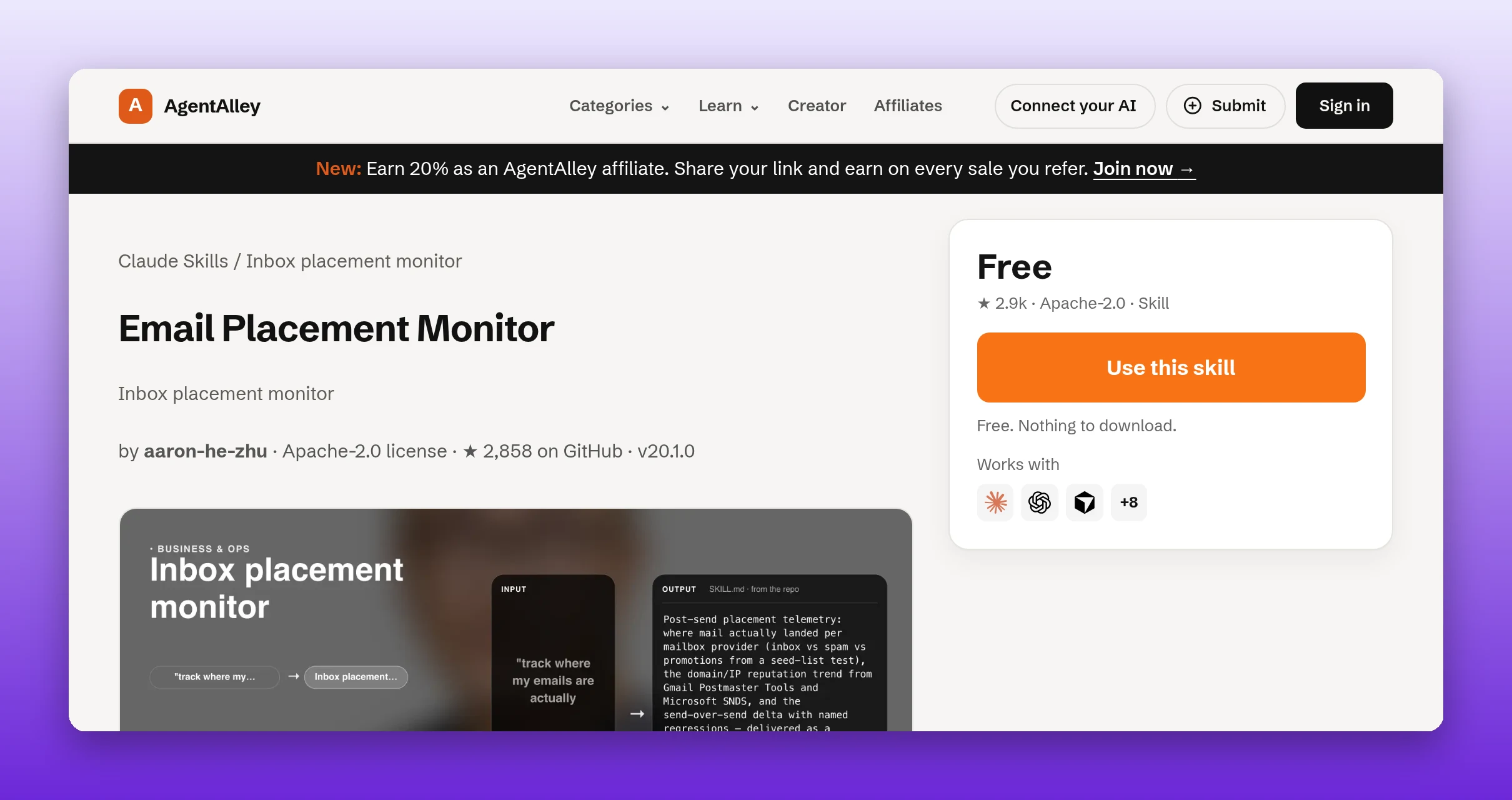
inbox-placement-monitor by aaron-he-zhu (Apache-2.0) answers "where did it actually land?" after a send. It reads a seed-list test (inbox, spam or promotions for Gmail, Outlook, Yahoo and Apple), trends your domain and IP reputation from Gmail Postmaster Tools and Microsoft SNDS, and compares this send with the last one, naming each provider that got worse.
Good for: spotting the pattern in the Reddit post, where one provider sends you to spam while another delivers.
The catch: you need a seed test and the Postmaster or SNDS exports. Seed accounts never engage, so treat their results as a direction, not an exact share. Postmaster data can also take days to catch up after a change.
6. deliverability-incident-response
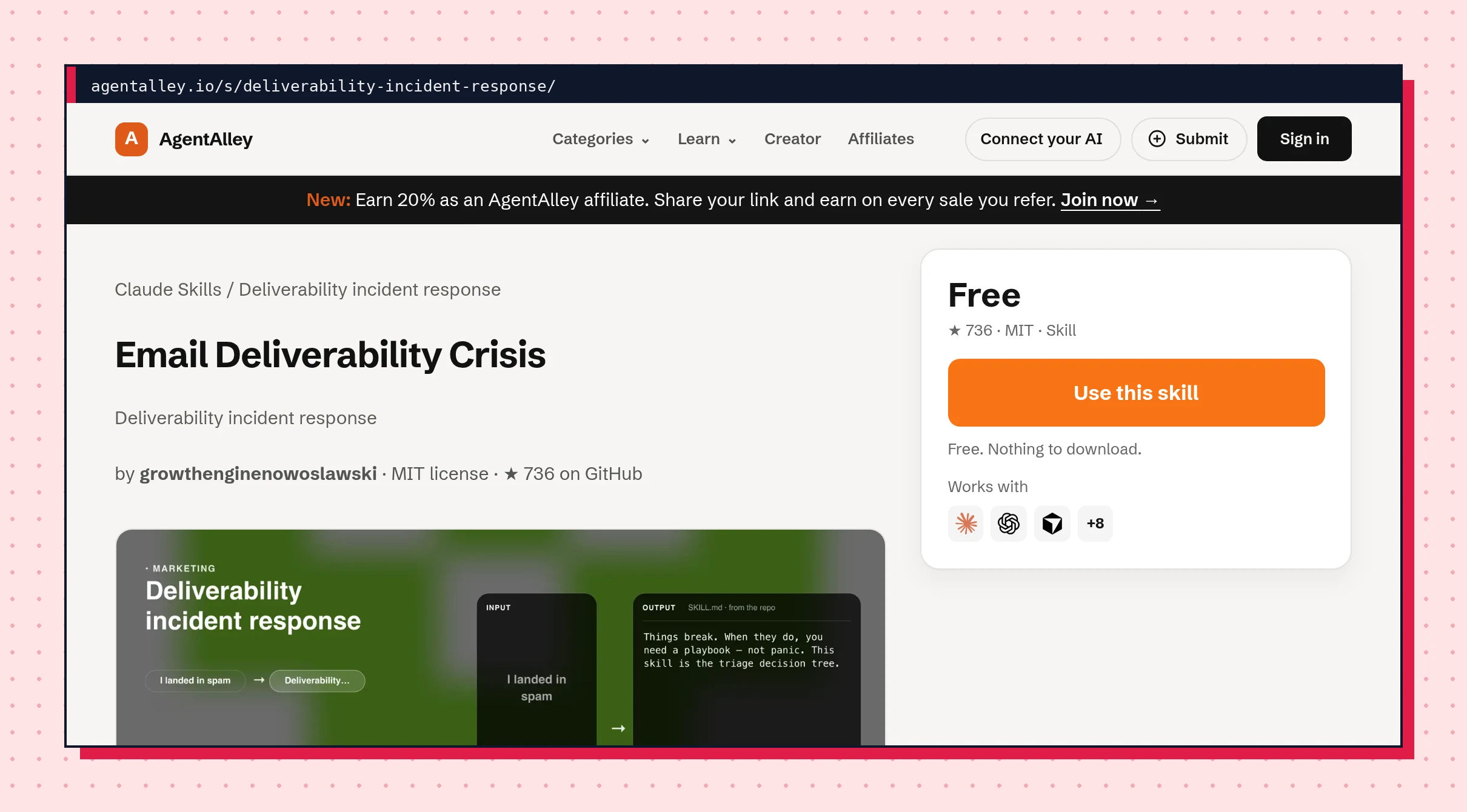
deliverability-incident-response by growthenginenowoslawski (MIT) is the playbook for the bad week. It covers five incidents (reply rate drop, bounce spike, blocklisting, warmup blocks, Gmail promotions) with a decision tree for each. The best part is how it reads bounces: by SMTP code, not hard or soft. A 5.1.1 means the address does not exist, a 5.7.x policy refusal points at your authentication, and a 4.x code is temporary throttling, so the answer is to slow down, not to replace the domain.
Good for: cold email teams who need to decide in an hour whether to pause, fix DNS, clean the list or slow down.
The catch: several steps call scripts and APIs from the same creator's Smartlead toolkit, which this ZIP does not include. Without Smartlead, use the decision trees and run the checks by hand.
How to use them together
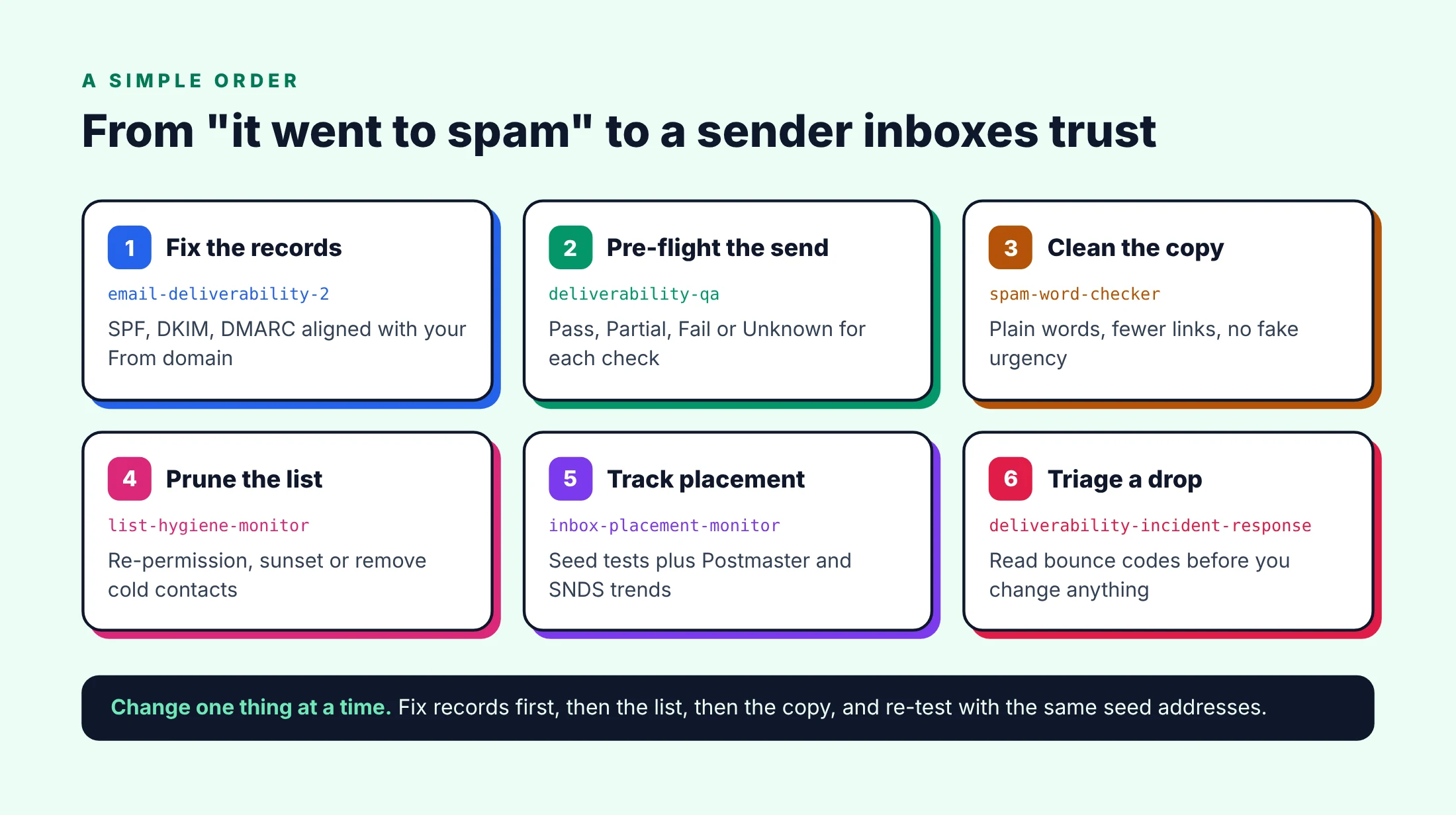
- Send one message to a Gmail address you own, open it, choose Show original, and note SPF, DKIM and DMARC. Then ask your agent to run email-deliverability-2 on your domain and fix what fails, starting with alignment.
- Before the next campaign, run deliverability-qa with your DNS export and ESP report, and fix every Fail.
- Pass your subject lines and first email through spam-word-checker, and send the first email with few or no links.
- Run list-hygiene-monitor and pause the cold segments for a few weeks.
- After the send, run inbox-placement-monitor against the same seed addresses and compare.
- If replies or placement drop sharply, open deliverability-incident-response and classify the bounces before you change anything.
What no skill does for you
No skill can make a mailbox provider trust you. Constant Contact notes that technical fixes can work quickly, but rebuilding reputation can take weeks of permission-based sending, and Google's list of top sender issues says it can take time for spam classification to adjust after your spam rate improves. If you bought a list, the honest fix is to stop mailing it. If you send from a free Gmail or Outlook address, move to a domain you own, because your ESP cannot sign as gmail.com for you. We have not run these skills on a client's sending domain, so there are no before and after numbers here.
Install
Open each item page, check the license and the files, and follow the install steps there. For the general skill flow, read how to install a skill.
Let your agent find these skills for you
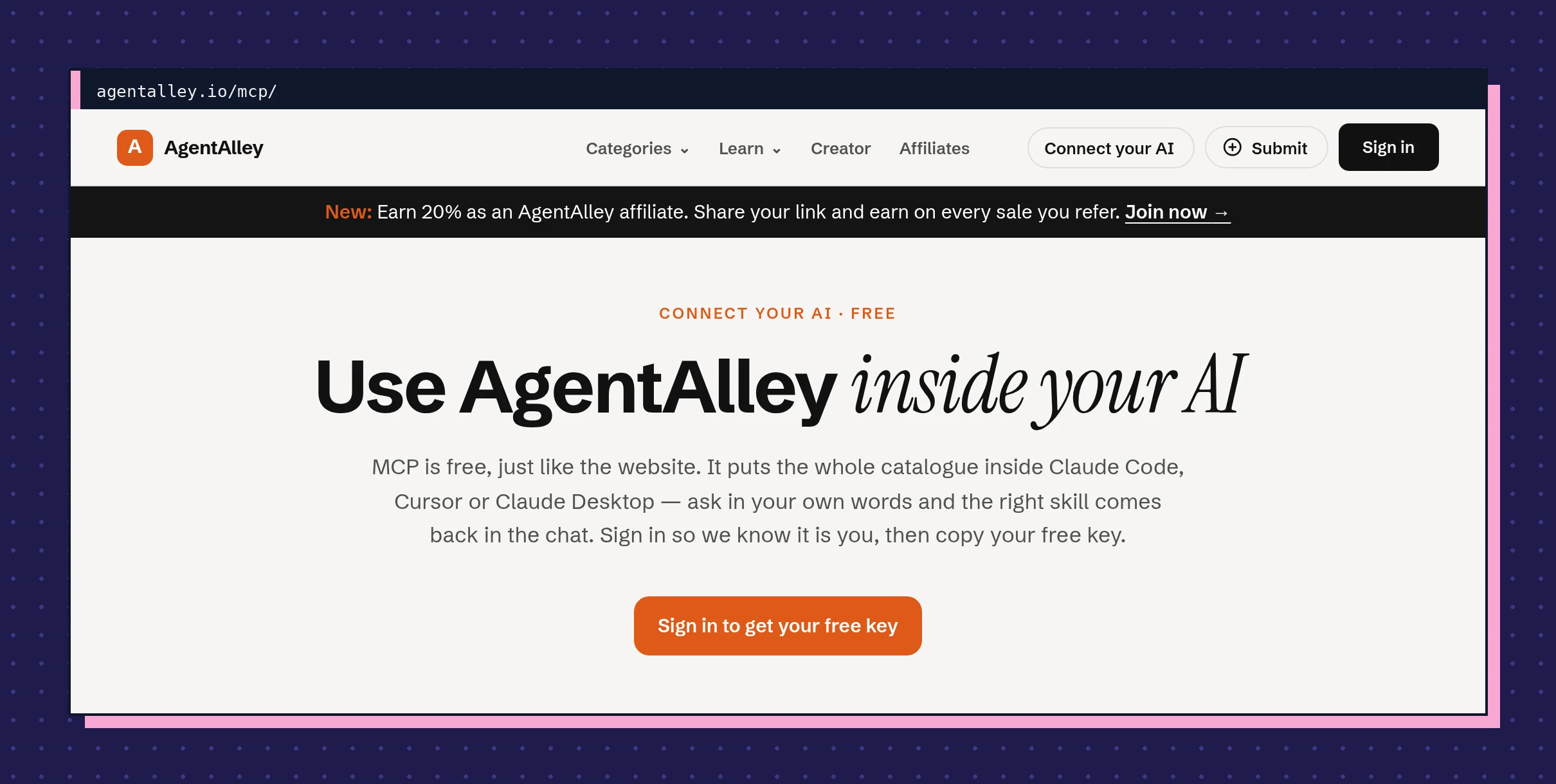
- Open agentalley.io/mcp, sign in (free, no card) and create your key.
- In Claude Code, run:
claude mcp add --transport http agentalley https://agentalley.io/mcp --header "Authorization: Bearer aa_mcp_..."
- In Cursor, Claude Desktop or another app, follow the step-by-step guide shown on the MCP page after you sign in.
Then ask in plain words, for example "find me a skill that checks why my newsletter lands in spam," and your agent pulls the right one.