Research LinkedIn profiles and write personalized messages
Linkedin message writer
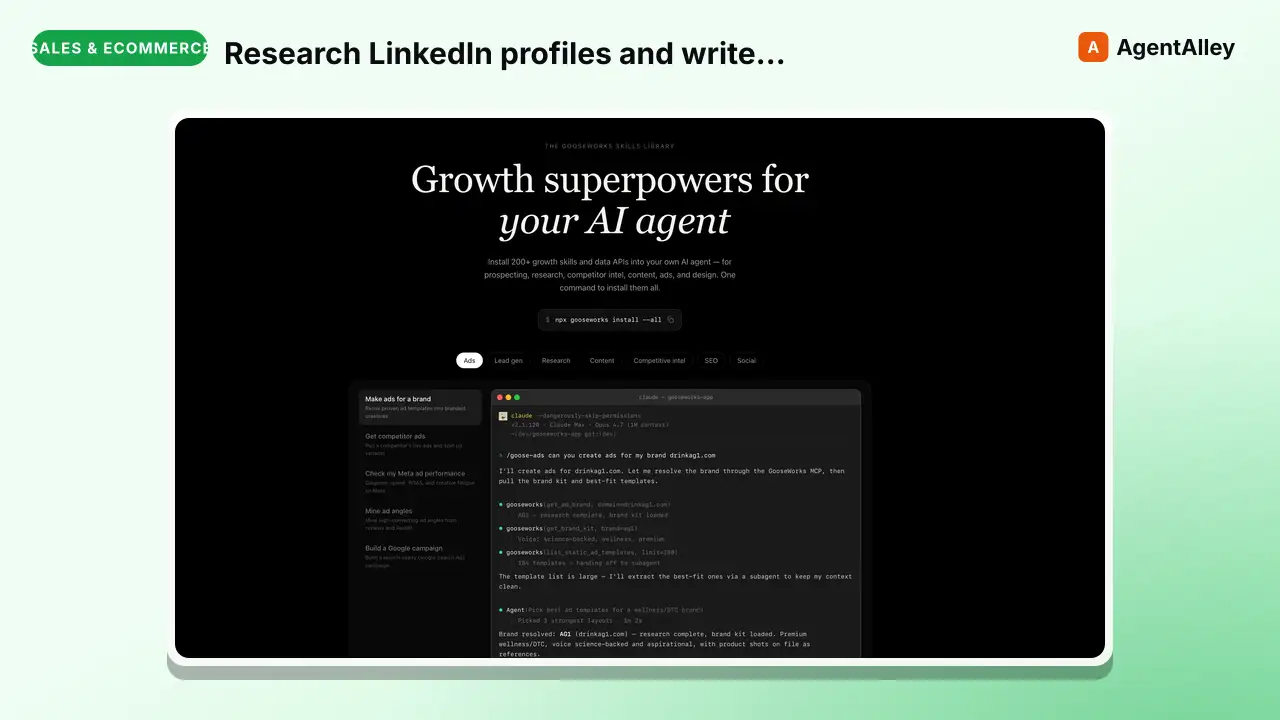
Research LinkedIn profiles and write personalized messages for any LinkedIn message type — connection requests, InMails, DMs, message requests, post comments, and comment replies. Takes LinkedIn URLs as input, researches each person…
---
name: linkedin-message-writer
description: >
  Research LinkedIn profiles and write personalized messages for any LinkedIn message type —
  connection requests, InMails, DMs, message requests, post comments, and comment replies.
  Takes LinkedIn URLs as input, researches each person (profile data + recent posts via Apify),
  and generates messages tailored to each lead's background, interests, and recent activity.
  Exports tool-ready CSVs for Dripify, Expandi, Botdog, PhantomBuster, or generic format.
  No LinkedIn cookies or login required.
tags: [outreach, social]
---

# LinkedIn Message Writer

Research LinkedIn leads and write personalized messages for any LinkedIn message type. Takes LinkedIn URLs, researches each person using Apify (profile + recent posts), and writes messages based on what it finds.

No LinkedIn cookies. No database setup. Just LinkedIn URLs in, personalized messages out.
Overview
Research LinkedIn leads and write personalized messages for any LinkedIn message type. Takes LinkedIn URLs, researches each person using Apify (profile + recent posts), and writes messages based on what it finds.
Manual install (npx, ZIP)
npx skills add gooseworks-ai/goose-skills --skill linkedin-message-writer -g -a claude-codemkdir -p ~/.claude/skills && curl -sL https://codeload.github.com/gooseworks-ai/goose-skills/tar.gz/615c685f34f8 \
| tar -xz -C ~/.claude/skills --strip-components=4 goose-skills-615c685f34f8/skills/outreach/capabilities/linkedin-message-writerNew-Item -ItemType Directory -Force "$HOME\.claude\skills" | Out-Null; Invoke-WebRequest "https://m.agentalley.io/zip/86a7d5a8e9ff09d87487/linkedin-message-writer.zip" -OutFile "$env:TEMP\linkedin-message-writer.zip"; Expand-Archive "$env:TEMP\linkedin-message-writer.zip" -DestinationPath "$HOME\.claude\skills" -ForceConnects with Agent Alley MCP · agentalley.io/mcp
Files included
SKILL.md13.4 KBskill.meta.json283 B
Read the files here
gooseworks-ai/
Show the full text350 lines
LinkedIn Message Writer
Research LinkedIn leads and write personalized messages for any LinkedIn message type. Takes LinkedIn URLs, researches each person using Apify (profile + recent posts), and writes messages based on what it finds.
No LinkedIn cookies. No database setup. Just LinkedIn URLs in, personalized messages out.
When to Auto-Load
Load this skill when:
- User says "write LinkedIn messages", "LinkedIn outreach", "connect with these leads on LinkedIn", "send LinkedIn messages"
- User has a list of LinkedIn URLs and wants to reach out
- User wants to write personalized connection requests, InMails, DMs, or comments
Prerequisites
Apify API Token
Required for researching LinkedIn profiles and posts. Set in .env:
APIFY_API_TOKEN=your_token_here
No LinkedIn cookies, login, or session tokens needed. Apify handles scraping without any LinkedIn credentials.
That's it. One env var. Nothing else.
LinkedIn Message Types Reference
This skill writes any text-based LinkedIn message type. Each type has different constraints.
| Message Type | Who Can Receive | Character Limit | When to Use |
|---|---|---|---|
| Connection request | 2nd/3rd degree connections | 200 (free) / 300 (premium) | First touch. Must earn the accept. No selling. |
| InMail | Anyone (requires premium credits) | Subject: 200, Body: 1,900 | Standalone pitch to people who won't accept cold connections. Senior execs, busy people. |
| DM | 1st-degree connections only | 8,000 | Follow-ups after connection accepted. Conversational, not broadcast. |
| Message request | Group members, event attendees, #OpenToWork | 8,000 | Warm context — you share a group or event. Reference the shared context. |
| Post comment | Anyone (public posts) | 1,250 | Warm-up before connecting. Show you engaged with their content. Not a pitch. |
| Comment reply | Anyone (in a thread) | 1,250 | Engage in a conversation they started. Add value, don't pitch. |
Key Rules Per Type
Connection request (200/300 chars):
- This is the gatekeeper. If they don't accept, nothing else happens.
- Lead with the signal — what they did/said/posted that caught your attention.
- One sentence of relevance. No pitch, no CTA, no "I'd love to..."
- MUST be under the character limit. Count every character. If over, rewrite — never truncate.
- Free accounts: 200 chars. Premium/Sales Navigator: 300 chars. Ask the user which they have.
InMail (subject 200 + body 1,900 chars):
- Must work standalone — they haven't accepted your connection.
- Subject: curiosity-driven, not salesy. Not "Quick question" or "Partnership opportunity."
- Body: include context for why you're reaching out (the signal). Be specific.
- Higher commitment ask is OK here — you're using a premium credit.
DM (8,000 chars):
- Conversational. These read like DMs, not emails.
- Shorter is almost always better. A 2-sentence message outperforms a 5-sentence one.
- Good for follow-up sequences after connection accepted.
- Sequence structure: Day 0 connection → Day 3 value-first → Day 7 social proof → Day 14 breakup.
Message request (8,000 chars):
- Always reference the shared context (group name, event name, OpenToWork status).
- More casual than InMail since you have something in common.
Post comment (1,250 chars):
- Add genuine value. Share an insight, ask a smart question, build on their point.
- NOT "Great post!" or "Love this!" — that's noise.
- This is a warm-up move, not a pitch. The goal is to get noticed before connecting.
Comment reply (1,250 chars):
- Continue the conversation. Reference what they said specifically.
- Shorter than a standalone comment. 2-3 sentences max.
Workflow
Phase 0: Intake
Ask the user these questions. Skip any already answered.
Leads:
- Where are your leads? (CSV file, paste LinkedIn URLs, database, CRM — whatever they have)
- How many leads? (affects cost estimate and whether to use post scraper)
Message type: 3. What kind of LinkedIn message do you want to write? (connection request, InMail, DM, message request, post comment, comment reply, or a sequence of multiple types) 4. If connection request: do you have a free or premium LinkedIn account? (affects character limit: 200 vs 300)
Goal: 5. What's the objective? (book meetings, drive demo requests, get replies, build relationships, promote content, warm up before outreach) 6. What's the angle or hook? (pain-based, hiring signal, competitor displacement, event-based, content engagement, mutual connection, cold)
Tone: 7. Which tone? Present options:
- Casual Professional — Friendly, human, slightly informal. Like messaging a peer. (default)
- Thought Leader — Lead with insight or a contrarian take. Position sender as expert.
- Provocative — Challenge assumptions, pattern-interrupt. Higher risk, higher reward.
- Enterprise Formal — Polished, structured. For regulated industries or C-suite targets.
- Custom — User pastes reference messages that have worked, or describes the vibe.
- Any reference messages that have worked well? (these override tone presets)
Context: 9. What does your company/product do? (one-liner for the AI to work with) 10. Any proof points? (customer names, metrics, case studies to reference)
Output: 11. Which LinkedIn outreach tool do you use? (Dripify / Expandi / Botdog / PhantomBuster / Just give me a CSV)
Phase 1: Load Leads
Accept leads from whatever source the user provides:
- CSV file: Read the CSV. Look for a column containing LinkedIn URLs (common names:
linkedin_url,LinkedIn URL,LinkedIn,profile_url,url). If ambiguous, ask the user which column. - Pasted URLs: User pastes LinkedIn URLs directly. Parse them.
- Pasted list: User pastes names + companies or other data. Extract what's available.
- Database/CRM: Ask the user how to access it. Use whatever tool or export they provide.
Minimum required: At least one LinkedIn URL per lead.
Present the lead count to the user and confirm before proceeding to research.
Phase 2: Research
Research each lead using two Apify actors. Both require only APIFY_API_TOKEN — no LinkedIn cookies.
Step 1: Profile Data
Use harvestapi/linkedin-profile-scraper to get profile data for all leads.
API call:
curl -X POST "https://api.apify.com/v2/acts/harvestapi~linkedin-profile-scraper/runs?token=$APIFY_API_TOKEN" \
  -H "Content-Type: application/json" \
  -d '{
    "urls": [
      {"url": "https://www.linkedin.com/in/PROFILE_1/"},
      {"url": "https://www.linkedin.com/in/PROFILE_2/"}
    ]
  }'
Cost: $0.003 per profile. 100 leads = $0.30.
Returns per lead:
- firstName, lastName, headline
- jobTitle, companyName, companySize, companyIndustry
- Full work history (positions array with title, company, description, duration)
- Education (schools, degrees)
- Skills (with endorsement counts)
- Location, followerCount, connectionsCount
- isCreator, isPremium, isVerified flags
Polling for results:
# Check run status
curl "https://api.apify.com/v2/acts/harvestapi~linkedin-profile-scraper/runs/{RUN_ID}?token=$APIFY_API_TOKEN"

# When status is SUCCEEDED, fetch results
curl "https://api.apify.com/v2/datasets/{DATASET_ID}/items?token=$APIFY_API_TOKEN"
Step 2: Recent Posts (Optional)
Use harvestapi/linkedin-profile-posts to get recent posts. Run this when:
- User asks for deep personalization
- Lead count is small (under 50) and budget allows
- User explicitly wants to reference what leads are posting about
Skip this when:
- Lead count is large (100+) and user wants speed over depth
- User says basic personalization is fine
API call:
curl -X POST "https://api.apify.com/v2/acts/harvestapi~linkedin-profile-posts/runs?token=$APIFY_API_TOKEN" \
  -H "Content-Type: application/json" \
  -d '{
    "profileUrls": [
      "https://www.linkedin.com/in/PROFILE_1/",
      "https://www.linkedin.com/in/PROFILE_2/"
    ]
  }'
Cost: $0.002 per post. ~20 posts per profile = ~$0.04 per lead. 50 leads = $2.00.
Returns per post:
- content (full post text)
- engagement (likes, comments, shares, reaction breakdown)
- postedAt (timestamp)
- postImages (if any)
- author info (name, headline)
Polling: Same pattern as Step 1.
Step 3: Present Research Summary
After research completes, present a summary table:
Leads researched: {count}
Profile data: {count} profiles retrieved
Posts scraped: {count} posts from {count} leads (or "skipped")
Research cost: ~${total}

Sample leads:
| Name | Title | Company | Recent Post Topic | Personalization Angle |
|------|-------|---------|-------------------|----------------------|
| Jane Smith | VP Sales | Acme Corp | Posted about AI in sales | Reference her AI post |
| ... | ... | ... | ... | ... |
If the user asked to filter/qualify leads, do that now based on profile data (title, company, industry, etc.) and present which leads made the cut.
Phase 3: Write Messages
Generate personalized messages for each lead based on the research.
Personalization Hierarchy
Use the best available signal for each lead. In order of strength:
- Recent post content — Reference a specific post they wrote. Strongest signal.
- Work history details — Reference a specific achievement from their profile (e.g., "scaled from 0 to $8M GMV" is better than "you're a Co-founder").
- Creator topics/hashtags — Reference what they post about broadly.
- Current role + company — Reference their current position and what the company does.
- Education/background — Mutual school, shared background. Weakest but still personal.
If the user provided reference messages that have worked, analyze those for tone, length, structure, and vocabulary. Use them as the template — don't override with defaults.
Writing Process
- Generate samples first. Write messages for 3-5 leads with different signal richness levels. Present to user.
- Iterate. User reviews, gives feedback. Adjust tone/approach. Max 3 rounds.
- Batch generate. After approval, write messages for all remaining leads.
Character Limit Enforcement
After generating any message, count the characters. If over the limit:
- Rewrite from scratch. Do NOT truncate.
- Truncated messages look broken and unprofessional.
- For connection requests (200/300 chars), every character matters. Be ruthless.
Phase 4: Export
Universal CSV Format
Generate a CSV with these columns:
linkedin_url, first_name, last_name, company, title, message_type, message_subject, message_body
For sequence-based campaigns (connection + follow-ups), use:
linkedin_url, first_name, last_name, company, title, connection_request, followup_1, followup_2, followup_3, inmail_subject, inmail_body
Tool-Specific Formatting
Dripify:
- Columns:
Profile URL,Note,Message 1,Message 2,Message 3 - One row per lead with all messages in separate columns
Expandi:
- Columns:
LinkedIn URL,Connection message,Follow-up #1,Follow-up #2,Follow-up #3,InMail subject,InMail message
Botdog:
- Columns:
linkedin_profile_url,connection_note,message_1,message_2,message_3
PhantomBuster:
- Columns:
profileUrl,message - PhantomBuster typically handles one action at a time — may need separate CSVs for connection + follow-ups
Generic CSV / Other:
- Use the universal format
- Ask the user what their tool expects and adjust if needed
Save Files
Save to the current working directory:
{campaign-name}-{YYYY-MM-DD}.csv
Phase 5: Review & Deliver
Present final summary:
Campaign: {name}
Message type: {type}
Leads: {count}
Tool: {dripify/expandi/etc.}
Personalization: {profile-only / profile+posts}
Research cost: ~${amount}
Export file: {file_path}
Show 3-5 sample messages from the export for final review.
Do NOT mark as done without explicit user confirmation. Ask: "Messages look good? Anything to adjust before you import?"
After confirmation:
- Provide the file path
- Give tool-specific import instructions
- Remind user to verify the first few messages after import
Cost Estimates
| Leads | Profile Only | Profile + Posts |
|---|---|---|
| 10 | ~$0.03 | ~$0.43 |
| 50 | ~$0.15 | ~$2.15 |
| 100 | ~$0.30 | ~$4.30 |
| 500 | ~$1.50 | ~$21.50 |
Profile scraper: $0.003/profile. Post scraper: ~$0.04/lead (20 posts × $0.002).
Error Handling
| Error | Fix |
|---|---|
APIFY_API_TOKEN not set |
Ask user to add it to .env |
| Apify run fails or times out | Retry once. If still fails, skip that lead and note it. |
| LinkedIn URL is invalid or profile not found | Skip the lead, report it to user |
| 0 profiles returned | Check URL format — must be full LinkedIn URL with https:// |
| Post scraper returns 0 posts | Person doesn't post publicly. Use profile data only for personalization. |
| 1 | |
| 2 | name linkedin-message-writer |
| 3 | description > |
| 4 | Research LinkedIn profiles and write personalized messages for any LinkedIn message type — |
| 5 | connection requests, InMails, DMs, message requests, post comments, and comment replies. |
| 6 | Takes LinkedIn URLs as input, researches each person (profile data + recent posts via Apify), |
| 7 | and generates messages tailored to each lead's background, interests, and recent activity. |
| 8 | Exports tool-ready CSVs for Dripify, Expandi, Botdog, PhantomBuster, or generic format. |
| 9 | No LinkedIn cookies or login required. |
| 10 | tags [outreach, social] |
| 11 | |
| 12 | |
| 13 | # LinkedIn Message Writer |
| 14 | |
| 15 | Research LinkedIn leads and write personalized messages for any LinkedIn message type. Takes LinkedIn URLs, researches each person using Apify (profile + recent posts), and writes messages based on what it finds. |
| 16 | |
| 17 | No LinkedIn cookies. No database setup. Just LinkedIn URLs in, personalized messages out. |
| 18 | |
| 19 | ## When to Auto-Load |
| 20 | |
| 21 | Load this skill when: |
| 22 | User says "write LinkedIn messages", "LinkedIn outreach", "connect with these leads on LinkedIn", "send LinkedIn messages" |
| 23 | User has a list of LinkedIn URLs and wants to reach out |
| 24 | User wants to write personalized connection requests, InMails, DMs, or comments |
| 25 | |
| 26 | ## Prerequisites |
| 27 | |
| 28 | ### Apify API Token |
| 29 | |
| 30 | Required for researching LinkedIn profiles and posts. Set in `.env`: |
| 31 | |
| 32 | |
| 33 | APIFY_API_TOKEN=your_token_here |
| 34 | |
| 35 | |
| 36 | No LinkedIn cookies, login, or session tokens needed. Apify handles scraping without any LinkedIn credentials. |
| 37 | |
| 38 | That's it. One env var. Nothing else. |
| 39 | |
| 40 | |
| 41 | |
| 42 | ## LinkedIn Message Types Reference |
| 43 | |
| 44 | This skill writes any text-based LinkedIn message type. Each type has different constraints. |
| 45 | |
| 46 | | Message Type | Who Can Receive | Character Limit | When to Use | |
| 47 | |-------------|----------------|-----------------|-------------| |
| 48 | | **Connection request** | 2nd/3rd degree connections | 200 (free) / 300 (premium) | First touch. Must earn the accept. No selling. | |
| 49 | | **InMail** | Anyone (requires premium credits) | Subject: 200, Body: 1,900 | Standalone pitch to people who won't accept cold connections. Senior execs, busy people. | |
| 50 | | **DM** | 1st-degree connections only | 8,000 | Follow-ups after connection accepted. Conversational, not broadcast. | |
| 51 | | **Message request** | Group members, event attendees, #OpenToWork | 8,000 | Warm context — you share a group or event. Reference the shared context. | |
| 52 | | **Post comment** | Anyone (public posts) | 1,250 | Warm-up before connecting. Show you engaged with their content. Not a pitch. | |
| 53 | | **Comment reply** | Anyone (in a thread) | 1,250 | Engage in a conversation they started. Add value, don't pitch. | |
| 54 | |
| 55 | ### Key Rules Per Type |
| 56 | |
| 57 | **Connection request (200/300 chars):** |
| 58 | This is the gatekeeper. If they don't accept, nothing else happens. |
| 59 | Lead with the signal — what they did/said/posted that caught your attention. |
| 60 | One sentence of relevance. No pitch, no CTA, no "I'd love to..." |
| 61 | MUST be under the character limit. Count every character. If over, rewrite — never truncate. |
| 62 | Free accounts: 200 chars. Premium/Sales Navigator: 300 chars. Ask the user which they have. |
| 63 | |
| 64 | **InMail (subject 200 + body 1,900 chars):** |
| 65 | Must work standalone — they haven't accepted your connection. |
| 66 | Subject: curiosity-driven, not salesy. Not "Quick question" or "Partnership opportunity." |
| 67 | Body: include context for why you're reaching out (the signal). Be specific. |
| 68 | Higher commitment ask is OK here — you're using a premium credit. |
| 69 | |
| 70 | **DM (8,000 chars):** |
| 71 | Conversational. These read like DMs, not emails. |
| 72 | Shorter is almost always better. A 2-sentence message outperforms a 5-sentence one. |
| 73 | Good for follow-up sequences after connection accepted. |
| 74 | Sequence structure: Day 0 connection → Day 3 value-first → Day 7 social proof → Day 14 breakup. |
| 75 | |
| 76 | **Message request (8,000 chars):** |
| 77 | Always reference the shared context (group name, event name, OpenToWork status). |
| 78 | More casual than InMail since you have something in common. |
| 79 | |
| 80 | **Post comment (1,250 chars):** |
| 81 | Add genuine value. Share an insight, ask a smart question, build on their point. |
| 82 | NOT "Great post!" or "Love this!" — that's noise. |
| 83 | This is a warm-up move, not a pitch. The goal is to get noticed before connecting. |
| 84 | |
| 85 | **Comment reply (1,250 chars):** |
| 86 | Continue the conversation. Reference what they said specifically. |
| 87 | Shorter than a standalone comment. 2-3 sentences max. |
| 88 | |
| 89 | |
| 90 | |
| 91 | ## Workflow |
| 92 | |
| 93 | ### Phase 0: Intake |
| 94 | |
| 95 | Ask the user these questions. Skip any already answered. |
| 96 | |
| 97 | **Leads:** |
| 98 | Where are your leads? (CSV file, paste LinkedIn URLs, database, CRM — whatever they have) |
| 99 | How many leads? (affects cost estimate and whether to use post scraper) |
| 100 | |
| 101 | **Message type:** |
| 102 | What kind of LinkedIn message do you want to write? (connection request, InMail, DM, message request, post comment, comment reply, or a sequence of multiple types) |
| 103 | If connection request: do you have a free or premium LinkedIn account? (affects character limit: 200 vs 300) |
| 104 | |
| 105 | **Goal:** |
| 106 | What's the objective? (book meetings, drive demo requests, get replies, build relationships, promote content, warm up before outreach) |
| 107 | What's the angle or hook? (pain-based, hiring signal, competitor displacement, event-based, content engagement, mutual connection, cold) |
| 108 | |
| 109 | **Tone:** |
| 110 | Which tone? Present options: |
| 111 | **Casual Professional** — Friendly, human, slightly informal. Like messaging a peer. (default) |
| 112 | **Thought Leader** — Lead with insight or a contrarian take. Position sender as expert. |
| 113 | **Provocative** — Challenge assumptions, pattern-interrupt. Higher risk, higher reward. |
| 114 | **Enterprise Formal** — Polished, structured. For regulated industries or C-suite targets. |
| 115 | **Custom** — User pastes reference messages that have worked, or describes the vibe. |
| 116 | Any reference messages that have worked well? (these override tone presets) |
| 117 | |
| 118 | **Context:** |
| 119 | What does your company/product do? (one-liner for the AI to work with) |
| 120 | Any proof points? (customer names, metrics, case studies to reference) |
| 121 | |
| 122 | **Output:** |
| 123 | Which LinkedIn outreach tool do you use? (Dripify / Expandi / Botdog / PhantomBuster / Just give me a CSV) |
| 124 | |
| 125 | ### Phase 1: Load Leads |
| 126 | |
| 127 | Accept leads from whatever source the user provides: |
| 128 | |
| 129 | **CSV file:** Read the CSV. Look for a column containing LinkedIn URLs (common names: `linkedin_url`, `LinkedIn URL`, `LinkedIn`, `profile_url`, `url`). If ambiguous, ask the user which column. |
| 130 | **Pasted URLs:** User pastes LinkedIn URLs directly. Parse them. |
| 131 | **Pasted list:** User pastes names + companies or other data. Extract what's available. |
| 132 | **Database/CRM:** Ask the user how to access it. Use whatever tool or export they provide. |
| 133 | |
| 134 | **Minimum required:** At least one LinkedIn URL per lead. |
| 135 | |
| 136 | Present the lead count to the user and confirm before proceeding to research. |
| 137 | |
| 138 | ### Phase 2: Research |
| 139 | |
| 140 | Research each lead using two Apify actors. Both require only `APIFY_API_TOKEN` — no LinkedIn cookies. |
| 141 | |
| 142 | #### Step 1: Profile Data |
| 143 | |
| 144 | Use `harvestapi/linkedin-profile-scraper` to get profile data for all leads. |
| 145 | |
| 146 | **API call:** |
| 147 | |
| 148 | curl -X POST "https://api.apify.com/v2/acts/harvestapi~linkedin-profile-scraper/runs?token=$APIFY_API_TOKEN" \ |
| 149 | -H "Content-Type: application/json" \ |
| 150 | -d '{ |
| 151 | "urls": [ |
| 152 | {"url": "https://www.linkedin.com/in/PROFILE_1/"}, |
| 153 | {"url": "https://www.linkedin.com/in/PROFILE_2/"} |
| 154 | ] |
| 155 | }' |
| 156 | |
| 157 | |
| 158 | **Cost:** $0.003 per profile. 100 leads = $0.30. |
| 159 | |
| 160 | **Returns per lead:** |
| 161 | firstName, lastName, headline |
| 162 | jobTitle, companyName, companySize, companyIndustry |
| 163 | Full work history (positions array with title, company, description, duration) |
| 164 | Education (schools, degrees) |
| 165 | Skills (with endorsement counts) |
| 166 | Location, followerCount, connectionsCount |
| 167 | isCreator, isPremium, isVerified flags |
| 168 | |
| 169 | **Polling for results:** |
| 170 | |
| 171 | # Check run status |
| 172 | curl "https://api.apify.com/v2/acts/harvestapi~linkedin-profile-scraper/runs/{RUN_ID}?token=$APIFY_API_TOKEN" |
| 173 | |
| 174 | # When status is SUCCEEDED, fetch results |
| 175 | curl "https://api.apify.com/v2/datasets/{DATASET_ID}/items?token=$APIFY_API_TOKEN" |
| 176 | |
| 177 | |
| 178 | #### Step 2: Recent Posts (Optional) |
| 179 | |
| 180 | Use `harvestapi/linkedin-profile-posts` to get recent posts. Run this when: |
| 181 | User asks for deep personalization |
| 182 | Lead count is small (under 50) and budget allows |
| 183 | User explicitly wants to reference what leads are posting about |
| 184 | |
| 185 | Skip this when: |
| 186 | Lead count is large (100+) and user wants speed over depth |
| 187 | User says basic personalization is fine |
| 188 | |
| 189 | **API call:** |
| 190 | |
| 191 | curl -X POST "https://api.apify.com/v2/acts/harvestapi~linkedin-profile-posts/runs?token=$APIFY_API_TOKEN" \ |
| 192 | -H "Content-Type: application/json" \ |
| 193 | -d '{ |
| 194 | "profileUrls": [ |
| 195 | "https://www.linkedin.com/in/PROFILE_1/", |
| 196 | "https://www.linkedin.com/in/PROFILE_2/" |
| 197 | ] |
| 198 | }' |
| 199 | |
| 200 | |
| 201 | **Cost:** $0.002 per post. ~20 posts per profile = ~$0.04 per lead. 50 leads = $2.00. |
| 202 | |
| 203 | **Returns per post:** |
| 204 | content (full post text) |
| 205 | engagement (likes, comments, shares, reaction breakdown) |
| 206 | postedAt (timestamp) |
| 207 | postImages (if any) |
| 208 | author info (name, headline) |
| 209 | |
| 210 | **Polling:** Same pattern as Step 1. |
| 211 | |
| 212 | #### Step 3: Present Research Summary |
| 213 | |
| 214 | After research completes, present a summary table: |
| 215 | |
| 216 | |
| 217 | Leads researched: {count} |
| 218 | Profile data: {count} profiles retrieved |
| 219 | Posts scraped: {count} posts from {count} leads (or "skipped") |
| 220 | Research cost: ~${total} |
| 221 | |
| 222 | Sample leads: |
| 223 | | Name | Title | Company | Recent Post Topic | Personalization Angle | |
| 224 | |------|-------|---------|-------------------|----------------------| |
| 225 | | Jane Smith | VP Sales | Acme Corp | Posted about AI in sales | Reference her AI post | |
| 226 | | ... | ... | ... | ... | ... | |
| 227 | |
| 228 | |
| 229 | If the user asked to filter/qualify leads, do that now based on profile data (title, company, industry, etc.) and present which leads made the cut. |
| 230 | |
| 231 | ### Phase 3: Write Messages |
| 232 | |
| 233 | Generate personalized messages for each lead based on the research. |
| 234 | |
| 235 | #### Personalization Hierarchy |
| 236 | |
| 237 | Use the best available signal for each lead. In order of strength: |
| 238 | |
| 239 | **Recent post content** — Reference a specific post they wrote. Strongest signal. |
| 240 | **Work history details** — Reference a specific achievement from their profile (e.g., "scaled from 0 to $8M GMV" is better than "you're a Co-founder"). |
| 241 | **Creator topics/hashtags** — Reference what they post about broadly. |
| 242 | **Current role + company** — Reference their current position and what the company does. |
| 243 | **Education/background** — Mutual school, shared background. Weakest but still personal. |
| 244 | |
| 245 | If the user provided reference messages that have worked, analyze those for tone, length, structure, and vocabulary. Use them as the template — don't override with defaults. |
| 246 | |
| 247 | #### Writing Process |
| 248 | |
| 249 | **Generate samples first.** Write messages for 3-5 leads with different signal richness levels. Present to user. |
| 250 | **Iterate.** User reviews, gives feedback. Adjust tone/approach. Max 3 rounds. |
| 251 | **Batch generate.** After approval, write messages for all remaining leads. |
| 252 | |
| 253 | #### Character Limit Enforcement |
| 254 | |
| 255 | After generating any message, count the characters. If over the limit: |
| 256 | Rewrite from scratch. Do NOT truncate. |
| 257 | Truncated messages look broken and unprofessional. |
| 258 | For connection requests (200/300 chars), every character matters. Be ruthless. |
| 259 | |
| 260 | ### Phase 4: Export |
| 261 | |
| 262 | #### Universal CSV Format |
| 263 | |
| 264 | Generate a CSV with these columns: |
| 265 | |
| 266 | |
| 267 | linkedin_url, first_name, last_name, company, title, message_type, message_subject, message_body |
| 268 | |
| 269 | |
| 270 | For sequence-based campaigns (connection + follow-ups), use: |
| 271 | |
| 272 | |
| 273 | linkedin_url, first_name, last_name, company, title, connection_request, followup_1, followup_2, followup_3, inmail_subject, inmail_body |
| 274 | |
| 275 | |
| 276 | #### Tool-Specific Formatting |
| 277 | |
| 278 | **Dripify:** |
| 279 | Columns: `Profile URL`, `Note`, `Message 1`, `Message 2`, `Message 3` |
| 280 | One row per lead with all messages in separate columns |
| 281 | |
| 282 | **Expandi:** |
| 283 | Columns: `LinkedIn URL`, `Connection message`, `Follow-up #1`, `Follow-up #2`, `Follow-up #3`, `InMail subject`, `InMail message` |
| 284 | |
| 285 | **Botdog:** |
| 286 | Columns: `linkedin_profile_url`, `connection_note`, `message_1`, `message_2`, `message_3` |
| 287 | |
| 288 | **PhantomBuster:** |
| 289 | Columns: `profileUrl`, `message` |
| 290 | PhantomBuster typically handles one action at a time — may need separate CSVs for connection + follow-ups |
| 291 | |
| 292 | **Generic CSV / Other:** |
| 293 | Use the universal format |
| 294 | Ask the user what their tool expects and adjust if needed |
| 295 | |
| 296 | #### Save Files |
| 297 | |
| 298 | Save to the current working directory: |
| 299 | |
| 300 | {campaign-name}-{YYYY-MM-DD}.csv |
| 301 | |
| 302 | |
| 303 | ### Phase 5: Review & Deliver |
| 304 | |
| 305 | Present final summary: |
| 306 | |
| 307 | |
| 308 | Campaign: {name} |
| 309 | Message type: {type} |
| 310 | Leads: {count} |
| 311 | Tool: {dripify/expandi/etc.} |
| 312 | Personalization: {profile-only / profile+posts} |
| 313 | Research cost: ~${amount} |
| 314 | Export file: {file_path} |
| 315 | |
| 316 | |
| 317 | Show 3-5 sample messages from the export for final review. |
| 318 | |
| 319 | **Do NOT mark as done without explicit user confirmation.** Ask: "Messages look good? Anything to adjust before you import?" |
| 320 | |
| 321 | After confirmation: |
| 322 | Provide the file path |
| 323 | Give tool-specific import instructions |
| 324 | Remind user to verify the first few messages after import |
| 325 | |
| 326 | |
| 327 | |
| 328 | ## Cost Estimates |
| 329 | |
| 330 | | Leads | Profile Only | Profile + Posts | |
| 331 | |-------|-------------|----------------| |
| 332 | | 10 | ~$0.03 | ~$0.43 | |
| 333 | | 50 | ~$0.15 | ~$2.15 | |
| 334 | | 100 | ~$0.30 | ~$4.30 | |
| 335 | | 500 | ~$1.50 | ~$21.50 | |
| 336 | |
| 337 | Profile scraper: $0.003/profile. Post scraper: ~$0.04/lead (20 posts × $0.002). |
| 338 | |
| 339 | |
| 340 | |
| 341 | ## Error Handling |
| 342 | |
| 343 | | Error | Fix | |
| 344 | |-------|-----| |
| 345 | | `APIFY_API_TOKEN` not set | Ask user to add it to `.env` | |
| 346 | | Apify run fails or times out | Retry once. If still fails, skip that lead and note it. | |
| 347 | | LinkedIn URL is invalid or profile not found | Skip the lead, report it to user | |
| 348 | | 0 profiles returned | Check URL format — must be full LinkedIn URL with `https://` | |
| 349 | | Post scraper returns 0 posts | Person doesn't post publicly. Use profile data only for personalization. | |
| 350 |
Details
- Updated
- Sep 21, 2026
- License
- MIT
- Stars on the repo
- ★ 1,220
- Checked
- Source
- gooseworks-ai/goose-skills ↗
- Creator
- gooseworks-ai · 206 listings
Made with linkedin-message-writer
Similar skills
See all →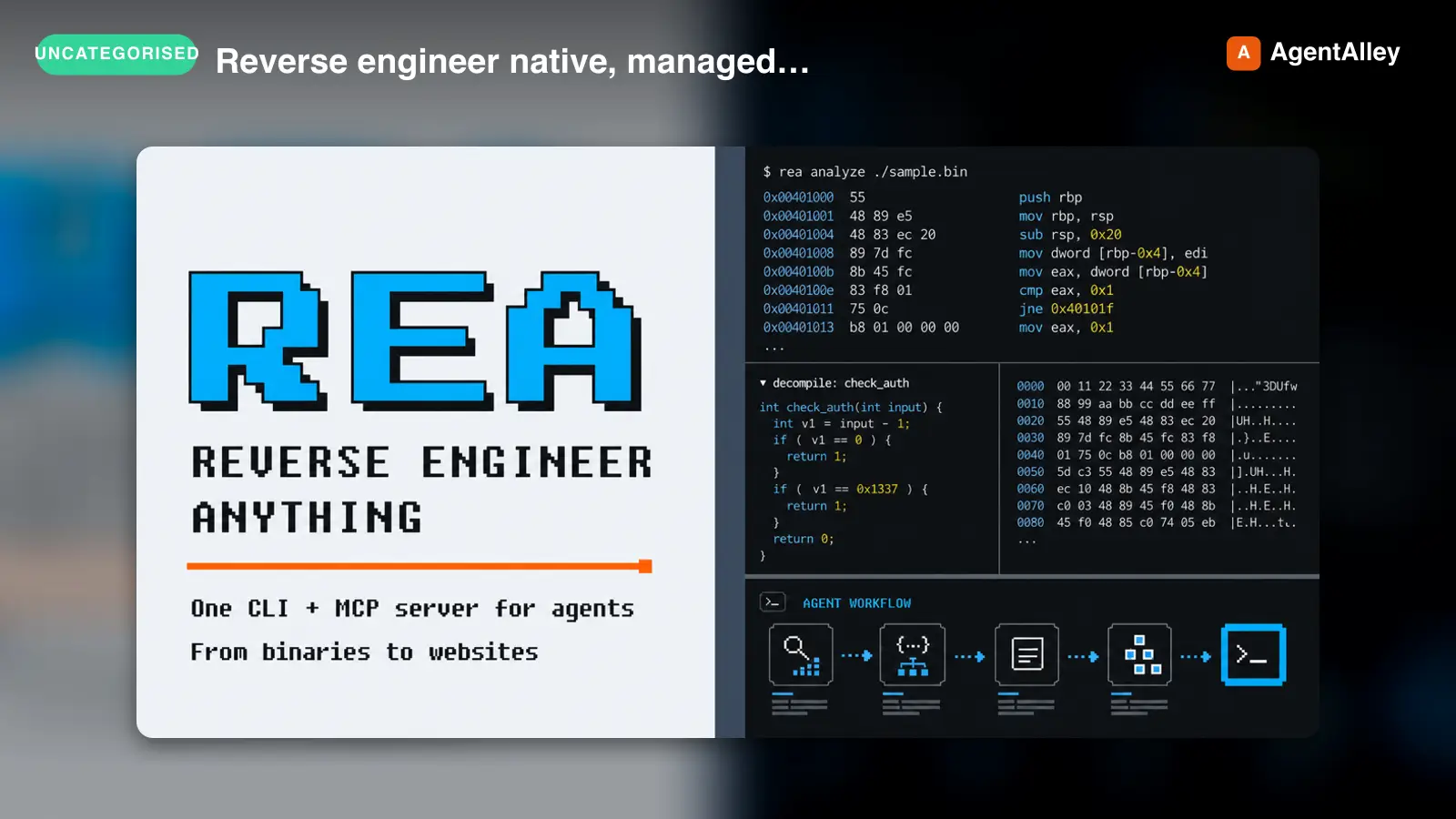 SkillReverse engineer native, managed, Electron/JavaScriptREA
 morluto/rea · by morlutoReverse engineer native, managed, Electron/JavaScript, packaged, firmware, and browser targets with REA. Use shipped-artifact or requested runtime evidence to explain features, compare versions, decompile code, or guide a reconstruction. Skip REA for ordinary source-repository architecture analysis.★ 316k GitHub stars
 SkillBrainstorms ideas into designs before any creative workBrainstorming Ideas Into Designs
 obra/superpowers · by obraYou MUST use this before any creative work - creating features, building components, adding functionality, or modifying behavior. Explores user intent, requirements and design before implementation.★ 290k GitHub stars
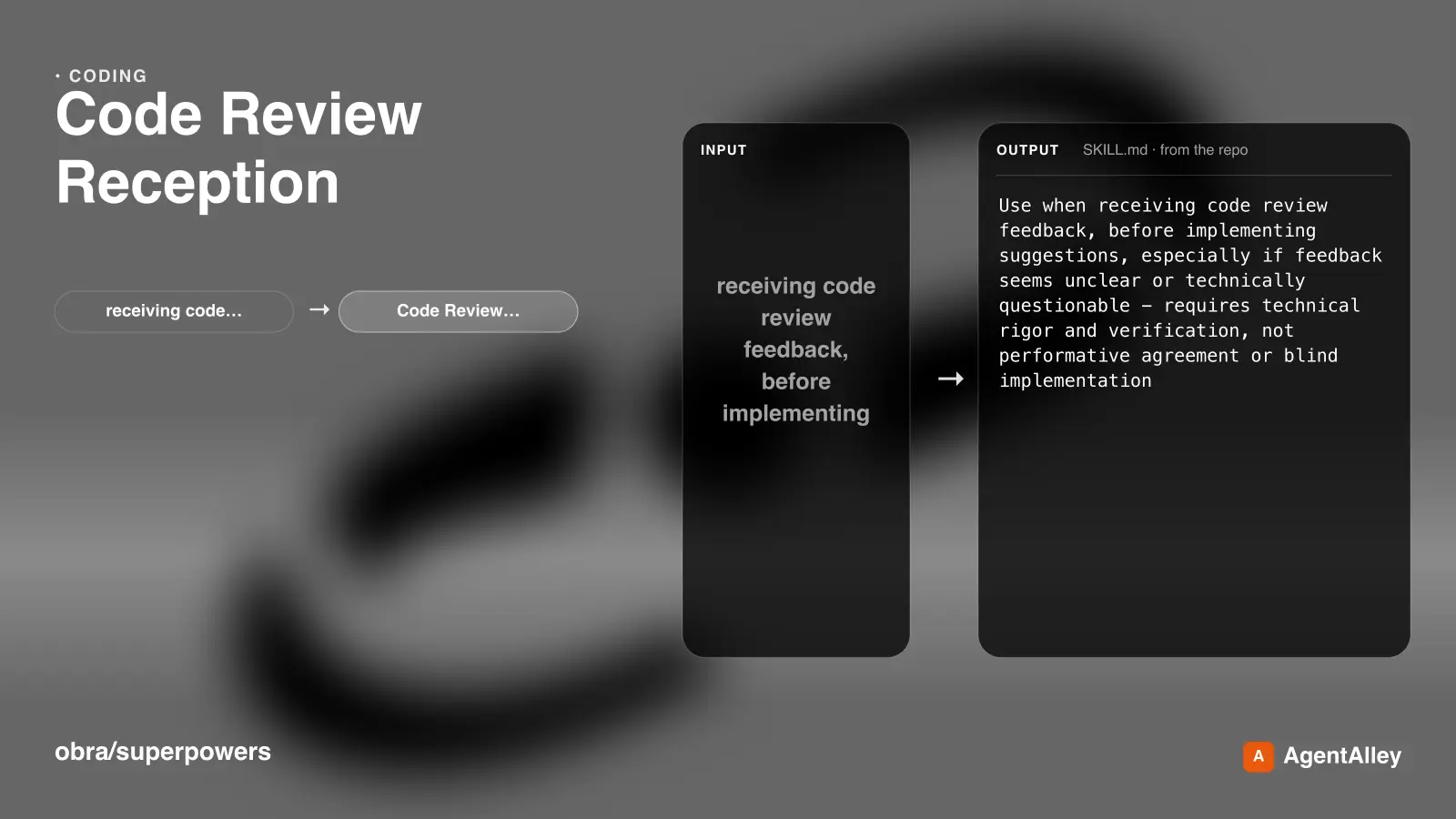 SkillRequires technical rigor and verificationCode Review Receptionobra/superpowers · by obraUse when receiving code review feedback, before implementing suggestions, especially if feedback seems unclear or technically questionable - requires technical rigor and verification, not performative agreement or blind implementation★ 290k GitHub stars
 SkillDiagnosis loop for hard bugs and performance regressionsDiagnosing bugs
 mattpocock/skills · by mattpocockDiagnosis loop for hard bugs and performance regressions. Use when the user says "diagnose"/"debug this", or reports something broken/throwing/failing/slow.★ 267k GitHub stars
 SkillImplement the result of /to-spec and /to-tickets in codeImplement specmattpocock/skills · by mattpocockImplement the result of /to-spec and /to-tickets in code.★ 267k GitHub stars
 SkillWriting a PR bodymattpocock/skills · by mattpocockUse when writing a PR body.★ 267k GitHub stars
More from gooseworks-ai
 SkillMine the highest-converting ad angles from customer reviewsAd angle miner
 gooseworks-ai/goose-skills · by gooseworks-aiMine the highest-converting ad angles from customer reviews, Reddit complaints, support tickets, and competitor ads. Extracts actual pain language, competitor weaknesses, and outcome phrases that real buyers use. Outputs a ranked angle bank with proof quotes and recommended ad formats per angle.★ 1.2k GitHub stars
 SkillAnalyze ad campaign performance data to identify what'sAd campaign analyzergooseworks-ai/goose-skills · by gooseworks-aiAnalyze ad campaign performance data (Google, Meta, LinkedIn) to identify what's working, what's wasting budget, and specific cut/scale/test recommendations. Runs statistical analysis, funnel diagnostics, and multi-channel budget reallocation with specific dollar-amount shift recommendations and scenario modeling.★ 1.2k GitHub stars
 SkillFor paid lead-gen and participant-recruitment adsAd lead quality analyzergooseworks-ai/goose-skills · by gooseworks-aiFor paid lead-gen and participant-recruitment ads, replaces vanity CPA with true CAC per qualified lead by joining ad-platform data with downstream funnel events, surfaces tracking gaps, and classifies every creative into Scale / Keep / Investigate / Cut.★ 1.2k GitHub stars
 SkillAnalyze the message match between your ads and landing pagesAd to landing page auditorgooseworks-ai/goose-skills · by gooseworks-aiAnalyze the message match between your ads and landing pages. Checks if the promise in the ad copy carries through to the landing page headline, body, and CTA. Flags disconnects that kill conversion rates. Works with Google, Meta, and LinkedIn ads.★ 1.2k GitHub stars
 SkillCheck and improve your brand's visibility across AI searchAeogooseworks-ai/goose-skills · by gooseworks-aiCheck and improve your brand's visibility across AI search engines (ChatGPT, Perplexity, Gemini, Grok, Claude, DeepSeek). Set up tracking, run visibility analyses, audit your website for AI readability, and get actionable recommendations. Uses the npx goose-aeo@latest CLI.★ 1.2k GitHub stars
 SkillSearch Amazon products - find items, compare pricesAmazon Product Searchgooseworks-ai/goose-skills · by gooseworks-aiSearch Amazon products - find items, compare prices, read reviews★ 1.2k GitHub stars