Prompt for generating an anime illustration where
Comic / Storyboard - Legendary Weapon Acquisition Scene

Prompt for generating an anime illustration where a character acquires a legendary everyday object as equipment, maintaining facial features and creating a humorous contrast between mundane item and grand ceremony.
Overview
Prompt for generating an anime illustration where a character acquires a legendary everyday object as equipment, maintaining facial features and creating a humorous contrast between mundane item and grand ceremony.
The prompt
| 1 | Please depict the moment when the character in the attached image acquires a legendary piece of equipment that determines the fate of the world. |
| 2 | |
| 3 | Maintain facial features, hairstyle, basic color scheme, and the character's identity. |
| 4 | |
| 5 | The true nature of the legendary equipment should be newly devised from everyday objects not intended for combat. Do not specify concrete candidates. Do not limit it only to items suitable for the character. |
| 6 | |
| 7 | Consider the object's identity, why it is treated as legendary, where it was stored, and the ritual for acquisition separately, and combine them into one scene. |
| 8 | |
| 9 | Keep the object in a form where its daily use is recognizable. Do not hide its identity with luxurious decorations or replace it with the shape of a normal sword. |
| 10 | |
| 11 | Use authentic and solemn staging for the moment of acquisition. Surrounding people and environment should appear to believe it is truly important. |
| 12 | |
| 13 | The character should also treat the object seriously, creating humor through the contrast between the casual object and the grand ceremony. |
| 14 | |
| 15 | Do not use text explanations; focus on the character's hands and the legendary equipment. Do not obscure faces or object outlines with lighting effects; create an anime illustration where coolness and absurdity coexist. |
Connects with Agent Alley MCP · agentalley.io/mcp
Details
- License
- CC-BY-4.0
- Source
- youmind.com ↗
- Creator
- むぎ@AIアートのセカイ · 3 listings
Similar prompts
See all → SkillMake a polished video of an app or a featureMake a demo video with OpenScreen
 getopenscreen/openscreen · by getopenscreenMake a polished video of an app or a feature with OpenScreen's MCP tools, from storyboard to recording, editing and export, then either attach it to a pull request or draft a post on X. Use when the user asks for a demo, a demo video, a screen recording, a product video, a launch clip, a video for X/Twitter, LinkedIn or a README, or to show a change in a pull request ("add a video to the PR", "show the feature to reviewers"). Also use to set OpenScreen up for an agent, and to continue an OpenScreen demo in a new session.★ 4.5k GitHub stars
 SkillVideo and audio processing with FFmpegFFmpeg for Video Production
 digitalsamba/claude-code-video-toolkit · by digitalsambaVideo and audio processing with FFmpeg. Use for format conversion, resizing, compression, audio extraction, and preparing assets for Remotion. Triggers include converting GIF to MP4, resizing video, extracting audio, compressing files, or any media transformation task.★ 2.1k GitHub stars
 SkillTurn static SCREENSHOTS into a simulated screen recordingfake-screencast — screenshots → simulated screen recording
 hassancs91/claude-youtube-editor · by hassancs91Turn static SCREENSHOTS into a simulated screen recording (TSX) — a fake screencast with an animated cursor that eases to targets and clicks, a browser URL bar that updates per page, hard-cut navigations, in-page filter crossfades, smooth scroll, and a ken-burns zoom onto the payoff. Use when a beat needs to show a walkthrough of a web app / dashboard / settings page and you'd rather build it from screenshots than get (or ask for) a real screen recording — "fake a screen recording", "turn these screenshots into a screencast", "simulate clicking through the dashboard", "animate this UI walkthrough", "cursor moving through the app". Built on remotion/src/lib/screencast.tsx. This is a technique WITHIN step 2 (make-tsx): defer timeline/render/bake orchestration to make-tsx and raw crash-free TSX rules to vidtsx-2d-generator. Not for a single static page clone (use WebBrowserFrame directly) and not when the point is genuine proof of real speed/output (use a real recording).★ 330 GitHub stars
 SkillA Khan Academy style explainer videoKhan explainer
 haiderfarooq3/khan-explainer · by haiderfarooq3Use when the user wants a Khan Academy style explainer video, a blackboard or whiteboard lesson, a hand-drawn chalk-talk animation, a short narrated video that teaches a concept ("explain X in a video", "explainer video", "teach X in 30 seconds"), or a tutorial that draws hand-written arrows, circles and captions over product screenshots ("draw over the UI", "annotated walkthrough"), or clips cut from a YouTube video or podcast where the speaker's real audio plays under a blackboard drawn to it ("khanify this video", "clip this with the Khan visual"), especially when it must be free, local, and use no paid APIs or keys. macOS only.★ 113 GitHub stars
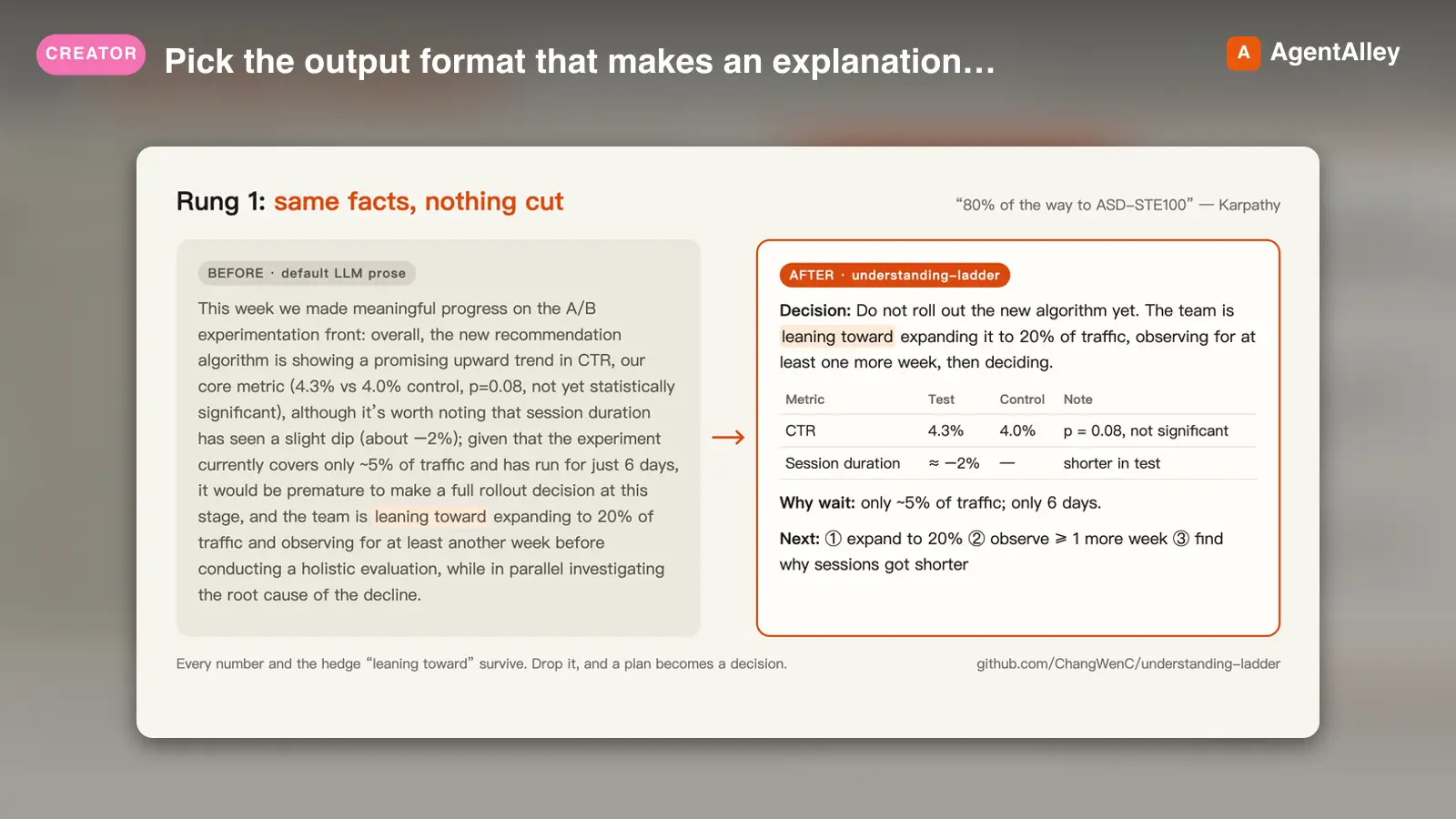 SkillPick the output format that makes an explanation easiestUnderstanding ladder
 ChangWenC/understanding-ladder · by ChangWenCPick the output format that makes an explanation easiest to understand, following Karpathy's understanding ladder — (1) plain controlled text, (2) diagram, (3) interactive HTML page, (4) 3Blue1Brown-style explainer video. Classify the content (definition/steps, process/causality, parameter→outcome, unfolding derivation), recommend the lowest rung that fully answers, then produce it. Works in English and Chinese. Use when the user says "explain this clearly", "help me understand", "draw a diagram", "make it interactive", "make an explainer video", "what's the best way to explain X", "understanding ladder", "Karpathy ladder", or 「讲清楚」「帮我理解」「画个图」「做个交互页」「做个讲解视频」「用哪种方式讲最好懂」「理解阶梯」; also when explaining a non-trivial concept, mechanism, algorithm, or an AI agent's output.★ 108 GitHub stars
 SkillAnimate first frames into A-roll talking head clipsAnimate (A-Roll)
 TheMattBerman/scrollclaw · by TheMattBermanAnimate first frames into A-roll talking head clips. Uses Sora 2 via fal.ai (primary) with Kling 3 auto-fallback when Sora is unavailable or sunset.★ 71 GitHub stars
More from むぎ@AIアートのセカイ
 PromptA detailed prompt for GPT Image 2 to generate a comedicComic / Storyboard - GPT Image 2 Summoning Magic Comedy Prompt
 YouMind-OpenLab/awesome-gpt-image-2 · by むぎ@AIアートのセカイA detailed prompt for GPT Image 2 to generate a comedic scene where an attached character performs a grand summoning ritual but calls forth something unexpected and funny. It specifies maintaining character traits while creating a humorous contrast between the epic setting and the absurd result.New listing
 PromptA prompt for generating a humorous wanted poster or arrestComic / Storyboard - GPT Image 2 Wanted Poster Character PromptYouMind-OpenLab/awesome-gpt-image-2 · by むぎ@AIアートのセカイA prompt for generating a humorous wanted poster or arrest visual of an anime character, featuring random light-hearted crimes and evidence props.New listing