Goal
Write or rewrite the words Charles says on camera so they
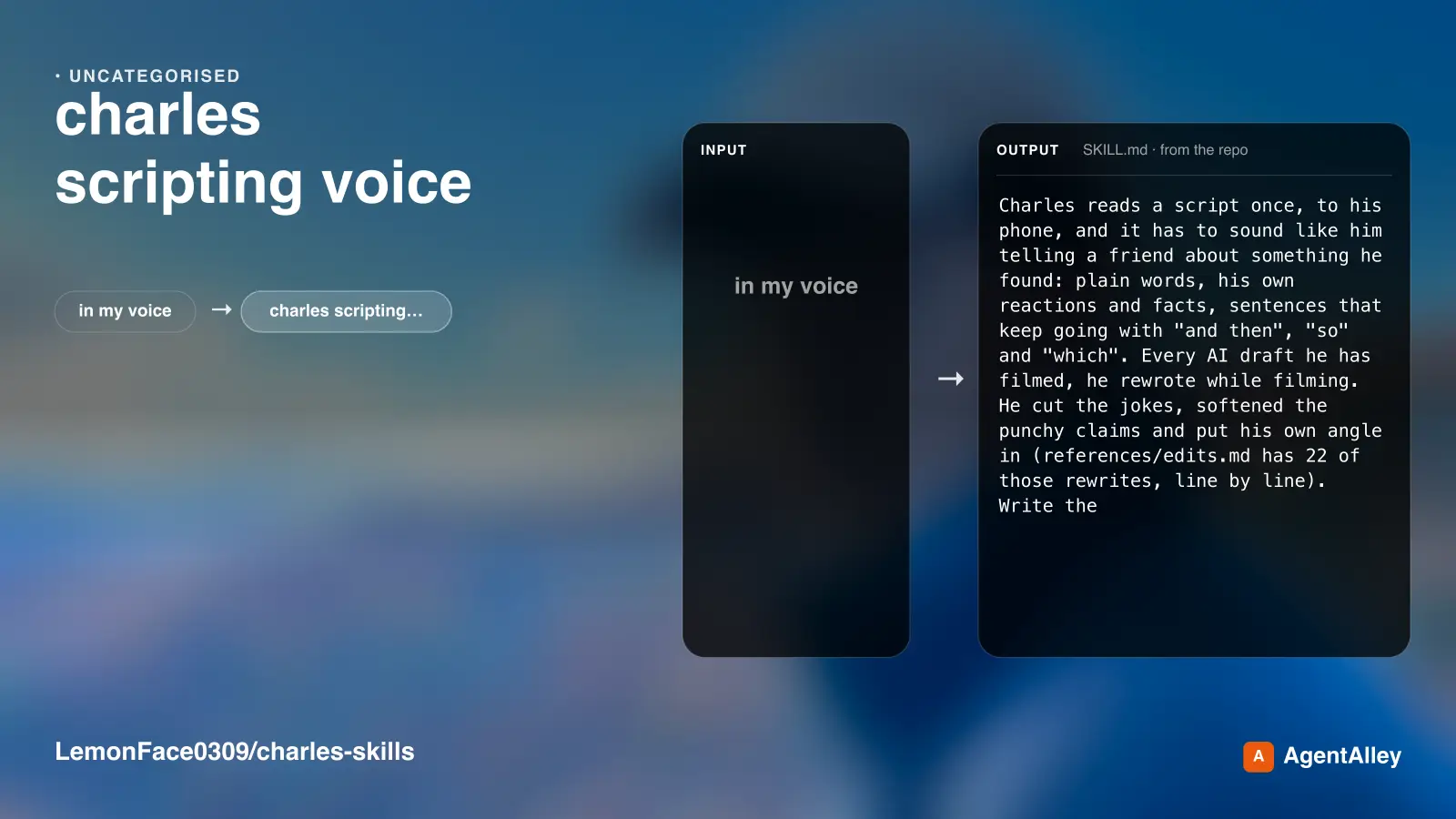
Write or rewrite the words Charles says on camera (reel scripts, hooks, item lines, explanations, calls to action) so they sound like him talking, not like an AI script. Use whenever a session drafts a script, voiceover or hook for one…
---
name: charles-scripting-voice
description: "Write or rewrite the words Charles says on camera (reel scripts, hooks, item lines, explanations, calls to action) so they sound like him talking, not like an AI script. Use whenever a session drafts a script, voiceover or hook for one of his reels, adapts someone else's reel into his words, or rewrites a line \"in my voice\", and whenever he says a script sounds AI, robotic, stiff or \"super AI like\". Triggers on: script, scripting, voiceover, VO, hook, CTA, talking head, lines to read, read on camera, \"in my voice\", \"my voice\", \"sounds like me\", \"sounds AI\", \"make it sound natural\"."
---

# Goal

Charles reads a script once, to his phone, and it has to sound like him telling a friend about something he found: plain words, his own reactions and facts, sentences that keep going with "and then", "so" and "which". Every AI draft he has filmed, he rewrote while filming. He cut the jokes, softened the punchy claims and put his own angle in (`references/edits.md` has 22 of those rewrites, line by line). Write the version he would have said, so he can read it straight.

This skill covers spoken words only. On-screen text and editing belong to charles-claude-editing; written prose (READMEs, captions) to emil-unslop-writing.

# Steps

Walk all six for every script, even a single hook.

## 1. Load the format and the facts

- If the video is in one of our formats, read its playbook (`formats/README.md` lists them). Keep its fixed lines word for word, such as the Day N opener "This is the ___ AI gives you." with its "Now it feels ___." payoffs, and the accent reels' "___ and ___. <verdict>. Add a little ___. Now ___." Steps 2 to 6 apply to every other line.
Overview
Charles reads a script once, to his phone, and it has to sound like him telling a friend about something he found: plain words, his own reactions and facts, sentences that keep going with "and then", "so" and "which". Every AI draft he has filmed, he rewrote while filming. He cut the jokes, softened the punchy claims and put his own angle in (references/edits.md has 22 of those rewrites, line by line). Write the version he would have said, so he can read it straight.
Manual install (npx, ZIP)
npx skills add LemonFace0309/charles-skills --skill charles-scripting-voice -g -a claude-codenpx degit LemonFace0309/charles-skills/skills/editing/charles-scripting-voice#main ~/.claude/skills/charles-scripting-voiceConnects with Agent Alley MCP · agentalley.io/mcp
Files included
SKILL.md13.2 KB
Read SKILL.md here
Show the full text103 lines
Goal
Charles reads a script once, to his phone, and it has to sound like him telling a friend about something he found: plain words, his own reactions and facts, sentences that keep going with "and then", "so" and "which". Every AI draft he has filmed, he rewrote while filming. He cut the jokes, softened the punchy claims and put his own angle in (references/edits.md has 22 of those rewrites, line by line). Write the version he would have said, so he can read it straight.
This skill covers spoken words only. On-screen text and editing belong to charles-claude-editing; written prose (READMEs, captions) to emil-unslop-writing.
Steps
Walk all six for every script, even a single hook.
1. Load the format and the facts
- If the video is in one of our formats, read its playbook (
formats/README.mdlists them). Keep its fixed lines word for word, such as the Day N opener "This is the ___ AI gives you." with its "Now it feels ." payoffs, and the accent reels' " and ___. <verdict>. Add a little ___. Now ___." Steps 2 to 6 apply to every other line. - Before writing a line, list the facts each item needs: the name, a number, who made it, what it does on screen, and what Charles himself uses, built or found. If you have no angle of his for the video, ask him for one ("Do you use any of these?") rather than inventing it. Skip this for a fast list of hacks or terms (step 4).
Why: a line sounds like him when it carries a fact only he has ("I personally have two of these at home", "it was actually created by my co-founder"). An AI fills that gap with a joke, and the joke is the first thing he cuts.
2. Write each line from its job
What is this line for?
├── The hook (the first sentence)
│   ├── He dug into something himself → "I reverse engineered ___ to see how ___." Put the surprising number in the same sentence ("…can make $1.9 billion a year, which is nearly twice what Duolingo makes.")
│   ├── Something that happened to him → the fact first, with its number: "I just left my 300,000 a year new grad job, and now I'm just a disappointment." / "<N> days ago, I ___."
│   ├── News he's reacting to → his reaction, then the news: "I've literally never been this terrified of AI in my life. So OpenAI just ___." / "___ just released ___, and the results are genuinely terrifying."
│   ├── Advice → "Here's how ___." / "In 60 seconds, I'm gonna show you how ___." / "I don't know who needs to hear this, but if you're ___, ___." / "<N>% of people are ___, and it's ___."
│   ├── A roundup (tools, libraries, deals) → "These are some insane ___ for ___." or "Ten out of ten insane ___ if you are a ___." Name who it's for.
│   ├── A set of fixes → "Here are ten ___ hacks that will make your ___ feel like ___."
│   └── A fixed-format opener → the playbook's words, unchanged
├── Bringing in the next item → in this order: "So first off, X." → "Next is X." / "Next up, X." / "Then there's X." → "And last, X." / "And lastly, X." Or skip the transition and open with the name: "GL Transitions, it has over a hundred transition templates just like this." (three of the ten items in Parts 1 and 2). In advice and stories: "Number one, ___. Number two, ___." / "Reason number one was ___."
├── What he thought back then → quote his past self, don't narrate it: "I'm like, 'I need to provide for my children.'" / "But low key, I was kinda like, ___." Never "I thought ___."
├── Moving a story along → "It all started ___ when ___." / "Fast forward ___, ___." / "But then ___. So then ___. And then before we knew it, ___."
├── A question he answers himself → "So why did I ___? ___." / "What does that mean? ___." / "So what's the lesson from all of this? ___." About one per 400 words, as in his monologues.
├── The viewer's doubt → "I know what you're thinking. You're probably like, '___.' Well, ___."
├── A joke → about himself ("call me superficial, but ___", "Yeah, I know, stupid, right?") or a roast in his slang ("a personal website that doesn't look like dog water"), and only from a fact he gave you. Never a simile or a punchline comparison about the topic.
├── What it is or does → present tense and a plain verb ("It renders…", "It puts shaders into…"). When the screen is showing it, end with "just like this" or open with "You can see here that…"
├── What the viewer can do with it → "You can…", "You can just…", "You can think of it as like ___, but for ___."
├── Why it matters → join it to the sentence before with "so", "which" or "because". Never give it its own punchline sentence.
├── A hard idea or a pile of numbers → say it plainly once: "In super simple terms, ___ basically ___." / "AKA, ___." Run money math out loud, one step at a time: "say you're making like $100,000 a month, 30% of that goes to Apple, so you have $70,000, then…"
├── Something he doesn't know → say so and move on: "I couldn't figure out ___, but it's probably ___." / "I don't know how ___ works, that's just how it was." / "I'm gonna butcher his name, but ___."
├── A fix (hacks, Day N) → most often two sentences, the problem and then the fix as an order: "A thin icon looks sloppy beside bold text. Match the stroke to the font weight." Mix in "If ___, ___ to ___.", "___, so ___." and "___ is slow because ___. ___ instead to keep it smooth." No one shape for more than half the items; his hack reels use all four. Say the problem or the condition before the fix in at least 8 of 10 items, as his hack reels do.
├── His take → "In my opinion, ___, at least for now." / "I personally ___." / "I recommend ___." / "The best part is ___."
├── Evidence (explainers) → "I dug through the code and found ___." / "To test this, I ___."
├── A turn → "But it gets a lot more sneaky, because ___." / "But that's only half of it, because ___." / "But let's say you ___." / "The catch is, ___." / "But, you know, what does this mean for you?"
├── A reaction → at most one per item, in his words: insane, super dope, really cool, stunning, "this has a special place in my heart", "Use it, love it", "and then bang"
├── The wrap (explainers) → "So yeah, apparently ___." / "These are the concrete ways ___."
└── The ask (the last line) → "Comment "<word>" and I will send you <the thing>." Add "and follow for part two" only inside a series. With no keyword: "Follow for more." For a story he's still living: "If you wanna see ___, follow along."
references/lines.md has his real lines for each job, with the reel and its views. Pick the closest one and adapt its shape to the new facts. Never paste one of his lines word for word into a new video: his followers have heard it, and a repeated joke or hook makes the reel feel recycled. The exceptions are a format's fixed lines and the item openers ("So first off", "Next up"). For more, research/charles-voice/ has every reel he's posted, transcribed.
3. Cut what he cuts
Check every free line against this list, in order. Each one comes from his rewrites in references/edits.md.
- A joke or simile about the topic, there to be witty ("like your mum saying no", "like it's never seen a form", "your real buttons can shatter like glass or catch on fire"): delete it. He cut every one of these. Keep an analogy only if it explains how the thing works ("add resistance, just like a rubber band", "Photoshop, but for shaders"). His own jokes are about himself, and they come from his facts (step 2).
- A clever closing clause ("which is probably why it has 51K stars", "which is more than most startups have users", "so your slideshow stops looking like a PowerPoint from 2007"): delete it, and end on a plain fact or a reaction instead.
- A punchy verdict or personification ("HSL lies about lightness", "buttons feel broken", "borders look pasted on"): say the plain cause, softened with "can" ("Our eyes perceive brightness differently, so HSL isn't optimal", "Solid hex backgrounds can look ugly", "Waiting for every tooltip can feel slow").
- A verdict with no verb outside a fixed format line ("Solid.", "Freezing.", "A broken bowl."): say it as a full sentence or cut it. His verbless lines are other kinds: the answer to a question he just asked ("…they blew up for two reasons. UGC and influencer marketing."), a label for what's on screen ("Mini fridge, 500 bucks."), a reaction ("Let's go."). Short sentences with a verb are fine too: "Use OKLCH instead."
- Compressed grammar ("World Labs, Fei-Fei Li's company"; "like this Kyoto temple you scroll through"): put the small words back ("World Labs, which is Fei-Fei Li's company"; "just like this Kyoto temple that you can scroll through").
- Em dashes, semicolons and colons inside a spoken line: use a comma or a full stop. None of his speech uses them, and they make a line read like writing.
Why: these six are what he took out of every AI draft he filmed. Wit he didn't come up with sounds rehearsed when he says it, and compressed grammar sounds like a narrator, not a person.
4. Add what he adds
- "You can": say what the viewer can do with the thing. He used it nearly three times as often as the drafts did.
- The small words: "which is", "that you can", "and then", "so", "because". In his own scripts a sentence runs 21 words on average, chained with these. In stories, about one sentence in nine starts with "So".
- The screen: "just like this", "You can see here that…" whenever the edit shows the thing he's talking about.
- One fact of his own per video, at least: what he uses, built, tested or thinks ("I personally have two of these at home on all the time", "In my opinion, hardware is still a moat with AI, at least for now"). The exception is a fast list (hacks, list reels): there he sticks to the items and never says "I", so don't ask him for an angle.
- His intensifiers, at his rate for the format: "literally", "basically", "actually", "really" and "super", all five counted together, come about 2 times per 100 words in a roundup, where he's reacting to each thing (Parts 1 and 2 of the GitHub libraries series), about once per 100 words in stories and explainers, and not at all in a list of fixes (the hack reels). Going past his rate reads like an impression of him, not like him.
- The viewer's tools: tie the thing to what his audience builds with ("paste it straight into your Claude Code", "export it as code to your AI agent").
- His hedges in stories: a "like" in front of a rough number ("a startup of like seven people", "say you're making like $100,000 a month"), and once a reel, "right?" on an obvious point ("Yeah, he still has to sustain himself, right?").
5. Fit it to the clock
- He speaks about 3.3 words a second in a cut with demos on screen (Parts 1 to 3 of the GitHub libraries series: 192, 185 and 173 words in 57.6, 56.3 and 52.6 s) and about 3.7 in a talking monologue (the median of 40 of his reels; most fall between 3.3 and 4.1). Words = target seconds × that rate, so a 30 s demo reel is about 100 words and a 75 s story about 275.
- In list reels, each item is a name or a short order of 2 to 7 words ("Delete filler badges."). In hack reels, each line (the problem, then the fix) runs 7 to 19 words, about 16 on average (the design, animation and mobile reels). In explainers and roundups, most sentences run 15 to 35 words; his reverse-engineered scripts average 21. Stories, news and advice reels mix long run-ons with short reactions and average about 17 (41 of his monologues, 2025 to 2026).
- To shorten, cut a whole item or a whole clause. Never cut the small words from step 4 to save time.
Why: the cut removes his pauses, not his words, so the word count sets the length. Trimming connectors gives back the AI's clipped rhythm.
6. Read it out loud
Read every line aloud at speaking speed. Fix any line where you trip, run out of breath, or sound like you're reading.
- Write numbers the one way he'd say them: "$779", "51,000" (not "51K"), "0.97". On-screen text can abbreviate; the script can't.
- If a name is hard to say, add how to say it in brackets after it, once.
- Screen notes go after the line in angle brackets, the way he marks his own scripts:
<show the GitHub card>.
Deliver
The script as he'll read it: one sentence or beat per line, hook first, the ask last, screen notes in angle brackets. Give the target length and the word count under it. Nothing else goes inside the lines.
Test a change to this skill
evals/README.md has three cases with known answers (what he actually said) and the steps to compare a rewrite with and without this skill. Never copy their lines into references/, or the test stops meaning anything.
| 1 | |
| 2 | name charles-scripting-voice |
| 3 | description "Write or rewrite the words Charles says on camera (reel scripts, hooks, item lines, explanations, calls to action) so they sound like him talking, not like an AI script. Use whenever a session drafts a script, voiceover or hook for one of his reels, adapts someone else's reel into his words, or rewrites a line \"in my voice\", and whenever he says a script sounds AI, robotic, stiff or \"super AI like\". Triggers on: script, scripting, voiceover, VO, hook, CTA, talking head, lines to read, read on camera, \"in my voice\", \"my voice\", \"sounds like me\", \"sounds AI\", \"make it sound natural\"." |
| 4 | |
| 5 | |
| 6 | # Goal |
| 7 | |
| 8 | Charles reads a script once, to his phone, and it has to sound like him telling a friend about something he found: plain words, his own reactions and facts, sentences that keep going with "and then", "so" and "which". Every AI draft he has filmed, he rewrote while filming. He cut the jokes, softened the punchy claims and put his own angle in (`references/edits.md` has 22 of those rewrites, line by line). Write the version he would have said, so he can read it straight. |
| 9 | |
| 10 | This skill covers spoken words only. On-screen text and editing belong to charles-claude-editing; written prose (READMEs, captions) to emil-unslop-writing. |
| 11 | |
| 12 | # Steps |
| 13 | |
| 14 | Walk all six for every script, even a single hook. |
| 15 | |
| 16 | ## 1. Load the format and the facts |
| 17 | |
| 18 | If the video is in one of our formats, read its playbook (`formats/README.md` lists them). Keep its fixed lines word for word, such as the Day N opener "This is the ___ AI gives you." with its "Now it feels ___." payoffs, and the accent reels' "___ and ___. <verdict>. Add a little ___. Now ___." Steps 2 to 6 apply to every other line. |
| 19 | Before writing a line, list the facts each item needs: the name, a number, who made it, what it does on screen, and what Charles himself uses, built or found. If you have no angle of his for the video, ask him for one ("Do you use any of these?") rather than inventing it. Skip this for a fast list of hacks or terms (step 4). |
| 20 | |
| 21 | Why: a line sounds like him when it carries a fact only he has ("I personally have two of these at home", "it was actually created by my co-founder"). An AI fills that gap with a joke, and the joke is the first thing he cuts. |
| 22 | |
| 23 | ## 2. Write each line from its job |
| 24 | |
| 25 | |
| 26 | What is this line for? |
| 27 | ├── The hook (the first sentence) |
| 28 | │ ├── He dug into something himself → "I reverse engineered ___ to see how ___." Put the surprising number in the same sentence ("…can make $1.9 billion a year, which is nearly twice what Duolingo makes.") |
| 29 | │ ├── Something that happened to him → the fact first, with its number: "I just left my 300,000 a year new grad job, and now I'm just a disappointment." / "<N> days ago, I ___." |
| 30 | │ ├── News he's reacting to → his reaction, then the news: "I've literally never been this terrified of AI in my life. So OpenAI just ___." / "___ just released ___, and the results are genuinely terrifying." |
| 31 | │ ├── Advice → "Here's how ___." / "In 60 seconds, I'm gonna show you how ___." / "I don't know who needs to hear this, but if you're ___, ___." / "<N>% of people are ___, and it's ___." |
| 32 | │ ├── A roundup (tools, libraries, deals) → "These are some insane ___ for ___." or "Ten out of ten insane ___ if you are a ___." Name who it's for. |
| 33 | │ ├── A set of fixes → "Here are ten ___ hacks that will make your ___ feel like ___." |
| 34 | │ └── A fixed-format opener → the playbook's words, unchanged |
| 35 | ├── Bringing in the next item → in this order: "So first off, X." → "Next is X." / "Next up, X." / "Then there's X." → "And last, X." / "And lastly, X." Or skip the transition and open with the name: "GL Transitions, it has over a hundred transition templates just like this." (three of the ten items in Parts 1 and 2). In advice and stories: "Number one, ___. Number two, ___." / "Reason number one was ___." |
| 36 | ├── What he thought back then → quote his past self, don't narrate it: "I'm like, 'I need to provide for my children.'" / "But low key, I was kinda like, ___." Never "I thought ___." |
| 37 | ├── Moving a story along → "It all started ___ when ___." / "Fast forward ___, ___." / "But then ___. So then ___. And then before we knew it, ___." |
| 38 | ├── A question he answers himself → "So why did I ___? ___." / "What does that mean? ___." / "So what's the lesson from all of this? ___." About one per 400 words, as in his monologues. |
| 39 | ├── The viewer's doubt → "I know what you're thinking. You're probably like, '___.' Well, ___." |
| 40 | ├── A joke → about himself ("call me superficial, but ___", "Yeah, I know, stupid, right?") or a roast in his slang ("a personal website that doesn't look like dog water"), and only from a fact he gave you. Never a simile or a punchline comparison about the topic. |
| 41 | ├── What it is or does → present tense and a plain verb ("It renders…", "It puts shaders into…"). When the screen is showing it, end with "just like this" or open with "You can see here that…" |
| 42 | ├── What the viewer can do with it → "You can…", "You can just…", "You can think of it as like ___, but for ___." |
| 43 | ├── Why it matters → join it to the sentence before with "so", "which" or "because". Never give it its own punchline sentence. |
| 44 | ├── A hard idea or a pile of numbers → say it plainly once: "In super simple terms, ___ basically ___." / "AKA, ___." Run money math out loud, one step at a time: "say you're making like $100,000 a month, 30% of that goes to Apple, so you have $70,000, then…" |
| 45 | ├── Something he doesn't know → say so and move on: "I couldn't figure out ___, but it's probably ___." / "I don't know how ___ works, that's just how it was." / "I'm gonna butcher his name, but ___." |
| 46 | ├── A fix (hacks, Day N) → most often two sentences, the problem and then the fix as an order: "A thin icon looks sloppy beside bold text. Match the stroke to the font weight." Mix in "If ___, ___ to ___.", "___, so ___." and "___ is slow because ___. ___ instead to keep it smooth." No one shape for more than half the items; his hack reels use all four. Say the problem or the condition before the fix in at least 8 of 10 items, as his hack reels do. |
| 47 | ├── His take → "In my opinion, ___, at least for now." / "I personally ___." / "I recommend ___." / "The best part is ___." |
| 48 | ├── Evidence (explainers) → "I dug through the code and found ___." / "To test this, I ___." |
| 49 | ├── A turn → "But it gets a lot more sneaky, because ___." / "But that's only half of it, because ___." / "But let's say you ___." / "The catch is, ___." / "But, you know, what does this mean for you?" |
| 50 | ├── A reaction → at most one per item, in his words: insane, super dope, really cool, stunning, "this has a special place in my heart", "Use it, love it", "and then bang" |
| 51 | ├── The wrap (explainers) → "So yeah, apparently ___." / "These are the concrete ways ___." |
| 52 | └── The ask (the last line) → "Comment "<word>" and I will send you <the thing>." Add "and follow for part two" only inside a series. With no keyword: "Follow for more." For a story he's still living: "If you wanna see ___, follow along." |
| 53 | |
| 54 | |
| 55 | `references/lines.md` has his real lines for each job, with the reel and its views. Pick the closest one and adapt its shape to the new facts. Never paste one of his lines word for word into a new video: his followers have heard it, and a repeated joke or hook makes the reel feel recycled. The exceptions are a format's fixed lines and the item openers ("So first off", "Next up"). For more, `research/charles-voice/` has every reel he's posted, transcribed. |
| 56 | |
| 57 | ## 3. Cut what he cuts |
| 58 | |
| 59 | Check every free line against this list, in order. Each one comes from his rewrites in `references/edits.md`. |
| 60 | |
| 61 | **A joke or simile about the topic, there to be witty** ("like your mum saying no", "like it's never seen a form", "your real buttons can shatter like glass or catch on fire"): delete it. He cut every one of these. Keep an analogy only if it explains how the thing works ("add resistance, just like a rubber band", "Photoshop, but for shaders"). His own jokes are about himself, and they come from his facts (step 2). |
| 62 | **A clever closing clause** ("which is probably why it has 51K stars", "which is more than most startups have users", "so your slideshow stops looking like a PowerPoint from 2007"): delete it, and end on a plain fact or a reaction instead. |
| 63 | **A punchy verdict or personification** ("HSL lies about lightness", "buttons feel broken", "borders look pasted on"): say the plain cause, softened with "can" ("Our eyes perceive brightness differently, so HSL isn't optimal", "Solid hex backgrounds can look ugly", "Waiting for every tooltip can feel slow"). |
| 64 | **A verdict with no verb** outside a fixed format line ("Solid.", "Freezing.", "A broken bowl."): say it as a full sentence or cut it. His verbless lines are other kinds: the answer to a question he just asked ("…they blew up for two reasons. UGC and influencer marketing."), a label for what's on screen ("Mini fridge, 500 bucks."), a reaction ("Let's go."). Short sentences with a verb are fine too: "Use OKLCH instead." |
| 65 | **Compressed grammar** ("World Labs, Fei-Fei Li's company"; "like this Kyoto temple you scroll through"): put the small words back ("World Labs, which is Fei-Fei Li's company"; "just like this Kyoto temple that you can scroll through"). |
| 66 | **Em dashes, semicolons and colons** inside a spoken line: use a comma or a full stop. None of his speech uses them, and they make a line read like writing. |
| 67 | |
| 68 | Why: these six are what he took out of every AI draft he filmed. Wit he didn't come up with sounds rehearsed when he says it, and compressed grammar sounds like a narrator, not a person. |
| 69 | |
| 70 | ## 4. Add what he adds |
| 71 | |
| 72 | **"You can"**: say what the viewer can do with the thing. He used it nearly three times as often as the drafts did. |
| 73 | **The small words**: "which is", "that you can", "and then", "so", "because". In his own scripts a sentence runs 21 words on average, chained with these. In stories, about one sentence in nine starts with "So". |
| 74 | **The screen**: "just like this", "You can see here that…" whenever the edit shows the thing he's talking about. |
| 75 | **One fact of his own per video, at least**: what he uses, built, tested or thinks ("I personally have two of these at home on all the time", "In my opinion, hardware is still a moat with AI, at least for now"). The exception is a fast list (hacks, list reels): there he sticks to the items and never says "I", so don't ask him for an angle. |
| 76 | **His intensifiers, at his rate for the format**: "literally", "basically", "actually", "really" and "super", all five counted together, come about 2 times per 100 words in a roundup, where he's reacting to each thing (Parts 1 and 2 of the GitHub libraries series), about once per 100 words in stories and explainers, and not at all in a list of fixes (the hack reels). Going past his rate reads like an impression of him, not like him. |
| 77 | **The viewer's tools**: tie the thing to what his audience builds with ("paste it straight into your Claude Code", "export it as code to your AI agent"). |
| 78 | **His hedges in stories**: a "like" in front of a rough number ("a startup of like seven people", "say you're making like $100,000 a month"), and once a reel, "right?" on an obvious point ("Yeah, he still has to sustain himself, right?"). |
| 79 | |
| 80 | ## 5. Fit it to the clock |
| 81 | |
| 82 | He speaks about 3.3 words a second in a cut with demos on screen (Parts 1 to 3 of the GitHub libraries series: 192, 185 and 173 words in 57.6, 56.3 and 52.6 s) and about 3.7 in a talking monologue (the median of 40 of his reels; most fall between 3.3 and 4.1). Words = target seconds × that rate, so a 30 s demo reel is about 100 words and a 75 s story about 275. |
| 83 | In list reels, each item is a name or a short order of 2 to 7 words ("Delete filler badges."). In hack reels, each line (the problem, then the fix) runs 7 to 19 words, about 16 on average (the design, animation and mobile reels). In explainers and roundups, most sentences run 15 to 35 words; his reverse-engineered scripts average 21. Stories, news and advice reels mix long run-ons with short reactions and average about 17 (41 of his monologues, 2025 to 2026). |
| 84 | To shorten, cut a whole item or a whole clause. Never cut the small words from step 4 to save time. |
| 85 | |
| 86 | Why: the cut removes his pauses, not his words, so the word count sets the length. Trimming connectors gives back the AI's clipped rhythm. |
| 87 | |
| 88 | ## 6. Read it out loud |
| 89 | |
| 90 | Read every line aloud at speaking speed. Fix any line where you trip, run out of breath, or sound like you're reading. |
| 91 | |
| 92 | Write numbers the one way he'd say them: "$779", "51,000" (not "51K"), "0.97". On-screen text can abbreviate; the script can't. |
| 93 | If a name is hard to say, add how to say it in brackets after it, once. |
| 94 | Screen notes go after the line in angle brackets, the way he marks his own scripts: `<show the GitHub card>`. |
| 95 | |
| 96 | # Deliver |
| 97 | |
| 98 | The script as he'll read it: one sentence or beat per line, hook first, the ask last, screen notes in angle brackets. Give the target length and the word count under it. Nothing else goes inside the lines. |
| 99 | |
| 100 | # Test a change to this skill |
| 101 | |
| 102 | `evals/README.md` has three cases with known answers (what he actually said) and the steps to compare a rewrite with and without this skill. Never copy their lines into `references/`, or the test stops meaning anything. |
| 103 |
Details
- License
- MIT
- Stars on the repo
- ★ 257
- Checked
- Source
- LemonFace0309/charles-skills ↗
- Creator
- LemonFace0309 · 15 listings
Similar skills
See all → Video Caption Extractor
 ZeroPointRepo/youtube-skills · by ZeroPointRepoUse when captions, subtitles, or the spoken text of a YouTube video is needed — even if not explicitly requested: pasted video links or IDs, requests to read, quote, or translate a video, accessibility needs, deaf/HoH use cases, content review, or language learning. Fetches timestamped caption data from any YouTube video. Not for uploading subtitles or account management.★ 945 GitHub stars
 Video Subtitle ExtractorZeroPointRepo/youtube-skills · by ZeroPointRepoUse when subtitles or the spoken text of a YouTube video is needed: pasted video links or IDs, requests to translate a video, read along, follow foreign-language content, or extract what was said. Also use for language learning or accessibility. Fetches timestamped subtitles from any YouTube video. Not for uploading subtitles or account management.★ 945 GitHub stars
 Video Transcript Extractor
 michalparkola/tapestry-skills-for-claude-code · by michalparkolaDownload YouTube video transcripts when user provides a YouTube URL or asks to download/get/fetch a transcript from YouTube. Also use when user wants to transcribe or get captions/subtitles from a YouTube video.★ 547 GitHub stars
 Social Video Clip Creator
 davila7/claude-code-templates · by davila7Social media video clip optimization specialist. Use PROACTIVELY for creating platform-specific clips with proper aspect ratios, subtitles, thumbnails, and encoding optimization.★ 32.3k GitHub stars
 YouTube Transcript Downloader
 JimLiu/baoyu-skills · by JimLiuDownloads YouTube video transcripts/subtitles and cover images by URL or video ID. Supports multiple languages, translation, chapters, and speaker identification. Caches raw data for fast re-formatting. Use when user asks to "get YouTube transcript", "download subtitles", "get captions", "YouTube字幕", "YouTube封面", "视频封面", "video thumbnail", "video cover image", or provides a YouTube URL and wants the transcript/subtitle text or cover image extracted.★ 26.6k GitHub stars
 YouTube Search and Transcripts
 alirezarezvani/claude-skills · by alirezarezvaniUse when the user needs YouTube transcripts, video search, channel browsing, playlist extraction, or content monitoring. Trigger phrases: 'get the transcript for', 'search YouTube for', 'what are the latest videos on', 'list this playlist', 'monitor this channel', or any request involving a YouTube URL, video ID, or @handle. Do NOT use for downloading video or audio files, YouTube engagement data (likes, comments), or private/age-restricted videos.★ 26.3k GitHub stars
More from LemonFace0309
 Colour Analysis
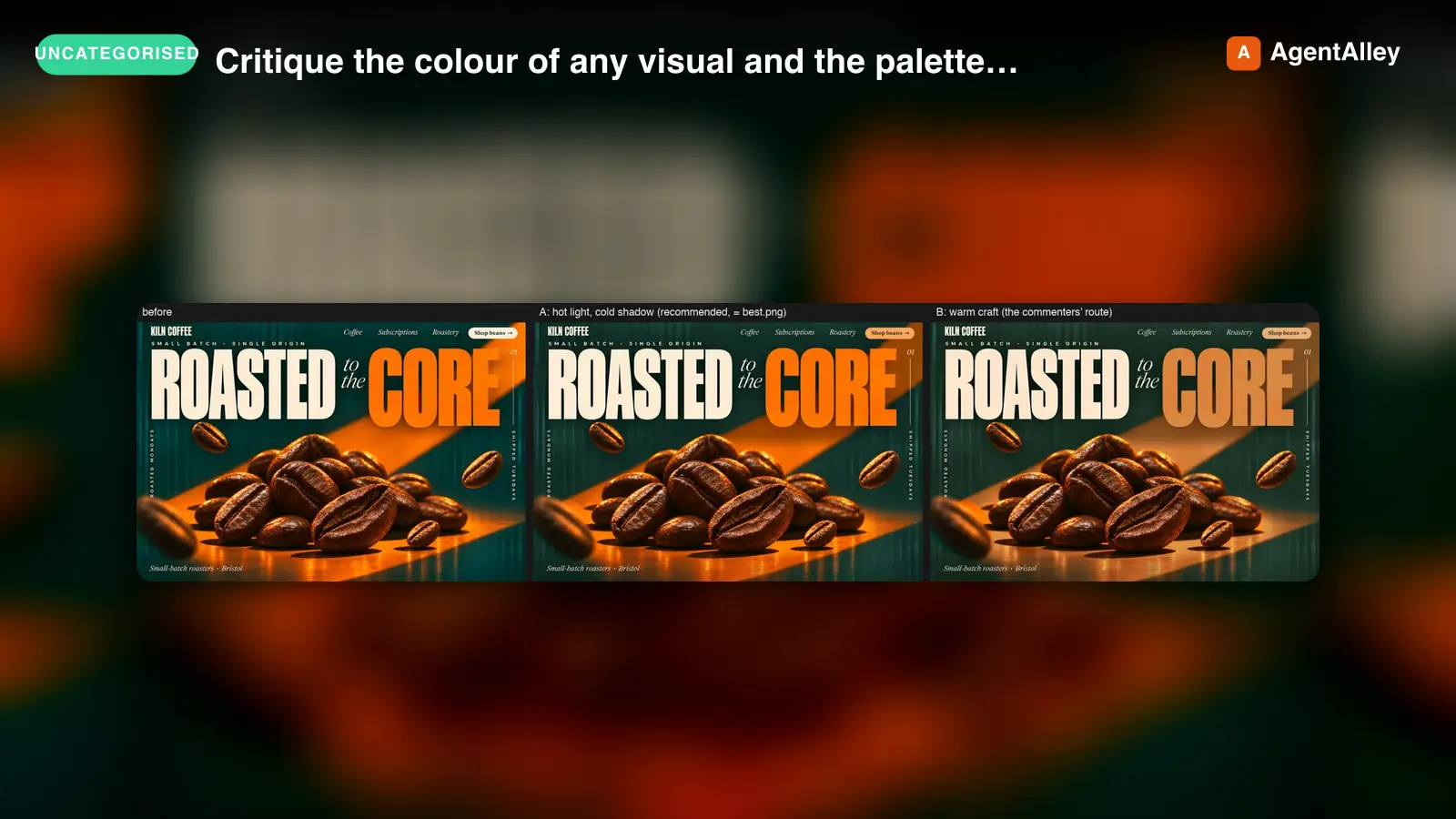
 LemonFace0309/charles-skills · by LemonFace0309Critique the colour of any visual and the palette behind it: graphics meant to wow (posters, hero images, ads, thumbnails, social posts), landing pages and onboarding, and product app screens. Routes by what the visual is for, measures the real colours (60/30/10 area split, lightness structure, hue gaps, chroma, temperature, text contrast, colour-blind views), and writes a ranked critique with exact OKLCH and hex fixes, alternative palette directions and before/after previews. Use when someone asks to critique, analyse, review, check or fix colours or a palette; asks why colours clash, feel off, muddy, washed out, garish, cheap, cold or out of place; asks whether a palette or accent works, or whether someone's colour critique is right; or wants colour feedback on a design, screenshot, website, app or brand.★ 257 GitHub stars
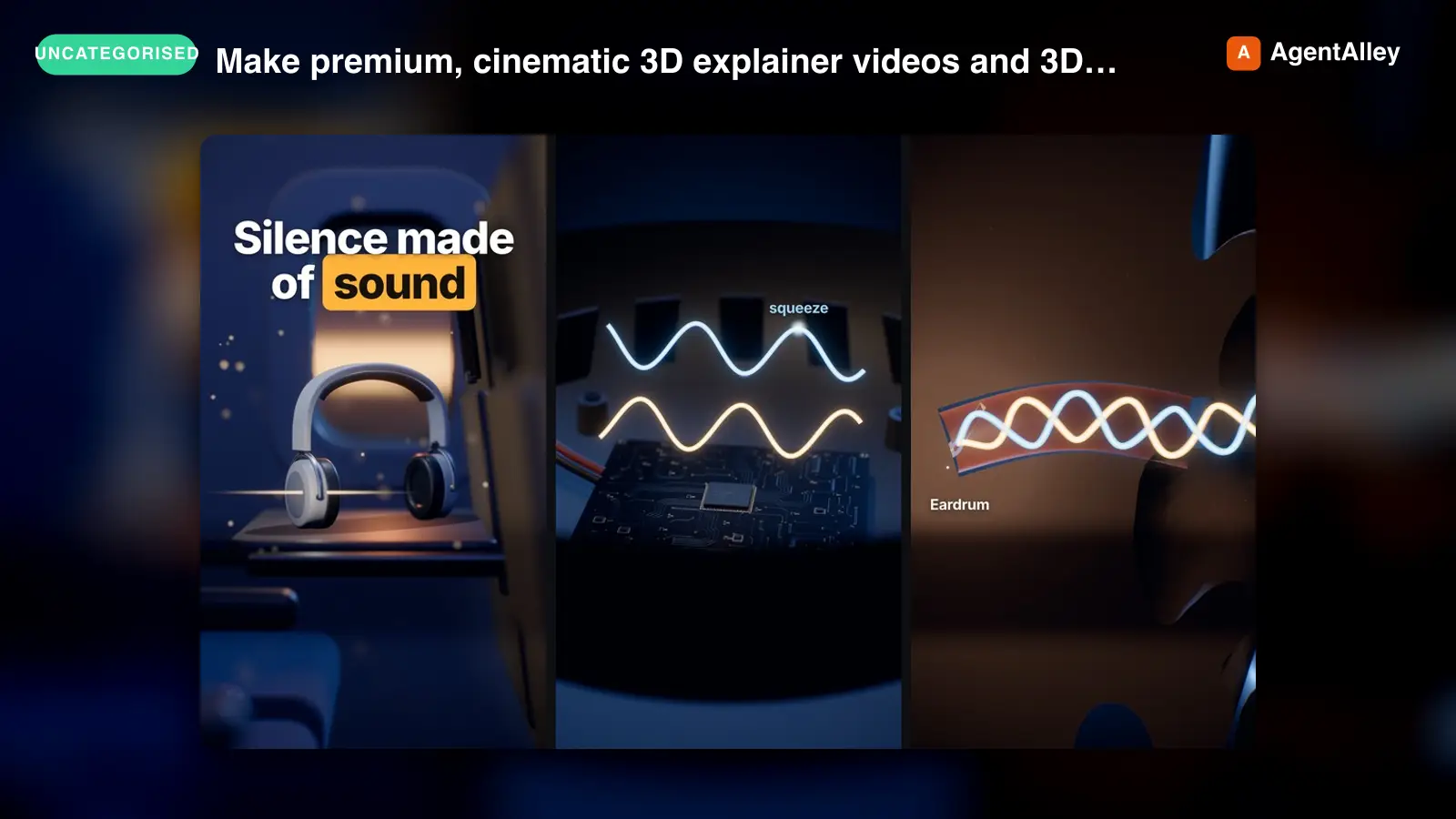 GoalLemonFace0309/charles-skills · by LemonFace0309Make premium, cinematic 3D explainer videos and 3D cutaways timed to a voiceover: dark 3D worlds lit with one warm accent, glowing signal paths, hero numbers that land on the word, labels pinned to parts, a running HUD counter, live app screens on 3D devices, and continuous camera moves with real depth of field and motion blur, rendered with three.js in headless Chrome (bun). Use whenever Charles asks for 3D explainers, 3D motion design, 'how X works' visuals, documentary-style or cinematic 3D, educational 3D animation, 3D b-roll for a voiceover, or 3D cutaways that replace parts of a talking-head video, for a whole reel or for one slot of a video he is editing (charles-claude-editing asks for an asset at a size).★ 257 GitHub stars
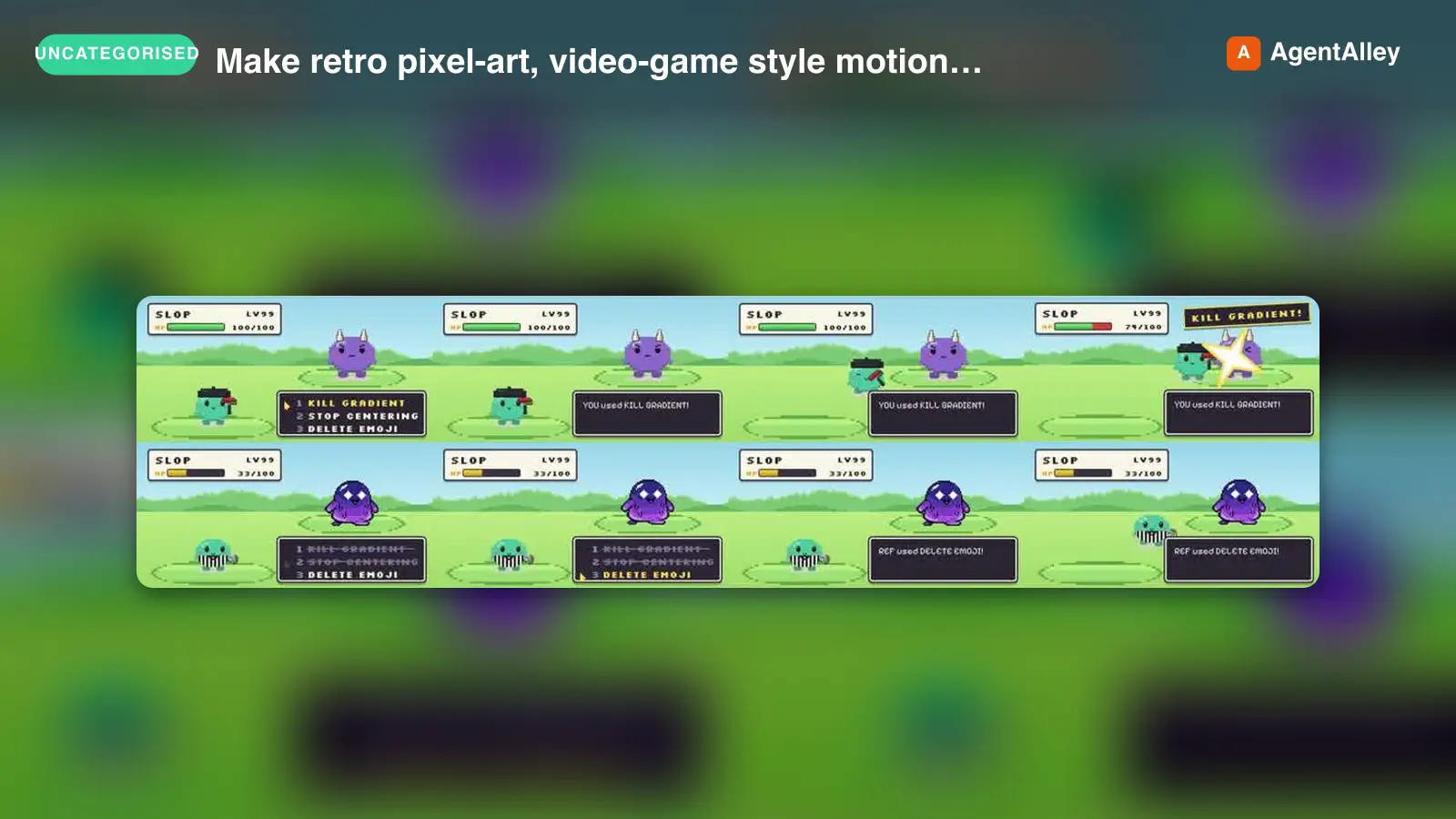 GoalLemonFace0309/charles-skills · by LemonFace0309Make retro pixel-art, video-game style motion design timed to a voiceover, on any topic - a flat pixel mascot (or a cast made for the topic) acting out every line, pixel scenes, rebuilt app UI and the real pages, logos, covers and photos the words name, with counters, charts, stamps and hand-drawn marks landing on the word - rendered to video with HyperFrames from generated art (fal) and code. Use whenever Charles asks for "arcade", game-style, pixel, retro, opusjake-style or "fun" motion graphics or animations, for parts of a video he is editing (often from charles-claude-editing, which picks the layout and asks for an asset at that size: a 2:1 card above his face, a tall card, a split panel, an overlay or a new screen), or for a whole voiceover or reel.★ 257 GitHub stars
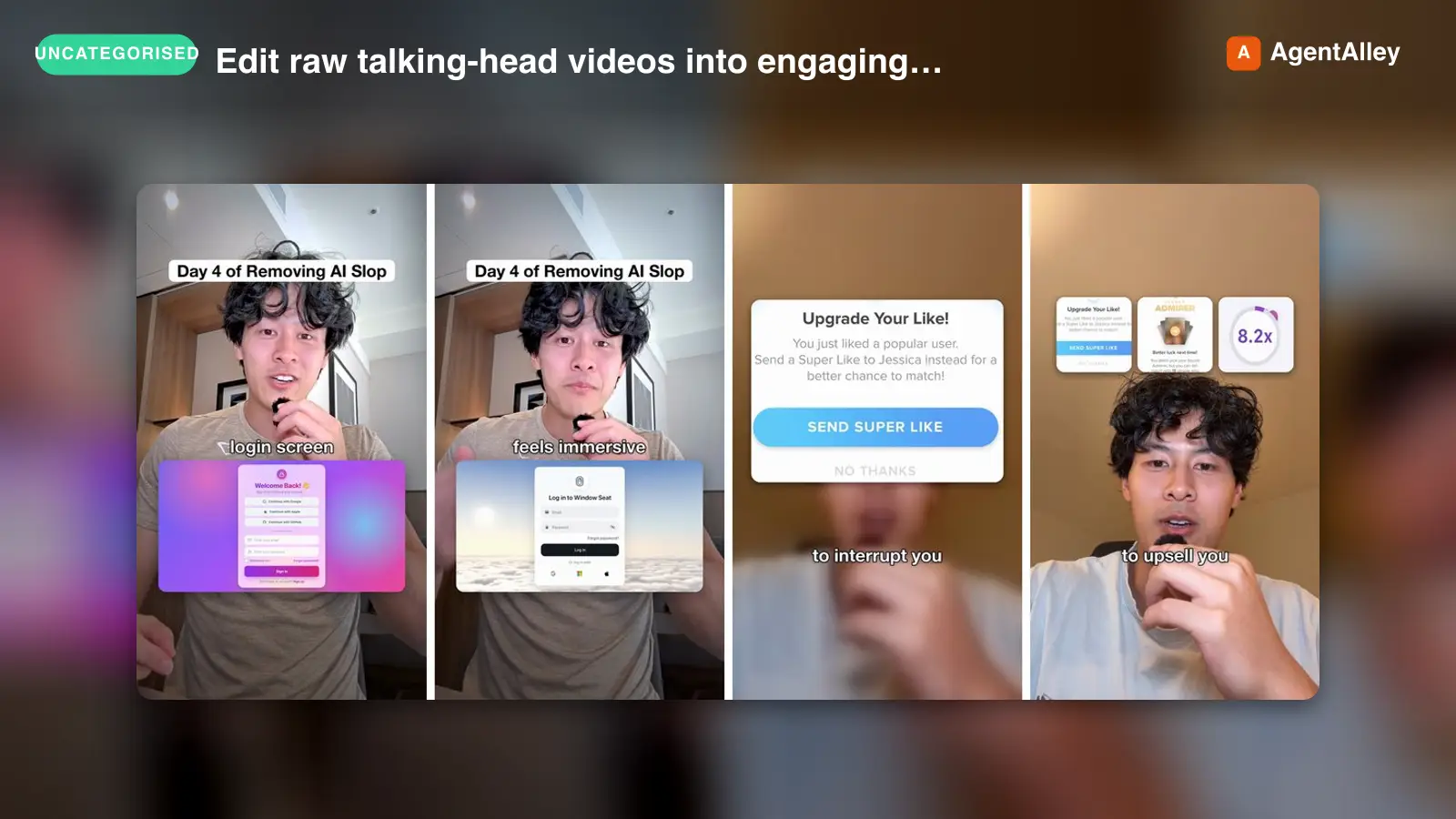 GoalLemonFace0309/charles-skills · by LemonFace0309Edit raw talking-head videos into engaging, organic-looking Instagram Reels / TikToks - cut dead space and stumbles, keep the last clean take, 2-3 word captions, retention-maxing image/video overlays (pop-culture stickers, cutouts, split screens, tweet screenshots), sound effects, a background track from the music folder, and a TikTok-title-style hook when asked. Covers news and education/entertainment videos. Use this whenever Charles shares a talking-head .MOV/.mp4 and asks to edit, cut, caption, add a hook, add overlays/b-roll/images/a split screen, add music or sound effects, "make it a reel", "minoify" it, or fix any of those in a video already edited this way - even if only one of those steps is asked for.★ 257 GitHub stars
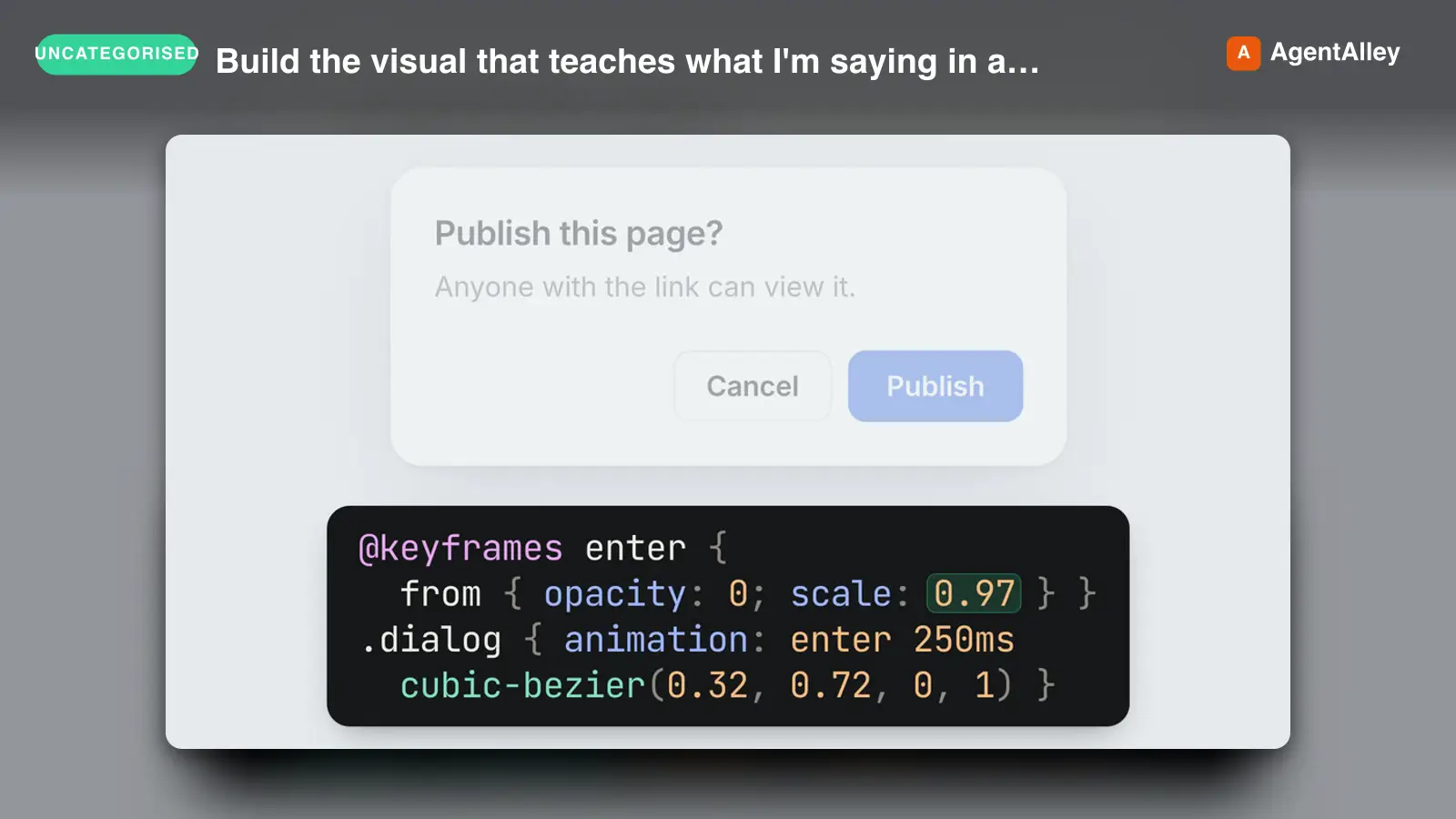 GoalLemonFace0309/charles-skills · by LemonFace0309Build the visual that teaches what I'm saying in a reel - the real thing doing what I describe, a before/after flip or a side-by-side, a mark that shows what changes (a guide, a hatched band, corner brackets, a before|after sweep), a definition tab above the demo, a coloured agent cursor that makes the change on my word or moves the part itself, the CSS or another short caption under it, red marks on a real screenshot - sized for the slot charles-claude-editing gives, timed to my words, and simple enough to read in the 1-5 s a phone viewer gets. Use whenever a video explains a term, a fix, a technique, a number or a mechanism (my list reels, "10 niche ___ hacks", Day N of Removing AI Slop, reverse-engineering explainers), when charles-claude-editing asks for an explainer asset at a size, or when I say a teaching visual is too busy, too fast, too small, stale, hard to read, not engaging, or that it's hard to see what changed.★ 257 GitHub stars
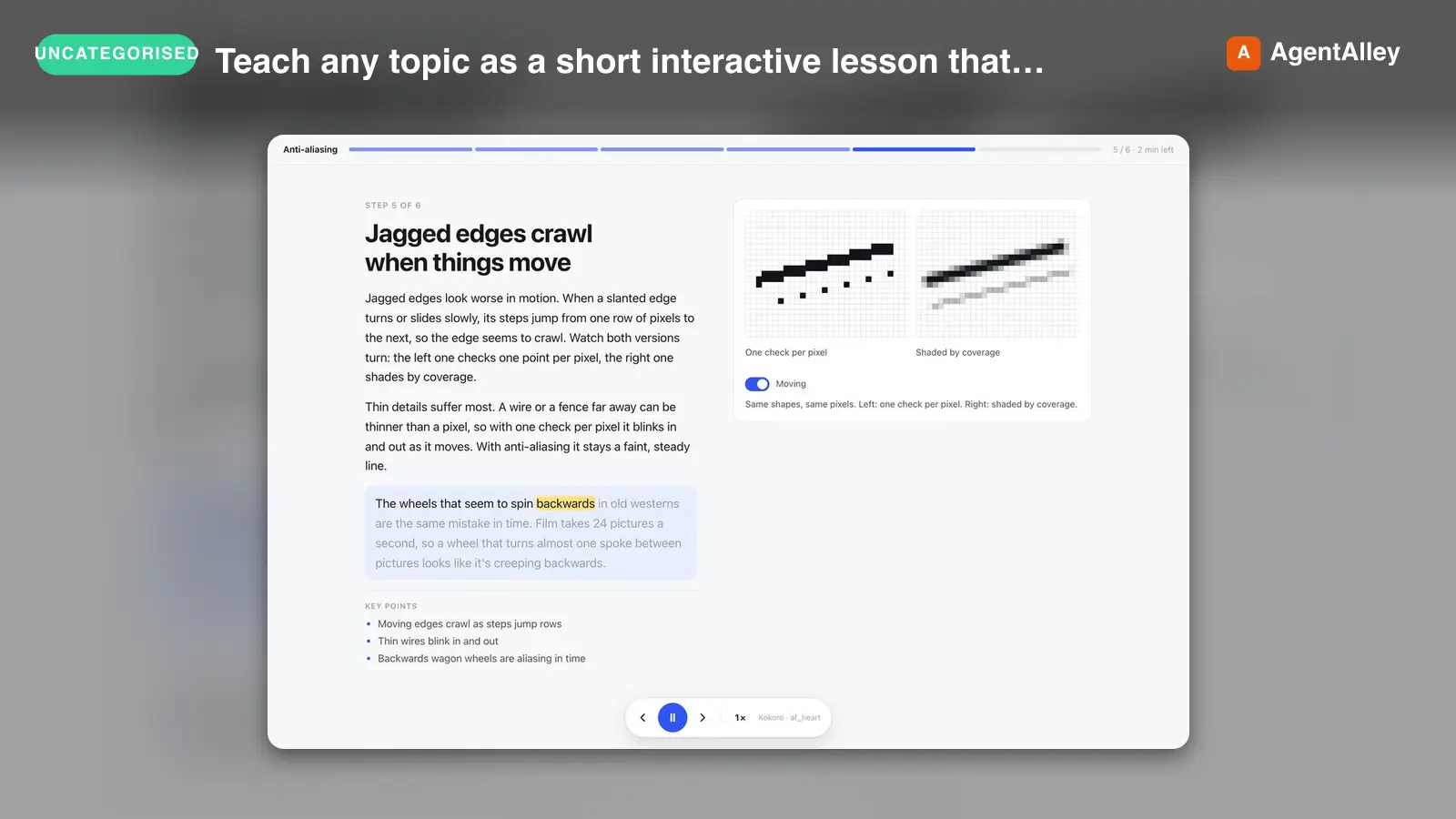 GoalLemonFace0309/charles-skills · by LemonFace0309Teach any topic as a short interactive lesson that opens in Chrome: one idea per screen, each hung on a real-life example, the key terms and an outline first, a predict-first question where people usually guess wrong, small demos to play with that change on the word the narrator says, stand-out facts, dot jots under every step, an acronym or phrase when there's a set to remember, quick checks with instant feedback, and a natural voice that reads along with each word highlighted at the speed you pick. Use when someone says teach me, help me understand, learn anything, walk me through, explain X step by step, make me a lesson on X, or I want to actually get X, and wants to understand a concept fast and properly rather than read a long answer.★ 257 GitHub stars