How to use a prompt from AgentAlley
Copy a prompt someone already tested, paste it into Claude, ChatGPT or Gemini, and fill in the blanks. No account, nothing to install. · about 1 min
- 1
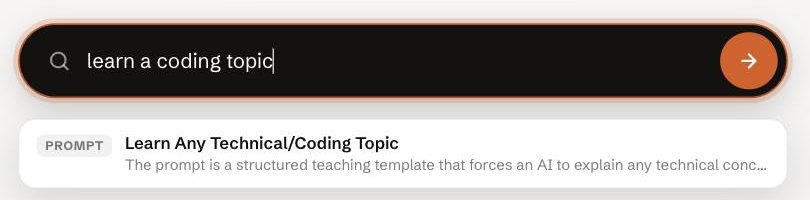
Search for what you need
Type the job in plain words in the search box. Open the prompt that matches.
- 2
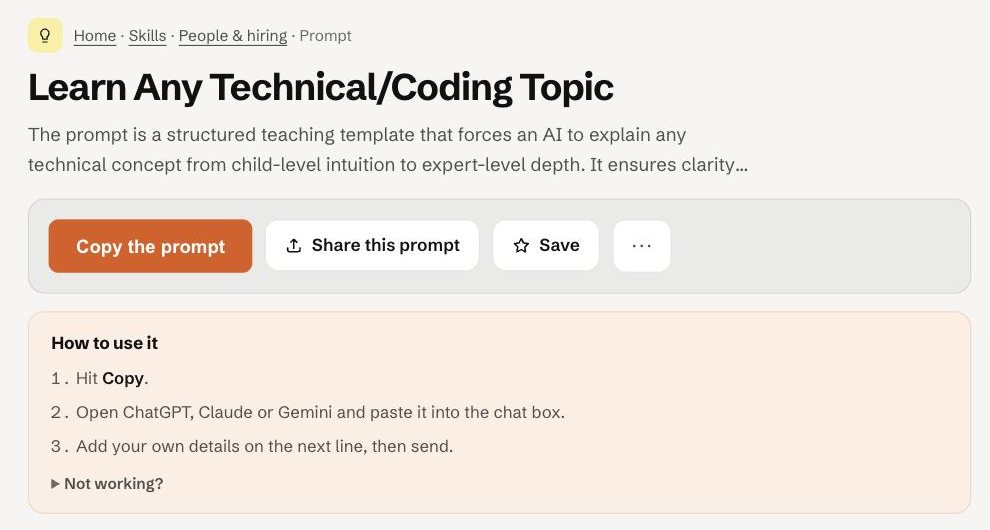
Hit Copy the prompt
The page shows who wrote it and its licence. The full prompt is right below — read it once before you use it.
- 3
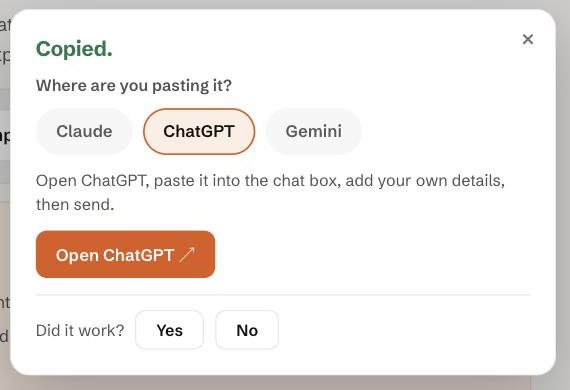
Pick where you paste it
After copying, AgentAlley asks which app you use and shows the steps for it.
- 4
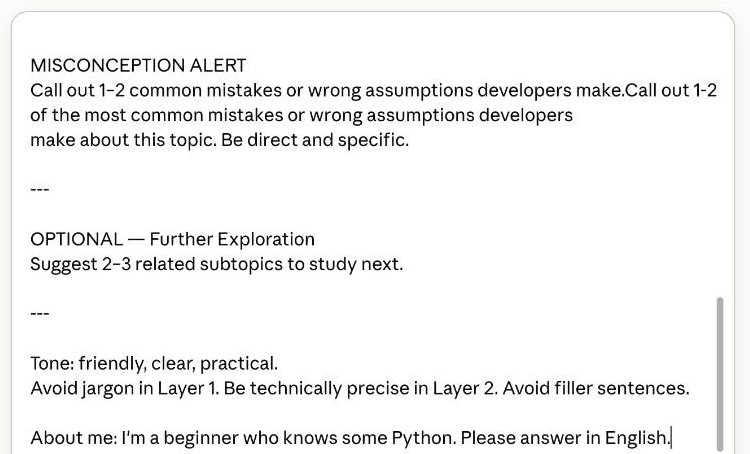
Paste, fill the blanks, add one line about you
Replace anything in ${curly brackets} with your own words. Then add one line of context at the bottom — who you are, what level, what language.
- 5
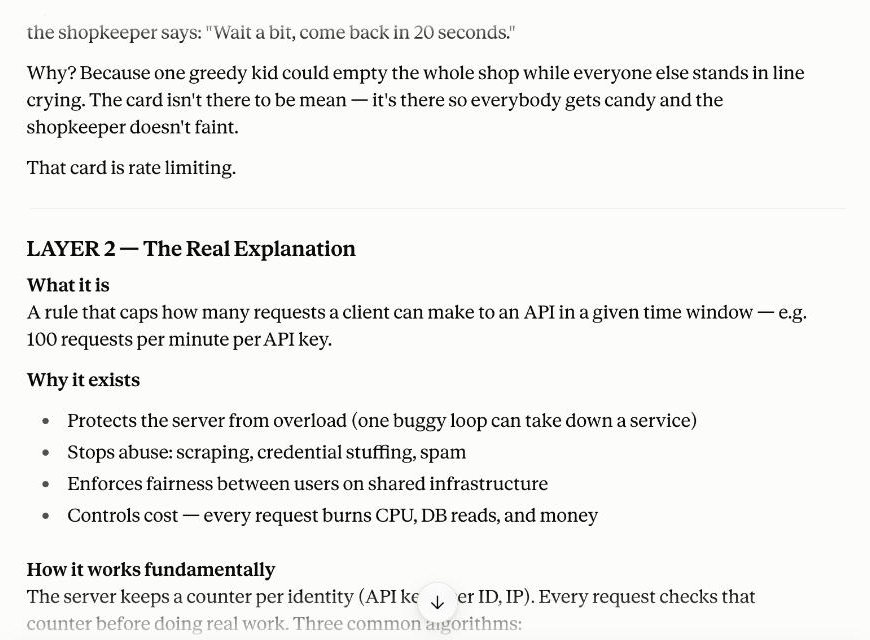
Send it
The structure of the answer comes from the prompt. Here: a simple analogy, a real explanation, code, and common mistakes.
- 6
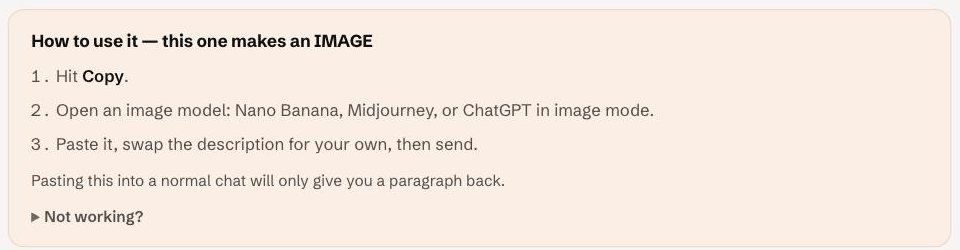
Image prompts go into an image model
If the page says “this one makes an IMAGE”, paste it into Nano Banana, Midjourney or ChatGPT in image mode. A normal chat only gives you a paragraph back.
Tips for the best results
- Fill every placeholder. An empty blank gives a generic answer.
- One line about you (“I'm a beginner who knows some Python”) makes the answer much sharper.
- When you copy, answer “Did it work?” — that's how good prompts rise to the top.
Still stuck? Ask in the forum — say what you tried and where it broke.