Put AgentAlley inside Claude (MCP)
Connect AgentAlley once, then ask your AI to find and use skills for you — no browser tab, no copy-paste. MCP is free for anyone signed in, just like the website. · about 2 min
- 1
Get a plan and your key
MCP comes with the Personal and Team plans. Pick one on agentalley.io/mcp — your key appears on that page once payment clears.
https://agentalley.io/mcp - 2
Claude Code
One line in your terminal. Replace the key with yours.
claude mcp add --transport http agentalley https://agentalley.io/mcp --header "Authorization: Bearer aa_mcp_…" - 3
Cursor
Add AgentAlley to ~/.cursor/mcp.json with the address and a headers entry: "Authorization": "Bearer aa_mcp_…". The /mcp page shows the whole file with your key in it.
- 4
Claude desktop app
Settings → Developer → Edit Config, then paste the block from the Claude tab on agentalley.io/mcp and restart Claude. It needs Node.js.
- 5
Ask in plain words
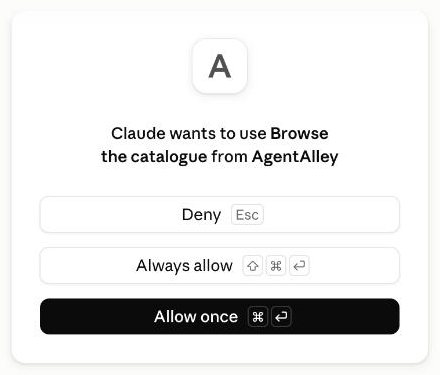
For example: “Find a skill on AgentAlley that makes my writing sound more human, then use it on this paragraph.” Allow the tool when Claude asks.
Tips for the best results
- Custom connectors on claude.ai and in ChatGPT only take OAuth or no sign-in today, so an AgentAlley key cannot be added there yet.
- Every plan allows up to 5,000 calls a day. Browsing, reading and copying on agentalley.io stays free, with no plan.
- Describe the job, not the skill name — search works on what a skill does.
Still stuck? Ask in the forum — say what you tried and where it broke.