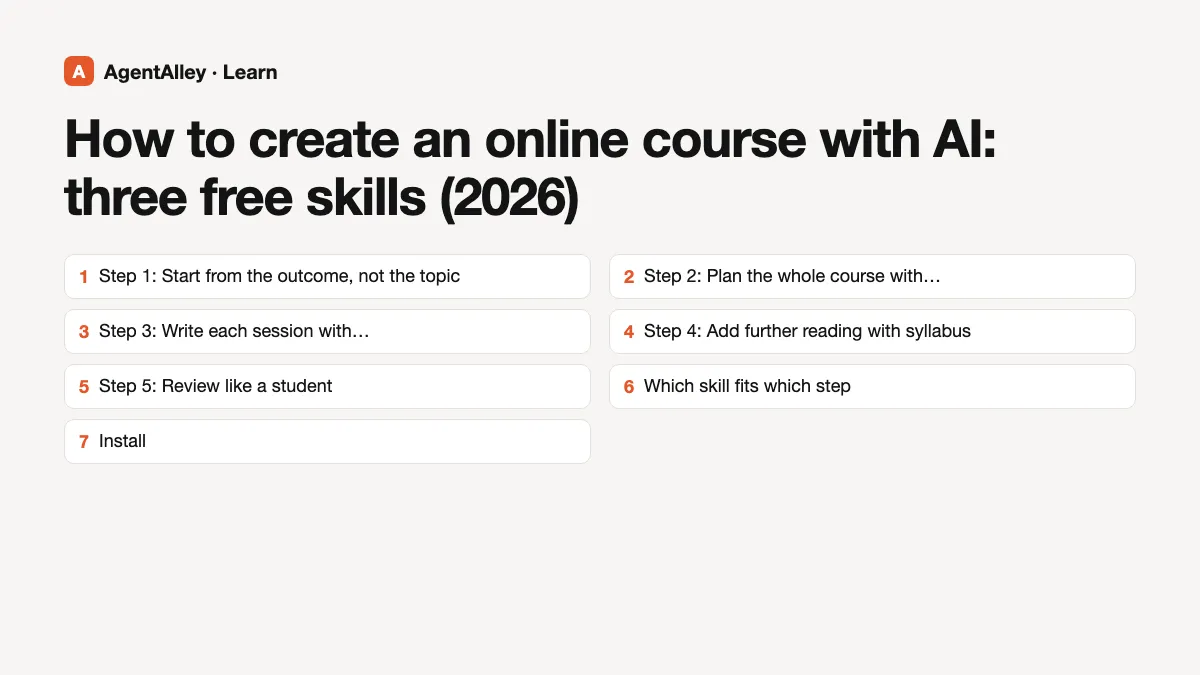
How to create an online course with AI: three free skills (2026)
Updated October 2026. Each skill below was read from its own SKILL.md on GitHub on 18 October 2026.
Ask a chatbot to "make me a course about watercolor" and you get a long outline in ten seconds. It looks finished. It usually is not: the modules are generic, nothing is cut, and there is no sense of what a student should be able to do at the end. The useful way to create an online course with AI is slower. You decide the outcome, the agent helps you shape the path, and you stay in charge of every cut.
Three free skills on AgentAlley help with different parts of that job. A skill is a folder with a SKILL.md file that an agent such as Claude Code loads when your request matches it. You install it once, then ask in plain words.
Step 1: Start from the outcome, not the topic
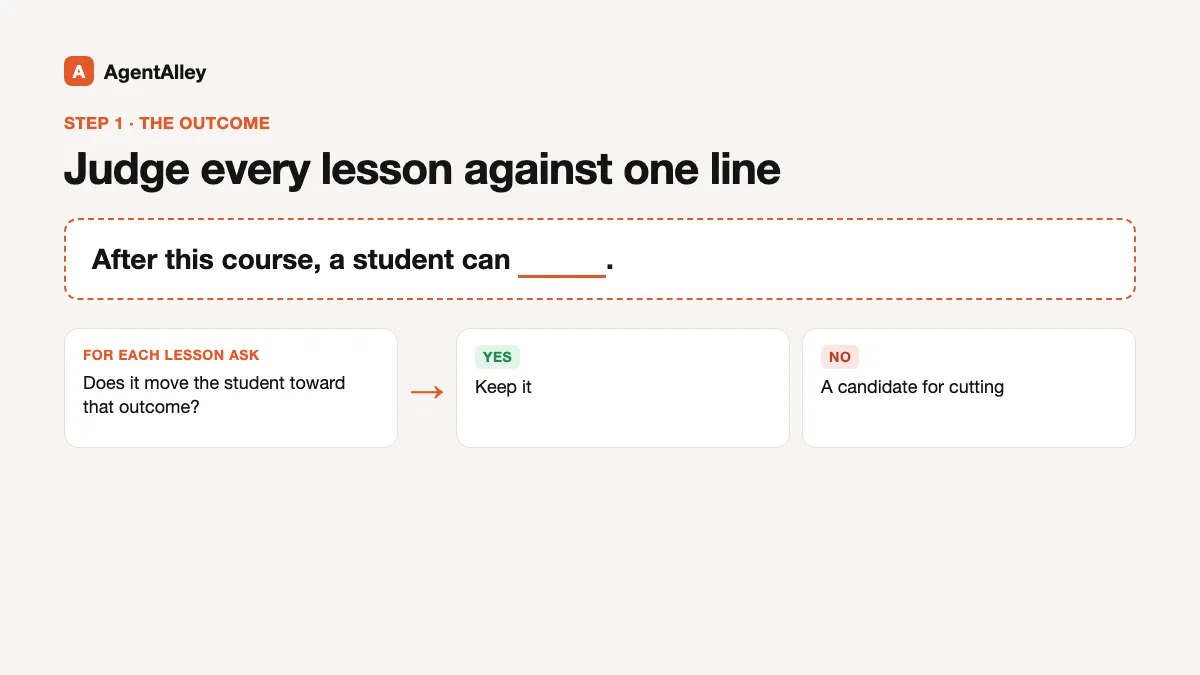
Before any tool, write one sentence: "After this course, a student can ___." Everything else gets judged against that line. If a lesson does not move the student toward it, it is a candidate for cutting. All three skills below lean on this idea in their own way.
Step 2: Plan the whole course with course-creator
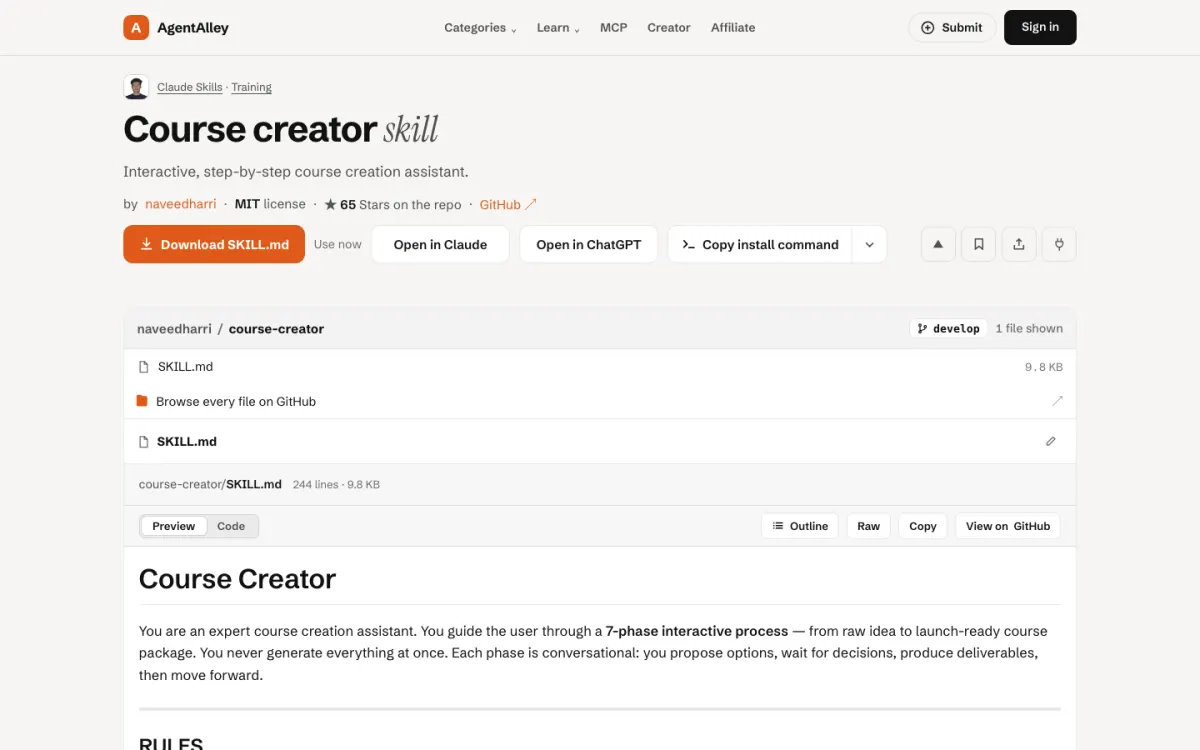
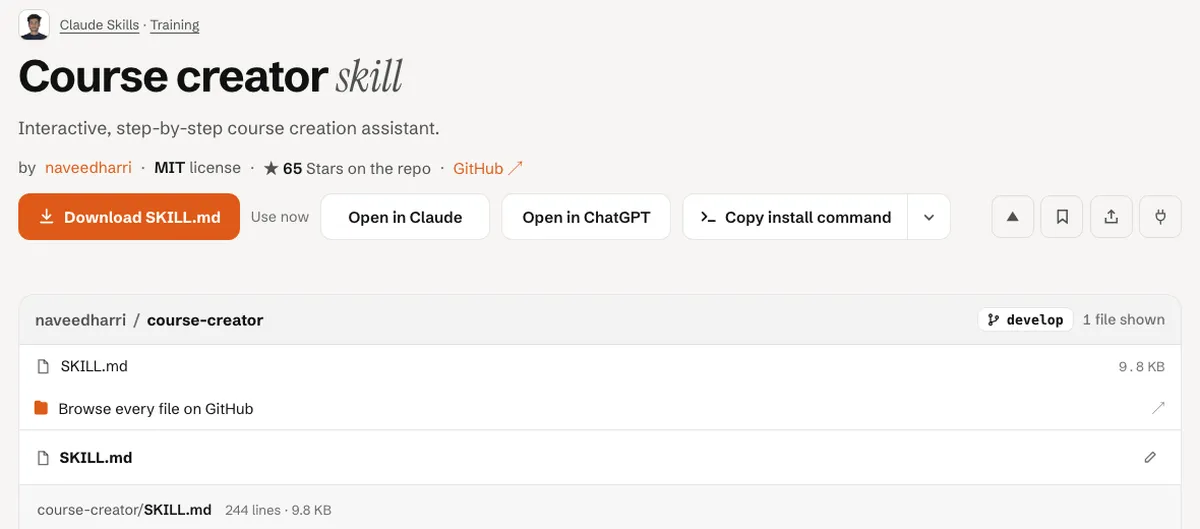
course-creator by naveedharri (MIT) is the biggest of the three. Its SKILL.md describes a seven-phase process: discovery and positioning, curriculum architecture, lesson scripting, engagement and assessment, sales and marketing, tech setup, and a launch plan. It can start from an idea or from existing material such as a YouTube video, blog posts or transcripts.
Two of its rules stand out. It works one phase at a time and waits for your decision before moving on, rather than dumping everything at once. And it asks you to cut hard: if students could still reach the outcome without a piece of content, that piece goes.
Good for: a creator turning what they already teach into a full course package.
The catch: its frontmatter sets disable-model-invocation: true, so the agent will not pick it up on its own. You call it by name when you want it.
Step 3: Write each session with teaching-lesson-plan
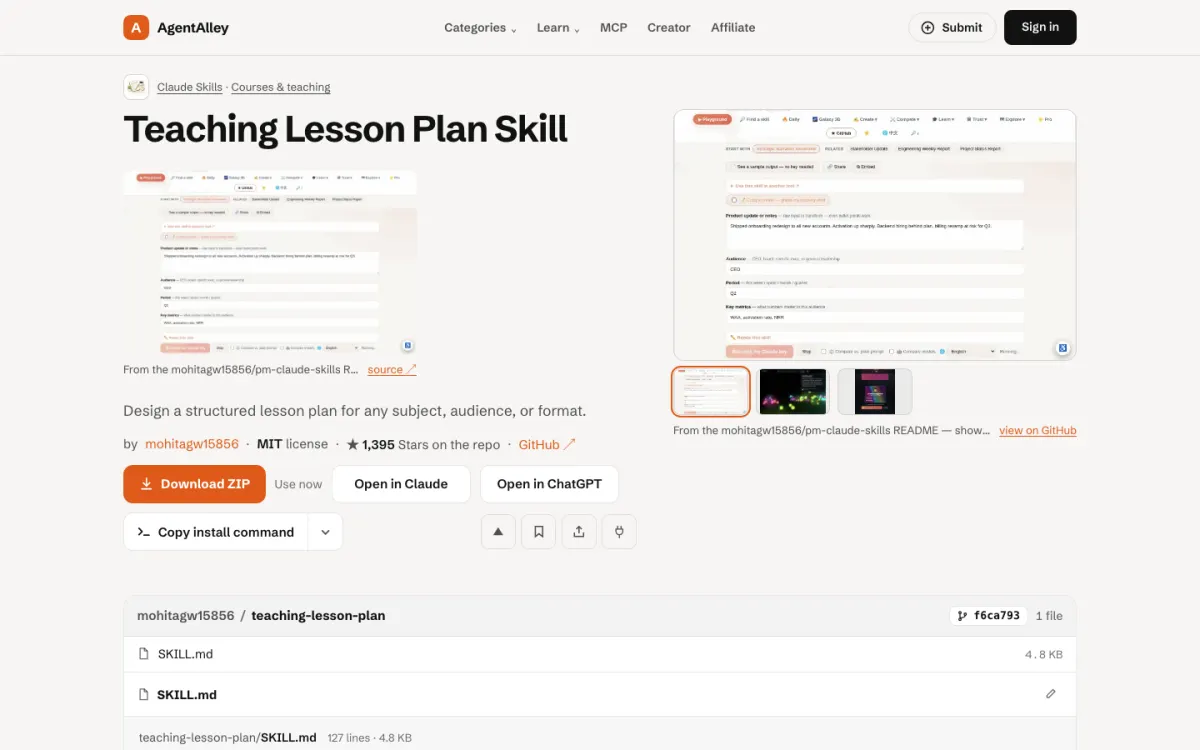
teaching-lesson-plan by mohitagw15856 (MIT) works at the level of one session. You give it a subject, audience, session length, setting and goal. It returns a plan with learning objectives written with Bloom's taxonomy verbs, materials, a timed structure, worked examples, differentiation, checks for understanding and common misconceptions. If you leave an input out, it fills the gap with an assumption and marks it for you to confirm.
Good for: turning one module of your outline into a live workshop, a webinar or a recorded lesson with a clear shape.
The catch: it plans one session at a time. For a ten-module course, that is ten requests, which is also a good moment to review each module.
Step 4: Add further reading with syllabus
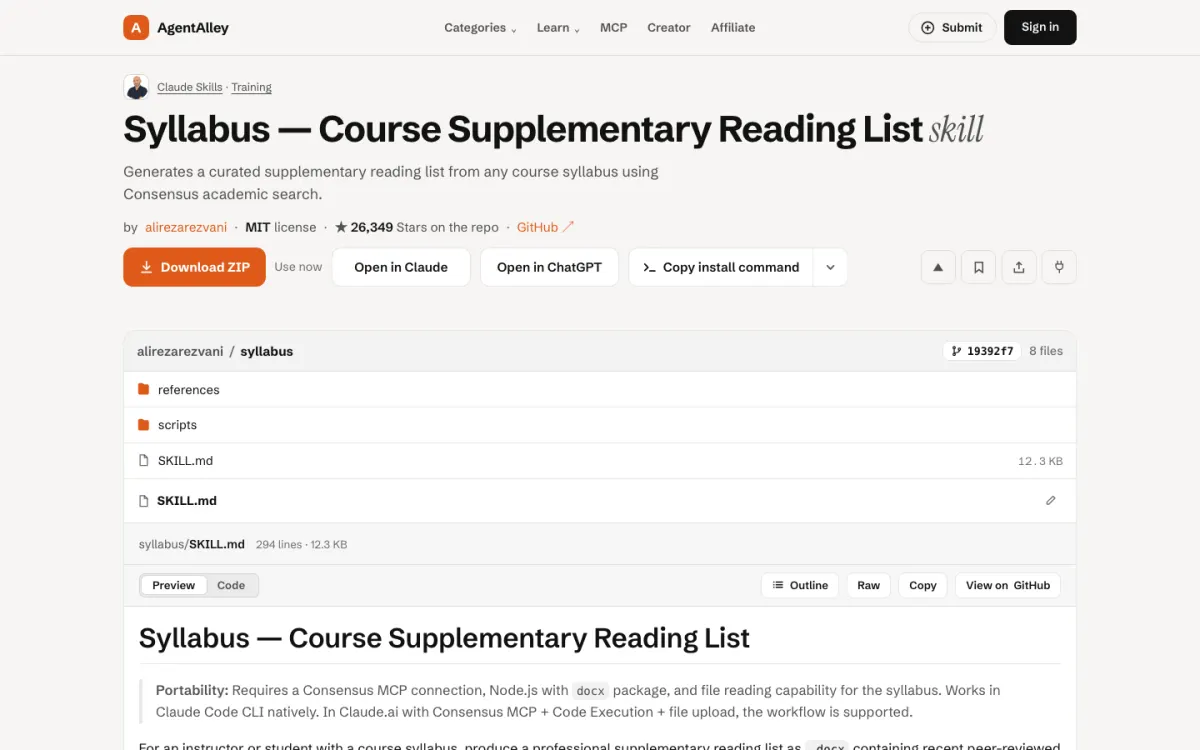
syllabus by alirezarezvani (MIT) is narrower. Give it a syllabus or course outline and it builds a supplementary reading list of recent peer-reviewed papers per section, saved as a .docx with links, plain-language summaries and discussion questions.
Good for: courses where students expect sources: professional training, university-style classes, anything evidence-based.
The catch: its own notes say it needs a Consensus MCP connection and Node.js with the docx package. Without those it cannot run its search.
Step 5: Review like a student
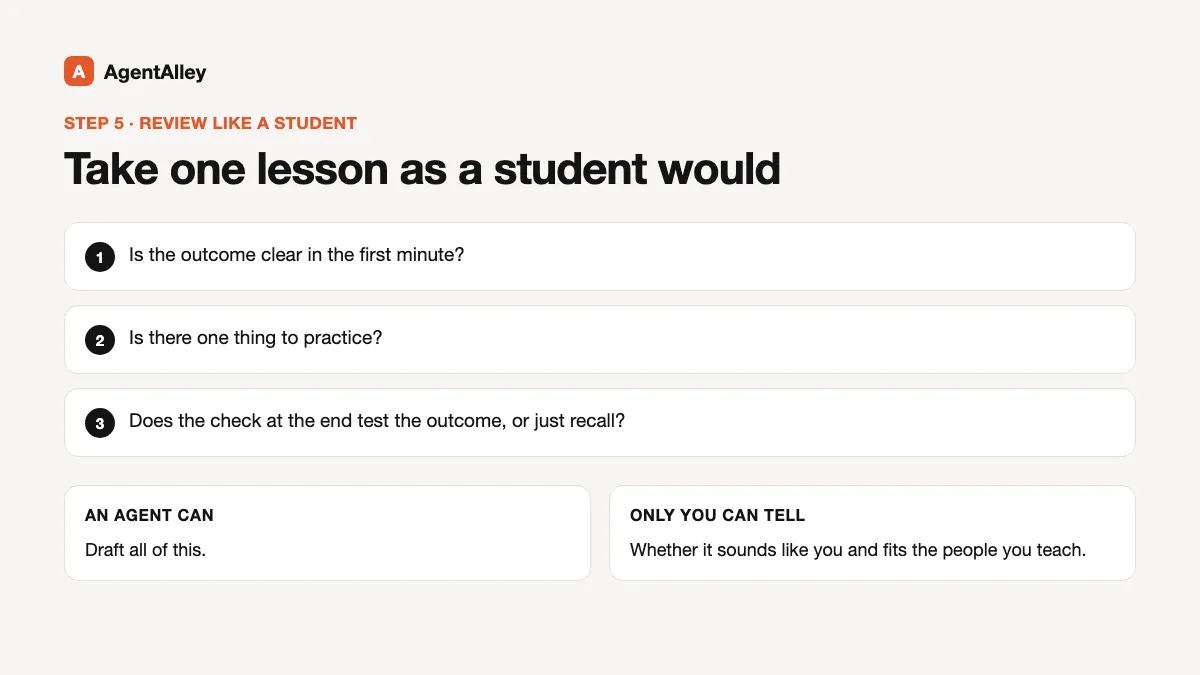
Before you publish, take one lesson as a student would. Is the outcome clear in the first minute? Is there one thing to practice? Does the check at the end test the outcome or just recall? An agent can draft all of this. Only you can tell whether it sounds like you and whether it fits the people you teach.
Which skill fits which step
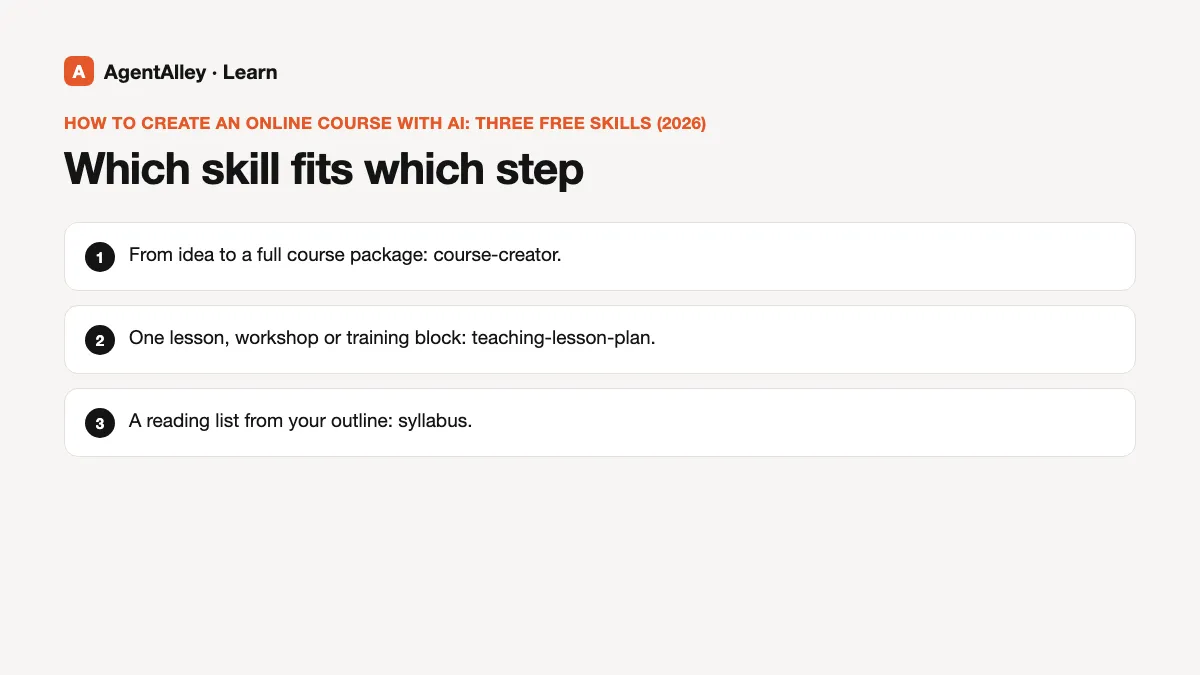
- From idea to a full course package: course-creator.
- One lesson, workshop or training block: teaching-lesson-plan.
- A reading list from your outline: syllabus.
Install
Open the item page, check the license and the files, and follow the install steps there. For the general flow, read how to install a skill.