OpenSEO Link Prospecting
Find link prospects, discover contact paths
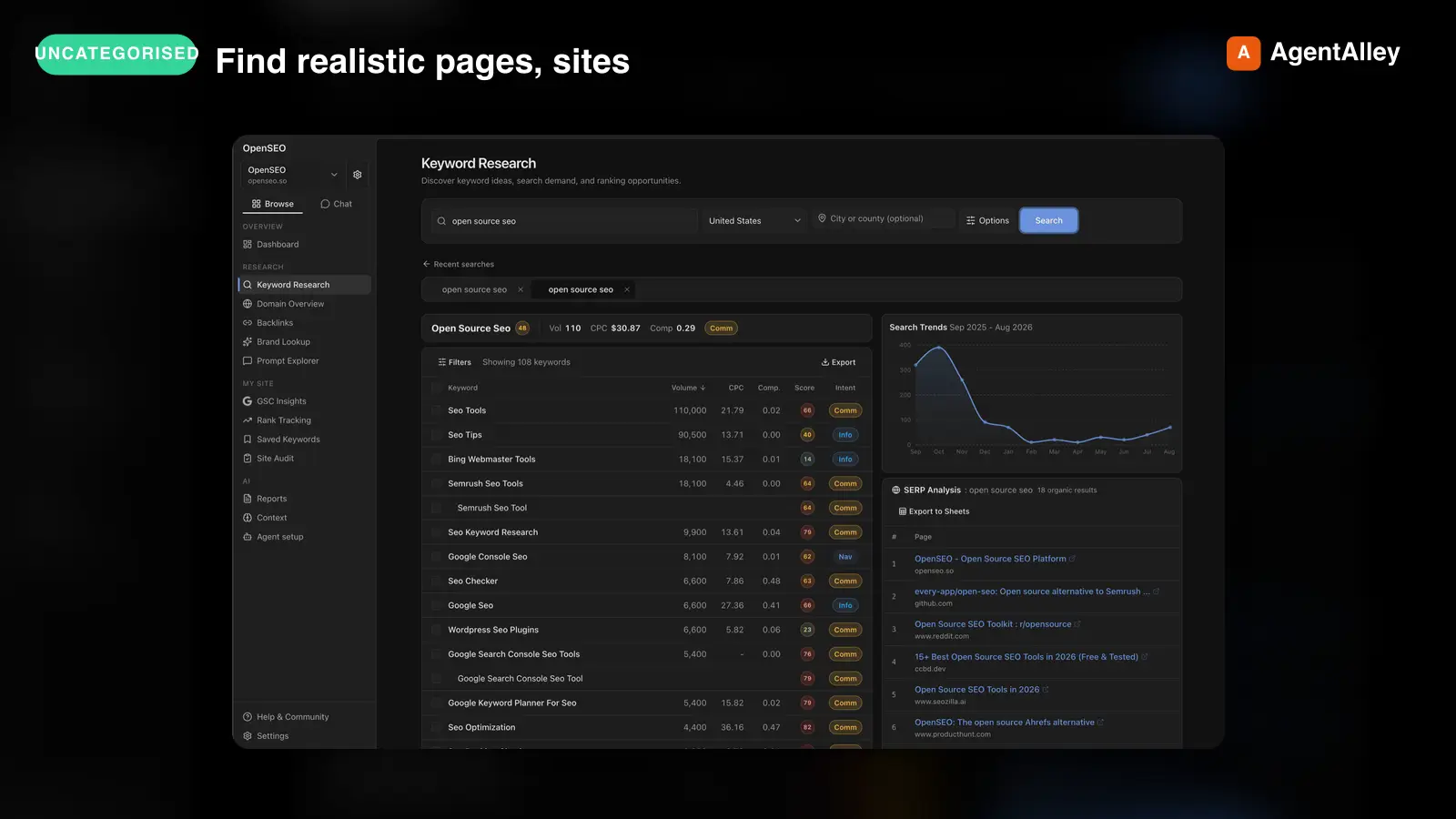
Find link prospects, discover contact paths, and draft outreach from SERPs and backlink signals.
---
name: link-prospecting
description: Find link prospects, discover contact paths, and draft outreach from SERPs and backlink signals.
---

# OpenSEO Link Prospecting

## Goal

Find realistic pages, sites, and authors that might reference the user's page, product, study, guide, or tool. Use OpenSEO for prospect discovery, then use available web/search/browser tools for contact discovery.

## Required inputs

- `projectId`
- User domain or target URL
- Linkable asset, page, product, study, tool, or topic
- Optional competitors
- Optional market/location/language
Overview
Find realistic pages, sites, and authors that might reference the user's page, product, study, guide, or tool. Use OpenSEO for prospect discovery, then use available web/search/browser tools for contact discovery.
What you get
The angle: one or two opening sentences naming the best outreach angle and the prospect type to work first.
Prospects: a table of prospect URL, site, source, suggested angle, contact path, and priority…
Why these: one finding per prospect worth explaining: the evidence that they link to things like this, then the exact ask.
Outreach drafts: the message text for each of two or three reusable angles: resource or list inclusion, an article update…
Limitations: notes: contact paths not found, prospects that are direct competitors or likely paid placements…
What to do next: an ordered list: who to send to first, and in what order.
Manual install (npx, ZIP)
npx skills add every-app/open-seo --skill link-prospecting -g -a claude-codenpx degit every-app/open-seo/plugins/openseo/skills/link-prospecting#main ~/.claude/skills/link-prospectingConnects with Agent Alley MCP · agentalley.io/mcp
Files included
SKILL.md6.7 KB
Read SKILL.md here
Show the full text118 lines
OpenSEO Link Prospecting
Goal
Find realistic pages, sites, and authors that might reference the user's page, product, study, guide, or tool. Use OpenSEO for prospect discovery, then use available web/search/browser tools for contact discovery.
Required inputs
projectId- User domain or target URL
- Linkable asset, page, product, study, tool, or topic
- Optional competitors
- Optional market/location/language
Project context
The project-context tools are free and shared with the app and other agents.
- Call
get_project_contextfirst and ground the outreach in it — positioning supplies the claim that makes a link worth giving, and the saved competitors are the backlink profiles to mine. - This skill needs
positioningand competitors. If either is empty, run a minimal inline setup: ask the user why someone would cite them and who they compete with, or infer from the site andfind_serp_competitorsand confirm, write it back withupdate_project_context, then continue the prospecting. Never front-load the full interview; suggestseo-project-setupat the end for the rest. - Before spending credits, check the research log. If the same research ran within the last 30 days, reuse that result and say so instead of re-buying it.
- On finish, write back what is durable — the linkable asset via
addKeyPages, any competitor whose backlink profile proved useful viaaddCompetitors— and append a research log entry:{ appendResearchLog: { summary: "Link prospecting: <asset/target page>. Verdict: <conclusion>" } }.
Deliver as a report
Deliver through the seo-report skill, saving with skill: "link-prospecting". If that skill is not available, say so and stop before writing HTML.
OpenSEO MCP tools
get_serp_results: find ranking articles, listicles, resource pages, comparisons, and topical publishers.get_backlinks_overview: inspect competitor domain or page backlink/referring-domain patterns.get_domain_overview: qualify important prospect domains.get_ranked_keywords: understand what a prospect or competitor ranks for when topical fit matters.search_local_businessesandget_local_serp_results: use for local SEO link prospecting when nearby businesses, local competitors, or Maps/category signals can reveal partnership targets.research_keywords: expand prospecting queries.
Contact discovery tools
After OpenSEO identifies good prospects, use available non-OpenSEO browsing or search tools for public contact discovery. Depending on the client, this may be web search, page fetches, browser automation, or a search API.
Look for:
- Author byline pages
- Contact pages
- Editorial guidelines
- About/team pages
- LinkedIn, X, Bluesky, or other professional profiles
- Newsletter or publication masthead pages
- Public email addresses in page HTML or visible page text
- Structured data such as
Person,Organization,sameAs, oremail
Only record contact details that were actually found. Include the source URL for any email, profile, or contact form.
Prospecting query patterns
Build queries from the asset/topic:
<topic> resourcesbest <category> tools<competitor> alternatives<topic> statistics<topic> guide<topic> examples<topic> templates<topic> software<topic> for <audience>
Use get_serp_results in batches for the most relevant patterns. Send at most 10 queries per call.
Workflow
- Clarify the linkable asset and the reason someone would reference it.
- Build 5-10 prospecting queries by default.
- Call
get_serp_resultsfor those queries. - If competitors are provided, call
get_backlinks_overviewfor the strongest competitor domains or pages first. Continue without backlink evidence if it is unavailable. - For local SEO, use
search_local_businessesandget_local_serp_resultsaround priority locations to identify nearby competitors, categories, and local SERP evidence before searching for local chambers, associations, campus resources, community pages, and directories. - Filter prospects:
- Keep topical relevance and editorial pages.
- Prioritize articles, directories, resource pages, comparisons, statistics pages, templates, and curated lists.
- Deprioritize homepages, login pages, thin affiliate pages, spam, unrelated forums, and direct competitors unless a comparison angle is valid.
- For each good prospect, define the outreach angle:
- Broken/missing resource
- Better current data
- Useful tool/template
- Alternative or comparison inclusion
- Expert quote or supporting reference
- For the strongest prospects, visit or search the prospect site to find the best contact path.
- Draft outreach messages. If contact details were found, include the source. If not, list the next best contact-discovery path.
Output format
h1: the linkable asset.
If a report template applies (see seo-report), its sections and tone replace this list.
Sections in this order:
- The angle — one or two opening sentences naming the best outreach angle and the prospect type to work first.
- Prospects — a table of prospect URL, site, source, suggested angle, contact path, and priority. Keep it under about eight columns; drop the ones that add nothing for this run.
- Why these — one finding per prospect worth explaining: the evidence that they link to things like this, then the exact ask.
- Outreach drafts — the message text for each of two or three reusable angles: resource or list inclusion, an article update, and a comparison mention.
- Limitations — notes: contact paths not found, prospects that are direct competitors or likely paid placements, and which source found each contact detail.
- What to do next — an ordered list: who to send to first, and in what order.
- How this report was made — opens with the skill link line from
seo-report, pointing athttps://openseo.so/docs/skills/link-prospecting("OpenSEO Link Prospecting skill"), then which tools returned prospects and which came from the web or the browser.
Guardrails
- Do not invent email addresses, social handles, or contact names.
- Do not say OpenSEO found contact details unless an OpenSEO tool returned them. Attribute contact discovery to the web/search/browser source used.
- If contact details are not available after a reasonable search, recommend specific discovery steps such as checking the author page, contact page, LinkedIn, X, or a reputable contact-enrichment tool.
- Avoid spammy mass outreach. Personalize by page and reason.
- Flag prospects that are direct competitors or likely paid placements.
| 1 | |
| 2 | name link-prospecting |
| 3 | description Find link prospects, discover contact paths, and draft outreach from SERPs and backlink signals. |
| 4 | |
| 5 | |
| 6 | # OpenSEO Link Prospecting |
| 7 | |
| 8 | ## Goal |
| 9 | |
| 10 | Find realistic pages, sites, and authors that might reference the user's page, product, study, guide, or tool. Use OpenSEO for prospect discovery, then use available web/search/browser tools for contact discovery. |
| 11 | |
| 12 | ## Required inputs |
| 13 | |
| 14 | `projectId` |
| 15 | User domain or target URL |
| 16 | Linkable asset, page, product, study, tool, or topic |
| 17 | Optional competitors |
| 18 | Optional market/location/language |
| 19 | |
| 20 | ## Project context |
| 21 | |
| 22 | The project-context tools are free and shared with the app and other agents. |
| 23 | |
| 24 | Call `get_project_context` first and ground the outreach in it — positioning supplies the claim that makes a link worth giving, and the saved competitors are the backlink profiles to mine. |
| 25 | This skill needs `positioning` and competitors. If either is empty, run a minimal inline setup: ask the user why someone would cite them and who they compete with, or infer from the site and `find_serp_competitors` and confirm, write it back with `update_project_context`, then continue the prospecting. Never front-load the full interview; suggest `seo-project-setup` at the end for the rest. |
| 26 | Before spending credits, check the research log. If the same research ran within the last 30 days, reuse that result and say so instead of re-buying it. |
| 27 | On finish, write back what is durable — the linkable asset via `addKeyPages`, any competitor whose backlink profile proved useful via `addCompetitors` — and append a research log entry: `{ appendResearchLog: { summary: "Link prospecting: <asset/target page>. Verdict: <conclusion>" } }`. |
| 28 | |
| 29 | ## Deliver as a report |
| 30 | |
| 31 | Deliver through the `seo-report` skill, saving with `skill: "link-prospecting"`. If that skill is not available, say so and stop before writing HTML. |
| 32 | |
| 33 | ## OpenSEO MCP tools |
| 34 | |
| 35 | `get_serp_results`: find ranking articles, listicles, resource pages, comparisons, and topical publishers. |
| 36 | `get_backlinks_overview`: inspect competitor domain or page backlink/referring-domain patterns. |
| 37 | `get_domain_overview`: qualify important prospect domains. |
| 38 | `get_ranked_keywords`: understand what a prospect or competitor ranks for when topical fit matters. |
| 39 | `search_local_businesses` and `get_local_serp_results`: use for local SEO link prospecting when nearby businesses, local competitors, or Maps/category signals can reveal partnership targets. |
| 40 | `research_keywords`: expand prospecting queries. |
| 41 | |
| 42 | ## Contact discovery tools |
| 43 | |
| 44 | After OpenSEO identifies good prospects, use available non-OpenSEO browsing or search tools for public contact discovery. Depending on the client, this may be web search, page fetches, browser automation, or a search API. |
| 45 | |
| 46 | Look for: |
| 47 | |
| 48 | Author byline pages |
| 49 | Contact pages |
| 50 | Editorial guidelines |
| 51 | About/team pages |
| 52 | LinkedIn, X, Bluesky, or other professional profiles |
| 53 | Newsletter or publication masthead pages |
| 54 | Public email addresses in page HTML or visible page text |
| 55 | Structured data such as `Person`, `Organization`, `sameAs`, or `email` |
| 56 | |
| 57 | Only record contact details that were actually found. Include the source URL for any email, profile, or contact form. |
| 58 | |
| 59 | ## Prospecting query patterns |
| 60 | |
| 61 | Build queries from the asset/topic: |
| 62 | |
| 63 | `<topic> resources` |
| 64 | `best <category> tools` |
| 65 | `<competitor> alternatives` |
| 66 | `<topic> statistics` |
| 67 | `<topic> guide` |
| 68 | `<topic> examples` |
| 69 | `<topic> templates` |
| 70 | `<topic> software` |
| 71 | `<topic> for <audience>` |
| 72 | |
| 73 | Use `get_serp_results` in batches for the most relevant patterns. Send at most 10 queries per call. |
| 74 | |
| 75 | ## Workflow |
| 76 | |
| 77 | Clarify the linkable asset and the reason someone would reference it. |
| 78 | Build 5-10 prospecting queries by default. |
| 79 | Call `get_serp_results` for those queries. |
| 80 | If competitors are provided, call `get_backlinks_overview` for the strongest competitor domains or pages first. Continue without backlink evidence if it is unavailable. |
| 81 | For local SEO, use `search_local_businesses` and `get_local_serp_results` around priority locations to identify nearby competitors, categories, and local SERP evidence before searching for local chambers, associations, campus resources, community pages, and directories. |
| 82 | Filter prospects: |
| 83 | Keep topical relevance and editorial pages. |
| 84 | Prioritize articles, directories, resource pages, comparisons, statistics pages, templates, and curated lists. |
| 85 | Deprioritize homepages, login pages, thin affiliate pages, spam, unrelated forums, and direct competitors unless a comparison angle is valid. |
| 86 | For each good prospect, define the outreach angle: |
| 87 | Broken/missing resource |
| 88 | Better current data |
| 89 | Useful tool/template |
| 90 | Alternative or comparison inclusion |
| 91 | Expert quote or supporting reference |
| 92 | For the strongest prospects, visit or search the prospect site to find the best contact path. |
| 93 | Draft outreach messages. If contact details were found, include the source. If not, list the next best contact-discovery path. |
| 94 | |
| 95 | ## Output format |
| 96 | |
| 97 | `h1`: the linkable asset. |
| 98 | |
| 99 | If a report template applies (see `seo-report`), its sections and tone replace this list. |
| 100 | |
| 101 | Sections in this order: |
| 102 | |
| 103 | **The angle** — one or two opening sentences naming the best outreach angle and the prospect type to work first. |
| 104 | **Prospects** — a table of prospect URL, site, source, suggested angle, contact path, and priority. Keep it under about eight columns; drop the ones that add nothing for this run. |
| 105 | **Why these** — one finding per prospect worth explaining: the evidence that they link to things like this, then the exact ask. |
| 106 | **Outreach drafts** — the message text for each of two or three reusable angles: resource or list inclusion, an article update, and a comparison mention. |
| 107 | **Limitations** — notes: contact paths not found, prospects that are direct competitors or likely paid placements, and which source found each contact detail. |
| 108 | **What to do next** — an ordered list: who to send to first, and in what order. |
| 109 | **How this report was made** — opens with the skill link line from `seo-report`, pointing at `https://openseo.so/docs/skills/link-prospecting` ("OpenSEO Link Prospecting skill"), then which tools returned prospects and which came from the web or the browser. |
| 110 | |
| 111 | ## Guardrails |
| 112 | |
| 113 | Do not invent email addresses, social handles, or contact names. |
| 114 | Do not say OpenSEO found contact details unless an OpenSEO tool returned them. Attribute contact discovery to the web/search/browser source used. |
| 115 | If contact details are not available after a reasonable search, recommend specific discovery steps such as checking the author page, contact page, LinkedIn, X, or a reputable contact-enrichment tool. |
| 116 | Avoid spammy mass outreach. Personalize by page and reason. |
| 117 | Flag prospects that are direct competitors or likely paid placements. |
| 118 |
Details
- License
- MIT
- Stars on the repo
- ★ 28,622
- Checked
- Source
- every-app/open-seo ↗
- Creator
- every-app · 7 listings
Similar skills
See all → AI Sales Team Orchestrator
 zubair-trabzada/ai-sales-team-claude · by zubair-trabzadaYou are a comprehensive AI sales intelligence and outreach system for Claude Code. You help founders, sales teams, agency owners, and…★ 1.4k GitHub stars
 Cold Email Automation
 growthenginenowoslawski/coldoutboundskills · by growthenginenowoslawskiAutonomous cold email campaign launcher. Takes one target company domain, scrapes their website, generates an ICP with Claude, pulls matching leads via Prospeo, enriches emails + company descriptions, personalizes each lead with parallel Claude Code Task sub-agents (A/B/C variants), and uploads as a live Smartlead campaign. Uses local JSON files for state (no database required). Use for automated daily campaign launches after you have an initial `client-profile.yaml` from /icp-onboarding. Triggers on "auto-research", "launch an automated campaign", "daily campaign", "run the research loop".★ 736 GitHub stars
 ABM Campaign Playbook
 explorium-ai/gtm-skills · by explorium-aiABM campaign skill for Claude Code: run a full Account-Based Marketing campaign end-to-end — from ICP definition to live LinkedIn Ads. Builds targeted account lists with Vibe Prospecting, enriches and scores companies with real-time B2B data, generates personalized ad creatives with Claude Code and Figma, pushes matched audiences to LinkedIn Ads, and monitors campaigns daily at scale. The complete GTM skill for AI-driven account-based marketing in Claude Code, Codex, Hermes-Agent, and OpenClaw. No agency needed.★ 197 GitHub stars
 Decision-Maker Shortlistexplorium-ai/gtm-skills · by explorium-aiContact data skill for Claude Code and Codex: build a ranked shortlist of decision-makers and contacts at a target company for outbound prospecting, deal acceleration, or renewal/expansion plays. Returns verified contact data including email, phone, LinkedIn profile, title, seniority, and department. Provide a company name or domain plus optional seniority focus or use case. Use for contact data enrichment, LinkedIn profile lookup, and building outbound contact lists. Works in Claude Code, Codex, Hermes-Agent, and OpenClaw.★ 197 GitHub stars
 Account Fit Scorerexplorium-ai/gtm-skills · by explorium-aiLead scoring and buying signals skill for Claude Code and Codex: rank a list of accounts by ICP fit, buying intent, real-time trigger events, and workforce momentum. Returns composite score (0-100), tier (A/B/C), and a 'why now' signal per account. Use for account-based selling, ABM list prioritization, territory planning, signal-based selling, and buyer-intent ranking. Triggers on 'score these accounts', 'rank by ICP fit and intent', 'prioritize this account list', 'which accounts have the strongest buying signals', 'ICP scoring', 'account prioritization'. Works in Claude Code, Codex, Hermes-Agent, OpenClaw, and Claude Cowork.★ 197 GitHub stars
 Sales Lead Processor
 coreyhaines31/marketingskills · by coreyhaines31Tell us how leads reach your team today and you get back a written playbook for scoring, routing, and following up on every lead fast.★ 51.1k GitHub stars
More from every-app
 AI Prompt Research
 every-app/open-seo · by every-appFind the questions people ask about a market, how ChatGPT answers them, and which sites get cited in the answers. Use when the user asks what people ask AI about their niche, wants prompt ideas, or wants to know where their brand is missing before choosing prompts to track. Research only; it never saves tracking or starts answer collection.★ 28.6k GitHub stars
 OpenSEO Coachevery-app/open-seo · by every-appEnter a friendly OpenSEO coach mode that explains workflows, recommends next steps, and helps users use agents, web search, scraping, and MCP data effectively.★ 28.6k GitHub stars
 OpenSEO Keyword Clusteringevery-app/open-seo · by every-appCluster keywords by intent and map them to existing or proposed pages.★ 28.6k GitHub stars
 OpenSEO Reportevery-app/open-seo · by every-appWrite and save an OpenSEO report as one self-contained HTML page. Use when a skill has finished its research, and whenever the user asks for a report, check-in, or summary, or names a report template.★ 28.6k GitHub stars
 OpenSEO SEO Project Setupevery-app/open-seo · by every-appPopulate a project's shared OpenSEO context — site scope, goals, positioning, competitors, key pages, and preferences — plus MCP checks and Search Console intake.★ 28.6k GitHub stars
 Setup Openseoevery-app/open-seo · by every-appSet up OpenSEO in the current AI agent. Use when a user pastes the OpenSEO installation prompt or asks to connect its plugin, MCP, and skills.★ 28.6k GitHub stars