Keynote skill
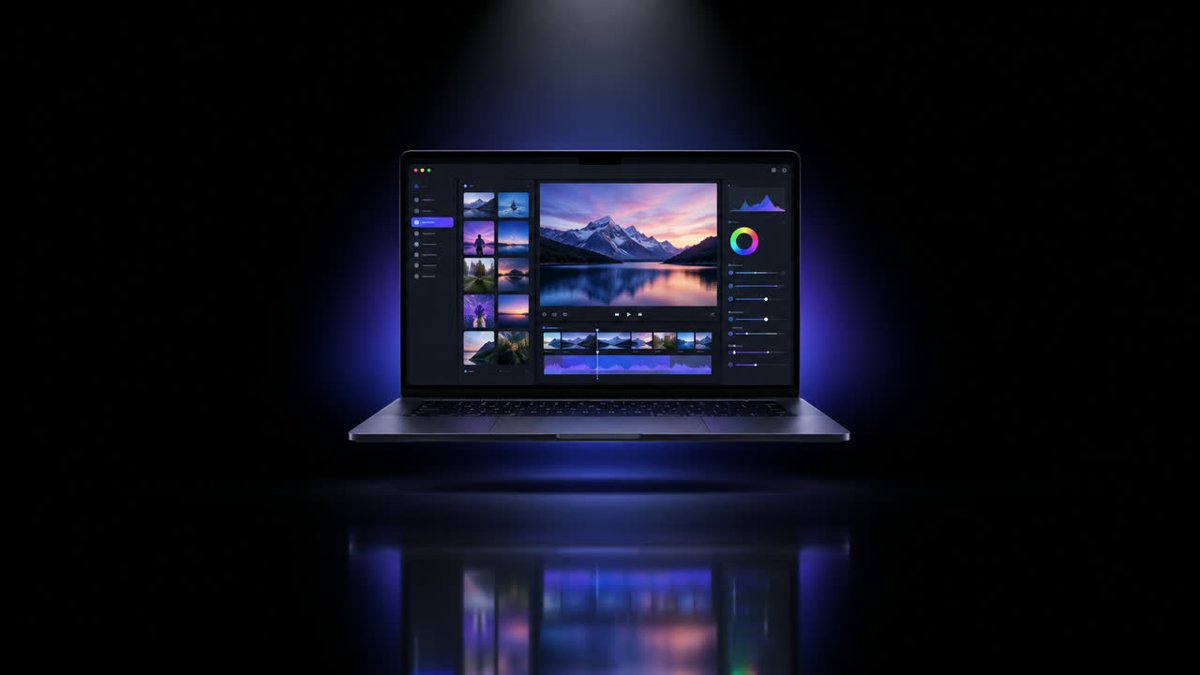
Illustration · not a resultFrom the openfilm/openfilm README — shows the whole collection, not only this skill.source ↗
Make a product film in the style of a big tech launch keynote: the real product on stage, one confident claim at a time.
by openfilm·MIT license·★ 975 Stars on the repo·GitHub ↗
npx degit openfilm/openfilm/packages/openfilm/skills/keynote#main ~/.claude/skills/keynoteChecked ·commit main
Files of Keynote
Show the full text35 lines
Keynote
Make the launch film this product deserves: the real product on stage, each moment making one claim and showing the proof, so the viewer leaves knowing what it is and wanting it. Surprise us; the expected version is not the goal.
What has to be true
- The real product. Its own screens, words, name and logo, from the person or captured from the live product; never a redrawn interface. Where a screen must be simpler, crop and zoom into the real one.
- Every claim true. What is shown has shipped, or is said to be coming; numbers, comparisons, customers, prices and dates come from the person or the product's own pages, never made up. A demo sped up or put together says so.
- One claim at a time, with its proof on screen, readable at the size it will be watched.
- It holds up next to the best launch films you know. Watch the whole film as a viewer would, and keep refining until it does. If it could launch another product, it is not done yet.
- It stays editable: the person can change any word later.
What you have
Anything you can make pictures and motion with: the web platform and any library on it, Blender or any renderer whose
output becomes a clip, any font whose license allows it, music and sound from npx openfilm get, your own built-in
tools, and services the person has keys for. OpenFilm's own rules still hold: the picture at t depends on t alone, a
page has no sound, and what you render elsewhere enters as a clip under assets/ with the script that made it. Ask
before downloading anything large onto the person's computer.
With the person
What they ask for comes before anything here. The product (its address, screenshots or recordings, its logo), what is new, and where the film will be shown. A fact you do not have is a question, or left out. When done, tell them in a few lines what you made, where every claim came from, and what of theirs would make it better.
| 1 | |
| 2 | name keynote |
| 3 | description Make a product film in the style of a big tech launch keynote: the real product on stage, one confident claim at a time. Use for app, website, software and gadget launches, feature announcements and product intros, or when the person asks for a keynote, launch event, premium or minimal tech style (发布会, 产品发布, 新品, 高级感). |
| 4 | |
| 5 | |
| 6 | # Keynote |
| 7 | |
| 8 | Make the launch film this product deserves: the real product on stage, each moment making one claim and showing the |
| 9 | proof, so the viewer leaves knowing what it is and wanting it. Surprise us; the expected version is not the goal. |
| 10 | |
| 11 | ## What has to be true |
| 12 | |
| 13 | **The real product.** Its own screens, words, name and logo, from the person or captured from the live product; never |
| 14 | a redrawn interface. Where a screen must be simpler, crop and zoom into the real one. |
| 15 | **Every claim true.** What is shown has shipped, or is said to be coming; numbers, comparisons, customers, prices and |
| 16 | dates come from the person or the product's own pages, never made up. A demo sped up or put together says so. |
| 17 | **One claim at a time**, with its proof on screen, readable at the size it will be watched. |
| 18 | **It holds up next to the best launch films you know.** Watch the whole film as a viewer would, and keep refining |
| 19 | until it does. If it could launch another product, it is not done yet. |
| 20 | **It stays editable**: the person can change any word later. |
| 21 | |
| 22 | ## What you have |
| 23 | |
| 24 | Anything you can make pictures and motion with: the web platform and any library on it, Blender or any renderer whose |
| 25 | output becomes a clip, any font whose license allows it, music and sound from `npx openfilm get`, your own built-in |
| 26 | tools, and services the person has keys for. OpenFilm's own rules still hold: the picture at t depends on t alone, a |
| 27 | page has no sound, and what you render elsewhere enters as a clip under `assets/` with the script that made it. Ask |
| 28 | before downloading anything large onto the person's computer. |
| 29 | |
| 30 | ## With the person |
| 31 | |
| 32 | What they ask for comes before anything here. The product (its address, screenshots or recordings, its logo), what is |
| 33 | new, and where the film will be shown. A fact you do not have is a question, or left out. When done, tell them in a few |
| 34 | lines what you made, where every claim came from, and what of theirs would make it better. |
| 35 |
Discussion
Alternatives
Browse more free Claude skills or everything in Design.