Craft
Asked to design, create, mock up or redesign one or more
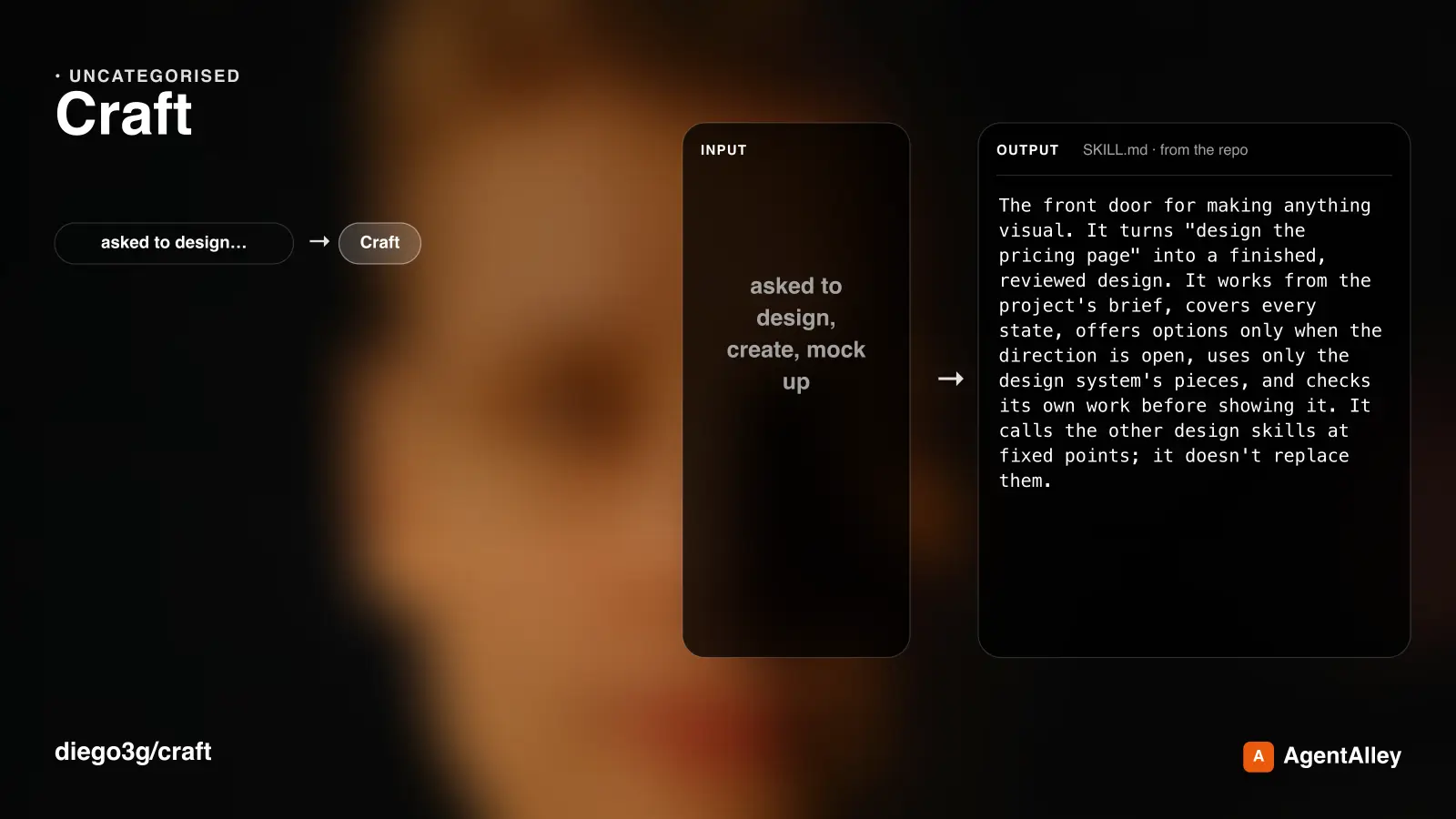
Use when asked to design, create, mock up or redesign one or more pages, screens, flows or UI elements, or when the person runs /craft (/craft:craft in the Claude Code plugin).
---
name: craft
description: Use when asked to design, create, mock up or redesign one or more pages, screens, flows or UI elements, or when the person runs /craft (/craft:craft in the Claude Code plugin).
---

# Craft

## Overview

The front door for making anything visual. It turns "design the pricing page" into a finished, reviewed design. It works from the project's brief, covers every state, offers options only when the direction is open, uses only the design system's pieces, and checks its own work before showing it. **It calls the other design skills at fixed points; it doesn't replace them.**

## When to use

- "Design / create / mock up / redesign the <page, screen, flow, element>", `/craft` (`/craft:craft` in the Claude Code plugin).
- Several pages at once ("design the onboarding: welcome, sign-up, verify").

## When NOT to use
Overview
The front door for making anything visual. It turns "design the pricing page" into a finished, reviewed design. It works from the project's brief, covers every state, offers options only when the direction is open, uses only the design system's pieces, and checks its own work before showing it. It calls the other design skills at fixed points; it doesn't replace them.
Manual install (npx, ZIP)
npx skills add diego3g/craft --skill craft -g -a claude-codenpx degit diego3g/craft/skills/craft#main ~/.claude/skills/craftConnects with Agent Alley MCP · agentalley.io/mcp
Files included
SKILL.md6.9 KB
Read SKILL.md here
Show the full text88 lines
Craft
Overview
The front door for making anything visual. It turns "design the pricing page" into a finished, reviewed design. It works from the project's brief, covers every state, offers options only when the direction is open, uses only the design system's pieces, and checks its own work before showing it. It calls the other design skills at fixed points; it doesn't replace them.
When to use
- "Design / create / mock up / redesign the <page, screen, flow, element>",
/craft(/craft:craftin the Claude Code plugin). - Several pages at once ("design the onboarding: welcome, sign-up, verify").
When NOT to use
- A small edit the person described exactly (one value, one label, one size): make it.
- Only a review ("what's wrong with this?"):
craft-critique. Only options:craft-explore.
Before you start
- If no adapter in
references/adapters/matches your tool, do the same verbs in your tool and say which you mapped by hand. With no design tool at all, build in HTML (html.md). If an image is all you have, say that values read from it are estimates.
Stops are real
A stop means: end your turn with the question and wait. You can always do that, even in a one-shot or headless session, where your final message is the question. Never decide a stop for the person because the session "can't wait" or "to save a round trip". Deciding it yourself turns a five-second answer into hours of redoing.
Steps
- Context.
- Read
DESIGN.mdat the project root. If it's missing, or has no Product section (a sync-only record) → REQUIRED SUB-SKILL:craft-setup, then come back here. - Read the design system (tokens, components, guide) and the screens related to this one.
- When the brief and the code disagree (the brief says teal, the tokens say blue): follow the code, say so in one line, add the conflict to
DESIGN.md› Open questions, and offer to update whichever is wrong. Never override tokens inside a page's own CSS. - When the design tool's guide and the code differ and a
design-sync.jsonexists, don't call the guide stale. Classify with it: code changed → offer to refresh the guide before drawing; guide changed → it's the person's change waiting for an export, so draw with it and mention the pending export.
- Read
- Scope in words. List each page or element to make, each with its job and its one next action.
- Ambiguous words get one interpretation stated plainly ("pricing page = the bakery's price list, not subscription plans").
- Stop and confirm the list when there's more than one item or the request is vague. One clear item: go on.
- For each item, in order:
- REQUIRED SUB-SKILL:
craft-states. Its written state list and its stop come first. - Open direction? Only when the person asked for ideas, or when two structurally different layouts are plausible and neither the brief nor the system chooses between them → REQUIRED SUB-SKILL:
craft-explorebefore drawing the states. For several pages, ask at the scope stop which page (if any) gets options; never run an option round per page by default. The states are then drawn in the picked direction. A screen that follows an existing pattern goes straight to drawing. - Draw the main state, then the other states, using only the system's pieces and tokens. Something new (a component, a colour, a size the scale doesn't have) → REQUIRED SUB-SKILL:
craft-system(add mode) before using it. A component that exists in code but isn't drawn in the tool ("in code only" in the index) → REQUIRED SUB-SKILL:craft-sync(import of one component), drawing just that component first. If the person declined the import (seeDESIGN.md), ask once before importing; if they still say no, build from the code's values on the board itself and note it. Never draw a look-alike, and never hard-code a new value in a page. - REQUIRED SUB-SKILL:
craft-critiquein self-check mode on every board: render it, fix what it finds within this task's scope, and render again.
- REQUIRED SUB-SKILL:
- Close.
- Show the result with the summary below.
- Append the decisions to
DESIGN.md› Decisions log (date, decision, why). - Move any question that got answered out of Open questions.
Closing summary (the shape of your final message)
Made: <pages/elements> — <where: files or boards>
Decisions: <each, one line with its why> (also in DESIGN.md › Decisions log)
System changes: <pieces or tokens added/changed> — affects: <screens>
Self-check fixed: <what craft-critique changed before you saw it>
Open questions: <what the person still has to decide>
Rules
| Rule | Why |
|---|---|
DESIGN.md first, every time |
Without the brief every screen invents its own style |
| Scope confirmed before work when it's more than one item | Three pages built on a wrong reading is three pages wasted |
States list before drawing (via craft-states) |
The happy path is one state of many |
| Options only when the direction is open | Options on a solved pattern waste the person's attention |
Only system pieces and tokens; new ones go through craft-system |
Hard-coded values in pages are where drift starts |
| Code beats a stale brief; note it, don't override | The tokens are what ships; the brief is updated by decision, not silently |
| Self-check before showing | The person should review design, not catch mistakes |
Decisions go into DESIGN.md |
Next session's design starts from them, not from memory |
Done when
Every item in the confirmed scope has its states drawn and self-checked, any system change has gone through craft-system, the closing summary has been given, and DESIGN.md's Decisions log has been updated.
Common mistakes
| Thought | Reality |
|---|---|
| "Three pages are clear enough, I'll just build them" | Confirm the list first. It costs one message. |
| "I'll make buttons 52px here; the token says 44, but this audience needs bigger" | That's a system decision. Propose it through craft-system, then use it everywhere. |
| "The brief says teal, so I'll override the blue in this page's CSS" | Code wins. Flag the conflict and ask; never patch tokens locally. |
| "I'll show it, they'll tell me what's wrong" | Run craft-critique in self-check first, and say what it fixed. |
| "The decisions are in my message, that's enough" | Messages scroll away. Append them to DESIGN.md. |
| "This session can't stop for answers, so I'll make the calls myself and list them" | Ending your turn with the question is stopping. Do that; build nothing past the first open stop. |
| "To save a round trip I'll put both stops in one message" | Fine, if you then stop. Ask both, build nothing, wait. |
| 1 | |
| 2 | name craft |
| 3 | description Use when asked to design, create, mock up or redesign one or more pages, screens, flows or UI elements, or when the person runs /craft (/craft:craft in the Claude Code plugin). |
| 4 | |
| 5 | |
| 6 | # Craft |
| 7 | |
| 8 | ## Overview |
| 9 | |
| 10 | The front door for making anything visual. It turns "design the pricing page" into a finished, reviewed design. It works from the project's brief, covers every state, offers options only when the direction is open, uses only the design system's pieces, and checks its own work before showing it. **It calls the other design skills at fixed points; it doesn't replace them.** |
| 11 | |
| 12 | ## When to use |
| 13 | |
| 14 | "Design / create / mock up / redesign the <page, screen, flow, element>", `/craft` (`/craft:craft` in the Claude Code plugin). |
| 15 | Several pages at once ("design the onboarding: welcome, sign-up, verify"). |
| 16 | |
| 17 | ## When NOT to use |
| 18 | |
| 19 | A small edit the person described exactly (one value, one label, one size): make it. |
| 20 | Only a review ("what's wrong with this?"): `craft-critique`. Only options: `craft-explore`. |
| 21 | |
| 22 | ## Before you start |
| 23 | |
| 24 | If no adapter in `references/adapters/` matches your tool, do the same verbs in your tool and say which you mapped by hand. With no design tool at all, build in HTML (`html.md`). If an image is all you have, say that values read from it are estimates. |
| 25 | |
| 26 | ## Stops are real |
| 27 | |
| 28 | A **stop** means: end your turn with the question and wait. You can always do that, even in a one-shot or headless session, where your final message *is* the question. **Never decide a stop for the person because the session "can't wait" or "to save a round trip".** Deciding it yourself turns a five-second answer into hours of redoing. |
| 29 | |
| 30 | ## Steps |
| 31 | |
| 32 | **Context.** |
| 33 | Read `DESIGN.md` at the project root. **If it's missing, or has no Product section** (a sync-only record) → **REQUIRED SUB-SKILL: `craft-setup`**, then come back here. |
| 34 | Read the design system (tokens, components, guide) and the screens related to this one. |
| 35 | **When the brief and the code disagree** (the brief says teal, the tokens say blue): follow the **code**, say so in one line, add the conflict to `DESIGN.md` › Open questions, and offer to update whichever is wrong. Never override tokens inside a page's own CSS. |
| 36 | **When the design tool's guide and the code differ** and a `design-sync.json` exists, don't call the guide stale. Classify with it: **code changed** → offer to refresh the guide before drawing; **guide changed** → it's the person's change waiting for an export, so draw with it and mention the pending export. |
| 37 | **Scope in words.** List each page or element to make, each with its job and its one next action. |
| 38 | Ambiguous words get one interpretation stated plainly ("pricing page = the bakery's price list, not subscription plans"). |
| 39 | **Stop and confirm the list** when there's more than one item or the request is vague. One clear item: go on. |
| 40 | **For each item, in order:** |
| 41 | **REQUIRED SUB-SKILL: `craft-states`.** Its written state list and its stop come first. |
| 42 | **Open direction?** Only when the person asked for ideas, or when two structurally different layouts are plausible and neither the brief nor the system chooses between them → **REQUIRED SUB-SKILL: `craft-explore`** before drawing the states. For several pages, ask at the scope stop which page (if any) gets options; never run an option round per page by default. The states are then drawn in the picked direction. A screen that follows an existing pattern goes straight to drawing. |
| 43 | **Draw** the main state, then the other states, **using only the system's pieces and tokens**. Something new (a component, a colour, a size the scale doesn't have) → **REQUIRED SUB-SKILL: `craft-system`** (add mode) before using it. A component that **exists in code but isn't drawn in the tool** ("in code only" in the index) → **REQUIRED SUB-SKILL: `craft-sync`** (import of one component), drawing just that component first. If the person declined the import (see `DESIGN.md`), ask once before importing; if they still say no, build from the code's values on the board itself and note it. Never draw a look-alike, and never hard-code a new value in a page. |
| 44 | **REQUIRED SUB-SKILL: `craft-critique` in self-check mode** on every board: render it, fix what it finds within this task's scope, and render again. |
| 45 | **Close.** |
| 46 | Show the result with the summary below. |
| 47 | Append the decisions to `DESIGN.md` › Decisions log (date, decision, why). |
| 48 | Move any question that got answered out of Open questions. |
| 49 | |
| 50 | ## Closing summary (the shape of your final message) |
| 51 | |
| 52 | |
| 53 | Made: <pages/elements> — <where: files or boards> |
| 54 | Decisions: <each, one line with its why> (also in DESIGN.md › Decisions log) |
| 55 | System changes: <pieces or tokens added/changed> — affects: <screens> |
| 56 | Self-check fixed: <what craft-critique changed before you saw it> |
| 57 | Open questions: <what the person still has to decide> |
| 58 | |
| 59 | |
| 60 | ## Rules |
| 61 | |
| 62 | | Rule | Why | |
| 63 | |---|---| |
| 64 | | `DESIGN.md` first, every time | Without the brief every screen invents its own style | |
| 65 | | Scope confirmed before work when it's more than one item | Three pages built on a wrong reading is three pages wasted | |
| 66 | | States list before drawing (via `craft-states`) | The happy path is one state of many | |
| 67 | | Options only when the direction is open | Options on a solved pattern waste the person's attention | |
| 68 | | Only system pieces and tokens; new ones go through `craft-system` | Hard-coded values in pages are where drift starts | |
| 69 | | Code beats a stale brief; note it, don't override | The tokens are what ships; the brief is updated by decision, not silently | |
| 70 | | Self-check before showing | The person should review design, not catch mistakes | |
| 71 | | Decisions go into `DESIGN.md` | Next session's design starts from them, not from memory | |
| 72 | |
| 73 | ## Done when |
| 74 | |
| 75 | Every item in the confirmed scope has its states drawn and self-checked, any system change has gone through `craft-system`, the closing summary has been given, and `DESIGN.md`'s Decisions log has been updated. |
| 76 | |
| 77 | ## Common mistakes |
| 78 | |
| 79 | | Thought | Reality | |
| 80 | |---|---| |
| 81 | | "Three pages are clear enough, I'll just build them" | Confirm the list first. It costs one message. | |
| 82 | | "I'll make buttons 52px here; the token says 44, but this audience needs bigger" | That's a system decision. Propose it through `craft-system`, then use it everywhere. | |
| 83 | | "The brief says teal, so I'll override the blue in this page's CSS" | Code wins. Flag the conflict and ask; never patch tokens locally. | |
| 84 | | "I'll show it, they'll tell me what's wrong" | Run `craft-critique` in self-check first, and say what it fixed. | |
| 85 | | "The decisions are in my message, that's enough" | Messages scroll away. Append them to `DESIGN.md`. | |
| 86 | | "This session can't stop for answers, so I'll make the calls myself and list them" | Ending your turn with the question *is* stopping. Do that; build nothing past the first open stop. | |
| 87 | | "To save a round trip I'll put both stops in one message" | Fine, if you then stop. Ask both, build nothing, wait. | |
| 88 |
Details
- License
- MIT
- Stars on the repo
- ★ 198
- Checked
- Source
- diego3g/craft ↗
- Creator
- diego3g · 1 listing
Similar skills
See all → Cross-Platform Reverse Engineer
 morluto/rea · by morlutoReverse engineer native, managed, Electron/JavaScript, packaged, firmware, and browser targets with REA. Use shipped-artifact or requested runtime evidence to explain features, compare versions, decompile code, or guide a reconstruction. Skip REA for ordinary source-repository architecture analysis.★ 316k GitHub stars
 Brainstorm Ideas
 obra/superpowers · by obraYou MUST use this before any creative work - creating features, building components, adding functionality, or modifying behavior. Explores user intent, requirements and design before implementation.★ 290k GitHub stars
 Code Review Feedback Analyzerobra/superpowers · by obraUse when receiving code review feedback, before implementing suggestions, especially if feedback seems unclear or technically questionable - requires technical rigor and verification, not performative agreement or blind implementation★ 290k GitHub stars
 Bug Diagnosis Framework
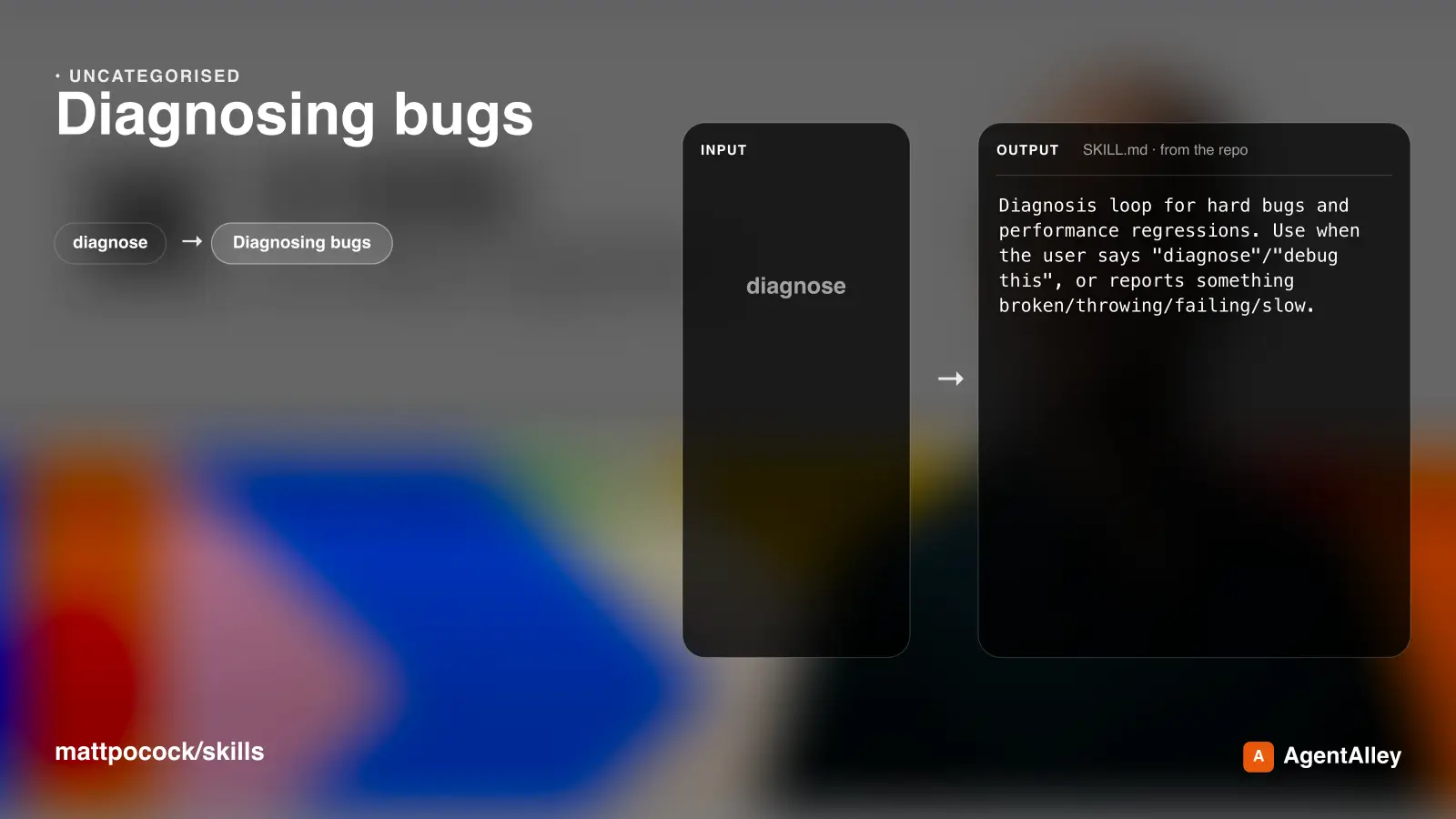
 mattpocock/skills · by mattpocockDiagnosis loop for hard bugs and performance regressions. Use when the user says "diagnose"/"debug this", or reports something broken/throwing/failing/slow.★ 267k GitHub stars
 Implement Specmattpocock/skills · by mattpocockImplement the result of /to-spec and /to-tickets in code.★ 267k GitHub stars
 PR Description Writermattpocock/skills · by mattpocockUse when writing a PR body.★ 267k GitHub stars