Query Google NotebookLM notebooks for source-grounded
Blog NotebookLM: Source-Grounded Research from Your Documents
Query Google NotebookLM notebooks for source-grounded, citation-backed answers from user-uploaded documents. Manages notebook library, handles Google authentication, and supports smart discovery.
---
name: blog-notebooklm
description: >
  Query Google NotebookLM notebooks for source-grounded, citation-backed
  answers from user-uploaded documents. Manages notebook library, handles
  Google authentication, and supports smart discovery. Works standalone
  via /blog notebooklm or internally from blog-write and blog-researcher
  for source-grounded research context. Falls back gracefully when not configured.
  Use when user says "notebooklm", "notebook", "query notebook",
  "ask notebook", "notebook research", "source grounded research",
  "document query", "notebook library".
user-invokable: true
argument-hint: "[ask|discover|library|setup|status|cleanup] [question-or-url]"
license: MIT
metadata:
  author: AgriciDaniel
  version: "2.2.0"
  source: "https://github.com/PleasePrompto/notebooklm-skill"
Overview
Query Google NotebookLM notebooks directly from Claude Code for citation-backed answers from Gemini. Each question opens a headless browser session, retrieves the answer from your uploaded documents, and closes. Responses are source-grounded model answers, not proof of truth: uploaded documents may be primary or secondary, and the answer can still omit context.
Manual install (npx, ZIP)
npx skills add AgriciDaniel/claude-blog --skill blog-notebooklm -g -a claude-codemkdir -p ~/.claude/skills && curl -sL https://codeload.github.com/AgriciDaniel/claude-blog/tar.gz/2500d4c76503 \
| tar -xz -C ~/.claude/skills --strip-components=2 claude-blog-2500d4c76503/skills/blog-notebooklmNew-Item -ItemType Directory -Force "$HOME\.claude\skills" | Out-Null; Invoke-WebRequest "https://m.agentalley.io/zip/13212fe006b27687545c/blog-notebooklm.zip" -OutFile "$env:TEMP\blog-notebooklm.zip"; Expand-Archive "$env:TEMP\blog-notebooklm.zip" -DestinationPath "$HOME\.claude\skills" -ForceConnects with Agent Alley MCP · agentalley.io/mcp
Files included
SKILL.md9.6 KBreferences/2 files · 10.5 KBscripts/12 files · 90.2 KB
Read the files here
AgriciDaniel/
- __init__.py3.3 KB
- ask_question.py10.4 KB
- auth_manager.py13.2 KB
- browser_session.py8.6 KB
- browser_utils.py5.0 KB
- cleanup_manager.py10.2 KB
- config.py2.3 KB
- notebook_manager.py16.1 KB
- requirements.lock6.6 KB
- requirements.txt609 B
- run.py3.6 KB
- setup_environment.py10.3 KB
Shared references1SKILL.md reads these from elsewhere in the repo. Not in the ZIP.
Get them on GitHub ↗Show the full text260 lines
Blog NotebookLM: Source-Grounded Research from Your Documents
Query Google NotebookLM notebooks directly from Claude Code for citation-backed answers from Gemini. Each question opens a headless browser session, retrieves the answer from your uploaded documents, and closes. Responses are source-grounded model answers, not proof of truth: uploaded documents may be primary or secondary, and the answer can still omit context.
Answers provide usable provenance only when the returned citation identifies a verifiable underlying source. Record a stable source URL and a publication, study-period, or retrieval date when that detail affects verification or interpretation. Use the underlying source title as the inline citation. Do not cite the private NotebookLM URL as the bibliography entry for public content.
Quick Reference
| Command | What it does |
|---|---|
/blog notebooklm ask <question> |
Query a notebook for source-grounded answers |
/blog notebooklm discover <url> |
Smart-discover notebook content before cataloging |
/blog notebooklm library list |
List all notebooks in library |
/blog notebooklm library add <url> |
Add a notebook to library |
/blog notebooklm library search <query> |
Search notebooks by keyword |
/blog notebooklm library remove <id> |
Remove a notebook from library |
/blog notebooklm setup |
One-time Google authentication (browser visible) |
/blog notebooklm status |
Check authentication status |
/blog notebooklm cleanup |
Clean browser state (preserves library) |
Prerequisites
- Google account with NotebookLM access
- Python 3.11+ (venv managed automatically by
run.py) - Google Chrome (installed automatically on first run via Patchright)
- One-time authentication setup (interactive Google login in visible browser)
Use the run.py Wrapper
Call scripts only through the run.py wrapper: python3 scripts/run.py [script]:
# CORRECT:
python3 scripts/run.py auth_manager.py status
python3 scripts/run.py ask_question.py --question "..."

# Do not call files under scripts/ directly. The wrapper owns venv setup.
The run.py wrapper automatically creates .venv, installs dependencies,
sets up Chrome, and executes the target script.
Auth Check (Gate Pattern)
Before any query operation, check authentication:
python3 scripts/run.py auth_manager.py status
- If authenticated: proceed with the query
- If not authenticated: inform user and guide to setup:
"NotebookLM requires Google login. Run
/blog notebooklm setupto authenticate." - When called internally (from blog-write or blog-researcher): return silently with no error if not authenticated. Never block the writing workflow.
Setup Workflow
For /blog notebooklm setup:
# Opens a visible browser for manual Google login (one-time)
python3 scripts/run.py auth_manager.py setup
Tell the user: "A browser window will open. Please log in to your Google account." Authentication persists via browser profile + cookie injection (hybrid approach).
Other auth commands:
python3 scripts/run.py auth_manager.py status   # Check auth
python3 scripts/run.py auth_manager.py reauth   # Re-authenticate
python3 scripts/run.py auth_manager.py clear     # Clear all auth data
Query Workflow
For /blog notebooklm ask <question>:
Step 1: Check Auth
Run auth check (see gate pattern above). If not authenticated, guide to setup.
Step 2: Resolve Notebook
Determine which notebook to query:
- If
--notebook-urlprovided: validate it is a NotebookLM notebook URL, then use it - If
--notebook-idprovided: look up in library - If neither: use active notebook from library
- If no active notebook: show library and ask user to select
Step 3: Ask the Question
# Basic query (uses active notebook)
python3 scripts/run.py ask_question.py --question "Your question here"

# Query specific notebook by ID
python3 scripts/run.py ask_question.py --question "..." --notebook-id notebook-id

# Query by URL directly
python3 scripts/run.py ask_question.py --question "..." --notebook-url "https://..."

# JSON output (for internal/programmatic use)
python3 scripts/run.py ask_question.py --question "..." --json

# Show browser for debugging
python3 scripts/run.py ask_question.py --question "..." --show-browser
Step 4: Analyze and Follow Up
Every response ends with a follow-up prompt. Required behavior:
- STOP: do not immediately respond to the user
- ANALYZE: compare the answer to the user's original request
- IDENTIFY GAPS: determine if more information is needed
- ASK FOLLOW-UP: if gaps exist, immediately ask a follow-up question
- REPEAT: continue until information is complete
- SYNTHESIZE: combine all answers before responding to the user
Smart Discovery Workflow
For /blog notebooklm discover <url>:
When adding a notebook without knowing its content, query it first:
# Step 1: Discover content
python3 scripts/run.py ask_question.py \
  --question "What is the content of this notebook? What topics are covered? Provide a complete overview briefly and concisely" \
  --notebook-url "<URL>"

# Step 2: Add with discovered metadata
python3 scripts/run.py notebook_manager.py add \
  --url "<URL>" \
  --name "<Based on content>" \
  --description "<Based on content>" \
  --topics "<Extracted topics>"
Do not guess descriptions; discover or ask the user.
Library Management
# List all notebooks
python3 scripts/run.py notebook_manager.py list

# Add notebook (all params required -- discover or ask user!)
python3 scripts/run.py notebook_manager.py add \
  --url "https://notebooklm.google.com/notebook/..." \
  --name "Descriptive Name" \
  --description "What this notebook contains" \
  --topics "topic1,topic2,topic3"

# Search by keyword
python3 scripts/run.py notebook_manager.py search --query "keyword"

# Set active notebook
python3 scripts/run.py notebook_manager.py activate --id notebook-id

# Remove notebook
python3 scripts/run.py notebook_manager.py remove --id notebook-id

# Library statistics
python3 scripts/run.py notebook_manager.py stats
Internal API (for blog-write / blog-researcher)
When invoked as a Task subagent from blog-write or blog-researcher:
Input (provided by calling skill):
question: Research question relevant to the blog topicnotebook_idornotebook_url: Which notebook to querycontext: "internal" (signals graceful fallback mode)
Process:
- Check auth status: if not authenticated, return empty result silently
- Query the notebook with the research question
- Parse and return structured response
Output (returned to calling skill):
### NotebookLM Research
- **Source:** [Notebook name]
- **Question:** [What was asked]
- **Answer:** [Source-grounded response from user's documents]
- **Underlying Source:** [Public source URL or document identifier]
- **Underlying Source Date:** [Publication date or retrieval date]
- **Source Quality:** [Tier 1-3 after classifying the underlying document]
Graceful fallback: If auth is missing or query fails, return immediately with no error. The calling workflow continues with WebSearch-based research. Never block blog-write or blog-rewrite because NotebookLM is unavailable.
Data Storage
All data stored inside the skill directory:
data/library.json: Notebook metadata and librarydata/auth_info.json: Authentication statusdata/browser_state/: Chrome profile with cookies
Security: All data directories are gitignored. Never commit auth or browser state.
Browser lifecycle and authenticated-context isolation are centralized in
scripts/browser_session.py. Command scripts must use that helper instead of
opening an additional persistent profile or copying cookies into another file.
Error Handling
| Error | Resolution |
|---|---|
| Not authenticated | Run /blog notebooklm setup |
| ModuleNotFoundError | Always use run.py wrapper |
| Browser crash | cleanup_manager.py --confirm --preserve-library, then re-auth |
| Rate limit (50/day) | Wait until midnight PST or switch Google account |
| Notebook not found | Check with notebook_manager.py list |
| Query timeout (120s) | Retry with simpler question or --show-browser to debug |
| MCP unavailable (internal) | Return silently: writing workflow uses WebSearch |
Limitations
- No session persistence (each question = new browser session)
- Rate limits on free Google accounts (50 queries/day)
- Manual upload required (user must add docs to NotebookLM web UI)
- Browser overhead (few seconds per question for launch + teardown)
- Local Claude Code only (not available in web UI)
Reference Documentation
Load on-demand: do NOT load all at startup:
references/commands.md: Full CLI commands, parameters, and workflow patternsreferences/troubleshooting.md: Error solutions, recovery procedures, debugging
| 1 | |
| 2 | name blog-notebooklm |
| 3 | description > |
| 4 | Query Google NotebookLM notebooks for source-grounded, citation-backed |
| 5 | answers from user-uploaded documents. Manages notebook library, handles |
| 6 | Google authentication, and supports smart discovery. Works standalone |
| 7 | via /blog notebooklm or internally from blog-write and blog-researcher |
| 8 | for source-grounded research context. Falls back gracefully when not configured. |
| 9 | Use when user says "notebooklm", "notebook", "query notebook", |
| 10 | "ask notebook", "notebook research", "source grounded research", |
| 11 | "document query", "notebook library". |
| 12 | user-invokable true |
| 13 | argument-hint "[ask|discover|library|setup|status|cleanup] [question-or-url]" |
| 14 | license MIT |
| 15 | metadata |
| 16 | author AgriciDaniel |
| 17 | version "2.2.0" |
| 18 | source "https://github.com/PleasePrompto/notebooklm-skill" |
| 19 | |
| 20 | |
| 21 | # Blog NotebookLM: Source-Grounded Research from Your Documents |
| 22 | |
| 23 | Query Google NotebookLM notebooks directly from Claude Code for citation-backed |
| 24 | answers from Gemini. Each question opens a headless browser session, retrieves |
| 25 | the answer from your uploaded documents, and closes. Responses are |
| 26 | source-grounded model answers, not proof of truth: uploaded documents may be |
| 27 | primary or secondary, and the answer can still omit context. |
| 28 | |
| 29 | Answers provide usable provenance only when the returned citation identifies a |
| 30 | verifiable underlying source. Record a stable source URL and a publication, |
| 31 | study-period, or retrieval date when that detail affects verification or |
| 32 | interpretation. Use the underlying source title as the inline citation. Do not |
| 33 | cite the private NotebookLM URL as the bibliography entry for public content. |
| 34 | |
| 35 | ## Quick Reference |
| 36 | |
| 37 | | Command | What it does | |
| 38 | |---------|-------------| |
| 39 | | `/blog notebooklm ask <question>` | Query a notebook for source-grounded answers | |
| 40 | | `/blog notebooklm discover <url>` | Smart-discover notebook content before cataloging | |
| 41 | | `/blog notebooklm library list` | List all notebooks in library | |
| 42 | | `/blog notebooklm library add <url>` | Add a notebook to library | |
| 43 | | `/blog notebooklm library search <query>` | Search notebooks by keyword | |
| 44 | | `/blog notebooklm library remove <id>` | Remove a notebook from library | |
| 45 | | `/blog notebooklm setup` | One-time Google authentication (browser visible) | |
| 46 | | `/blog notebooklm status` | Check authentication status | |
| 47 | | `/blog notebooklm cleanup` | Clean browser state (preserves library) | |
| 48 | |
| 49 | ## Prerequisites |
| 50 | |
| 51 | Google account with NotebookLM access |
| 52 | Python 3.11+ (venv managed automatically by `run.py`) |
| 53 | Google Chrome (installed automatically on first run via Patchright) |
| 54 | One-time authentication setup (interactive Google login in visible browser) |
| 55 | |
| 56 | ## Use the run.py Wrapper |
| 57 | |
| 58 | Call scripts only through the run.py wrapper: `python3 scripts/run.py [script]`: |
| 59 | |
| 60 | |
| 61 | # CORRECT: |
| 62 | python3 scripts/run.py auth_manager.py status |
| 63 | python3 scripts/run.py ask_question.py --question "..." |
| 64 | |
| 65 | # Do not call files under scripts/ directly. The wrapper owns venv setup. |
| 66 | |
| 67 | |
| 68 | The `run.py` wrapper automatically creates `.venv`, installs dependencies, |
| 69 | sets up Chrome, and executes the target script. |
| 70 | |
| 71 | ## Auth Check (Gate Pattern) |
| 72 | |
| 73 | Before any query operation, check authentication: |
| 74 | |
| 75 | |
| 76 | python3 scripts/run.py auth_manager.py status |
| 77 | |
| 78 | |
| 79 | If authenticated: proceed with the query |
| 80 | If not authenticated: inform user and guide to setup: |
| 81 | "NotebookLM requires Google login. Run `/blog notebooklm setup` to authenticate." |
| 82 | **When called internally** (from blog-write or blog-researcher): return silently |
| 83 | with no error if not authenticated. Never block the writing workflow. |
| 84 | |
| 85 | ## Setup Workflow |
| 86 | |
| 87 | For `/blog notebooklm setup`: |
| 88 | |
| 89 | |
| 90 | # Opens a visible browser for manual Google login (one-time) |
| 91 | python3 scripts/run.py auth_manager.py setup |
| 92 | |
| 93 | |
| 94 | Tell the user: "A browser window will open. Please log in to your Google account." |
| 95 | Authentication persists via browser profile + cookie injection (hybrid approach). |
| 96 | |
| 97 | Other auth commands: |
| 98 | |
| 99 | python3 scripts/run.py auth_manager.py status # Check auth |
| 100 | python3 scripts/run.py auth_manager.py reauth # Re-authenticate |
| 101 | python3 scripts/run.py auth_manager.py clear # Clear all auth data |
| 102 | |
| 103 | |
| 104 | ## Query Workflow |
| 105 | |
| 106 | For `/blog notebooklm ask <question>`: |
| 107 | |
| 108 | ### Step 1: Check Auth |
| 109 | Run auth check (see gate pattern above). If not authenticated, guide to setup. |
| 110 | |
| 111 | ### Step 2: Resolve Notebook |
| 112 | Determine which notebook to query: |
| 113 | If `--notebook-url` provided: validate it is a NotebookLM notebook URL, then use it |
| 114 | If `--notebook-id` provided: look up in library |
| 115 | If neither: use active notebook from library |
| 116 | If no active notebook: show library and ask user to select |
| 117 | |
| 118 | ### Step 3: Ask the Question |
| 119 | |
| 120 | # Basic query (uses active notebook) |
| 121 | python3 scripts/run.py ask_question.py --question "Your question here" |
| 122 | |
| 123 | # Query specific notebook by ID |
| 124 | python3 scripts/run.py ask_question.py --question "..." --notebook-id notebook-id |
| 125 | |
| 126 | # Query by URL directly |
| 127 | python3 scripts/run.py ask_question.py --question "..." --notebook-url "https://..." |
| 128 | |
| 129 | # JSON output (for internal/programmatic use) |
| 130 | python3 scripts/run.py ask_question.py --question "..." --json |
| 131 | |
| 132 | # Show browser for debugging |
| 133 | python3 scripts/run.py ask_question.py --question "..." --show-browser |
| 134 | |
| 135 | |
| 136 | ### Step 4: Analyze and Follow Up |
| 137 | Every response ends with a follow-up prompt. **Required behavior:** |
| 138 | **STOP**: do not immediately respond to the user |
| 139 | **ANALYZE**: compare the answer to the user's original request |
| 140 | **IDENTIFY GAPS**: determine if more information is needed |
| 141 | **ASK FOLLOW-UP**: if gaps exist, immediately ask a follow-up question |
| 142 | **REPEAT**: continue until information is complete |
| 143 | **SYNTHESIZE**: combine all answers before responding to the user |
| 144 | |
| 145 | ## Smart Discovery Workflow |
| 146 | |
| 147 | For `/blog notebooklm discover <url>`: |
| 148 | |
| 149 | When adding a notebook without knowing its content, query it first: |
| 150 | |
| 151 | |
| 152 | # Step 1: Discover content |
| 153 | python3 scripts/run.py ask_question.py \ |
| 154 | --question "What is the content of this notebook? What topics are covered? Provide a complete overview briefly and concisely" \ |
| 155 | --notebook-url "<URL>" |
| 156 | |
| 157 | # Step 2: Add with discovered metadata |
| 158 | python3 scripts/run.py notebook_manager.py add \ |
| 159 | --url "<URL>" \ |
| 160 | --name "<Based on content>" \ |
| 161 | --description "<Based on content>" \ |
| 162 | --topics "<Extracted topics>" |
| 163 | |
| 164 | |
| 165 | Do not guess descriptions; discover or ask the user. |
| 166 | |
| 167 | ## Library Management |
| 168 | |
| 169 | |
| 170 | # List all notebooks |
| 171 | python3 scripts/run.py notebook_manager.py list |
| 172 | |
| 173 | # Add notebook (all params required -- discover or ask user!) |
| 174 | python3 scripts/run.py notebook_manager.py add \ |
| 175 | --url "https://notebooklm.google.com/notebook/..." \ |
| 176 | --name "Descriptive Name" \ |
| 177 | --description "What this notebook contains" \ |
| 178 | --topics "topic1,topic2,topic3" |
| 179 | |
| 180 | # Search by keyword |
| 181 | python3 scripts/run.py notebook_manager.py search --query "keyword" |
| 182 | |
| 183 | # Set active notebook |
| 184 | python3 scripts/run.py notebook_manager.py activate --id notebook-id |
| 185 | |
| 186 | # Remove notebook |
| 187 | python3 scripts/run.py notebook_manager.py remove --id notebook-id |
| 188 | |
| 189 | # Library statistics |
| 190 | python3 scripts/run.py notebook_manager.py stats |
| 191 | |
| 192 | |
| 193 | ## Internal API (for blog-write / blog-researcher) |
| 194 | |
| 195 | When invoked as a Task subagent from blog-write or blog-researcher: |
| 196 | |
| 197 | **Input** (provided by calling skill): |
| 198 | `question`: Research question relevant to the blog topic |
| 199 | `notebook_id` or `notebook_url`: Which notebook to query |
| 200 | `context`: "internal" (signals graceful fallback mode) |
| 201 | |
| 202 | **Process:** |
| 203 | Check auth status: if not authenticated, return empty result silently |
| 204 | Query the notebook with the research question |
| 205 | Parse and return structured response |
| 206 | |
| 207 | **Output** (returned to calling skill): |
| 208 | |
| 209 | ### NotebookLM Research |
| 210 | - **Source:** [Notebook name] |
| 211 | - **Question:** [What was asked] |
| 212 | - **Answer:** [Source-grounded response from user's documents] |
| 213 | - **Underlying Source:** [Public source URL or document identifier] |
| 214 | - **Underlying Source Date:** [Publication date or retrieval date] |
| 215 | - **Source Quality:** [Tier 1-3 after classifying the underlying document] |
| 216 | |
| 217 | |
| 218 | **Graceful fallback:** If auth is missing or query fails, return immediately |
| 219 | with no error. The calling workflow continues with WebSearch-based research. |
| 220 | Never block blog-write or blog-rewrite because NotebookLM is unavailable. |
| 221 | |
| 222 | ## Data Storage |
| 223 | |
| 224 | All data stored inside the skill directory: |
| 225 | `data/library.json`: Notebook metadata and library |
| 226 | `data/auth_info.json`: Authentication status |
| 227 | `data/browser_state/`: Chrome profile with cookies |
| 228 | |
| 229 | **Security:** All data directories are gitignored. Never commit auth or browser state. |
| 230 | |
| 231 | Browser lifecycle and authenticated-context isolation are centralized in |
| 232 | `scripts/browser_session.py`. Command scripts must use that helper instead of |
| 233 | opening an additional persistent profile or copying cookies into another file. |
| 234 | |
| 235 | ## Error Handling |
| 236 | |
| 237 | | Error | Resolution | |
| 238 | |-------|-----------| |
| 239 | | Not authenticated | Run `/blog notebooklm setup` | |
| 240 | | ModuleNotFoundError | Always use `run.py` wrapper | |
| 241 | | Browser crash | `cleanup_manager.py --confirm --preserve-library`, then re-auth | |
| 242 | | Rate limit (50/day) | Wait until midnight PST or switch Google account | |
| 243 | | Notebook not found | Check with `notebook_manager.py list` | |
| 244 | | Query timeout (120s) | Retry with simpler question or `--show-browser` to debug | |
| 245 | | MCP unavailable (internal) | Return silently: writing workflow uses WebSearch | |
| 246 | |
| 247 | ## Limitations |
| 248 | |
| 249 | No session persistence (each question = new browser session) |
| 250 | Rate limits on free Google accounts (50 queries/day) |
| 251 | Manual upload required (user must add docs to NotebookLM web UI) |
| 252 | Browser overhead (few seconds per question for launch + teardown) |
| 253 | Local Claude Code only (not available in web UI) |
| 254 | |
| 255 | ## Reference Documentation |
| 256 | |
| 257 | Load on-demand: do NOT load all at startup: |
| 258 | `references/commands.md`: Full CLI commands, parameters, and workflow patterns |
| 259 | `references/troubleshooting.md`: Error solutions, recovery procedures, debugging |
| 260 |
Details
- Updated
- Sep 18, 2026
- License
- MIT
- Stars on the repo
- ★ 2,219
- Checked
- Source
- AgriciDaniel/claude-blog ↗
- Creator
- AgriciDaniel · 130 listings
Made with blog-notebooklm
Similar skills
See all →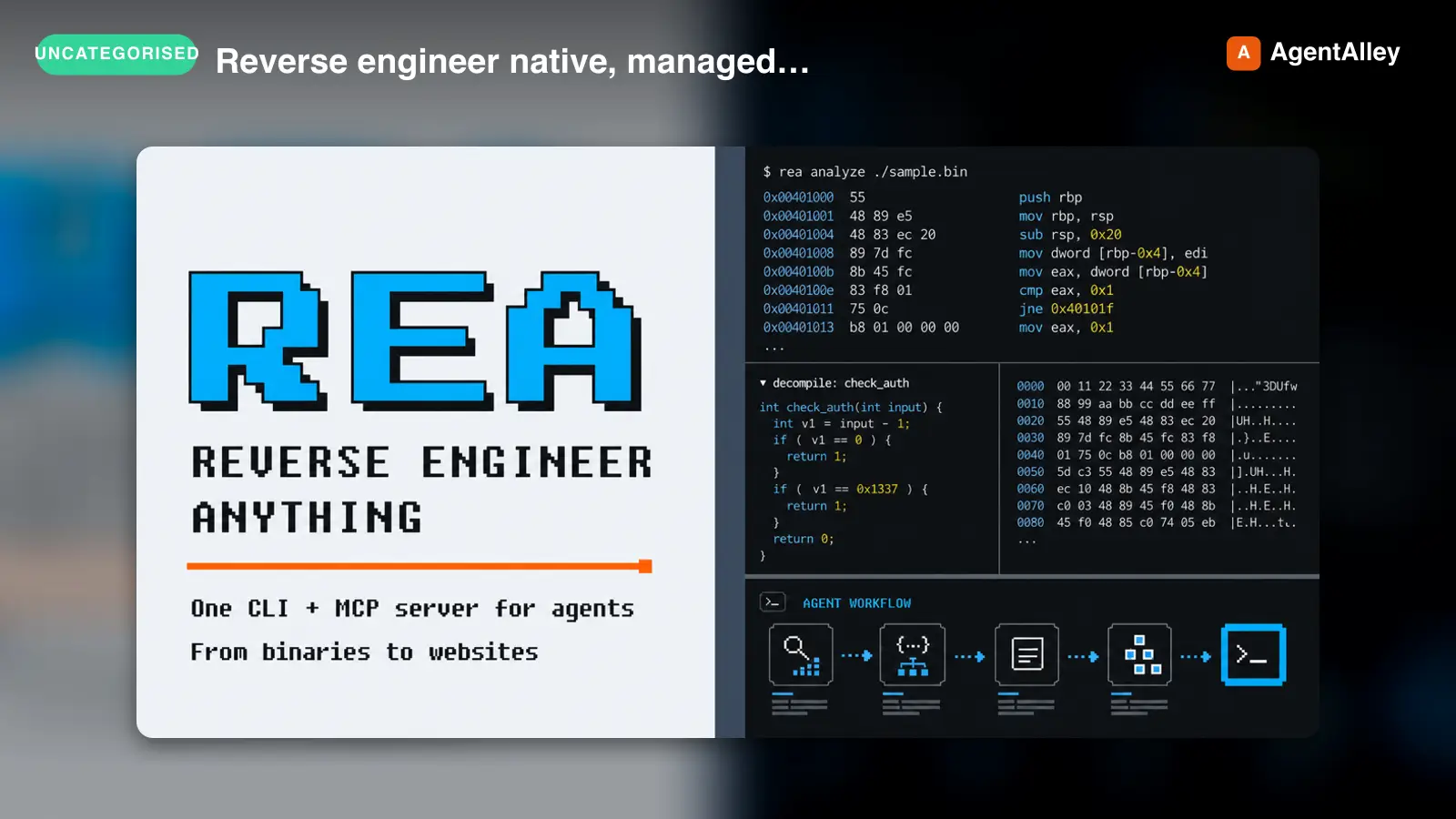 SkillReverse engineer native, managed, Electron/JavaScriptREA
 morluto/rea · by morlutoReverse engineer native, managed, Electron/JavaScript, packaged, firmware, and browser targets with REA. Use shipped-artifact or requested runtime evidence to explain features, compare versions, decompile code, or guide a reconstruction. Skip REA for ordinary source-repository architecture analysis.★ 316k GitHub stars
 SkillBrainstorms ideas into designs before any creative workBrainstorming Ideas Into Designs
 obra/superpowers · by obraYou MUST use this before any creative work - creating features, building components, adding functionality, or modifying behavior. Explores user intent, requirements and design before implementation.★ 290k GitHub stars
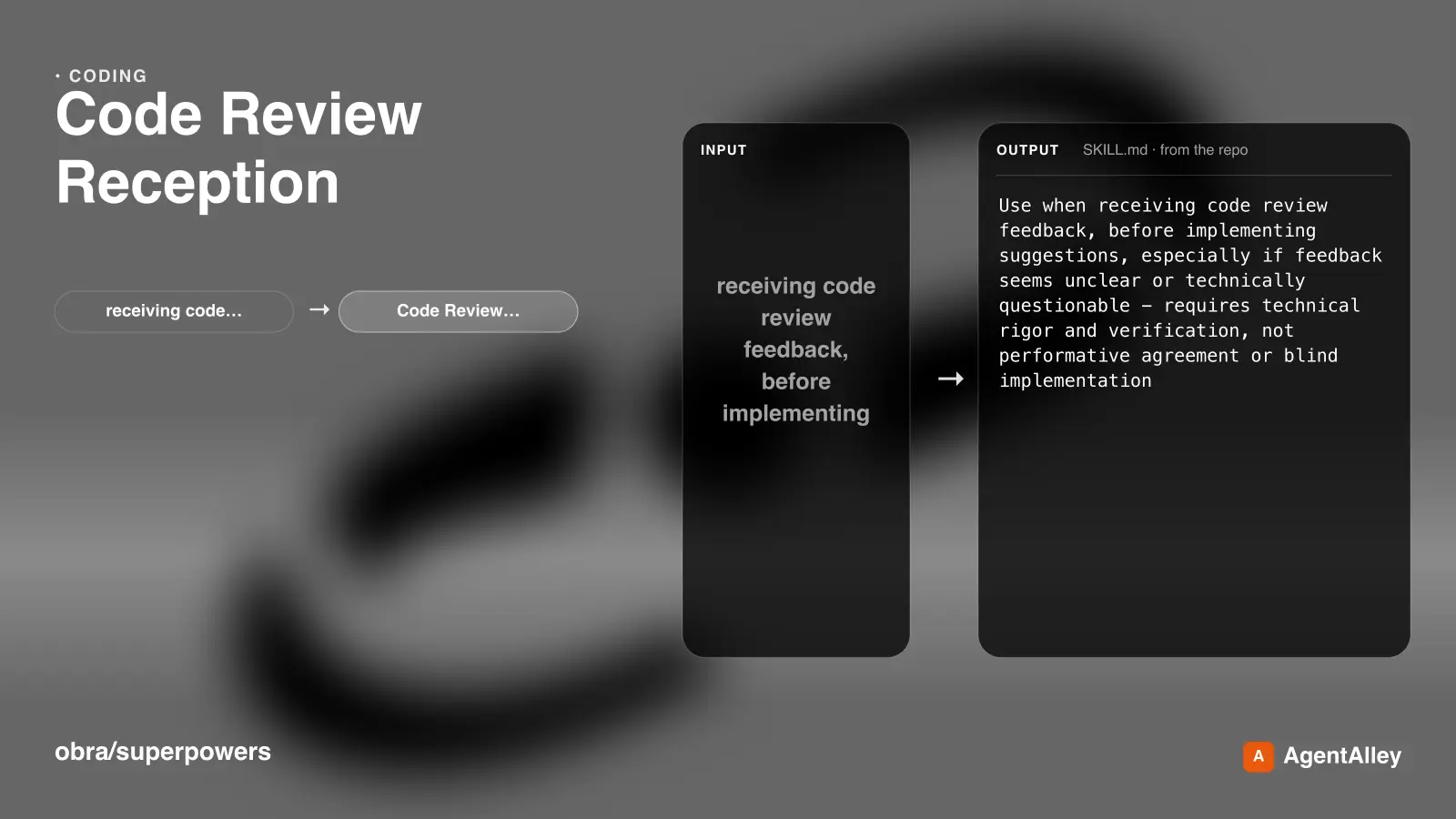 SkillRequires technical rigor and verificationCode Review Receptionobra/superpowers · by obraUse when receiving code review feedback, before implementing suggestions, especially if feedback seems unclear or technically questionable - requires technical rigor and verification, not performative agreement or blind implementation★ 290k GitHub stars
 SkillDiagnosis loop for hard bugs and performance regressionsDiagnosing bugs
 mattpocock/skills · by mattpocockDiagnosis loop for hard bugs and performance regressions. Use when the user says "diagnose"/"debug this", or reports something broken/throwing/failing/slow.★ 267k GitHub stars
 SkillImplement the result of /to-spec and /to-tickets in codeImplement specmattpocock/skills · by mattpocockImplement the result of /to-spec and /to-tickets in code.★ 267k GitHub stars
 SkillWriting a PR bodymattpocock/skills · by mattpocockUse when writing a PR body.★ 267k GitHub stars
More from AgriciDaniel
 SkillThe Lighthouse Agentic Browsing fractionAgentic Browsing Readiness
 AgriciDaniel/claude-seo · by AgriciDanielAudit and fix agent readiness: the Lighthouse Agentic Browsing fraction, accessibility tree for agents, robots.txt and Content-Signal for AI agents, WAF treatment of agent traffic, llms.txt, Markdown delivery, ai-catalog.json, /.well-known discovery files, and WebMCP tools. Exclude AI citability and brand signals (seo-geo) and commerce protocol depth (seo-ecommerce).★ 17.4k GitHub stars
 SkillOptimize content for AI Overviews , ChatGPT web searchAI Search / GEO Optimization (May 2026)AgriciDaniel/claude-seo · by AgriciDanielOptimize content for AI Overviews (formerly SGE), ChatGPT web search, Perplexity, and other AI-powered search experiences. Generative Engine Optimization (GEO) analysis including brand mention signals, AI crawler accessibility, llms.txt compliance, passage-level citability scoring, and platform-specific optimization. Use when user says "AI Overviews", "SGE", GEO", "AI search", "LLM optimization", "Perplexity", "AI citations", ChatGPT search", or "AI visibility".★ 17.4k GitHub stars
 SkillReferring domains, anchor text distributionBacklink Profile AnalysisAgriciDaniel/claude-seo · by AgriciDanielBacklink profile analysis: referring domains, anchor text distribution, toxic link detection, competitor gap analysis. Works with free APIs (Moz, Bing Webmaster, Common Crawl) and DataForSEO extension. Use when user says backlinks, link profile, referring domains, anchor text, toxic links, link gap, link building, disavow, or backlink audit.★ 17.4k GitHub stars
 SkillYou share your Amazon advertising numbers and goals; you getAmazon Ads AuditAgriciDaniel/claude-ads · by AgriciDanielYou share your Amazon advertising numbers and goals; you get back a plain-language review of what's draining your budget and what to change first.★ 9.5k GitHub stars
 SkillPaste what you're spending on Apple Search AdsApple Ads AuditAgriciDaniel/claude-ads · by AgriciDanielPaste what you're spending on Apple Search Ads and your recent numbers; get back a plain review of what's wasting money and what to fix first.★ 9.5k GitHub stars
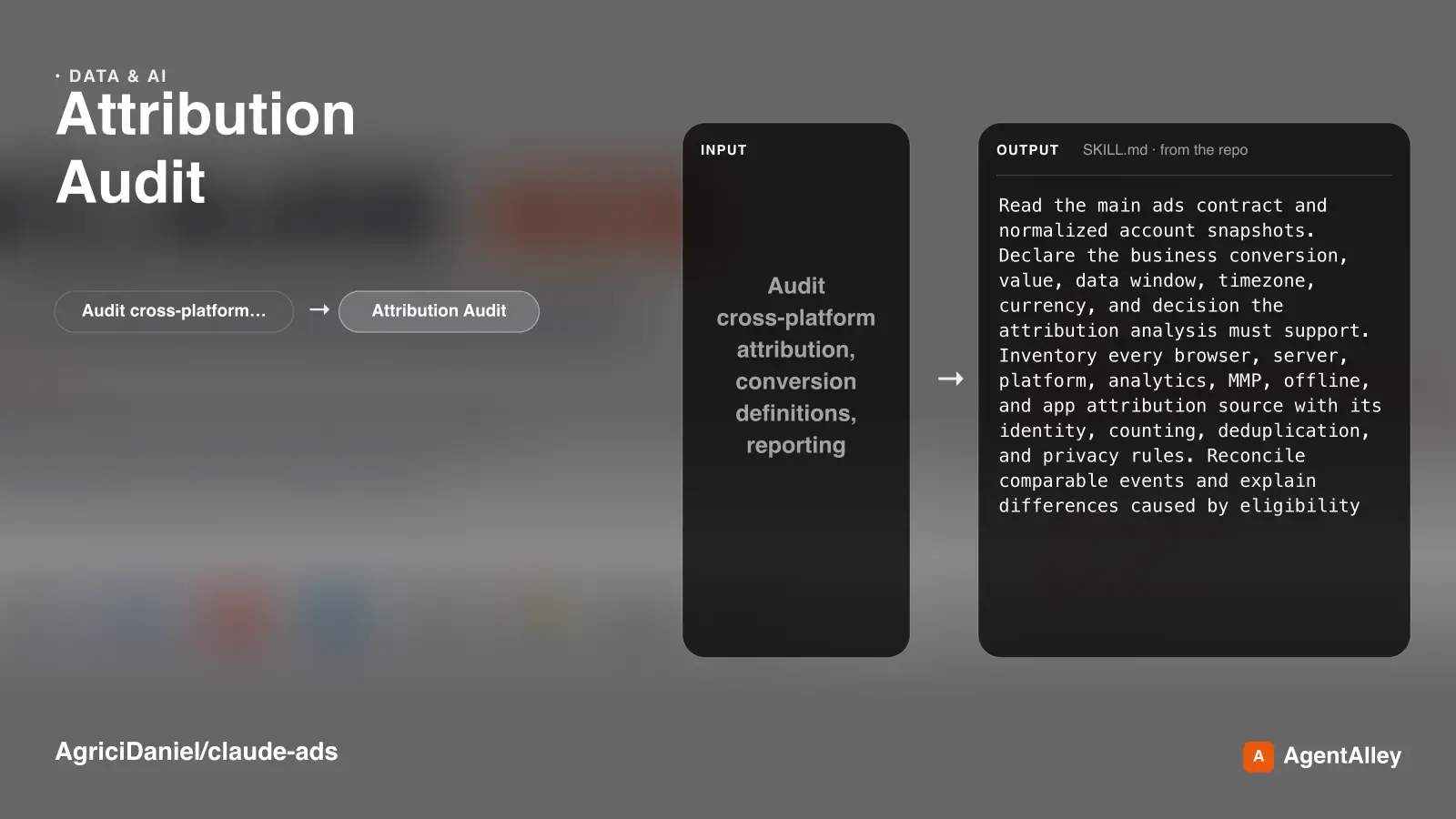 SkillPaste the sales and spend numbers each ad platform claimsAttribution AuditAgriciDaniel/claude-ads · by AgriciDanielPaste the sales and spend numbers each ad platform claims, and get back a plain explanation of why they disagree and which figure to trust.★ 9.5k GitHub stars