How to sell digital products with AI: a creator's toolkit (2026)
Updated October 2026. Each item below was read from its own SKILL.md on GitHub on 18 October 2026.
Selling a template, an ebook or a preset pack has three parts that never go away: a listing people can find, a store you understand, and a reason for people to show up at all. AI will not make anyone buy. What it can do is take the repetitive parts off your plate so you spend more time on the product itself. This guide makes no promise about sales. It shows three free items on AgentAlley that fit those three parts.
A skill is a folder with a SKILL.md file that an agent such as Claude Code loads when your request matches it. You install it once, then ask in plain words.
1. Know your store: gumroad
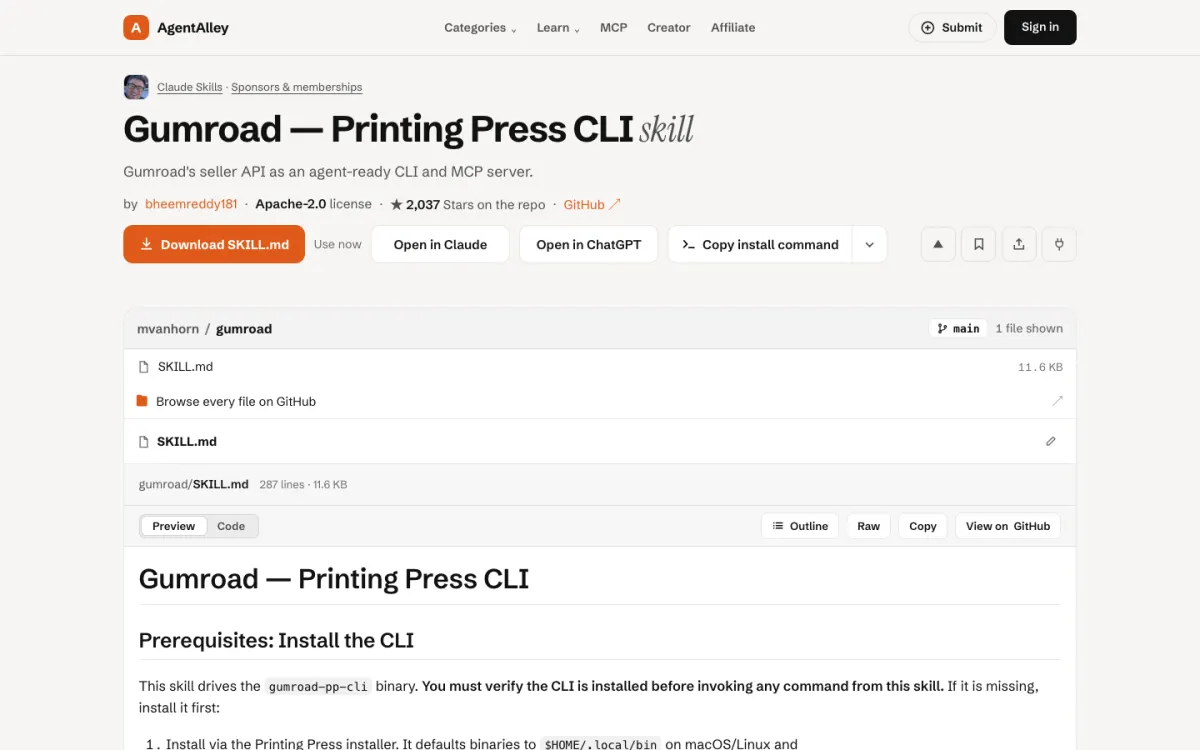
gumroad is a skill from the Printing Press library, written by Bheem Reddy (Apache-2.0). It wraps Gumroad's seller API as a command-line tool and an MCP server, so your agent can look at products, sales, subscribers, payouts, license keys and offer codes. Its recipes include listing live products, finding a buyer or license, and reviewing payout history.
Good for: sellers who already use Gumroad and want quick answers like "which product sold most last month" without clicking through the dashboard.
The catch: it drives a separate binary, gumroad-pp-cli, which you install first, and it needs access to your Gumroad account. Read the auth section before you connect it, and start with read-only questions.
2. Get found: seerxo-etsy-seo
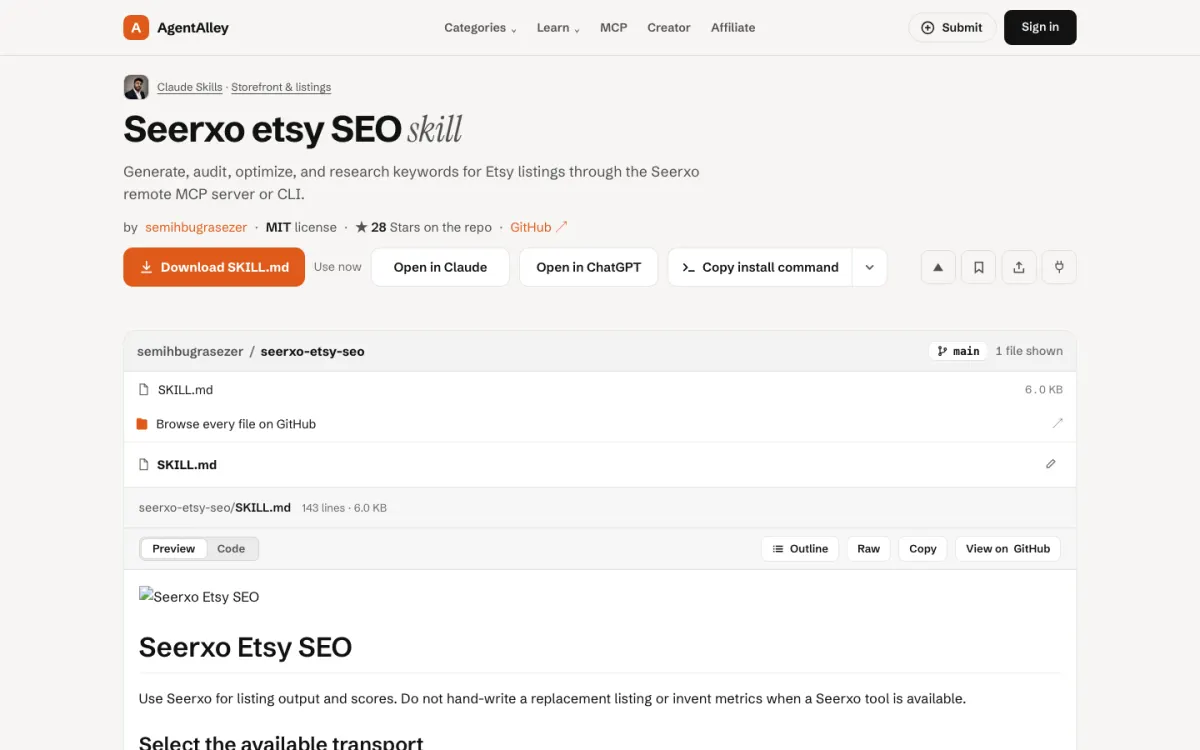
seerxo-etsy-seo by semihbugrasezer (MIT) is for Etsy listings. It drafts a title, description and 13 tags, checks whether an existing listing is ready, rewrites weak fields and suggests keywords. It works through the Seerxo remote MCP server or the seerxo command-line tool.
One line in its instructions is worth copying into your own habits: keep the seller's product facts intact, and never add claims, materials, measurements or keyword volumes that were not given.
Good for: Etsy sellers with many listings who want a consistent first draft and a checklist.
The catch: it depends on the Seerxo service. Its own table marks some actions as using an "AI action" from your Seerxo quota, so check that account before you run it across a whole shop.
3. Bring people in: content-strategy
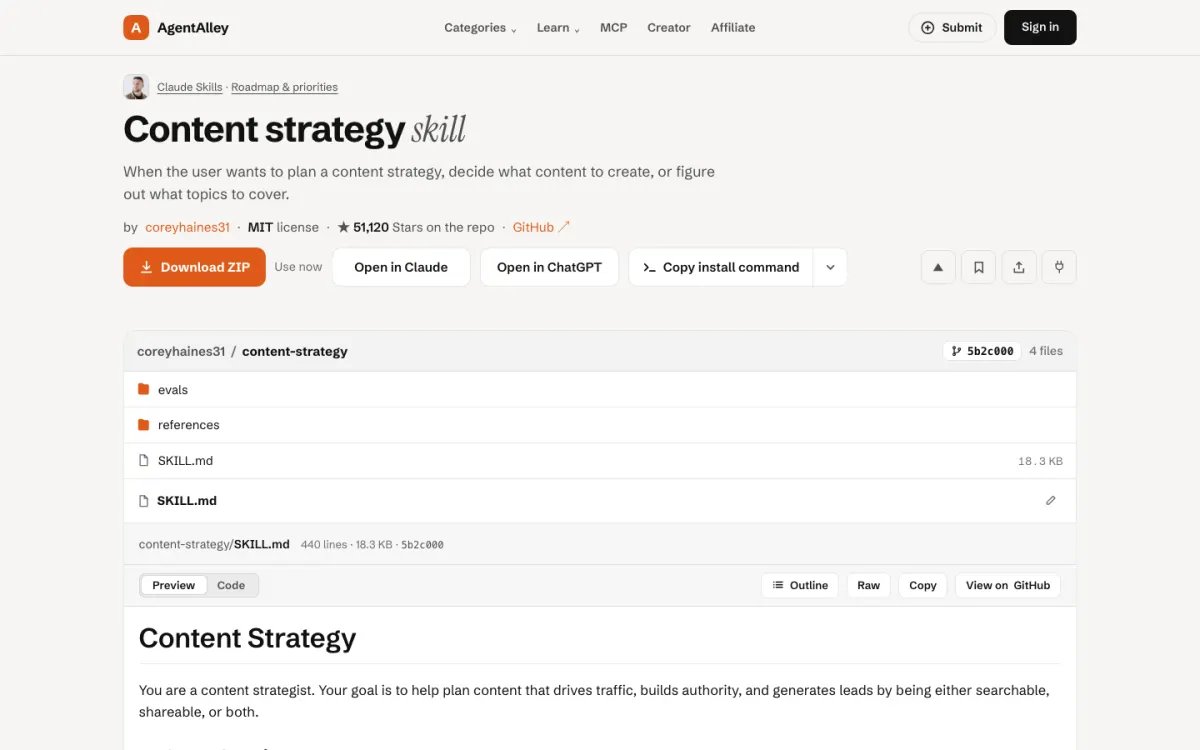
content-strategy by coreyhaines31 (MIT) is from the marketingskills collection. It helps decide what to write about: content ideas, topic clusters, content pillars, an editorial calendar. For a digital product seller, that means a plan for posts or videos that answer the questions your buyers ask before they buy.
Good for: creators who post when they remember and want a plan that ties each piece back to a product.
The catch: it plans; it does not write each piece. Its description points to other skills in the same collection for copy and SEO audits.
A simple order to work in
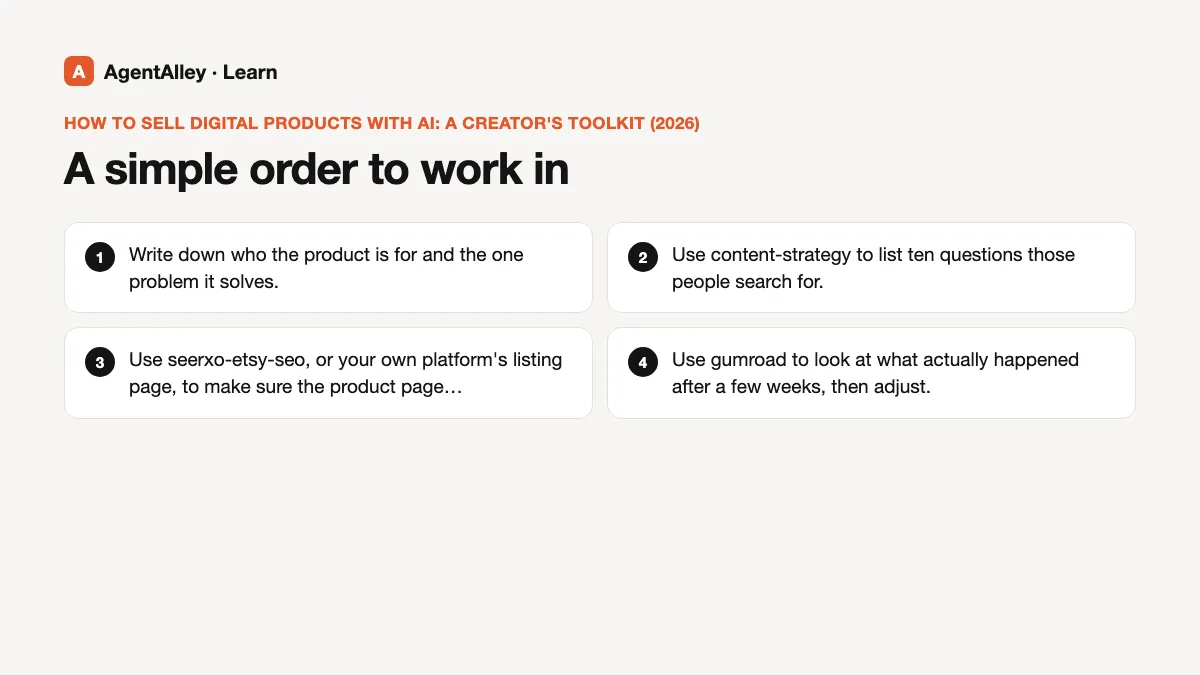
- Write down who the product is for and the one problem it solves.
- Use content-strategy to list ten questions those people search for.
- Use seerxo-etsy-seo, or your own platform's listing page, to make sure the product page answers the same questions in the same words.
- Use gumroad to look at what actually happened after a few weeks, then adjust.
What no skill does for you
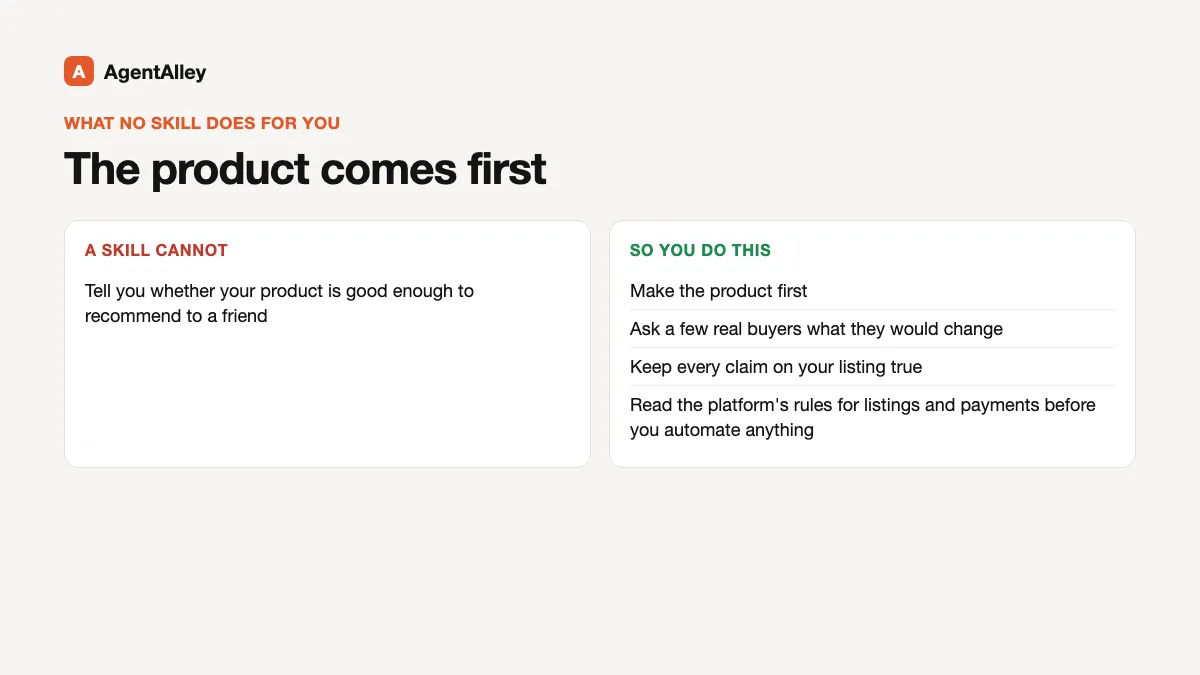
No skill can tell you whether your product is good enough to recommend to a friend. Make the product first, ask a few real buyers what they would change, and keep every claim on your listing true. Platforms have their own rules for listings and payments; read them before you automate anything.
Install
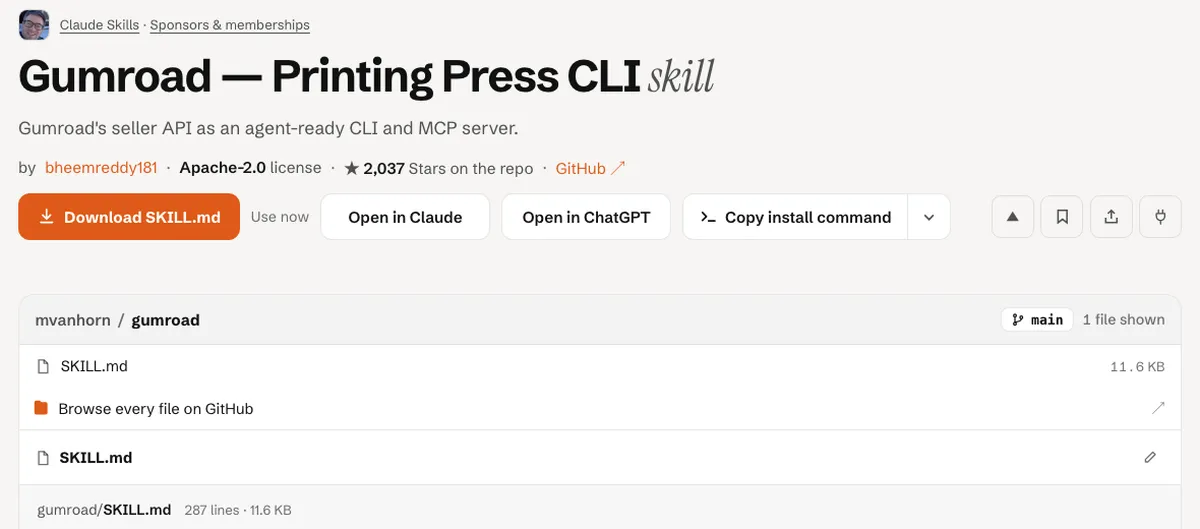
Open the item page, check the license and the files, and follow the install steps there. For the general flow, read how to install a skill.