A prompt designed to guide a deep technical analysis
Technical Codebase Discovery & Onboarding Prompt
A prompt designed to guide a deep technical analysis of a code repository to accelerate developer onboarding. It instructs an AI to analyze the entire codebase and generate a structured Markdown document covering architecture,…
Overview
A prompt designed to guide a deep technical analysis of a code repository to accelerate developer onboarding. It instructs an AI to analyze the entire codebase and generate a structured Markdown document covering architecture, technology stack, key components, execution and data flows, integrations, testing, security, and build/deployment, serving as a technical reference guide.
The prompt
| 1 | **Context:** |
| 2 | I am a developer who has just joined the project and I am using you, an AI coding assistant, to gain a deep understanding of the existing codebase. My goal is to become productive as quickly as possible and to make informed technical decisions based on a solid understanding of the current system. |
| 3 | |
| 4 | **Primary Objective:** |
| 5 | Analyze the source code provided in this project/workspace and generate a **detailed, clear, and well-structured Markdown document** that explains the system’s architecture, features, main flows, key components, and technology stack. |
| 6 | This document should serve as a **technical onboarding guide**. |
| 7 | Whenever possible, improve navigability by providing **direct links to relevant files, classes, and functions**, as well as code examples that help clarify the concepts. |
| 8 | |
| 9 | --- |
| 10 | |
| 11 | ## **Detailed Instructions — Please address the following points:** |
| 12 | |
| 13 | ### 1. **README / Instruction Files Summary** |
| 14 | - Look for files such as `README.md`, `LEIAME.md`, `CONTRIBUTING.md`, or similar documentation. |
| 15 | - Provide an objective yet detailed summary of the most relevant sections for a new developer, including: |
| 16 | - Project overview |
| 17 | - How to set up and run the system locally |
| 18 | - Adopted standards and conventions |
| 19 | - Contribution guidelines (if available) |
| 20 | |
| 21 | --- |
| 22 | |
| 23 | ### 2. **Detailed Technology Stack** |
| 24 | - Identify and list the complete technology stack used in the project: |
| 25 | - Programming language(s), including versions when detectable (e.g., from `package.json`, `pom.xml`, `.tool-versions`, `requirements.txt`, `build.gradle`, etc.). |
| 26 | - Main frameworks (backend, frontend, etc. — e.g., Spring Boot, .NET, React, Angular, Vue, Django, Rails). |
| 27 | - Database(s): |
| 28 | - Type (SQL / NoSQL) |
| 29 | - Name (PostgreSQL, MongoDB, etc.) |
| 30 | - Core architecture style (e.g., Monolith, Microservices, Serverless, MVC, MVVM, Clean Architecture). |
| 31 | - Cloud platform (if identifiable via SDKs or configuration — AWS, Azure, GCP). |
| 32 | - Build tools and package managers (Maven, Gradle, npm, yarn, pip). |
| 33 | - Any other relevant technologies (caching, message brokers, containerization — Docker, Kubernetes). |
| 34 | - **Reference and link the configuration files that demonstrate each item.** |
| 35 | |
| 36 | --- |
| 37 | |
| 38 | ### 3. **System Overview and Purpose** |
| 39 | - Clearly describe what the system does and who it is for. |
| 40 | - What problems does it solve? |
| 41 | - List the core functionalities. |
| 42 | - If possible, relate the system to the business domains involved. |
| 43 | - Provide a high-level description of the main features. |
| 44 | |
| 45 | --- |
| 46 | |
| 47 | ### 4. **Project Structure and Reading Recommendations** |
| 48 | - **Entry Point:** |
| 49 | Where should I start exploring the code? Identify the main entry points (e.g., `main.go`, `index.js`, `Program.cs`, `app.py`, `Application.java`). |
| 50 | **Provide direct links to these files.** |
| 51 | - **General Organization:** |
| 52 | Explain the overall folder and file structure. Highlight important conventions. |
| 53 | **Use real folder and file name examples.** |
| 54 | - **Configuration:** |
| 55 | Are there main configuration files? (e.g., `config.yaml`, `.env`, `appsettings.json`) |
| 56 | Which configurations are critical? |
| 57 | **Provide links.** |
| 58 | - **Reading Recommendation:** |
| 59 | Suggest an order or a set of key files/modules that should be read first to quickly grasp the project’s core concepts. |
| 60 | |
| 61 | --- |
| 62 | |
| 63 | ### 5. **Key Components** |
| 64 | - Identify and describe the most important or central modules, classes, functions, or services. |
| 65 | - Explain the responsibilities of each component. |
| 66 | - Describe their responsibilities and interdependencies. |
| 67 | - For each component: |
| 68 | - Include a representative code snippet |
| 69 | - Provide a link to where it is implemented |
| 70 | - **Provide direct links and code examples whenever possible.** |
| 71 | |
| 72 | --- |
| 73 | |
| 74 | ### 6. **Execution and Data Flows** |
| 75 | - Describe the most common or critical workflows or business processes (e.g., order processing, user authentication). |
| 76 | - Explain how data flows through the system: |
| 77 | - Where data is persisted |
| 78 | - How it is read, modified, and propagated |
| 79 | - **Whenever possible, illustrate with examples and link to relevant functions or classes.** |
| 80 | |
| 81 | #### 6.1 **Database Schema Overview (if applicable)** |
| 82 | - For data-intensive applications: |
| 83 | - Identify the main entities/tables/collections |
| 84 | - Describe their primary relationships |
| 85 | - Base this on ORM models, migrations, or schema files if available |
| 86 | |
| 87 | --- |
| 88 | |
| 89 | ### 7. **Dependencies and Integrations** |
| 90 | - **Dependencies:** |
| 91 | List the main external libraries, frameworks, and SDKs used. |
| 92 | Briefly explain the role of each one. |
| 93 | **Provide links to where they are configured or most commonly used.** |
| 94 | - **Integrations:** |
| 95 | Identify and explain integrations with external services, additional databases, third-party APIs, message brokers, etc. |
| 96 | How does communication occur? |
| 97 | **Point to the modules/classes responsible and include links.** |
| 98 | |
| 99 | #### 7.1 **API Documentation (if applicable)** |
| 100 | - If the project exposes APIs: |
| 101 | - Is there evidence of API documentation tools or standards (e.g., Swagger/OpenAPI, Javadoc, endpoint-specific docstrings)? |
| 102 | - Where can this documentation be found or how can it be generated? |
| 103 | |
| 104 | --- |
| 105 | |
| 106 | ### 8. **Diagrams** |
| 107 | - Generate high-level diagrams to visualize the system architecture and behavior: |
| 108 | - Component diagram (highlighting main modules and their interactions) |
| 109 | - Data flow diagram (showing how information moves through the system) |
| 110 | - Class diagram (showing key classes and relationships, if applicable) |
| 111 | - Simplified deployment diagram (where components run, if detectable) |
| 112 | - Simplified infrastructure/deployment diagram (if infrastructure details are apparent) |
| 113 | - **Create these diagrams using Mermaid syntax inside the Markdown file.** |
| 114 | - Diagrams should be **high-level**; extensive detailing is not required. |
| 115 | |
| 116 | --- |
| 117 | |
| 118 | ### 9. **Testing** |
| 119 | - Are there automated tests? |
| 120 | - Unit tests |
| 121 | - Integration tests |
| 122 | - End-to-end (E2E) tests |
| 123 | - Where are they located in the project? |
| 124 | - Which testing framework(s) are used? |
| 125 | - How are tests typically executed? |
| 126 | - How can tests be run locally? |
| 127 | - Is there any CI/CD strategy involving tests? |
| 128 | |
| 129 | --- |
| 130 | |
| 131 | ### 10. **Error Handling and Logging** |
| 132 | - How does the application generally handle errors? |
| 133 | - Is there a standard pattern (e.g., global middleware, custom exceptions)? |
| 134 | - Which logging library is used? |
| 135 | - Is there a standard logging format? |
| 136 | - Is there visible integration with monitoring tools (e.g., Datadog, Sentry)? |
| 137 | |
| 138 | --- |
| 139 | |
| 140 | ### 11. **Security Considerations** |
| 141 | - Are there evident security mechanisms in the code? |
| 142 | - Authentication |
| 143 | - Authorization (middleware/filters) |
| 144 | - Input validation |
| 145 | - Are specific security libraries prominently used (e.g., Spring Security, Passport.js, JWT libraries)? |
| 146 | - Are there notable security practices? |
| 147 | - Secrets management |
| 148 | - Protection against common attacks |
| 149 | |
| 150 | --- |
| 151 | |
| 152 | ### 12. **Other Relevant Observations (Including Build/Deploy)** |
| 153 | - Are there files related to **build or deployment**? |
| 154 | - `Dockerfile` |
| 155 | - `docker-compose.yml` |
| 156 | - Build/deploy scripts |
| 157 | - CI/CD configuration files (e.g., `.github/workflows/`, `.gitlab-ci.yml`) |
| 158 | - What do these files indicate about how the application is built and deployed? |
| 159 | - Is there anything else crucial or particularly helpful for a new developer? |
| 160 | - Known technical debt mentioned in comments |
| 161 | - Unusual design patterns |
| 162 | - Important coding conventions |
| 163 | - Performance notes |
| 164 | |
| 165 | --- |
| 166 | |
| 167 | ## **Final Output Format** |
| 168 | - Generate the complete response as a **well-formatted Markdown (`.md`) document**. |
| 169 | - Use **clear and direct language**. |
| 170 | - Organize content with **titles and subtitles** according to the numbered sections above. |
| 171 | - **Include relevant code snippets** (short and representative). |
| 172 | - **Include clickable links** to files, functions, classes, and definitions whenever a specific code element is mentioned. |
| 173 | - Structure the document using the numbered sections above for readability. |
| 174 | |
| 175 | **Whenever possible:** |
| 176 | - Include **clickable links** to files, functions, and classes. |
| 177 | - Show **short, representative code snippets**. |
| 178 | - Use **bullet points or tables** for lists. |
| 179 | |
| 180 | --- |
| 181 | |
| 182 | ### **IMPORTANT** |
| 183 | The analysis must consider **ALL files in the project**. |
| 184 | Read and understand **all necessary files** required to fully execute this task and achieve a complete understanding of the system. |
| 185 | |
| 186 | --- |
| 187 | |
| 188 | ### **Action** |
| 189 | Please analyze the source code currently available in my environment/workspace and generate the Markdown document as requested. |
| 190 | |
| 191 | The output file name must follow this format: |
| 192 | `<yyyy-mm-dd-project-name-app-dev-discovery_cursor.md>` |
Connects with Agent Alley MCP · agentalley.io/mcp
Details
- Updated
- Sep 9, 2026
- License
- CC0-1.0
- Source
- prompts.chat ↗
- Creator
- Valdecir Carvalho · 2 listings
Similar prompts
See all → SkillFrom a business idea, app ideaAzure app onboard
 microsoft/skills · by microsoftEnd-to-end orchestrator: from a business idea, app idea, or existing app to running Azure deployment with cost estimates and pre-deploy approval. Analyzes your app, auto-detects the right Azure services, scaffolds infrastructure code, and deploys — tailored to your app, not a template. Handles moving existing apps to Azure without rewriting or with minimal changes. WHEN: bring your app to Azure, plan my app, cost to run, is my code ready to deploy, deploy my app to the cloud, deploy all my services, what Azure services do I need, plan my Azure deployment, deploy my new app to Azure, one-click deploy, I have an app and want it on Azure, migrate my app to Azure, help me get started, build an app, no code yet, starter project. DO NOT USE FOR: use azd for deployment(use azure-deploy), optimizing existing costs (use cost-optimization), code readiness checks only (use azure-app-onboard-prereq).★ 3.1k GitHub stars
 SkillAssess whether source code is ready to deploy to AzureAzure App Onboard Prereq — Repository Evaluationmicrosoft/skills · by microsoftAssess whether source code is ready to deploy to Azure — the check BEFORE infrastructure work. Evaluates build health, app completeness, dependencies and local services, stack compatibility, and deployment feasibility. Answers questions about what your app needs before it can be deployed — frameworks, dependencies, and configuration. Checks whether dependencies are compatible and identifies deployment blockers and unsupported frameworks. WHEN: "evaluate my repo", "is my app ready to deploy", "what does my app need to deploy", "what do I need before deploying", "does my app need", "can I ship this to Azure", "scan my repo for issues", "is this app deployable", "check if my app is ready for Azure", "do I need a Dockerfile", "what's blocking my deployment", "are there any blockers", "are my dependencies compatible", "does Azure support my framework", "what needs to change before deploying", "check my app configuration".★ 3.1k GitHub stars
 SkillConfigure Azure API Management as an AI Gateway for AIAzure aigatewaymicrosoft/azure-skills · by microsoftConfigure Azure API Management as an AI Gateway for AI models, MCP tools, and agents. WHEN: semantic caching, token limit, content safety, load balancing, AI model governance, MCP rate limiting, jailbreak detection, add Azure OpenAI backend, add AI Foundry model, test AI gateway, LLM policies, configure AI backend, token metrics, AI cost control, convert API to MCP, import OpenAPI to gateway.★ 1.6k GitHub stars
 SkillQuery and analyze data in Azure Data Explorer using KQLAzure Data Explorer (Kusto) Query & Analyticsmicrosoft/azure-skills · by microsoftQuery and analyze data in Azure Data Explorer (Kusto/ADX) using KQL for log analytics, telemetry, and time series analysis. WHEN: KQL queries, Kusto database queries, Azure Data Explorer, ADX clusters, log analytics, time series data, IoT telemetry, anomaly detection.★ 1.6k GitHub stars
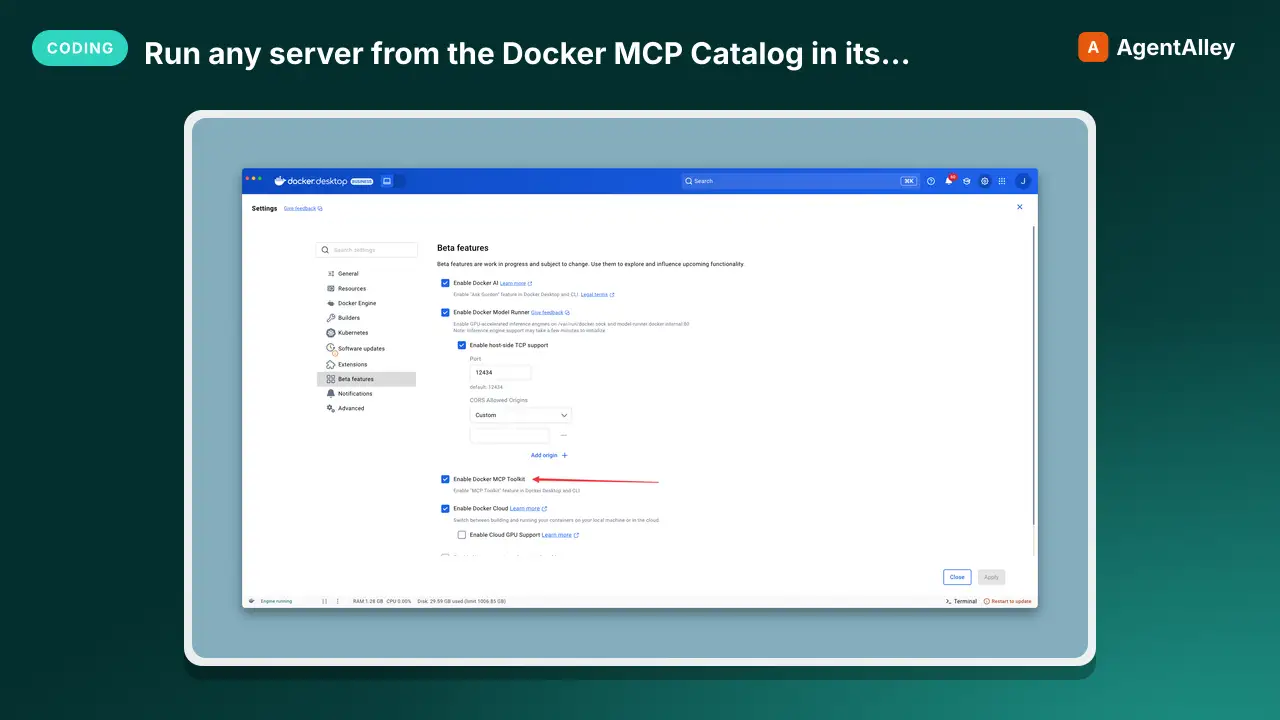 MCPRun any server from the Docker MCP Catalog in its ownDocker MCP gateway
 docker/mcp-gateway · by dockerDocker's own CLI plugin: run any server from the Docker MCP Catalog in its own container, behind one connection, with secrets kept out of env vars.★ 1.6k GitHub stars
 MCPOpen infrastructure for AI agents to discover and pay eachElisym
 elisymlabs/elisym · by elisymlabsOpen infrastructure for AI agents to discover and pay each other★ 17 GitHub stars