Master modern React state management with Redux Toolkit
Master modern React state management with Redux Toolkit, Zustand, Jotai, and React Query. Use when setting up global state, managing server state, or choosing between state management solutions.
---
name: react-state-management
description: Master modern React state management with Redux Toolkit, Zustand, Jotai, and React Query. Use when setting up global state, managing server state, or choosing between state management solutions.
---

# React State Management

Comprehensive guide to modern React state management patterns, from local component state to global stores and server state synchronization.

## When to Use This Skill

- Setting up global state management in a React app
- Choosing between Redux Toolkit, Zustand, or Jotai
- Managing server state with React Query or SWR
- Implementing optimistic updates
- Debugging state-related issues
- Migrating from legacy Redux to modern patterns
Overview
Comprehensive guide to modern React state management patterns, from local component state to global stores and server state synchronization.
Manual install (npx, ZIP)
Claude Code
npx skills add wshobson/agents --skill react-state-management -g -a claude-codeClaude Code (manual)
mkdir -p ~/.claude/skills && curl -sL https://codeload.github.com/wshobson/agents/tar.gz/4236bb91f839 \
  | tar -xz -C ~/.claude/skills --strip-components=4 agents-4236bb91f839/plugins/frontend-mobile-development/skills/react-state-management
Windows (PowerShell)
New-Item -ItemType Directory -Force "$HOME\.claude\skills" | Out-Null; Invoke-WebRequest "https://m.agentalley.io/zip/1eba15da37906552712a/react-state-management.zip" -OutFile "$env:TEMP\react-state-management.zip"; Expand-Archive "$env:TEMP\react-state-management.zip" -DestinationPath "$HOME\.claude\skills" -ForceClaude.ai / desktop
Codex, Cursor, other agents
Connects with Agent Alley MCP · agentalley.io/mcp
Files included
SKILL.md3.9 KBreferences/1 file · 7.6 KB
Read the files here
SKILL.md
Show the full text135 lines
React State Management
Comprehensive guide to modern React state management patterns, from local component state to global stores and server state synchronization.
When to Use This Skill
- Setting up global state management in a React app
- Choosing between Redux Toolkit, Zustand, or Jotai
- Managing server state with React Query or SWR
- Implementing optimistic updates
- Debugging state-related issues
- Migrating from legacy Redux to modern patterns
Core Concepts
1. State Categories
| Type | Description | Solutions |
|---|---|---|
| Local State | Component-specific, UI state | useState, useReducer |
| Global State | Shared across components | Redux Toolkit, Zustand, Jotai |
| Server State | Remote data, caching | React Query, SWR, RTK Query |
| URL State | Route parameters, search | React Router, nuqs |
| Form State | Input values, validation | React Hook Form, Formik |
2. Selection Criteria
Small app, simple state → Zustand or Jotai
Large app, complex state → Redux Toolkit
Heavy server interaction → React Query + light client state
Atomic/granular updates → Jotai
Quick Start
Zustand (Simplest)
// store/useStore.ts
import { create } from 'zustand'
import { devtools, persist } from 'zustand/middleware'

interface AppState {
  user: User | null
  theme: 'light' | 'dark'
  setUser: (user: User | null) => void
  toggleTheme: () => void
}

export const useStore = create<AppState>()(
  devtools(
    persist(
      (set) => ({
        user: null,
        theme: 'light',
        setUser: (user) => set({ user }),
        toggleTheme: () => set((state) => ({
          theme: state.theme === 'light' ? 'dark' : 'light'
        })),
      }),
      { name: 'app-storage' }
    )
  )
)

// Usage in component
function Header() {
  const { user, theme, toggleTheme } = useStore()
  return (
    <header className={theme}>
      {user?.name}
      <button onClick={toggleTheme}>Toggle Theme</button>
    </header>
  )
}
Detailed patterns and worked examples
Detailed pattern documentation lives in references/details.md. Read that file when the navigation tier above is insufficient.
Best Practices
Do's
- Colocate state - Keep state as close to where it's used as possible
- Use selectors - Prevent unnecessary re-renders with selective subscriptions
- Normalize data - Flatten nested structures for easier updates
- Type everything - Full TypeScript coverage prevents runtime errors
- Separate concerns - Server state (React Query) vs client state (Zustand)
Don'ts
- Don't over-globalize - Not everything needs to be in global state
- Don't duplicate server state - Let React Query manage it
- Don't mutate directly - Always use immutable updates
- Don't store derived data - Compute it instead
- Don't mix paradigms - Pick one primary solution per category
Migration Guides
From Legacy Redux to RTK
// Before (legacy Redux)
const ADD_TODO = "ADD_TODO";
const addTodo = (text) => ({ type: ADD_TODO, payload: text });
function todosReducer(state = [], action) {
  switch (action.type) {
    case ADD_TODO:
      return [...state, { text: action.payload, completed: false }];
    default:
      return state;
  }
}

// After (Redux Toolkit)
const todosSlice = createSlice({
  name: "todos",
  initialState: [],
  reducers: {
    addTodo: (state, action: PayloadAction<string>) => {
      // Immer allows "mutations"
      state.push({ text: action.payload, completed: false });
    },
  },
});
| 1 | |
| 2 | name react-state-management |
| 3 | description Master modern React state management with Redux Toolkit, Zustand, Jotai, and React Query. Use when setting up global state, managing server state, or choosing between state management solutions. |
| 4 | |
| 5 | |
| 6 | # React State Management |
| 7 | |
| 8 | Comprehensive guide to modern React state management patterns, from local component state to global stores and server state synchronization. |
| 9 | |
| 10 | ## When to Use This Skill |
| 11 | |
| 12 | Setting up global state management in a React app |
| 13 | Choosing between Redux Toolkit, Zustand, or Jotai |
| 14 | Managing server state with React Query or SWR |
| 15 | Implementing optimistic updates |
| 16 | Debugging state-related issues |
| 17 | Migrating from legacy Redux to modern patterns |
| 18 | |
| 19 | ## Core Concepts |
| 20 | |
| 21 | ### 1. State Categories |
| 22 | |
| 23 | | Type | Description | Solutions | |
| 24 | | ---------------- | ---------------------------- | ----------------------------- | |
| 25 | | **Local State** | Component-specific, UI state | useState, useReducer | |
| 26 | | **Global State** | Shared across components | Redux Toolkit, Zustand, Jotai | |
| 27 | | **Server State** | Remote data, caching | React Query, SWR, RTK Query | |
| 28 | | **URL State** | Route parameters, search | React Router, nuqs | |
| 29 | | **Form State** | Input values, validation | React Hook Form, Formik | |
| 30 | |
| 31 | ### 2. Selection Criteria |
| 32 | |
| 33 | |
| 34 | Small app, simple state → Zustand or Jotai |
| 35 | Large app, complex state → Redux Toolkit |
| 36 | Heavy server interaction → React Query + light client state |
| 37 | Atomic/granular updates → Jotai |
| 38 | |
| 39 | |
| 40 | ## Quick Start |
| 41 | |
| 42 | ### Zustand (Simplest) |
| 43 | |
| 44 | |
| 45 | // store/useStore.ts |
| 46 | import { create } from 'zustand' |
| 47 | import { devtools, persist } from 'zustand/middleware' |
| 48 | |
| 49 | interface AppState { |
| 50 | user: User | null |
| 51 | theme: 'light' | 'dark' |
| 52 | setUser: (user: User | null) => void |
| 53 | toggleTheme: () => void |
| 54 | } |
| 55 | |
| 56 | export const useStore = create<AppState>()( |
| 57 | devtools( |
| 58 | persist( |
| 59 | (set) => ({ |
| 60 | user: null, |
| 61 | theme: 'light', |
| 62 | setUser: (user) => set({ user }), |
| 63 | toggleTheme: () => set((state) => ({ |
| 64 | theme: state.theme === 'light' ? 'dark' : 'light' |
| 65 | })), |
| 66 | }), |
| 67 | { name: 'app-storage' } |
| 68 | ) |
| 69 | ) |
| 70 | ) |
| 71 | |
| 72 | // Usage in component |
| 73 | function Header() { |
| 74 | const { user, theme, toggleTheme } = useStore() |
| 75 | return ( |
| 76 | <header className={theme}> |
| 77 | {user?.name} |
| 78 | <button onClick={toggleTheme}>Toggle Theme</button> |
| 79 | </header> |
| 80 | ) |
| 81 | } |
| 82 | |
| 83 | |
| 84 | ## Detailed patterns and worked examples |
| 85 | |
| 86 | Detailed pattern documentation lives in `references/details.md`. Read that file when the navigation tier above is insufficient. |
| 87 | |
| 88 | ## Best Practices |
| 89 | |
| 90 | ### Do's |
| 91 | |
| 92 | **Colocate state** - Keep state as close to where it's used as possible |
| 93 | **Use selectors** - Prevent unnecessary re-renders with selective subscriptions |
| 94 | **Normalize data** - Flatten nested structures for easier updates |
| 95 | **Type everything** - Full TypeScript coverage prevents runtime errors |
| 96 | **Separate concerns** - Server state (React Query) vs client state (Zustand) |
| 97 | |
| 98 | ### Don'ts |
| 99 | |
| 100 | **Don't over-globalize** - Not everything needs to be in global state |
| 101 | **Don't duplicate server state** - Let React Query manage it |
| 102 | **Don't mutate directly** - Always use immutable updates |
| 103 | **Don't store derived data** - Compute it instead |
| 104 | **Don't mix paradigms** - Pick one primary solution per category |
| 105 | |
| 106 | ## Migration Guides |
| 107 | |
| 108 | ### From Legacy Redux to RTK |
| 109 | |
| 110 | |
| 111 | // Before (legacy Redux) |
| 112 | const ADD_TODO = "ADD_TODO"; |
| 113 | const addTodo = (text) => ({ type: ADD_TODO, payload: text }); |
| 114 | function todosReducer(state = [], action) { |
| 115 | switch (action.type) { |
| 116 | case ADD_TODO: |
| 117 | return [...state, { text: action.payload, completed: false }]; |
| 118 | default: |
| 119 | return state; |
| 120 | } |
| 121 | } |
| 122 | |
| 123 | // After (Redux Toolkit) |
| 124 | const todosSlice = createSlice({ |
| 125 | name: "todos", |
| 126 | initialState: [], |
| 127 | reducers: { |
| 128 | addTodo: (state, action: PayloadAction<string>) => { |
| 129 | // Immer allows "mutations" |
| 130 | state.push({ text: action.payload, completed: false }); |
| 131 | }, |
| 132 | }, |
| 133 | }); |
| 134 | |
| 135 |
Details
- Updated
- Sep 21, 2026
- License
- MIT
- Stars on the repo
- ★ 39,857
- Checked
- Source
- wshobson/agents ↗
- Creator
- wshobson · 179 listings
Similar skills
See all →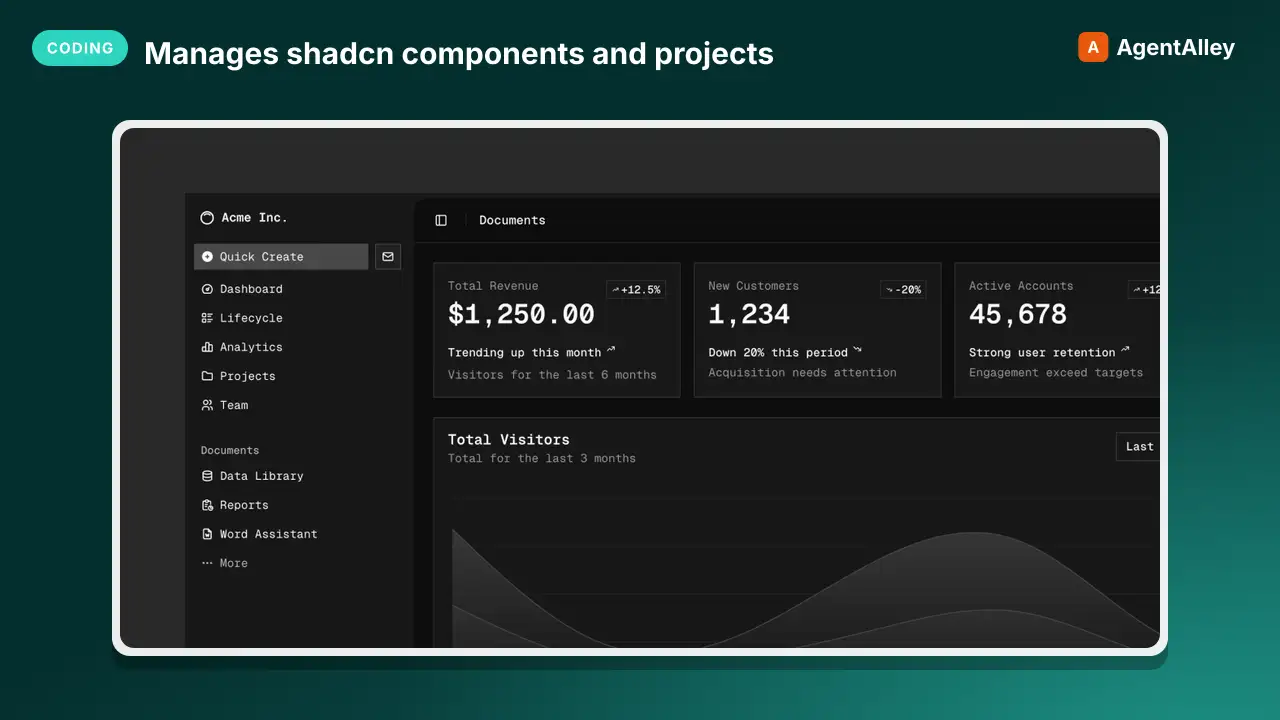 SkillManages shadcn components and projectsshadcn/ui
 shadcn-ui/ui · by shadcn-uiManages shadcn components and projects — adding, searching, fixing, debugging, styling, and composing UI, including chat interfaces. Provides project context, component docs, and usage examples. Applies when working with shadcn/ui, component registries, presets, --preset codes, or any project with a components.json file. Also triggers for "shadcn init", "create an app with --preset", or "switch to --preset".★ 124k GitHub stars
 SkillWrite agent code, build an agent with ADK, add a toolADK Code Reference
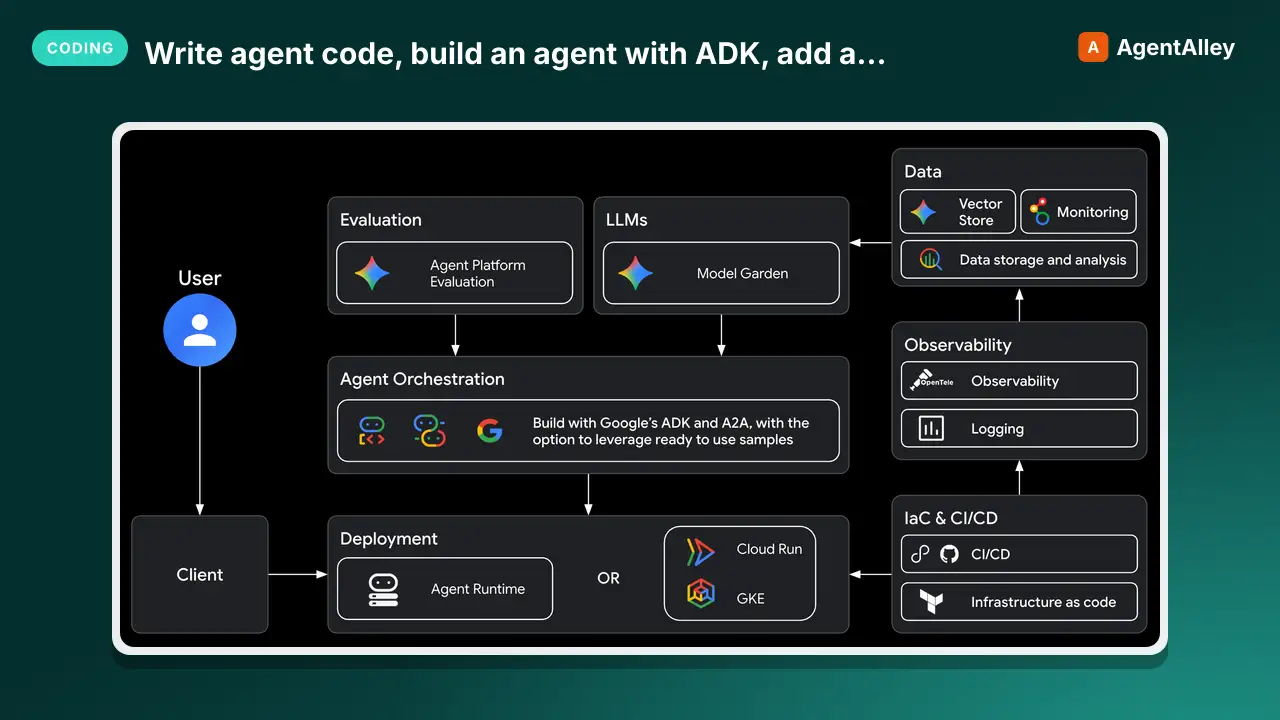
 google/agents-cli · by googleThis skill should be used when the user wants to "write agent code", build an agent with ADK", "add a tool", "create a callback", "define an agent", use state management" — in a project that needs ADK (Agent Development Kit) API patterns and code examples. It provides a quick reference for agent types, tool definitions, orchestration patterns, callbacks, state management, the graph Workflow API, and reference recipes to study. Do NOT use for scaffolding (use google-agents-cli-scaffold) or deployment (use google-agents-cli-deploy).★ 6k GitHub stars
 SkillOpen and collaboratively edit a running local app in DesignVisual edit
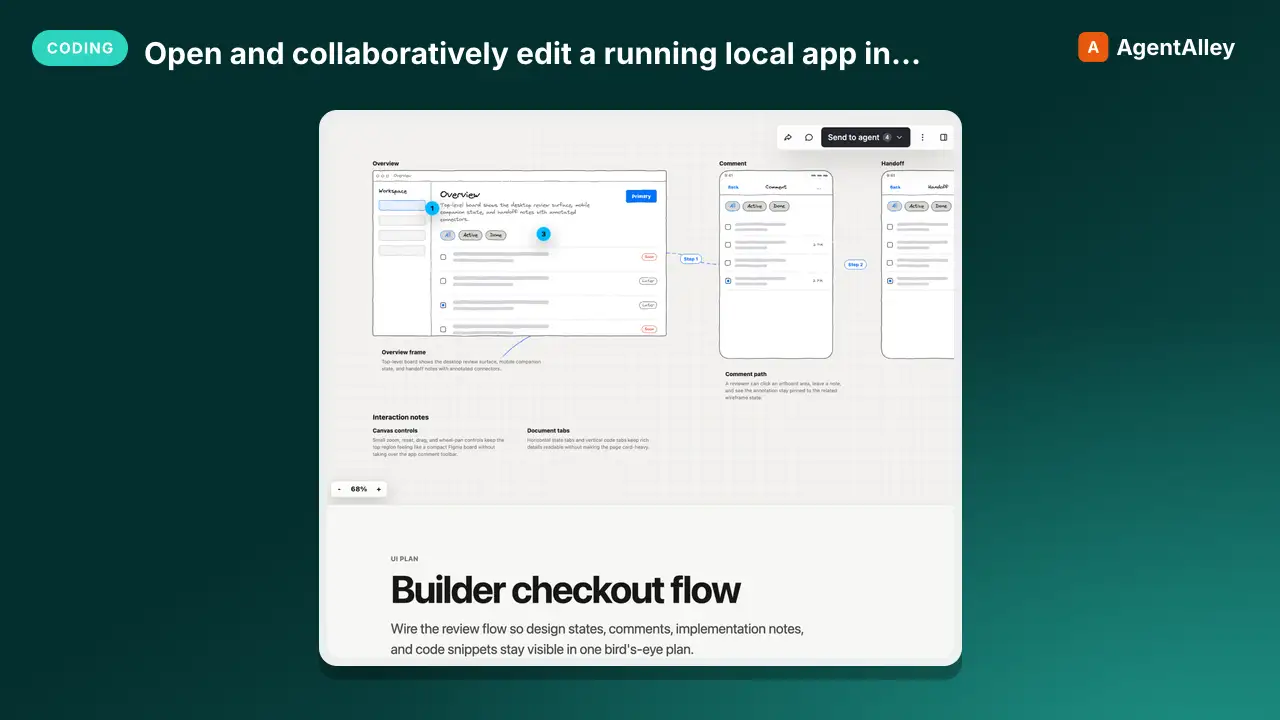
 BuilderIO/skills · by BuilderIOOpen and collaboratively edit a running local app in Design, with shared fallback previews and source handoff. Use when the user asks to inspect, share, or edit a real local app in Design.★ 4.5k GitHub stars
 SkillPatterns, cost review and ready templates for Claude ModsModsmith
 DannyMac180/skills · by DannyMac180Patterns, cost review and ready templates for Claude Mods (Claude Code plugins whose behaviour is a function-hooks module). Adds what the built-in mod authoring does not: proven designs (fork-check-draw, tool + ledger, mode registry, artifact-backed state), prompt-cache and token-cost review, a vetting pass for someone else's mod, and rules for mods that compose. USE WHEN: build a mod, make a claude mod, mod templates, quiz me after each turn, assumptions tool / register_assumption, supervisor that checks the turn, next-steps check, mode selector / mode registry, effort by domain, model router that keeps the cache, prompt cache cost of a mod, what does this mod cost per turn, review or vet someone's mod before installing, mods that work together, Kanban artifact as shared project state. NOT FOR: classic shell-command hooks in settings.json (PreToolUse etc.), a plain skill or slash command, MCP server authoring, or looking up the hooks API itself (use the engine's plugin-authoring guidance and generated types).★ 535 GitHub stars
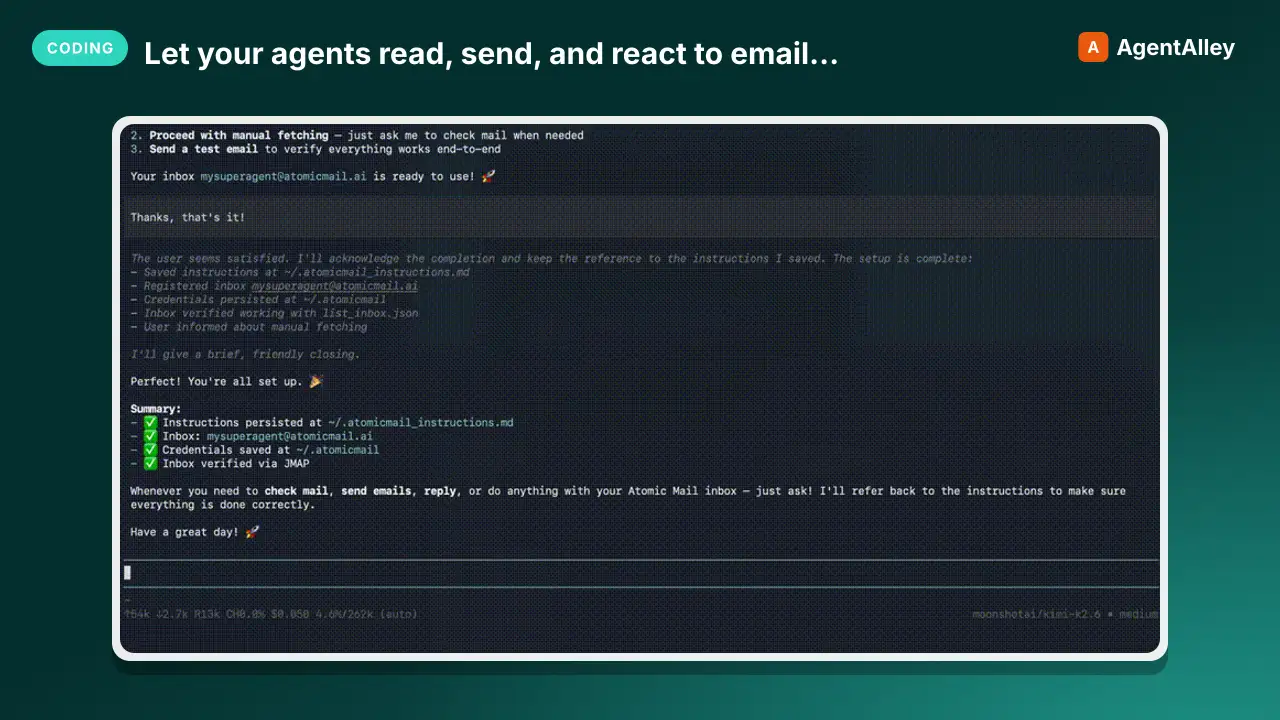 MCPLet your agents read, send, and react to email autonomouslyAtomic mail agentic
 Atomic-Mail/atomic-mail-agentic · by Atomic-MailLet your agents read, send, and react to email autonomously, without human involvement★ 266 GitHub stars
 SkillGenerates two genuinely distinct hook variantsA/B Hook Tester — two hooks, one variable, a real answer
 Ootto-AI/claude-content-skills · by Ootto-AIGenerates two genuinely distinct hook variants for the same reel so you can post-test which opening actually wins. Use when the user says "give me two hooks to test", "A/B this hook", "which opening should I use", "hook variants".★ 139 GitHub stars
More from wshobson
 SkillMaster C/.NET backend development patterns for building
 wshobson/agents · by wshobsonMaster C#/.NET backend development patterns for building robust APIs, MCP servers, and enterprise applications. Covers async/await, dependency injection, Entity Framework Core, Dapper, configuration, caching, and testing with xUnit. Use when developing .NET backends, reviewing C# code, or designing API architectures.★ 39.9k GitHub stars
 SkillImplement WCAG 2.2 compliant interfaces with mobileAccessibility compliancewshobson/agents · by wshobsonImplement WCAG 2.2 compliant interfaces with mobile accessibility, inclusive design patterns, and assistive technology support. Use when auditing accessibility, implementing ARIA patterns, building for screen readers, or ensuring inclusive user experiences.★ 39.9k GitHub stars
 SkillMaster Material Design 3 and Jetpack Compose patternsAndroid Mobile Designwshobson/agents · by wshobsonMaster Material Design 3 and Jetpack Compose patterns for building native Android apps. Use when designing Android interfaces, implementing Compose UI, or following Google's Material Design guidelines.★ 39.9k GitHub stars
 SkillMigrate from AngularJS to Angular using hybrid modeAngular migrationwshobson/agents · by wshobsonMigrate from AngularJS to Angular using hybrid mode, incremental component rewriting, and dependency injection updates. Use when upgrading AngularJS applications, planning framework migrations, or modernizing legacy Angular code.★ 39.9k GitHub stars
 SkillUnderstand anti-reversing, obfuscationAnti reversing techniqueswshobson/agents · by wshobsonUnderstand anti-reversing, obfuscation, and protection techniques encountered during software analysis. Use this skill when analyzing malware evasion techniques, when implementing anti-debugging protections for CTF challenges, when reverse engineering packed binaries, or when building security research tools that need to detect virtualized environments.★ 39.9k GitHub stars
 SkillBuild production Apache Airflow DAGs with best practicesApache Airflow DAG Patternswshobson/agents · by wshobsonBuild production Apache Airflow DAGs with best practices for operators, sensors, testing, and deployment. Use when creating data pipelines, orchestrating workflows, or scheduling batch jobs.★ 39.9k GitHub stars