memecub: memes for writing skill
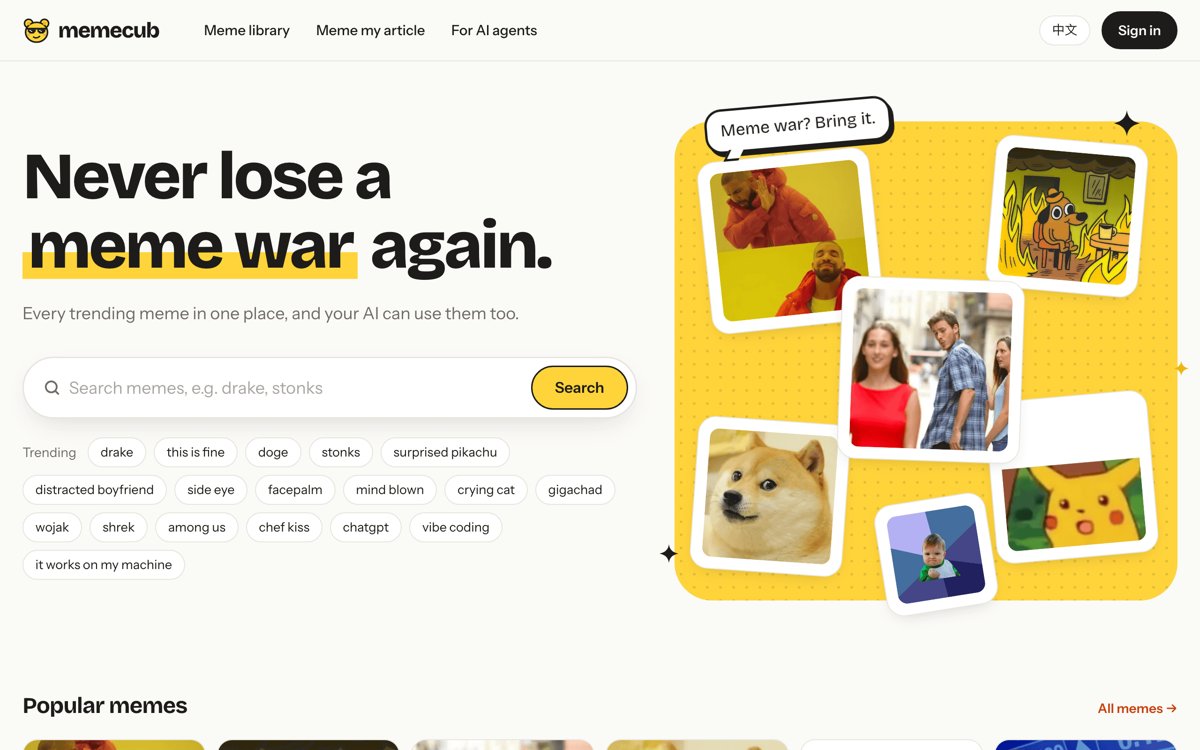
Illustration · not a resultFrom the liyupi/memecub README — shows the whole collection, not only this skill.source ↗
Find memes, 表情包 / 斗图 and reaction images and place them into articles, newsletters, docs or video scripts.
by liyupi·MIT license·★ 6 Stars on the repo·GitHub ↗
npx degit liyupi/memecub/skills/memecub#master ~/.claude/skills/memecubChecked ·commit master
Files of memecub: memes for writing
Show the full text78 lines
memecub: memes for writing
memecub covers trending memes: Chinese 表情包 / 斗图 (熊猫头, 奶龙, 蘑菇头, 金馆长, 吗喽…), English reaction memes and templates (Drake, This Is Fine, Doge…), plus openly licensed emoji and art.
- Memes collected from the web:
license.commercial_use: false. - Openly licensed images:
license.commercial_use: true, withattribution(a ready credit line) whenlicense.attribution_requiredis true.
Each result has a markdown field that already contains the credit line when one is required.
How to call it
Everything goes through one HTTPS endpoint; curl is enough. No key is needed to try it (20 searches a day per IP). With a key (MEMECUB_API_KEY) each search costs 1 credit from the user's balance (a free account gets 1,000 credits a month) and also covers their private library. The user can get a key with npx memecub login --print or at https://memecub.com/dashboard?tab=keys:
curl -sG https://memecub.com/api/v1/search \
  --data-urlencode "q=无语" -d limit=8 -d min_size=150 \
  ${MEMECUB_API_KEY:+-H "Authorization: Bearer $MEMECUB_API_KEY"}
The response is JSON: {"data": [{id, title, url, width, height, kind, license: {commercial_use, attribution_required, …}, attribution, markdown}, …], "total": …}.
Query parameters:
| Parameter | Use |
|---|---|
q |
1–3 words describing the reaction or character |
limit |
up to 50 |
min_size=150 |
skip images too small for an article |
kind=meme / kind=gif |
only memes / only animated memes (when emoji or photos crowd the results) |
commercial=1 |
only images cleared for commercial use |
no_credit=1 |
only commercially usable images that need no credit line |
private=1 |
only the user's own uploads (needs a key) |
profanity=1 |
also return memes whose captions contain swearing (hidden by default; only if the user asks) |
If a memecub MCP server is connected, its search_memes tool takes the same options and you can use it instead of curl.
Placing memes into an article
Do the reading yourself; only call memecub for search. This keeps cost low and gives better picks.
- Read the whole piece. Note its language, tone, audience, and whether it is commercial (ads, sponsored posts, client work).
- Pick the spots. Default to one image per 400–600 words (Chinese: per 600–1000 characters), at most one per section, never more than the user asked for. Good spots: a punchline, a surprise or reveal, a pain point the reader recognizes, a win, an ironic aside. Skip the title, the first sentence, code blocks, tables and anything solemn.
- Describe each spot as a reaction, not a topic. Search for what the reader should feel. Chinese 表情包 searches work best as short 2–4 character phrases:
无语,裂开,震惊,摸鱼,打工人,崩溃,感动哭了. English:facepalm,mind blown,this is fine,side eye. For a named character (熊猫头, 奶龙, Drake) or the user's own mascot, search the name too. - Search in the article's language first, 2–3 phrasings per spot, with
min_size=150. Chinese articles get Chinese 表情包 from Chinese queries; English queries mostly return English memes and emoji, so use them only as a fallback. For commercial pieces addcommercial=1if the user wants to stay safe. - Choose. Prefer, in order: matches the reaction precisely; the caption (
title) fits the sentence; visual variety across the article (don't use the same character twice in a row). Never reuse an image in one article. - Insert each image on its own line right after the paragraph it reacts to, with a blank line before and after, using the result's
markdownfield unchanged. It already includes the credit line when the license requires one; do not strip it. - Report back with a short list: where each image went, which image, and whether it is cleared for commercial use. Mention any spot you skipped because nothing fit well. Do not invent images or URLs.
One-shot alternative
If the user has a key and just wants it done server-side:
curl -s -X POST https://memecub.com/api/v1/match \
  -H "Authorization: Bearer $MEMECUB_API_KEY" -H "Content-Type: application/json" \
  -d '{"text": "<the article, JSON-escaped>", "count": 4, "commercial": false}'
The response has data.markdown (the article with memes inserted) and data.slots (each spot, the chosen meme, alternatives, and placed: false if the sentence could not be found). It costs 10 credits per article (failed runs are refunded). Doing the reading yourself and calling search per spot costs 1 credit each, so prefer that.
Finding a single meme
For "find me a meme for X": search 2–3 phrasings, show the top 3–5 as Markdown images with whether each is cleared for commercial use, and let the user choose.
Rules
- Only use images returned by memecub. Never hotlink or suggest images from elsewhere as "free to use".
- Keep credit lines whenever
attribution_requiredis true. - If the user says the piece is commercial and you used any
commercial_use: falseimage, say so once in your report and offercommercial=1alternatives. - Images marked
private: truebelong to the user's private library: the user declared they have rights to them. Remind the user once if such an image's declared license is non-commercial (e.g.cc-by-nc-sa) and the article looks commercial. - If results are thin, say so and try other phrasings; memecub fetches more images for that query in the background, so retrying in a minute can help.
- On HTTP 429 without a key, the keyless daily limit is used up: tell the user to run
npx memecub login --print(or create a key at https://memecub.com/dashboard?tab=keys) and setMEMECUB_API_KEY. On HTTP 402 the user's credits ran out: point them to https://memecub.com/pricing. Do not retry in a loop.
| 1 | |
| 2 | name memecub |
| 3 | description Find memes, 表情包 / 斗图 and reaction images and place them into articles, newsletters, docs or video scripts. Use when the user asks to add memes / 表情包 / reaction images to a piece of writing, to "配图" with memes, or to find a meme for a feeling, reaction or character (熊猫头, 奶龙, Drake, This Is Fine…). Searches the memecub library over HTTP with curl; every result says whether it is cleared for commercial use. |
| 4 | |
| 5 | |
| 6 | # memecub: memes for writing |
| 7 | |
| 8 | memecub covers trending memes: Chinese 表情包 / 斗图 (熊猫头, 奶龙, 蘑菇头, 金馆长, 吗喽…), English reaction memes and templates (Drake, This Is Fine, Doge…), plus openly licensed emoji and art. |
| 9 | |
| 10 | Memes collected from the web: `license.commercial_use: false`. |
| 11 | Openly licensed images: `license.commercial_use: true`, with `attribution` (a ready credit line) when `license.attribution_required` is true. |
| 12 | |
| 13 | Each result has a `markdown` field that already contains the credit line when one is required. |
| 14 | |
| 15 | ## How to call it |
| 16 | |
| 17 | Everything goes through one HTTPS endpoint; `curl` is enough. No key is needed to try it (20 searches a day per IP). With a key (`MEMECUB_API_KEY`) each search costs 1 credit from the user's balance (a free account gets 1,000 credits a month) and also covers their private library. The user can get a key with `npx memecub login --print` or at https://memecub.com/dashboard?tab=keys: |
| 18 | |
| 19 | |
| 20 | curl -sG https://memecub.com/api/v1/search \ |
| 21 | --data-urlencode "q=无语" -d limit=8 -d min_size=150 \ |
| 22 | ${MEMECUB_API_KEY:+-H "Authorization: Bearer $MEMECUB_API_KEY"} |
| 23 | |
| 24 | |
| 25 | The response is JSON: `{"data": [{id, title, url, width, height, kind, license: {commercial_use, attribution_required, …}, attribution, markdown}, …], "total": …}`. |
| 26 | |
| 27 | Query parameters: |
| 28 | |
| 29 | | Parameter | Use | |
| 30 | |---|---| |
| 31 | | `q` | 1–3 words describing the reaction or character | |
| 32 | | `limit` | up to 50 | |
| 33 | | `min_size=150` | skip images too small for an article | |
| 34 | | `kind=meme` / `kind=gif` | only memes / only animated memes (when emoji or photos crowd the results) | |
| 35 | | `commercial=1` | only images cleared for commercial use | |
| 36 | | `no_credit=1` | only commercially usable images that need no credit line | |
| 37 | | `private=1` | only the user's own uploads (needs a key) | |
| 38 | | `profanity=1` | also return memes whose captions contain swearing (hidden by default; only if the user asks) | |
| 39 | |
| 40 | If a `memecub` MCP server is connected, its `search_memes` tool takes the same options and you can use it instead of curl. |
| 41 | |
| 42 | ## Placing memes into an article |
| 43 | |
| 44 | Do the reading yourself; only call memecub for search. This keeps cost low and gives better picks. |
| 45 | |
| 46 | **Read the whole piece.** Note its language, tone, audience, and whether it is commercial (ads, sponsored posts, client work). |
| 47 | **Pick the spots.** Default to one image per 400–600 words (Chinese: per 600–1000 characters), at most one per section, never more than the user asked for. Good spots: a punchline, a surprise or reveal, a pain point the reader recognizes, a win, an ironic aside. Skip the title, the first sentence, code blocks, tables and anything solemn. |
| 48 | **Describe each spot as a reaction, not a topic.** Search for what the reader should *feel*. Chinese 表情包 searches work best as short 2–4 character phrases: `无语`, `裂开`, `震惊`, `摸鱼`, `打工人`, `崩溃`, `感动哭了`. English: `facepalm`, `mind blown`, `this is fine`, `side eye`. For a named character (熊猫头, 奶龙, Drake) or the user's own mascot, search the name too. |
| 49 | **Search in the article's language first**, 2–3 phrasings per spot, with `min_size=150`. Chinese articles get Chinese 表情包 from Chinese queries; English queries mostly return English memes and emoji, so use them only as a fallback. For commercial pieces add `commercial=1` if the user wants to stay safe. |
| 50 | **Choose.** Prefer, in order: matches the reaction precisely; the caption (`title`) fits the sentence; visual variety across the article (don't use the same character twice in a row). Never reuse an image in one article. |
| 51 | **Insert** each image on its own line right after the paragraph it reacts to, with a blank line before and after, using the result's `markdown` field unchanged. It already includes the credit line when the license requires one; do not strip it. |
| 52 | **Report back** with a short list: where each image went, which image, and whether it is cleared for commercial use. Mention any spot you skipped because nothing fit well. Do not invent images or URLs. |
| 53 | |
| 54 | ## One-shot alternative |
| 55 | |
| 56 | If the user has a key and just wants it done server-side: |
| 57 | |
| 58 | |
| 59 | curl -s -X POST https://memecub.com/api/v1/match \ |
| 60 | -H "Authorization: Bearer $MEMECUB_API_KEY" -H "Content-Type: application/json" \ |
| 61 | -d '{"text": "<the article, JSON-escaped>", "count": 4, "commercial": false}' |
| 62 | |
| 63 | |
| 64 | The response has `data.markdown` (the article with memes inserted) and `data.slots` (each spot, the chosen meme, alternatives, and `placed: false` if the sentence could not be found). It costs 10 credits per article (failed runs are refunded). Doing the reading yourself and calling search per spot costs 1 credit each, so prefer that. |
| 65 | |
| 66 | ## Finding a single meme |
| 67 | |
| 68 | For "find me a meme for X": search 2–3 phrasings, show the top 3–5 as Markdown images with whether each is cleared for commercial use, and let the user choose. |
| 69 | |
| 70 | ## Rules |
| 71 | |
| 72 | Only use images returned by memecub. Never hotlink or suggest images from elsewhere as "free to use". |
| 73 | Keep credit lines whenever `attribution_required` is true. |
| 74 | If the user says the piece is commercial and you used any `commercial_use: false` image, say so once in your report and offer `commercial=1` alternatives. |
| 75 | Images marked `private: true` belong to the user's private library: the user declared they have rights to them. Remind the user once if such an image's declared license is non-commercial (e.g. `cc-by-nc-sa`) and the article looks commercial. |
| 76 | If results are thin, say so and try other phrasings; memecub fetches more images for that query in the background, so retrying in a minute can help. |
| 77 | On HTTP 429 without a key, the keyless daily limit is used up: tell the user to run `npx memecub login --print` (or create a key at https://memecub.com/dashboard?tab=keys) and set `MEMECUB_API_KEY`. On HTTP 402 the user's credits ran out: point them to https://memecub.com/pricing. Do not retry in a loop. |
| 78 |
Discussion
Browse more free Claude skills.