Web toolkit powered by Exa
Exa Web Toolkit
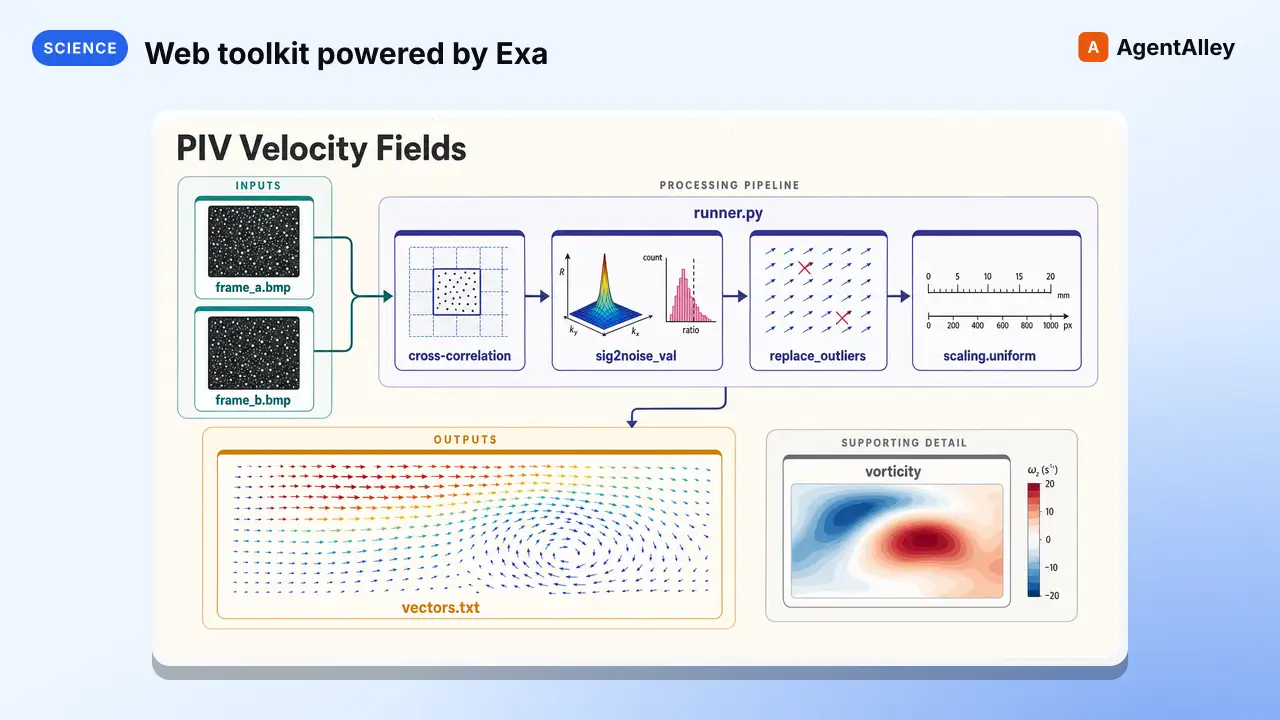
Web toolkit powered by Exa, tuned for scientific and technical content. Use this skill when the user needs to search the web or fetch/extract URL content.
---
name: exa-search
description: "Web toolkit powered by Exa, tuned for scientific and technical content. Use this skill when the user needs to search the web or fetch/extract URL content. Covers: web search (semantic lookups, research, current info — with optional research-paper category and academic domain filtering) and URL extraction (fetching pages, articles, academic PDFs in batch). Use this skill for web-related tasks when the user wants high-quality search or scholarly filtering via category=research paper. Triggers on requests to search, look up, fetch a page, or extract an article."
compatibility: Requires exa-py Python SDK, an EXA_API_KEY, and internet access.
license: MIT
metadata:
  version: "1.2"
  skill-author: Exa
  website: https://exa.ai
  docs: https://exa.ai/docs
  openclaw:
    primaryEnv: EXA_API_KEY
    envVars:
    - name: EXA_API_KEY
      required: true
      description: Exa search API key.
---
Overview
A skill for web-powered research tasks backed by Exa: web search and URL extraction. Exa's index combines high-quality keyword and semantic retrieval, which makes it well-suited to scientific, technical, and conceptual queries.
Manual install (npx, ZIP)
npx skills add K-Dense-AI/scientific-agent-skills --skill exa-search -g -a claude-codemkdir -p ~/.claude/skills && curl -sL https://codeload.github.com/K-Dense-AI/scientific-agent-skills/tar.gz/49c6e97775ea \
| tar -xz -C ~/.claude/skills --strip-components=2 scientific-agent-skills-49c6e97775ea/skills/exa-searchNew-Item -ItemType Directory -Force "$HOME\.claude\skills" | Out-Null; Invoke-WebRequest "https://m.agentalley.io/zip/8f2b3f8c460beeeac347/exa-search.zip" -OutFile "$env:TEMP\exa-search.zip"; Expand-Archive "$env:TEMP\exa-search.zip" -DestinationPath "$HOME\.claude\skills" -ForceConnects with Agent Alley MCP · agentalley.io/mcp
Files included
SKILL.md4.9 KBreferences/2 files · 7.2 KBscripts/2 files · 9.3 KB
Read the files here
K-Dense-AI/
Show the full text103 lines
Exa Web Toolkit
A skill for web-powered research tasks backed by Exa: web search and URL extraction. Exa's index combines high-quality keyword and semantic retrieval, which makes it well-suited to scientific, technical, and conceptual queries.
Routing — pick the right capability
Read the user's request and match it to one of the capabilities below. Read the corresponding reference file for detailed instructions before running commands.
| User wants to... | Capability | Where |
|---|---|---|
| Look something up, research a topic, find current info | Web Search | references/web-search.md |
| Fetch content from a specific URL (webpage, article, PDF) | Web Extract | references/web-extract.md |
| Install or authenticate | Setup | Below |
Decision guide
- Default to Web Search for topic lookups, research questions, or "what is X?" queries. When the topic is scientific or technical, pass
--category "research paper"to bias toward scholarly sources, and/or an academic--include-domainsallowlist. Seereferences/web-search.mdfor the two-pass academic strategy. - Use Web Extract when the user provides a URL or asks you to read/fetch a specific page. Prefer this over the built-in WebFetch for batch extraction (multiple URLs in one call) and for academic PDFs.
Academic source priority
For technical or scientific queries, prefer academic and scientific sources:
- Peer-reviewed journal articles and conference proceedings over blog posts or news
- Preprints (arXiv, bioRxiv, medRxiv) when peer-reviewed versions aren't available
- Institutional and government sources (NIH, WHO, NASA, NIST) over commercial sites
- Primary research over secondary summaries
Two levers to steer Exa toward scholarly content:
--category "research paper"biases retrieval toward scholarly sources.--include-domainswith a scholarly allowlist (arxiv.org, nature.com, pubmed.ncbi.nlm.nih.gov, etc.) restricts the domain pool.
Combine both for strictly academic results. See references/web-search.md for the full pattern.
When citing academic sources, include author names and publication year where available (e.g., Smith et al., 2025) in addition to the standard citation format. If a DOI is present, prefer the DOI link.
Setup
This skill uses the exa-py Python SDK. The scripts in scripts/ declare their dependencies via PEP 723 inline metadata, so you can run them directly with uv run without a separate install step:
uv run --with exa-py python "$SKILL_PATH/scripts/exa_search.py" --help
If you prefer a persistent install:
uv pip install "exa-py>=1.14.0"
Authentication
All commands read the API key from the EXA_API_KEY environment variable. Get your Exa API key at dashboard.exa.ai/api-keys.
First, check if a .env file exists in the project root and contains EXA_API_KEY. If so, load it:
dotenv -f .env run -- uv run --with exa-py python "$SKILL_PATH/scripts/exa_search.py" "your query"
If dotenv isn't available, install it: uv pip install python-dotenv[cli].
If there's no .env, export the key for the session:
export EXA_API_KEY="your-key"
Verify by running any script with --help — it will exit cleanly if the key is set and auth-check runs only when a real query is made.
Tracking header
Every script in this skill sets the x-exa-integration request header to k-dense-ai--scientific-agent-skills so Exa can attribute usage from the K-Dense AI scientific-agent-skills repo to this integration. Do not remove or rename this header when adapting the scripts.
Files in this skill
SKILL.md— this file (routing and setup)references/web-search.md— detailed web search reference with academic strategyreferences/web-extract.md— URL content extraction referencescripts/exa_search.py— CLI wrapper aroundclient.search_and_contentsscripts/exa_extract.py— CLI wrapper aroundclient.get_contents
| 1 | |
| 2 | name exa-search |
| 3 | description "Web toolkit powered by Exa, tuned for scientific and technical content. Use this skill when the user needs to search the web or fetch/extract URL content. Covers: web search (semantic lookups, research, current info — with optional research-paper category and academic domain filtering) and URL extraction (fetching pages, articles, academic PDFs in batch). Use this skill for web-related tasks when the user wants high-quality search or scholarly filtering via category=research paper. Triggers on requests to search, look up, fetch a page, or extract an article." |
| 4 | compatibility Requires exa-py Python SDK, an EXA_API_KEY, and internet access. |
| 5 | license MIT |
| 6 | metadata |
| 7 | version "1.2" |
| 8 | skill-author Exa |
| 9 | website https://exa.ai |
| 10 | docs https://exa.ai/docs |
| 11 | openclaw |
| 12 | primaryEnv EXA_API_KEY |
| 13 | envVars |
| 14 | - name: EXA_API_KEY |
| 15 | required true |
| 16 | description Exa search API key. |
| 17 | |
| 18 | |
| 19 | # Exa Web Toolkit |
| 20 | |
| 21 | A skill for web-powered research tasks backed by [Exa]: web search and URL extraction. Exa's index combines high-quality keyword and semantic retrieval, which makes it well-suited to scientific, technical, and conceptual queries. |
| 22 | |
| 23 | ## Routing — pick the right capability |
| 24 | |
| 25 | Read the user's request and match it to one of the capabilities below. Read the corresponding reference file for detailed instructions before running commands. |
| 26 | |
| 27 | | User wants to... | Capability | Where | |
| 28 | |---|---|---| |
| 29 | | Look something up, research a topic, find current info | **Web Search** | `references/web-search.md` | |
| 30 | | Fetch content from a specific URL (webpage, article, PDF) | **Web Extract** | `references/web-extract.md` | |
| 31 | | Install or authenticate | **Setup** | Below | |
| 32 | |
| 33 | ### Decision guide |
| 34 | |
| 35 | **Default to Web Search** for topic lookups, research questions, or "what is X?" queries. When the topic is scientific or technical, pass `--category "research paper"` to bias toward scholarly sources, and/or an academic `--include-domains` allowlist. See `references/web-search.md` for the two-pass academic strategy. |
| 36 | **Use Web Extract** when the user provides a URL or asks you to read/fetch a specific page. Prefer this over the built-in WebFetch for batch extraction (multiple URLs in one call) and for academic PDFs. |
| 37 | |
| 38 | ### Academic source priority |
| 39 | |
| 40 | For technical or scientific queries, prefer academic and scientific sources: |
| 41 | Peer-reviewed journal articles and conference proceedings over blog posts or news |
| 42 | Preprints (arXiv, bioRxiv, medRxiv) when peer-reviewed versions aren't available |
| 43 | Institutional and government sources (NIH, WHO, NASA, NIST) over commercial sites |
| 44 | Primary research over secondary summaries |
| 45 | |
| 46 | Two levers to steer Exa toward scholarly content: |
| 47 | `--category "research paper"` biases retrieval toward scholarly sources. |
| 48 | `--include-domains` with a scholarly allowlist (arxiv.org, nature.com, pubmed.ncbi.nlm.nih.gov, etc.) restricts the domain pool. |
| 49 | |
| 50 | Combine both for strictly academic results. See `references/web-search.md` for the full pattern. |
| 51 | |
| 52 | When citing academic sources, include author names and publication year where available (e.g., [Smith et al., 2025]) in addition to the standard citation format. If a DOI is present, prefer the DOI link. |
| 53 | |
| 54 | |
| 55 | |
| 56 | ## Setup |
| 57 | |
| 58 | This skill uses the [`exa-py`] Python SDK. The scripts in `scripts/` declare their dependencies via PEP 723 inline metadata, so you can run them directly with `uv run` without a separate install step: |
| 59 | |
| 60 | |
| 61 | uv run --with exa-py python "$SKILL_PATH/scripts/exa_search.py" --help |
| 62 | |
| 63 | |
| 64 | If you prefer a persistent install: |
| 65 | |
| 66 | |
| 67 | uv pip install "exa-py>=1.14.0" |
| 68 | |
| 69 | |
| 70 | ### Authentication |
| 71 | |
| 72 | All commands read the API key from the `EXA_API_KEY` environment variable. Get your Exa API key at [dashboard.exa.ai/api-keys]. |
| 73 | |
| 74 | First, check if a `.env` file exists in the project root and contains `EXA_API_KEY`. If so, load it: |
| 75 | |
| 76 | |
| 77 | dotenv -f .env run -- uv run --with exa-py python "$SKILL_PATH/scripts/exa_search.py" "your query" |
| 78 | |
| 79 | |
| 80 | If `dotenv` isn't available, install it: `uv pip install python-dotenv[cli]`. |
| 81 | |
| 82 | If there's no `.env`, export the key for the session: |
| 83 | |
| 84 | |
| 85 | export EXA_API_KEY="your-key" |
| 86 | |
| 87 | |
| 88 | Verify by running any script with `--help` — it will exit cleanly if the key is set and auth-check runs only when a real query is made. |
| 89 | |
| 90 | ### Tracking header |
| 91 | |
| 92 | Every script in this skill sets the `x-exa-integration` request header to `k-dense-ai--scientific-agent-skills` so Exa can attribute usage from the K-Dense AI scientific-agent-skills repo to this integration. Do not remove or rename this header when adapting the scripts. |
| 93 | |
| 94 | |
| 95 | |
| 96 | ## Files in this skill |
| 97 | |
| 98 | `SKILL.md` — this file (routing and setup) |
| 99 | `references/web-search.md` — detailed web search reference with academic strategy |
| 100 | `references/web-extract.md` — URL content extraction reference |
| 101 | `scripts/exa_search.py` — CLI wrapper around `client.search_and_contents` |
| 102 | `scripts/exa_extract.py` — CLI wrapper around `client.get_contents` |
| 103 |
Details
- Updated
- Sep 21, 2026
- License
- MIT
- Stars on the repo
- ★ 45,977
- Checked
- Source
- K-Dense-AI/scientific-agent-skills ↗
- Creator
- K-Dense-AI · 168 listings
Similar skills
See all → SkillImprove academic paper writing quality for ML/CV/NLP-styleResearch paper writing
 Master-cai/Research-Paper-Writing-Skills · by Master-caiImprove academic paper writing quality for ML/CV/NLP-style papers with clear section structure, paragraph flow, and reviewer-facing presentation. Use when drafting or revising Abstract, Introduction, Related Work, Method, Experiments, or Conclusion; polishing figures/tables; checking claim-support alignment; or performing self-review before submission.★ 7.3k GitHub stars
 PromptAct as a senior research paper evaluator
 f/prompts.chat · by Fisehatsion Adisu AbuteUse this prompt to critically evaluate academic papers. Ideal for reviewers aiming to assess the quality and validity of scholarly documents across disciplines.New listing
 PromptAssist users in drafting and reviewing bibliographicBibliographic review writing assistantf/prompts.chat · by Everardo SanchezAssist users in drafting and reviewing bibliographic literature reviews, ensuring compliance with APA 7th edition and journal-specific formatting.New listing
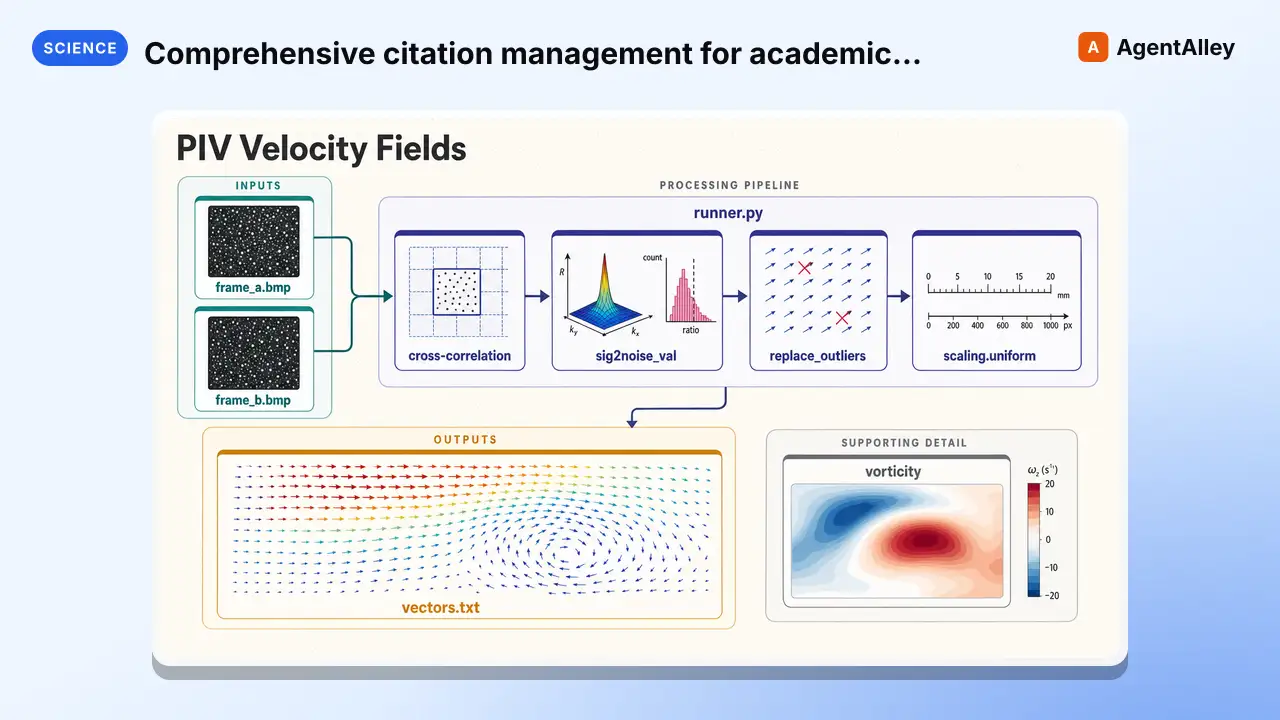 SkillComprehensive citation management for academic research
 K-Dense-AI/scientific-agent-skills · by K-Dense-AIComprehensive citation management for academic research. Search OpenAlex, PubMed, and Google Scholar for papers, extract accurate metadata, validate citations, and generate properly formatted BibTeX entries. This skill should be used when you need to find papers, verify citation information, convert DOIs to BibTeX, or ensure reference accuracy in scientific writing.★ 46k GitHub stars
 SkillCreate professional research posters in LaTeXLaTeX Research PostersK-Dense-AI/scientific-agent-skills · by K-Dense-AICreate professional research posters in LaTeX using beamerposter, tikzposter, or baposter. Support for conference presentations, academic posters, and scientific communication. Includes layout design, color schemes, multi-column formats, figure integration, and poster-specific best practices for visual communication.★ 46k GitHub stars
 SkillConduct comprehensive, systematic literature reviewsLiterature reviewK-Dense-AI/scientific-agent-skills · by K-Dense-AIConduct comprehensive, systematic literature reviews using multiple academic databases (PubMed, arXiv, bioRxiv, Semantic Scholar, etc.). This skill should be used when conducting systematic literature reviews, meta-analyses, research synthesis, or comprehensive literature searches across biomedical, scientific, and technical domains. Creates professionally formatted markdown documents and PDFs with verified citations in multiple citation styles (APA, Nature, Vancouver, etc.).★ 46k GitHub stars
More from K-Dense-AI
 SkillHow to use the Adaptyv Bio Foundry API and Python SDKK-Dense-AI/scientific-agent-skills · by K-Dense-AIHow to use the Adaptyv Bio Foundry API and Python SDK for protein experiment design, submission, and results retrieval. Use this skill whenever the user mentions Adaptyv, Foundry API, protein binding assays, protein screening experiments, BLI/SPR assays, thermostability assays, or wants to submit protein sequences for experimental characterization. Also trigger when code imports `adaptyv`, `adaptyv_sdk`, or `FoundryClient`, or references `foundry-api-public.adaptyvbio.com`.★ 46k GitHub stars
 SkillAeon Time Series Machine LearningK-Dense-AI/scientific-agent-skills · by K-Dense-AIThis skill should be used for time series machine learning tasks including classification, regression, clustering, forecasting, anomaly detection, segmentation, and similarity search. Use when working with temporal data, sequential patterns, or time-indexed observations requiring specialized algorithms beyond standard ML approaches. Particularly suited for univariate and multivariate time series analysis with scikit-learn compatible APIs.★ 46k GitHub stars
 SkillPlan, execute, and document validation, verificationAnalytical method validationK-Dense-AI/scientific-agent-skills · by K-Dense-AIPlan, execute, and document validation, verification, and transfer of analytical procedures under the governing framework - ICH Q2(R2) and Q14, USP <1220>/<1225>/<1226>, ICH M10 bioanalytical, CLSI EP, or ISO/IEC 17025. Use for HPLC, LC-MS/MS, GC, CE, ICP-MS, dissolution, qNMR, qPCR, NIR, and ligand binding or cell-based assays whenever the question is whether a procedure is fit for its intended purpose. Triggers include "method validation", "analytical method validation", "AMV", "validation protocol", "acceptance criteria", "linearity", "reportable range", "accuracy and precision", "repeatability", "intermediate precision", "recovery", "LOD", "LOQ", "detection limit", "quantitation limit", "specificity", "robustness", "method transfer", "method comparison", "Deming", "Passing-Bablok", "Bland-Altman", "equivalence testing", "OOS investigation", "ICH Q2", "Q2(R2)", "Q14", "USP 1225", "ICH M10", "incurred sample reanalysis", "ISR", "CLSI EP", and any request to show that an assay works.★ 46k GitHub stars
 SkillData structure for annotated matrices in single-cellAnndataK-Dense-AI/scientific-agent-skills · by K-Dense-AIData structure for annotated matrices in single-cell analysis. Use when working with .h5ad files or integrating with the scverse ecosystem. This is the data format skill—for analysis workflows use scanpy; for probabilistic models use scvi-tools; for population-scale queries use cellxgene-census.★ 46k GitHub stars
 SkillAutonomously improve a real artifact against an objectiveArbor — Autonomous Optimization via Hypothesis Tree RefinementK-Dense-AI/scientific-agent-skills · by K-Dense-AIAutonomously improve a real artifact (code, training recipe, agent harness, data pipeline, prompt) against an objective and an evaluator, using Hypothesis Tree Refinement (HTR) from the Arbor paper. Use this whenever someone wants to iteratively optimize something over many experiments without overfitting — e.g. "get my model's eval score up", "improve this agent/harness", "tune this pipeline", "beat the baseline on this benchmark", "run a search over approaches and keep the best", "do an MLE-bench / Kaggle-style optimization", or any long-horizon "make this artifact better and don't just memorize the dev set" task. Trigger it even when the user doesn't say "Arbor" or "hypothesis tree" but describes repeated experiment-and-evaluate loops, branching exploration of competing ideas, or worries about a dev/test gap. Runs Claude itself as the coordinator with subagent executors in isolated git worktrees; for the standalone `arbor` CLI tool see references/arbor-upstream.md.★ 46k GitHub stars
 SkillInfer gene regulatory networks from gene expression dataArboretoK-Dense-AI/scientific-agent-skills · by K-Dense-AIInfer gene regulatory networks (GRNs) from gene expression data using scalable algorithms (GRNBoost2, GENIE3). Use when analyzing transcriptomics data (bulk RNA-seq, single-cell RNA-seq) to identify transcription factor-target gene relationships and regulatory interactions. Supports distributed computation for large-scale datasets.★ 46k GitHub stars