Dispatches parallel agents
Dispatching parallel agents
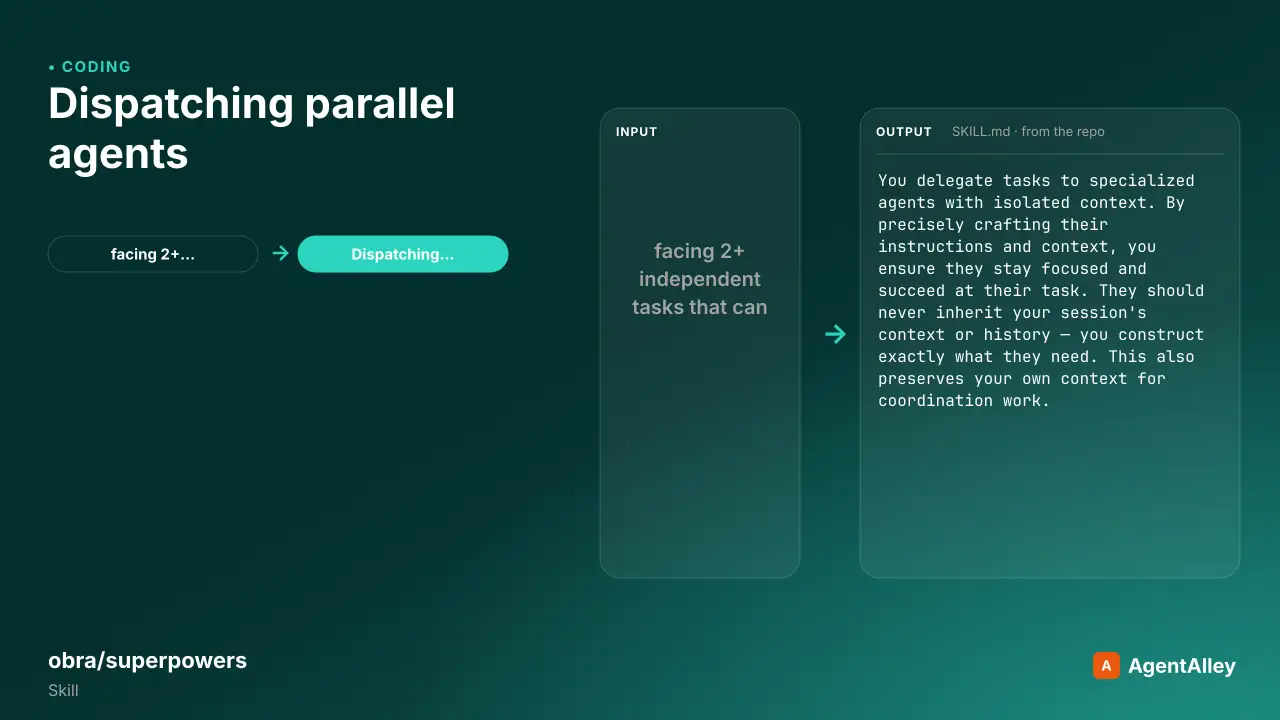
Use when facing 2+ independent tasks that can be worked on without shared state or sequential dependencies
---
name: dispatching-parallel-agents
description: Use when facing 2+ independent tasks that can be worked on without shared state or sequential dependencies
---

# Dispatching Parallel Agents

## Overview

You delegate tasks to specialized agents with isolated context. By precisely crafting their instructions and context, you ensure they stay focused and succeed at their task. They should never inherit your session's context or history — you construct exactly what they need. This also preserves your own context for coordination work.

When you have multiple unrelated failures (different test files, different subsystems, different bugs), investigating them sequentially wastes time. Each investigation is independent and can happen in parallel.

**Core principle:** Dispatch one agent per independent problem domain. Let them work concurrently.

## When to Use

```dot
Overview
You delegate tasks to specialized agents with isolated context. By precisely crafting their instructions and context, you ensure they stay focused and succeed at their task. They should never inherit your session's context or history — you construct exactly what they need. This also preserves your own context for coordination work.
Manual install (npx, ZIP)
npx skills add obra/superpowers --skill dispatching-parallel-agents -g -a claude-codemkdir -p ~/.claude/skills && curl -sL https://codeload.github.com/obra/superpowers/tar.gz/5bf4e7801107 \
| tar -xz -C ~/.claude/skills --strip-components=2 superpowers-5bf4e7801107/skills/dispatching-parallel-agentsNew-Item -ItemType Directory -Force "$HOME\.claude\skills" | Out-Null; Invoke-WebRequest "https://m.agentalley.io/zip/fd4a5b7ed36c4b5cdec6/dispatching-parallel-agents.zip" -OutFile "$env:TEMP\dispatching-parallel-agents.zip"; Expand-Archive "$env:TEMP\dispatching-parallel-agents.zip" -DestinationPath "$HOME\.claude\skills" -ForceConnects with Agent Alley MCP · agentalley.io/mcp
Files included
SKILL.md5.9 KB
Read the files here
obra/
Show the full text168 lines
Dispatching Parallel Agents
Overview
You delegate tasks to specialized agents with isolated context. By precisely crafting their instructions and context, you ensure they stay focused and succeed at their task. They should never inherit your session's context or history — you construct exactly what they need. This also preserves your own context for coordination work.
When you have multiple unrelated failures (different test files, different subsystems, different bugs), investigating them sequentially wastes time. Each investigation is independent and can happen in parallel.
Core principle: Dispatch one agent per independent problem domain. Let them work concurrently.
When to Use
digraph when_to_use {
    "Multiple failures?" [shape=diamond];
    "Are they independent?" [shape=diamond];
    "Single agent investigates all" [shape=box];
    "One agent per problem domain" [shape=box];
    "Can they work in parallel?" [shape=diamond];
    "Sequential agents" [shape=box];
    "Parallel dispatch" [shape=box];

    "Multiple failures?" -> "Are they independent?" [label="yes"];
    "Are they independent?" -> "Single agent investigates all" [label="no - related"];
    "Are they independent?" -> "Can they work in parallel?" [label="yes"];
    "Can they work in parallel?" -> "Parallel dispatch" [label="yes"];
    "Can they work in parallel?" -> "Sequential agents" [label="no - shared state"];
}
Use when:
- 3+ test files failing with different root causes
- Multiple subsystems broken independently
- Each problem can be understood without context from others
- No shared state between investigations
Don't use when:
- Failures are related (fix one might fix others)
- Need to understand full system state
- Agents would interfere with each other
The Pattern
1. Identify Independent Domains
Group failures by what's broken:
- File A tests: Tool approval flow
- File B tests: Batch completion behavior
- File C tests: Abort functionality
Each domain is independent - fixing tool approval doesn't affect abort tests.
2. Create Focused Agent Tasks
Each agent gets:
- Specific scope: One test file or subsystem
- Clear goal: Make these tests pass
- Constraints: Don't change other code
- Expected output: Summary of what you found and fixed
3. Dispatch in Parallel
Issue all three subagent dispatches in the same response — they run in parallel:
Subagent (general-purpose): "Fix agent-tool-abort.test.ts failures"
Subagent (general-purpose): "Fix batch-completion-behavior.test.ts failures"
Subagent (general-purpose): "Fix tool-approval-race-conditions.test.ts failures"
# All three run concurrently.
Multiple dispatch calls in one response = parallel execution. One per response = sequential.
4. Review and Integrate
When agents return:
- Read each summary
- Verify fixes don't conflict
- Run full test suite
- Integrate all changes
Agent Prompt Structure
Good agent prompts are:
- Focused - One clear problem domain
- Self-contained - All context needed to understand the problem
- Specific about output - What should the agent return?
Fix the 3 failing tests in src/agents/agent-tool-abort.test.ts:

1. "should abort tool with partial output capture" - expects 'interrupted at' in message
2. "should handle mixed completed and aborted tools" - fast tool aborted instead of completed
3. "should properly track pendingToolCount" - expects 3 results but gets 0

These are timing/race condition issues. Your task:

1. Read the test file and understand what each test verifies
2. Identify root cause - timing issues or actual bugs?
3. Fix by:
   - Replacing arbitrary timeouts with event-based waiting
   - Fixing bugs in abort implementation if found
   - Adjusting test expectations if testing changed behavior

Do NOT just increase timeouts - find the real issue.

Return: Summary of what you found and what you fixed.
Common Mistakes
❌ Too broad: "Fix all the tests" - agent gets lost ✅ Specific: "Fix agent-tool-abort.test.ts" - focused scope
❌ No context: "Fix the race condition" - agent doesn't know where ✅ Context: Paste the error messages and test names
❌ No constraints: Agent might refactor everything ✅ Constraints: "Do NOT change production code" or "Fix tests only"
❌ Vague output: "Fix it" - you don't know what changed ✅ Specific: "Return summary of root cause and changes"
When NOT to Use
Related failures: Fixing one might fix others - investigate together first Need full context: Understanding requires seeing entire system Exploratory debugging: You don't know what's broken yet Shared state: Agents would interfere (editing same files, using same resources)
Real Example from Session
Scenario: 6 test failures across 3 files after major refactoring
Failures:
- agent-tool-abort.test.ts: 3 failures (timing issues)
- batch-completion-behavior.test.ts: 2 failures (tools not executing)
- tool-approval-race-conditions.test.ts: 1 failure (execution count = 0)
Decision: Independent domains - abort logic separate from batch completion separate from race conditions
Dispatch:
Agent 1 → Fix agent-tool-abort.test.ts
Agent 2 → Fix batch-completion-behavior.test.ts
Agent 3 → Fix tool-approval-race-conditions.test.ts
Results:
- Agent 1: Replaced timeouts with event-based waiting
- Agent 2: Fixed event structure bug (threadId in wrong place)
- Agent 3: Added wait for async tool execution to complete
Integration: All fixes independent, no conflicts, full suite green
Verification
After agents return:
- Review each summary - Understand what changed
- Check for conflicts - Did agents edit same code?
- Run full suite - Verify all fixes work together
- Spot check - Agents can make systematic errors
| 1 | |
| 2 | name dispatching-parallel-agents |
| 3 | description Use when facing 2+ independent tasks that can be worked on without shared state or sequential dependencies |
| 4 | |
| 5 | |
| 6 | # Dispatching Parallel Agents |
| 7 | |
| 8 | ## Overview |
| 9 | |
| 10 | You delegate tasks to specialized agents with isolated context. By precisely crafting their instructions and context, you ensure they stay focused and succeed at their task. They should never inherit your session's context or history — you construct exactly what they need. This also preserves your own context for coordination work. |
| 11 | |
| 12 | When you have multiple unrelated failures (different test files, different subsystems, different bugs), investigating them sequentially wastes time. Each investigation is independent and can happen in parallel. |
| 13 | |
| 14 | **Core principle:** Dispatch one agent per independent problem domain. Let them work concurrently. |
| 15 | |
| 16 | ## When to Use |
| 17 | |
| 18 | |
| 19 | digraph when_to_use { |
| 20 | "Multiple failures?" [shape=diamond]; |
| 21 | "Are they independent?" [shape=diamond]; |
| 22 | "Single agent investigates all" [shape=box]; |
| 23 | "One agent per problem domain" [shape=box]; |
| 24 | "Can they work in parallel?" [shape=diamond]; |
| 25 | "Sequential agents" [shape=box]; |
| 26 | "Parallel dispatch" [shape=box]; |
| 27 | |
| 28 | "Multiple failures?" -> "Are they independent?" [label="yes"]; |
| 29 | "Are they independent?" -> "Single agent investigates all" [label="no - related"]; |
| 30 | "Are they independent?" -> "Can they work in parallel?" [label="yes"]; |
| 31 | "Can they work in parallel?" -> "Parallel dispatch" [label="yes"]; |
| 32 | "Can they work in parallel?" -> "Sequential agents" [label="no - shared state"]; |
| 33 | } |
| 34 | |
| 35 | |
| 36 | **Use when:** |
| 37 | 3+ test files failing with different root causes |
| 38 | Multiple subsystems broken independently |
| 39 | Each problem can be understood without context from others |
| 40 | No shared state between investigations |
| 41 | |
| 42 | **Don't use when:** |
| 43 | Failures are related (fix one might fix others) |
| 44 | Need to understand full system state |
| 45 | Agents would interfere with each other |
| 46 | |
| 47 | ## The Pattern |
| 48 | |
| 49 | ### 1. Identify Independent Domains |
| 50 | |
| 51 | Group failures by what's broken: |
| 52 | File A tests: Tool approval flow |
| 53 | File B tests: Batch completion behavior |
| 54 | File C tests: Abort functionality |
| 55 | |
| 56 | Each domain is independent - fixing tool approval doesn't affect abort tests. |
| 57 | |
| 58 | ### 2. Create Focused Agent Tasks |
| 59 | |
| 60 | Each agent gets: |
| 61 | **Specific scope:** One test file or subsystem |
| 62 | **Clear goal:** Make these tests pass |
| 63 | **Constraints:** Don't change other code |
| 64 | **Expected output:** Summary of what you found and fixed |
| 65 | |
| 66 | ### 3. Dispatch in Parallel |
| 67 | |
| 68 | Issue all three subagent dispatches in the same response — they run in parallel: |
| 69 | |
| 70 | |
| 71 | Subagent (general-purpose): "Fix agent-tool-abort.test.ts failures" |
| 72 | Subagent (general-purpose): "Fix batch-completion-behavior.test.ts failures" |
| 73 | Subagent (general-purpose): "Fix tool-approval-race-conditions.test.ts failures" |
| 74 | # All three run concurrently. |
| 75 | |
| 76 | |
| 77 | Multiple dispatch calls in one response = parallel execution. One per response = sequential. |
| 78 | |
| 79 | ### 4. Review and Integrate |
| 80 | |
| 81 | When agents return: |
| 82 | Read each summary |
| 83 | Verify fixes don't conflict |
| 84 | Run full test suite |
| 85 | Integrate all changes |
| 86 | |
| 87 | ## Agent Prompt Structure |
| 88 | |
| 89 | Good agent prompts are: |
| 90 | **Focused** - One clear problem domain |
| 91 | **Self-contained** - All context needed to understand the problem |
| 92 | **Specific about output** - What should the agent return? |
| 93 | |
| 94 | |
| 95 | Fix the 3 failing tests in src/agents/agent-tool-abort.test.ts: |
| 96 | |
| 97 | 1. "should abort tool with partial output capture" - expects 'interrupted at' in message |
| 98 | 2. "should handle mixed completed and aborted tools" - fast tool aborted instead of completed |
| 99 | 3. "should properly track pendingToolCount" - expects 3 results but gets 0 |
| 100 | |
| 101 | These are timing/race condition issues. Your task: |
| 102 | |
| 103 | 1. Read the test file and understand what each test verifies |
| 104 | 2. Identify root cause - timing issues or actual bugs? |
| 105 | 3. Fix by: |
| 106 | - Replacing arbitrary timeouts with event-based waiting |
| 107 | - Fixing bugs in abort implementation if found |
| 108 | - Adjusting test expectations if testing changed behavior |
| 109 | |
| 110 | Do NOT just increase timeouts - find the real issue. |
| 111 | |
| 112 | Return: Summary of what you found and what you fixed. |
| 113 | |
| 114 | |
| 115 | ## Common Mistakes |
| 116 | |
| 117 | **❌ Too broad:** "Fix all the tests" - agent gets lost |
| 118 | **✅ Specific:** "Fix agent-tool-abort.test.ts" - focused scope |
| 119 | |
| 120 | **❌ No context:** "Fix the race condition" - agent doesn't know where |
| 121 | **✅ Context:** Paste the error messages and test names |
| 122 | |
| 123 | **❌ No constraints:** Agent might refactor everything |
| 124 | **✅ Constraints:** "Do NOT change production code" or "Fix tests only" |
| 125 | |
| 126 | **❌ Vague output:** "Fix it" - you don't know what changed |
| 127 | **✅ Specific:** "Return summary of root cause and changes" |
| 128 | |
| 129 | ## When NOT to Use |
| 130 | |
| 131 | **Related failures:** Fixing one might fix others - investigate together first |
| 132 | **Need full context:** Understanding requires seeing entire system |
| 133 | **Exploratory debugging:** You don't know what's broken yet |
| 134 | **Shared state:** Agents would interfere (editing same files, using same resources) |
| 135 | |
| 136 | ## Real Example from Session |
| 137 | |
| 138 | **Scenario:** 6 test failures across 3 files after major refactoring |
| 139 | |
| 140 | **Failures:** |
| 141 | agent-tool-abort.test.ts: 3 failures (timing issues) |
| 142 | batch-completion-behavior.test.ts: 2 failures (tools not executing) |
| 143 | tool-approval-race-conditions.test.ts: 1 failure (execution count = 0) |
| 144 | |
| 145 | **Decision:** Independent domains - abort logic separate from batch completion separate from race conditions |
| 146 | |
| 147 | **Dispatch:** |
| 148 | |
| 149 | Agent 1 → Fix agent-tool-abort.test.ts |
| 150 | Agent 2 → Fix batch-completion-behavior.test.ts |
| 151 | Agent 3 → Fix tool-approval-race-conditions.test.ts |
| 152 | |
| 153 | |
| 154 | **Results:** |
| 155 | Agent 1: Replaced timeouts with event-based waiting |
| 156 | Agent 2: Fixed event structure bug (threadId in wrong place) |
| 157 | Agent 3: Added wait for async tool execution to complete |
| 158 | |
| 159 | **Integration:** All fixes independent, no conflicts, full suite green |
| 160 | |
| 161 | ## Verification |
| 162 | |
| 163 | After agents return: |
| 164 | **Review each summary** - Understand what changed |
| 165 | **Check for conflicts** - Did agents edit same code? |
| 166 | **Run full suite** - Verify all fixes work together |
| 167 | **Spot check** - Agents can make systematic errors |
| 168 |
Details
- Updated
- Sep 20, 2026
- License
- MIT
- Stars on the repo
- ★ 289,792
- Checked
- Source
- obra/superpowers ↗
- Creator
- obra · 14 listings
Similar skills
See all →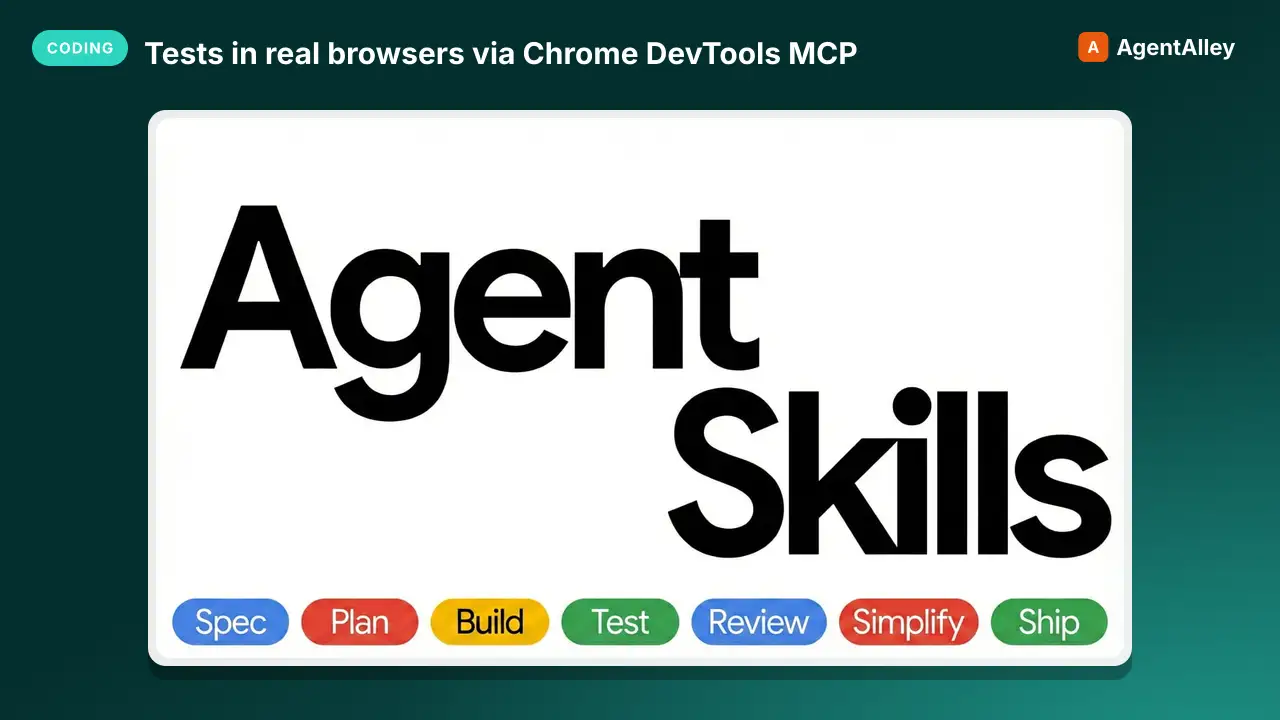 SkillTests in real browsers via Chrome DevTools MCPBrowser testing with devtools
 addyosmani/agent-skills · by addyosmaniTests in real browsers via Chrome DevTools MCP. Use when building or debugging anything that runs in a browser. Use when you need to inspect the DOM, capture console errors, analyze network requests, profile performance, or verify visual output with real runtime data. Requires the chrome-devtools MCP server to be configured.★ 98.7k GitHub stars
 MCPThis MCP server attempts to exercise all the featuresEverything MCP Server
 modelcontextprotocol/servers · by modelcontextprotocolThis MCP server attempts to exercise all the features of the MCP protocol. It is not intended to be a useful server, but rather a test…★ 90.5k GitHub stars
 MCPA Model Context Protocol server that provides web contentFetch MCP Servermodelcontextprotocol/servers · by modelcontextprotocolA Model Context Protocol server that provides web content fetching capabilities. This server enables LLMs to retrieve and process content…★ 90.5k GitHub stars
 MCPNode.js server implementing Model Context ProtocolFilesystem MCP Servermodelcontextprotocol/servers · by modelcontextprotocolNode.js server implementing Model Context Protocol (MCP) for filesystem operations.★ 90.5k GitHub stars
 SkillAbout libraries, frameworks, API referencesContext7 MCP
 upstash/context7 · by upstashThis skill should be used when the user asks about libraries, frameworks, API references, or needs code examples. Activates for setup questions, code generation involving libraries, or mentions of specific frameworks like React, Vue, Next.js, Prisma, Supabase, etc.★ 62.3k GitHub stars
 SkillUses Chrome DevTools via MCP for efficient debugging
 ChromeDevTools/chrome-devtools-mcp · by ChromeDevToolsUses Chrome DevTools via MCP for efficient debugging, troubleshooting and browser automation. Use when debugging web pages, automating browser interactions, analyzing performance, or inspecting network requests. This skill does not apply to `--slim` mode (MCP configuration).★ 52.4k GitHub stars
More from obra
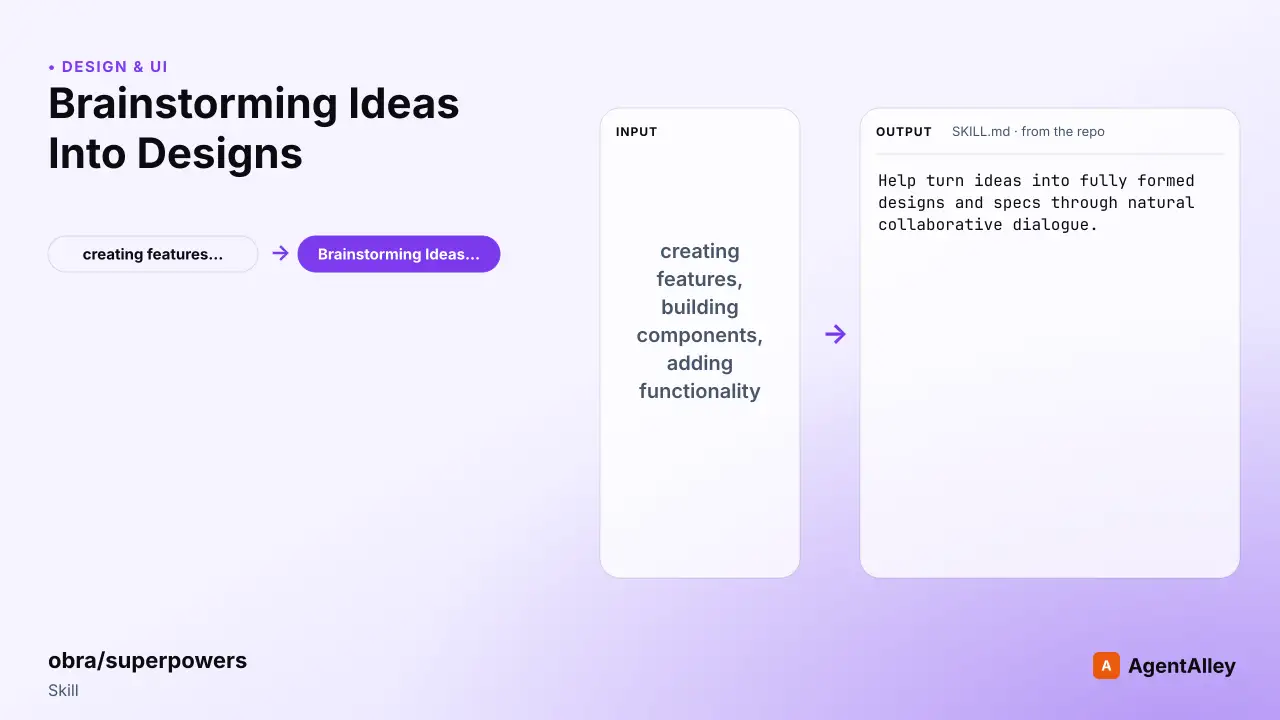 SkillBrainstorms ideas into designs before any creative workBrainstorming Ideas Into Designs
 obra/superpowers · by obraYou MUST use this before any creative work - creating features, building components, adding functionality, or modifying behavior. Explores user intent, requirements and design before implementation.★ 290k GitHub stars
 SkillRequires technical rigor and verificationCode Review Receptionobra/superpowers · by obraUse when receiving code review feedback, before implementing suggestions, especially if feedback seems unclear or technically questionable - requires technical rigor and verification, not performative agreement or blind implementation★ 290k GitHub stars
 SkillExecutes plans with review checkpointsExecuting plansobra/superpowers · by obraUse when you have a written implementation plan to execute in a separate session with review checkpoints★ 290k GitHub stars
 SkillFinishes a development branchFinishing a development branchobra/superpowers · by obraUse when implementation is complete, all tests pass, and you need to decide how to integrate the work★ 290k GitHub stars
 SkillRequests code review before mergingRequesting code reviewobra/superpowers · by obraUse when completing tasks, implementing major features, or before merging to verify work meets requirements★ 290k GitHub stars
 SkillExecuting implementation plans with independent tasksSubagent driven developmentobra/superpowers · by obraUse when executing implementation plans with independent tasks in the current session★ 290k GitHub stars