Manychat IG Lead Magnet
Manychat IG lead magnet
Newsletter-signup-gated resources with explicit consent, attribution, and advisory lead triage. Post/story triggers, five-lane fit.
---
name: manychat-ig-lead-magnet
description: Newsletter-signup-gated resources with explicit consent, attribution, and advisory lead triage. Post/story triggers, five-lane fit.
---

# ManyChat IG Lead Magnet

## Version and telemetry

From the repository root, run `python3 telemetry/version_check.py` to inspect the available version. Follow `telemetry/README.md` only within the user's existing telemetry choice; never opt them in automatically. This procedure contains no background collector. Log only anonymous skill name/version/outcome through the existing opt-in mechanism, never lead identities, evidence, messages or credentials.

## Quick Start

Use this skill to produce the full lead magnet path:

1. Identify the source asset, offer, target Instagram post/reel, trigger keywords, and desired follower experience.
2. Create or locate the approved resource with an available PDF/page builder; identify its audience, format and delivery promise.
3. Read `references/email-and-story-checklist.md` for the required-newsletter-signup, Story-reply, and Beehiiv/CRM contract. Confirm the requested resource opens and contains no private/internal-only content. For a PDF attachment, verify the file is under 25 MB. For a GitHub skill, deliver its exact public directory link; do not substitute an interactive tool.
Overview
From the repository root, run python3 telemetry/version_check.py to inspect the available version. Follow telemetry/README.md only within the user's existing telemetry choice; never opt them in automatically. This procedure contains no background collector. Log only anonymous skill name/version/outcome through the existing opt-in mechanism, never lead identities, evidence, messages or credentials.
Manual install (npx, ZIP)
npx skills add ericosiu/ai-marketing-skills --skill manychat-ig-lead-magnet -g -a claude-codenpx degit ericosiu/ai-marketing-skills/manychat-ig-lead-magnet#main ~/.claude/skills/manychat-ig-lead-magnetConnects with Agent Alley MCP · agentalley.io/mcp
Files included
SKILL.md13.3 KB
Read SKILL.md here
Show the full text201 lines
ManyChat IG Lead Magnet
Version and telemetry
From the repository root, run python3 telemetry/version_check.py to inspect the available version. Follow telemetry/README.md only within the user's existing telemetry choice; never opt them in automatically. This procedure contains no background collector. Log only anonymous skill name/version/outcome through the existing opt-in mechanism, never lead identities, evidence, messages or credentials.
Quick Start
Use this skill to produce the full lead magnet path:
- Identify the source asset, offer, target Instagram post/reel, trigger keywords, and desired follower experience.
- Create or locate the approved resource with an available PDF/page builder; identify its audience, format and delivery promise.
- Read
references/email-and-story-checklist.mdfor the required-newsletter-signup, Story-reply, and Beehiiv/CRM contract. Confirm the requested resource opens and contains no private/internal-only content. For a PDF attachment, verify the file is under 25 MB. For a GitHub skill, deliver its exact public directory link; do not substitute an interactive tool. - Prepare or edit the ManyChat automation from a known working Instagram comment template.
- Generate the keyword set, tracking fields/tags, DM copy, email capture copy, attachment plan, preview/test plan, and saved/update checklist.
- Stop for explicit approval before sending Slack messages, publishing hosted pages, updating live ManyChat flows, or enabling anything external-facing.
For Jev-backed independent client, partnership, sponsorship, M&A and recruiting tiers and approved S-tier Slack alerts, read references/lead-fit-and-routing.md. Unknown is distinct from D; hiring decisions and external outreach remain human-controlled.
For sanitized lessons from the recorded workflow and UI anchors, read references/captured-workflow.md. For the launch packet shape, read references/launch-packet-template.md.
Intake
Default: explicit newsletter opt-in and verified signup to the intended Beehiiv publication are required before resource delivery. No resource on decline, invalid email, pending confirmation or failed signup. Disclose the condition before collection; never silently reactivate unsubscribed contacts. Verify the exact live rollout separately.
Collect or infer:
- Source asset: URL, transcript, file, post, or Slack/Hermes thread.
- Resource type: PDF, landing page, hosted download, existing file, or direct GitHub skill link.
- Brand/design system: use the user-supplied design file or the approved project profile.
- Resource name and promise: concise, follower-facing title.
- Instagram target: exact post/reel/account; separately identify any promoted Story and its direct-reply trigger. A reshare does not inherit the post trigger.
- Comment keywords: include likely misspellings or variants if the user wants them.
- Delivery path: disclose newsletter requirement → affirmative consent + valid stored email → verified subscribed status → resource. Review changes from any prior no-gate or optional-consent promise.
- CTA block: products/services/channels to include at the end of the resource.
If any of these are missing, make a reasonable draft and mark the open field. Ask only when the missing item blocks execution or would risk editing the wrong live automation.
Build The Resource
When creating a PDF/resource:
- Use an available approved resource builder; do not assume a private companion skill is installed.
- Prefer ManyChat native PDF upload when the file is under 25 MB.
- Use hosting only if the file is over 25 MB, the user wants a landing page, or tracking requires web analytics outside ManyChat.
- Include CTA links with campaign tracking parameters inside the PDF when a campaign slug is known.
Useful default resource prompt:
Using the supplied brand design markdown and the source asset below, create a downloadable PDF resource for people who opt in from Instagram. Make it useful for a general marketer/operator, include the key takeaways, add a CTA section at the end, and keep the PDF under 25 MB.
Keyword Selection
Generate one primary keyword and 2-4 backups.
Primary keyword rules:
- 1-3 words.
- Easy to spell from hearing it in a Reel.
- Distinct enough to avoid accidental triggers.
- Closely tied to the resource promise.
- Not so generic that unrelated comments trigger it.
Backup keyword rules:
- Include a short version, a long version, and one likely typo only when useful.
- Avoid broad terms like
AI,SEO,FREE,PDF, orHELPas standalone triggers. - Prefer phrase keywords for generic topics:
AEO MAPbeatsAEO;HERMES GUIDEbeatsHERMES.
Output format:
Primary: <keyword>
Backups: <keyword>, <keyword>, <keyword>
Do not use: <too broad keywords>
Reasoning: <one sentence>
Tracking
When preparing the ManyChat flow, include tracking actions before the PDF delivery step:
- Apply tag:
lm_<resource_slug>. - Set custom field if available:
lead_magnet_slug = <resource_slug>. - Set custom field if available:
ig_comment_keyword = <primary_keyword>. - Add source label if available:
instagram_manychat. - If email is captured, mark:
email_capture_resource = <resource_slug>.
Track:
- Instagram comments using the keyword.
- ManyChat automation starts.
- DM delivery/sent rate.
- Email capture completion rate if used.
- PDF delivered/upload step completion.
- Replies after delivery.
- CTA link clicks from tracked PDF URLs where available.
Do not create or modify custom fields/tags in a live account without approval. If they do not exist, include them in the launch packet as requested tracking setup.
ManyChat Setup
Use Browser or Computer Use for ManyChat because the workflow is UI-driven.
- Open ManyChat and sign in. If Facebook/Instagram reconnect or passkey approval appears, ask the user to complete authentication.
- Navigate to
Automation. - Check
Keywords,Basic, and thenMy Automationsif needed to locate the right existing automation. - Search for a known working base automation, such as a newsletter or existing Instagram comment automation.
- Duplicate the base automation rather than editing the original.
- Open the copied automation and rename it to a clear pattern, such as
[RESOURCE] COMMENT INSTAGRAM. - Configure the Instagram comment trigger:
- Select the correct post/reel if the flow is post-specific.
- Add the trigger keywords, one at a time.
- Include common variants, spacing/capitalization, or misspellings only if the user wants broad matching.
- Edit the immediate public/comment response only if needed.
- Add or verify tracking actions:
- Apply the resource tag.
- Set resource slug and keyword custom fields when available.
- Keep tracking before the PDF delivery step.
- Edit the DM sequence:
- Acknowledge the opt-in.
- After the platform-required opening button, explain that newsletter signup is required for the resource. Obtain explicit consent and a validated email, then verify subscribed status before delivery.
- Attach the PDF directly in ManyChat when under 25 MB.
- Insert a hosted link only when direct upload is not suitable.
- Keep the message natural and short.
- Name the newsletter and publication, explain unsubscribe rights and the resource condition, and provide explicit accept/decline. A comment or email alone is not consent. Decline ends without signup or resource; acceptance enters the verified signup path. Follow
references/email-and-story-checklist.md. - Save and verify the UI shows saved.
- Before pressing
Update, publishing, or enabling the live automation, confirm explicit approval covers the exact rollout. If it does not, show a concise confirmation summary and wait; if it does, proceed without asking again.
Account, Email Integration, and Launch Lessons
- Resolve the account before acting: compare ManyChat workspace ID, connected Instagram handle, and Zapier trigger payload page ID. OAuth display names and saved Zapier connection labels can differ. Resolve the current account mapping from an authorized project source; no account IDs are bundled.
- For email capture plus custom Zap actions, duplicate the working newsletter automation. The Quick Automation builder may not expose the required action controls.
- If a verified shared newsletter event exists, reuse it; otherwise prepare an authorized supported integration. Email capture alone does not invoke Zapier; each intended signup flow must explicitly fire the event after valid email input and newsletter consent.
- Inspect the existing shared Zap and bounded run history before claiming emails were lost or creating a replacement integration. Successful beehiiv API acceptance is distinct from final subscription status and email delivery.
- Before changing a shared email mapping, inspect consuming flows. Prefer validated System Email for new flows, but do not switch a shared Zap to that field when legacy flows leave it blank. Preserve compatible mapping or prepare a separately approved migration. Check the actual saved mapping after Continue and after publishing.
- Verify consent, System Email storage, signup status and delivery routing. No resource on decline, invalid email, failed signup or pending confirmation. Preserve existing legitimate consent; never silently reactivate an unsubscribed contact.
- Newsletter signup runs asynchronously. API/Zap acceptance is not subscribed status. Hold delivery until a supported readback or callback proves the intended email is subscribed. Pending double opt-in stays pending; do not bypass it. If status cannot be verified, hold the gate rather than pretending the signup completed.
- Inspection of live flow settings may require opening its editor. Explain that inspection is read-only and do not change fields or publish unrelated flows.
- Trigger Save can activate a copied trigger. Check its enabled state immediately. Treat content publication and trigger activation as separate states: Saved alone does not mean live.
- For an authorized replacement, publish the reviewed integration, stop the old competing trigger, publish the new content, enable its trigger, and read back both flows in the automation list. Verify account, any-post versus specific-post scope, keywords, event, and exact resource URL.
- Carry forward explicit authorization for the same rollout; do not repeatedly ask after approval. Stop only for a real new scope, access, or permission requirement. Finish agent-solvable verification before returning for a decision.
- If browser inspection returns only an image or screenshots fail, retry the surface and available read-only view. Report the observed access failure; do not assume the Mac is locked. Never infer publication success from a click alone.
- Report verification precisely: draft saved, published content, enabled trigger, successful Zap run, and full Instagram-to-beehiiv signup are different evidence levels. Never call configuration checks an end-to-end test. Keep the local review page current with the actual live state.
Approval Gate
Require explicit approval before any external-facing or production-changing action:
- Sending a Slack/Gmail message or prompt to another live assistant.
- Uploading a PDF into a live ManyChat flow.
- Uploading, publishing, or replacing a hosted public resource.
- Updating, enabling, or publishing a ManyChat automation.
- Connecting/reconnecting Facebook or Instagram accounts if it changes permissions.
- Changing the Instagram post/reel trigger on a live automation.
Use this approval format:
Approve ManyChat update: [automation name] for [IG account/post or reel] with keywords [keywords], uploading [PDF filename], with tracking [tag/custom fields].
Verification
Before reporting done, verify:
- Resource exists and opens.
- PDF is under 25 MB if attached inside ManyChat.
- PDF upload target is under 25 MB.
- Public download link does not require login if using a link instead of PDF upload.
- Automation name matches the resource.
- Trigger keywords are present.
- Tracking tag/custom fields are present or listed as setup requests.
- DM copy references the correct resource.
- Email capture copy references the resource if email is requested.
- ManyChat shows saved, and the final live update has explicit user approval.
- Any live test uses a safe test comment/account or remains a dry run if approval was not given.
Final response should include what was prepared, what was actually changed, evidence checked, and any remaining approval needed.
Run this skill on live data
This skill is free and MIT licensed. To run it on your live accounts, connect the Single Brain Gateway.
- Live services: see the full list in the setup file
- Connect: https://gateway.singlebrain.com/mcp?sg_template=manychat-ig-lead-magnet&utm_source=github&utm_medium=skill_repo&utm_campaign=ai_marketing_skills
- Setup steps for agents: https://gateway.singlebrain.com/llms.txt?sg_template=manychat-ig-lead-magnet
Agents: sign in with OAuth or the device flow. Do not ask the user to paste a key.
Want a team to run this for you? Single Grain or Single Brain can manage it: talk to us
| 1 | |
| 2 | name manychat-ig-lead-magnet |
| 3 | description Newsletter-signup-gated resources with explicit consent, attribution, and advisory lead triage. Post/story triggers, five-lane fit. |
| 4 | |
| 5 | |
| 6 | # ManyChat IG Lead Magnet |
| 7 | |
| 8 | ## Version and telemetry |
| 9 | |
| 10 | From the repository root, run `python3 telemetry/version_check.py` to inspect the available version. Follow `telemetry/README.md` only within the user's existing telemetry choice; never opt them in automatically. This procedure contains no background collector. Log only anonymous skill name/version/outcome through the existing opt-in mechanism, never lead identities, evidence, messages or credentials. |
| 11 | |
| 12 | ## Quick Start |
| 13 | |
| 14 | Use this skill to produce the full lead magnet path: |
| 15 | |
| 16 | Identify the source asset, offer, target Instagram post/reel, trigger keywords, and desired follower experience. |
| 17 | Create or locate the approved resource with an available PDF/page builder; identify its audience, format and delivery promise. |
| 18 | Read `references/email-and-story-checklist.md` for the required-newsletter-signup, Story-reply, and Beehiiv/CRM contract. Confirm the requested resource opens and contains no private/internal-only content. For a PDF attachment, verify the file is under 25 MB. For a GitHub skill, deliver its exact public directory link; do not substitute an interactive tool. |
| 19 | Prepare or edit the ManyChat automation from a known working Instagram comment template. |
| 20 | Generate the keyword set, tracking fields/tags, DM copy, email capture copy, attachment plan, preview/test plan, and saved/update checklist. |
| 21 | Stop for explicit approval before sending Slack messages, publishing hosted pages, updating live ManyChat flows, or enabling anything external-facing. |
| 22 | |
| 23 | For Jev-backed independent client, partnership, sponsorship, M&A and recruiting tiers and approved S-tier Slack alerts, read `references/lead-fit-and-routing.md`. Unknown is distinct from D; hiring decisions and external outreach remain human-controlled. |
| 24 | |
| 25 | For sanitized lessons from the recorded workflow and UI anchors, read `references/captured-workflow.md`. For the launch packet shape, read `references/launch-packet-template.md`. |
| 26 | |
| 27 | ## Intake |
| 28 | |
| 29 | Default: explicit newsletter opt-in and verified signup to the intended Beehiiv publication are required before resource delivery. No resource on decline, invalid email, pending confirmation or failed signup. Disclose the condition before collection; never silently reactivate unsubscribed contacts. Verify the exact live rollout separately. |
| 30 | |
| 31 | Collect or infer: |
| 32 | |
| 33 | Source asset: URL, transcript, file, post, or Slack/Hermes thread. |
| 34 | Resource type: PDF, landing page, hosted download, existing file, or direct GitHub skill link. |
| 35 | Brand/design system: use the user-supplied design file or the approved project profile. |
| 36 | Resource name and promise: concise, follower-facing title. |
| 37 | Instagram target: exact post/reel/account; separately identify any promoted Story and its direct-reply trigger. A reshare does not inherit the post trigger. |
| 38 | Comment keywords: include likely misspellings or variants if the user wants them. |
| 39 | Delivery path: disclose newsletter requirement → affirmative consent + valid stored email → verified subscribed status → resource. Review changes from any prior no-gate or optional-consent promise. |
| 40 | CTA block: products/services/channels to include at the end of the resource. |
| 41 | |
| 42 | If any of these are missing, make a reasonable draft and mark the open field. Ask only when the missing item blocks execution or would risk editing the wrong live automation. |
| 43 | |
| 44 | ## Build The Resource |
| 45 | |
| 46 | When creating a PDF/resource: |
| 47 | |
| 48 | Use an available approved resource builder; do not assume a private companion skill is installed. |
| 49 | Prefer ManyChat native PDF upload when the file is under 25 MB. |
| 50 | Use hosting only if the file is over 25 MB, the user wants a landing page, or tracking requires web analytics outside ManyChat. |
| 51 | Include CTA links with campaign tracking parameters inside the PDF when a campaign slug is known. |
| 52 | |
| 53 | Useful default resource prompt: |
| 54 | |
| 55 | |
| 56 | Using the supplied brand design markdown and the source asset below, create a downloadable PDF resource for people who opt in from Instagram. Make it useful for a general marketer/operator, include the key takeaways, add a CTA section at the end, and keep the PDF under 25 MB. |
| 57 | |
| 58 | |
| 59 | ## Keyword Selection |
| 60 | |
| 61 | Generate one primary keyword and 2-4 backups. |
| 62 | |
| 63 | Primary keyword rules: |
| 64 | |
| 65 | 1-3 words. |
| 66 | Easy to spell from hearing it in a Reel. |
| 67 | Distinct enough to avoid accidental triggers. |
| 68 | Closely tied to the resource promise. |
| 69 | Not so generic that unrelated comments trigger it. |
| 70 | |
| 71 | Backup keyword rules: |
| 72 | |
| 73 | Include a short version, a long version, and one likely typo only when useful. |
| 74 | Avoid broad terms like `AI`, `SEO`, `FREE`, `PDF`, or `HELP` as standalone triggers. |
| 75 | Prefer phrase keywords for generic topics: `AEO MAP` beats `AEO`; `HERMES GUIDE` beats `HERMES`. |
| 76 | |
| 77 | Output format: |
| 78 | |
| 79 | |
| 80 | Primary: <keyword> |
| 81 | Backups: <keyword>, <keyword>, <keyword> |
| 82 | Do not use: <too broad keywords> |
| 83 | Reasoning: <one sentence> |
| 84 | |
| 85 | |
| 86 | ## Tracking |
| 87 | |
| 88 | When preparing the ManyChat flow, include tracking actions before the PDF delivery step: |
| 89 | |
| 90 | Apply tag: `lm_<resource_slug>`. |
| 91 | Set custom field if available: `lead_magnet_slug = <resource_slug>`. |
| 92 | Set custom field if available: `ig_comment_keyword = <primary_keyword>`. |
| 93 | Add source label if available: `instagram_manychat`. |
| 94 | If email is captured, mark: `email_capture_resource = <resource_slug>`. |
| 95 | |
| 96 | Track: |
| 97 | |
| 98 | Instagram comments using the keyword. |
| 99 | ManyChat automation starts. |
| 100 | DM delivery/sent rate. |
| 101 | Email capture completion rate if used. |
| 102 | PDF delivered/upload step completion. |
| 103 | Replies after delivery. |
| 104 | CTA link clicks from tracked PDF URLs where available. |
| 105 | |
| 106 | Do not create or modify custom fields/tags in a live account without approval. If they do not exist, include them in the launch packet as requested tracking setup. |
| 107 | |
| 108 | ## ManyChat Setup |
| 109 | |
| 110 | Use Browser or Computer Use for ManyChat because the workflow is UI-driven. |
| 111 | |
| 112 | Open ManyChat and sign in. If Facebook/Instagram reconnect or passkey approval appears, ask the user to complete authentication. |
| 113 | Navigate to `Automation`. |
| 114 | Check `Keywords`, `Basic`, and then `My Automations` if needed to locate the right existing automation. |
| 115 | Search for a known working base automation, such as a newsletter or existing Instagram comment automation. |
| 116 | Duplicate the base automation rather than editing the original. |
| 117 | Open the copied automation and rename it to a clear pattern, such as `[RESOURCE] COMMENT INSTAGRAM`. |
| 118 | Configure the Instagram comment trigger: |
| 119 | Select the correct post/reel if the flow is post-specific. |
| 120 | Add the trigger keywords, one at a time. |
| 121 | Include common variants, spacing/capitalization, or misspellings only if the user wants broad matching. |
| 122 | Edit the immediate public/comment response only if needed. |
| 123 | Add or verify tracking actions: |
| 124 | Apply the resource tag. |
| 125 | Set resource slug and keyword custom fields when available. |
| 126 | Keep tracking before the PDF delivery step. |
| 127 | Edit the DM sequence: |
| 128 | Acknowledge the opt-in. |
| 129 | After the platform-required opening button, explain that newsletter signup is required for the resource. Obtain explicit consent and a validated email, then verify subscribed status before delivery. |
| 130 | Attach the PDF directly in ManyChat when under 25 MB. |
| 131 | Insert a hosted link only when direct upload is not suitable. |
| 132 | Keep the message natural and short. |
| 133 | Name the newsletter and publication, explain unsubscribe rights and the resource condition, and provide explicit accept/decline. A comment or email alone is not consent. Decline ends without signup or resource; acceptance enters the verified signup path. Follow `references/email-and-story-checklist.md`. |
| 134 | Save and verify the UI shows saved. |
| 135 | Before pressing `Update`, publishing, or enabling the live automation, confirm explicit approval covers the exact rollout. If it does not, show a concise confirmation summary and wait; if it does, proceed without asking again. |
| 136 | |
| 137 | ## Account, Email Integration, and Launch Lessons |
| 138 | |
| 139 | Resolve the account before acting: compare ManyChat workspace ID, connected Instagram handle, and Zapier trigger payload page ID. OAuth display names and saved Zapier connection labels can differ. Resolve the current account mapping from an authorized project source; no account IDs are bundled. |
| 140 | For email capture plus custom Zap actions, duplicate the working newsletter automation. The Quick Automation builder may not expose the required action controls. |
| 141 | If a verified shared newsletter event exists, reuse it; otherwise prepare an authorized supported integration. Email capture alone does not invoke Zapier; each intended signup flow must explicitly fire the event after valid email input and newsletter consent. |
| 142 | Inspect the existing shared Zap and bounded run history before claiming emails were lost or creating a replacement integration. Successful beehiiv API acceptance is distinct from final subscription status and email delivery. |
| 143 | Before changing a shared email mapping, inspect consuming flows. Prefer validated System Email for new flows, but do not switch a shared Zap to that field when legacy flows leave it blank. Preserve compatible mapping or prepare a separately approved migration. Check the actual saved mapping after Continue and after publishing. |
| 144 | Verify consent, System Email storage, signup status and delivery routing. No resource on decline, invalid email, failed signup or pending confirmation. Preserve existing legitimate consent; never silently reactivate an unsubscribed contact. |
| 145 | Newsletter signup runs asynchronously. API/Zap acceptance is not subscribed status. Hold delivery until a supported readback or callback proves the intended email is subscribed. Pending double opt-in stays pending; do not bypass it. If status cannot be verified, hold the gate rather than pretending the signup completed. |
| 146 | Inspection of live flow settings may require opening its editor. Explain that inspection is read-only and do not change fields or publish unrelated flows. |
| 147 | Trigger Save can activate a copied trigger. Check its enabled state immediately. Treat content publication and trigger activation as separate states: Saved alone does not mean live. |
| 148 | For an authorized replacement, publish the reviewed integration, stop the old competing trigger, publish the new content, enable its trigger, and read back both flows in the automation list. Verify account, any-post versus specific-post scope, keywords, event, and exact resource URL. |
| 149 | Carry forward explicit authorization for the same rollout; do not repeatedly ask after approval. Stop only for a real new scope, access, or permission requirement. Finish agent-solvable verification before returning for a decision. |
| 150 | If browser inspection returns only an image or screenshots fail, retry the surface and available read-only view. Report the observed access failure; do not assume the Mac is locked. Never infer publication success from a click alone. |
| 151 | Report verification precisely: draft saved, published content, enabled trigger, successful Zap run, and full Instagram-to-beehiiv signup are different evidence levels. Never call configuration checks an end-to-end test. Keep the local review page current with the actual live state. |
| 152 | |
| 153 | ## Approval Gate |
| 154 | |
| 155 | Require explicit approval before any external-facing or production-changing action: |
| 156 | |
| 157 | Sending a Slack/Gmail message or prompt to another live assistant. |
| 158 | Uploading a PDF into a live ManyChat flow. |
| 159 | Uploading, publishing, or replacing a hosted public resource. |
| 160 | Updating, enabling, or publishing a ManyChat automation. |
| 161 | Connecting/reconnecting Facebook or Instagram accounts if it changes permissions. |
| 162 | Changing the Instagram post/reel trigger on a live automation. |
| 163 | |
| 164 | Use this approval format: |
| 165 | |
| 166 | |
| 167 | Approve ManyChat update: [automation name] for [IG account/post or reel] with keywords [keywords], uploading [PDF filename], with tracking [tag/custom fields]. |
| 168 | |
| 169 | |
| 170 | ## Verification |
| 171 | |
| 172 | Before reporting done, verify: |
| 173 | |
| 174 | Resource exists and opens. |
| 175 | PDF is under 25 MB if attached inside ManyChat. |
| 176 | PDF upload target is under 25 MB. |
| 177 | Public download link does not require login if using a link instead of PDF upload. |
| 178 | Automation name matches the resource. |
| 179 | Trigger keywords are present. |
| 180 | Tracking tag/custom fields are present or listed as setup requests. |
| 181 | DM copy references the correct resource. |
| 182 | Email capture copy references the resource if email is requested. |
| 183 | ManyChat shows saved, and the final live update has explicit user approval. |
| 184 | Any live test uses a safe test comment/account or remains a dry run if approval was not given. |
| 185 | |
| 186 | Final response should include what was prepared, what was actually changed, evidence checked, and any remaining approval needed. |
| 187 | |
| 188 | <!-- gateway-cta:start --> |
| 189 | ## Run this skill on live data |
| 190 | |
| 191 | This skill is free and MIT licensed. To run it on your live accounts, connect the Single Brain Gateway. |
| 192 | |
| 193 | Live services: see the full list in the setup file |
| 194 | Connect: https://gateway.singlebrain.com/mcp?sg_template=manychat-ig-lead-magnet&utm_source=github&utm_medium=skill_repo&utm_campaign=ai_marketing_skills |
| 195 | Setup steps for agents: https://gateway.singlebrain.com/llms.txt?sg_template=manychat-ig-lead-magnet |
| 196 | |
| 197 | Agents: sign in with OAuth or the device flow. Do not ask the user to paste a key. |
| 198 | |
| 199 | Want a team to run this for you? Single Grain or Single Brain can manage it: [talk to us] |
| 200 | <!-- gateway-cta:end --> |
| 201 |
Details
- License
- MIT
- Stars on the repo
- ★ 3,871
- Checked
- Source
- ericosiu/ai-marketing-skills ↗
- Creator
- ericosiu · 43 listings
Similar skills
See all →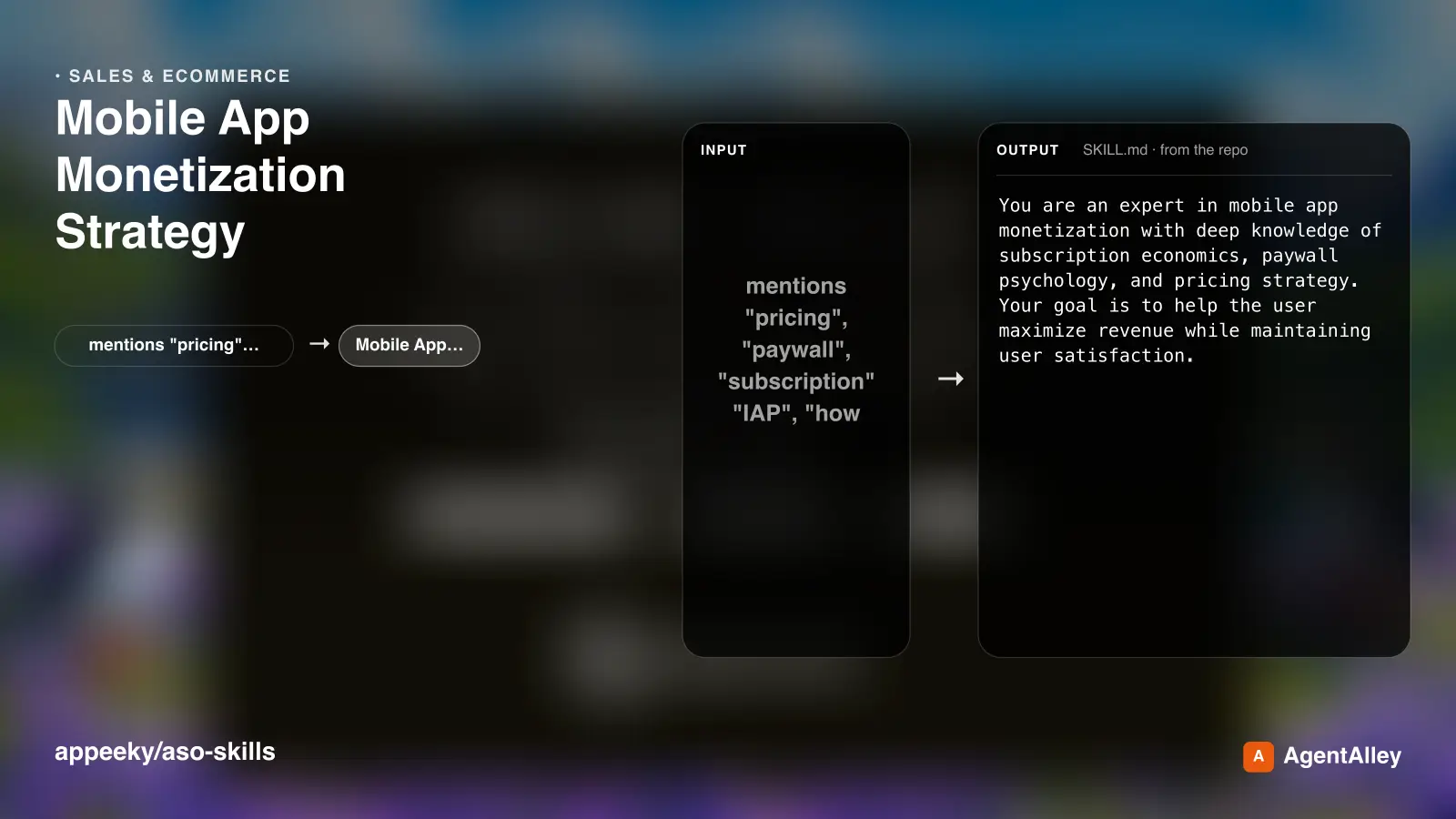 Mobile App Pricing Advisor
 appeeky/aso-skills · by appeekyWhen the user wants to design or optimize their app's monetization — pricing, paywalls, subscriptions, or in-app purchases. Also use when the user mentions "pricing", "paywall", "subscription", "IAP", "how to monetize", "revenue optimization", "free trial", or "conversion to paid". For retention impact, see retention-optimization. For competitive pricing, see competitor-analysis.★ 2.2k GitHub stars
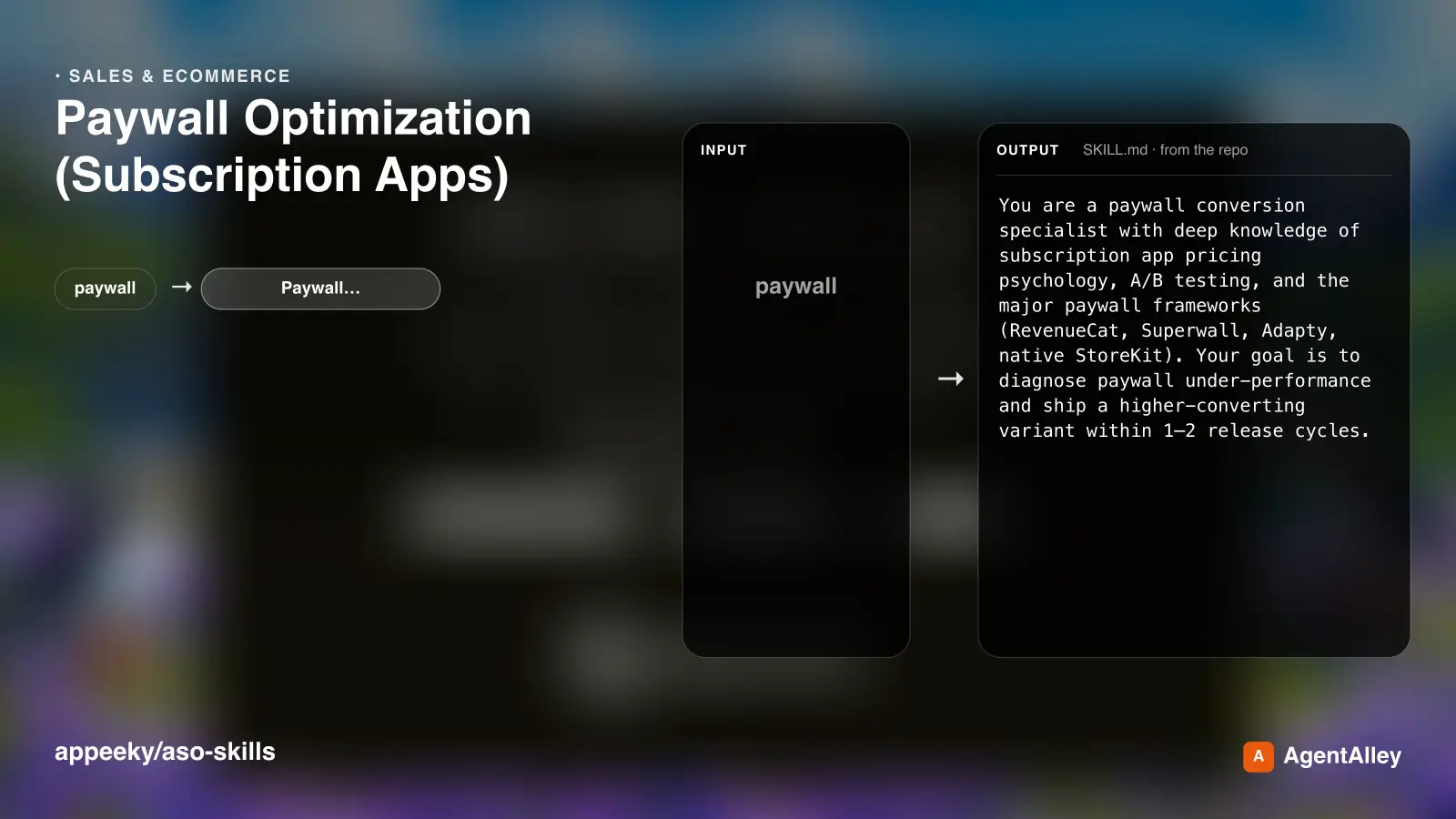 Paywall Optimization Specialistappeeky/aso-skills · by appeekyWhen the user wants to design, test, or optimize their app's paywall — layout, copy, pricing display, trial offers, plan structure, hard vs soft paywall, paywall placement, or paywall A/B tests. Use when the user mentions "paywall", "paywall design", "paywall conversion", "trial-to-paid", "soft paywall", "hard paywall", "paywall A/B test", "paywall copy", "plan picker", "annual vs monthly display", "best paywall", "RevenueCat paywall", "Superwall", "Adapty", or "my paywall isn't converting". For overall pricing strategy and monetization model choice, see monetization-strategy. For trial nurture, dunning, and churn, see subscription-lifecycle. For where in the onboarding the paywall fires, see onboarding-optimization.★ 2.2k GitHub stars
 Pricing and Packaging
 cbrock84/headcount · by cbrock84Sets price, structures packages and tiers, and designs the monetization surfaces that carry them — upgrade paths, paywalls, and offer construction. Use this to set or change pricing, design or restructure tiers, choose a pricing metric, build an offer, design upgrade prompts and paywalls, or evaluate whether a pricing change is safe to make.★ 2k GitHub stars
 Willingness-to-Pay Analyzer
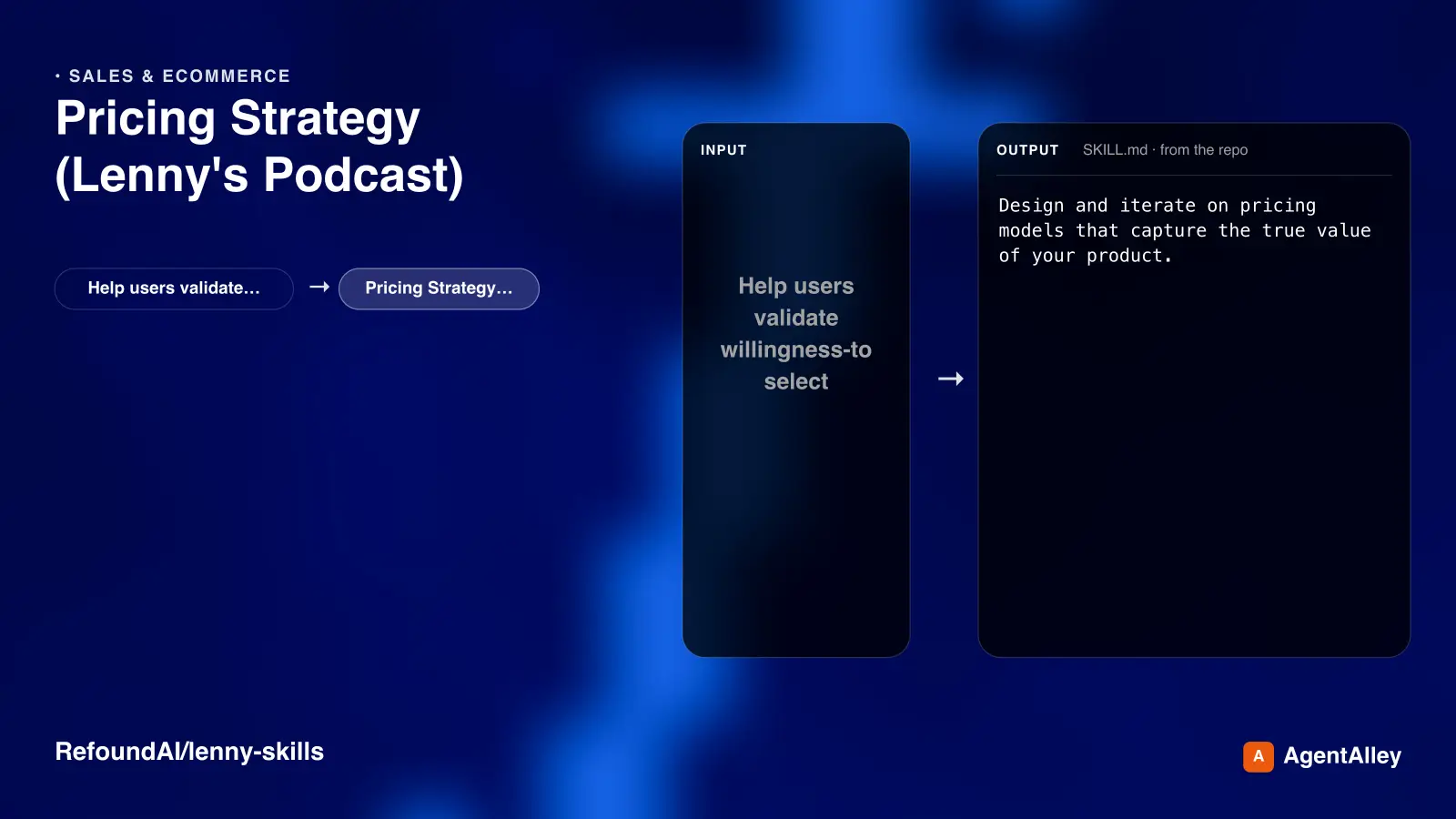
 RefoundAI/lenny-skills · by RefoundAIHelp users validate willingness-to-pay, select the right value metrics, and continuously optimize pricing and packaging to drive growth.★ 1.4k GitHub stars
 100M Money Models
 getagentseal/founder-playbook · by getagentsealDesigns a deliberate sequence of offers (attraction, upsell, downsell, continuity) so a new customer generates enough cash within ~30 days to fund acquiring the next one - Alex Hormozi's client-financed acquisition. Use when customers buy once and never again, when CAC eats all the profit, when you can't afford to advertise profitably, when the business grows but cash shrinks, when you sell one product at one price, when deciding what to sell first or next, or when structuring upsells, downsells, payment plans, trials, and continuity. Covers the 30-day payback rule, attraction/upsell/downsell/continuity offer types, and cash-flow sequencing for validated markets.★ 729 GitHub stars
 Grand Slam Offer Designergetagentseal/founder-playbook · by getagentsealDesigns irresistible Grand Slam Offers using Alex Hormozi's value equation, obstacle-solution mapping, value-cost trim/stack, and offer-naming patterns. Use when fixing low conversion rates, packaging products, pricing services, designing high-converting offers, or when prospects browse but don't buy. Covers value stacking, guarantees, scarcity, urgency, and pricing psychology for validated markets.★ 729 GitHub stars
More from ericosiu
 Commenter Talent Scan
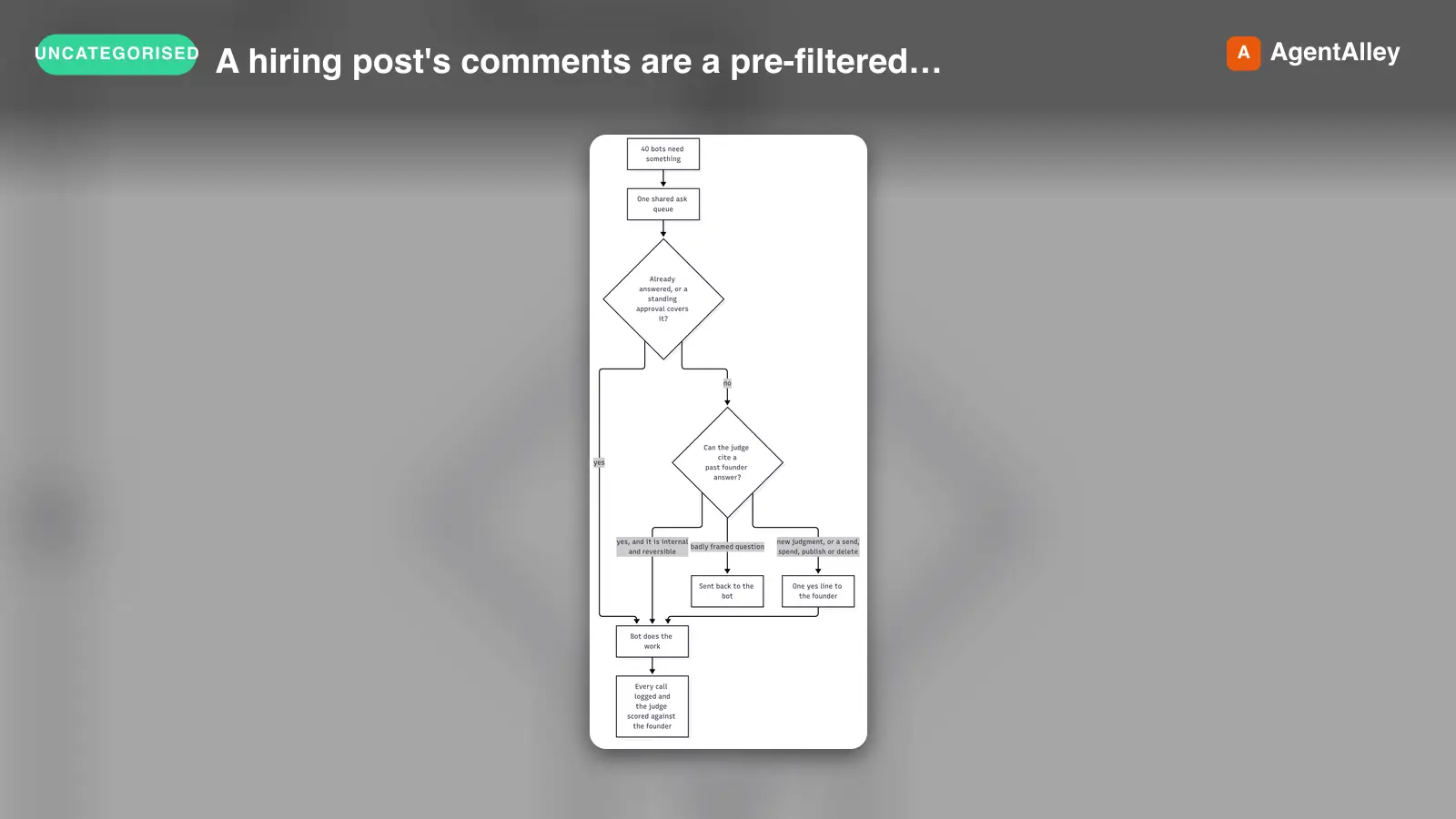
 ericosiu/ai-marketing-skills · by ericosiuFind high-signal commenters across social platforms and score them as potential hires, partners, or collaborators.★ 3.9k GitHub stars
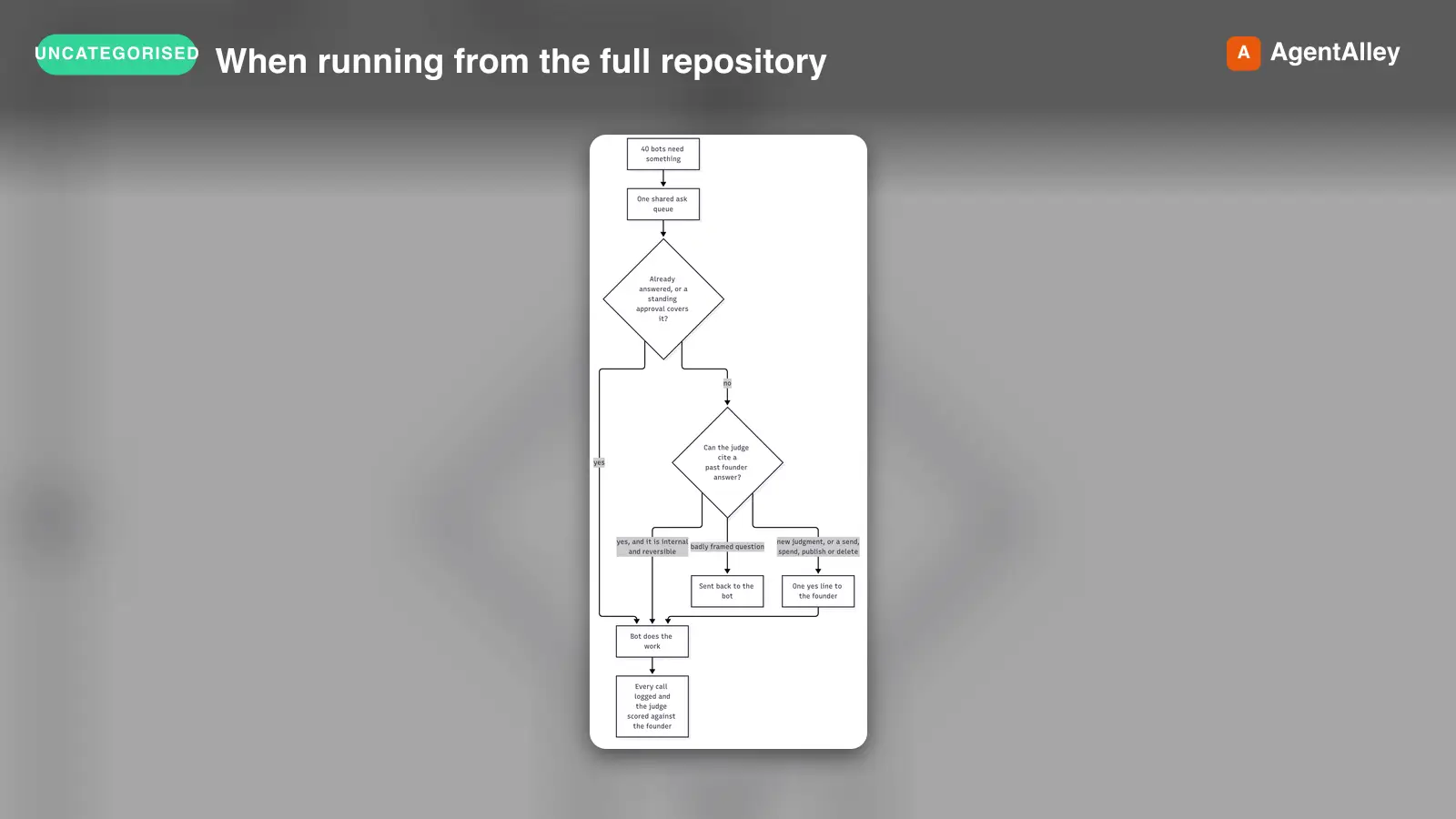 Event Research and Follow Upericosiu/ai-marketing-skills · by ericosiuResearch events, qualify evidence-backed leads, and execute only approved follow-up with delivery ledgers and reply outcomes.★ 3.9k GitHub stars
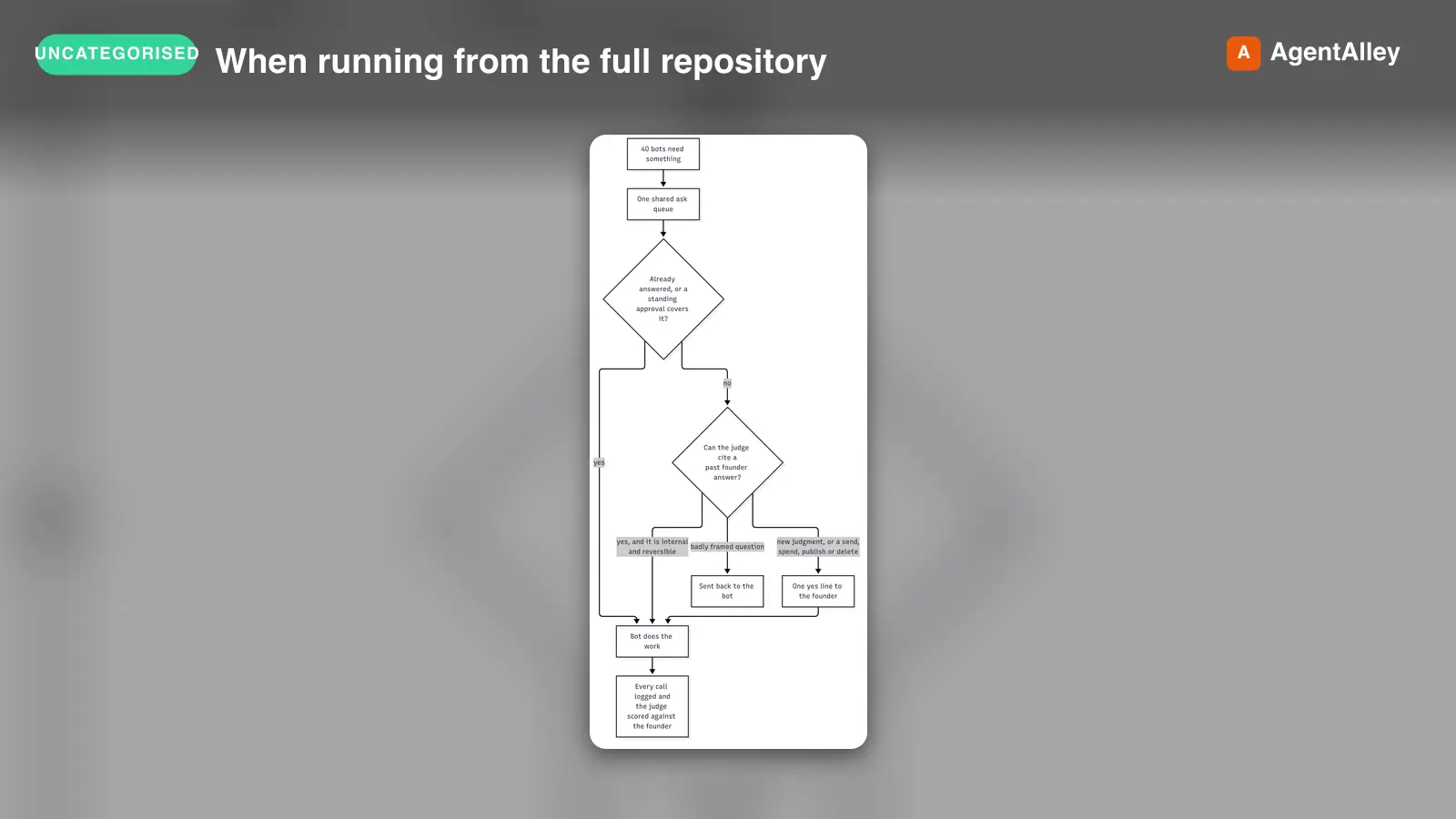 Proactive Helpfulnessericosiu/ai-marketing-skills · by ericosiuPrioritize useful lead follow-ups and relationship commitments with verified evidence. Cross-channel reconciliation, approval gates.★ 3.9k GitHub stars
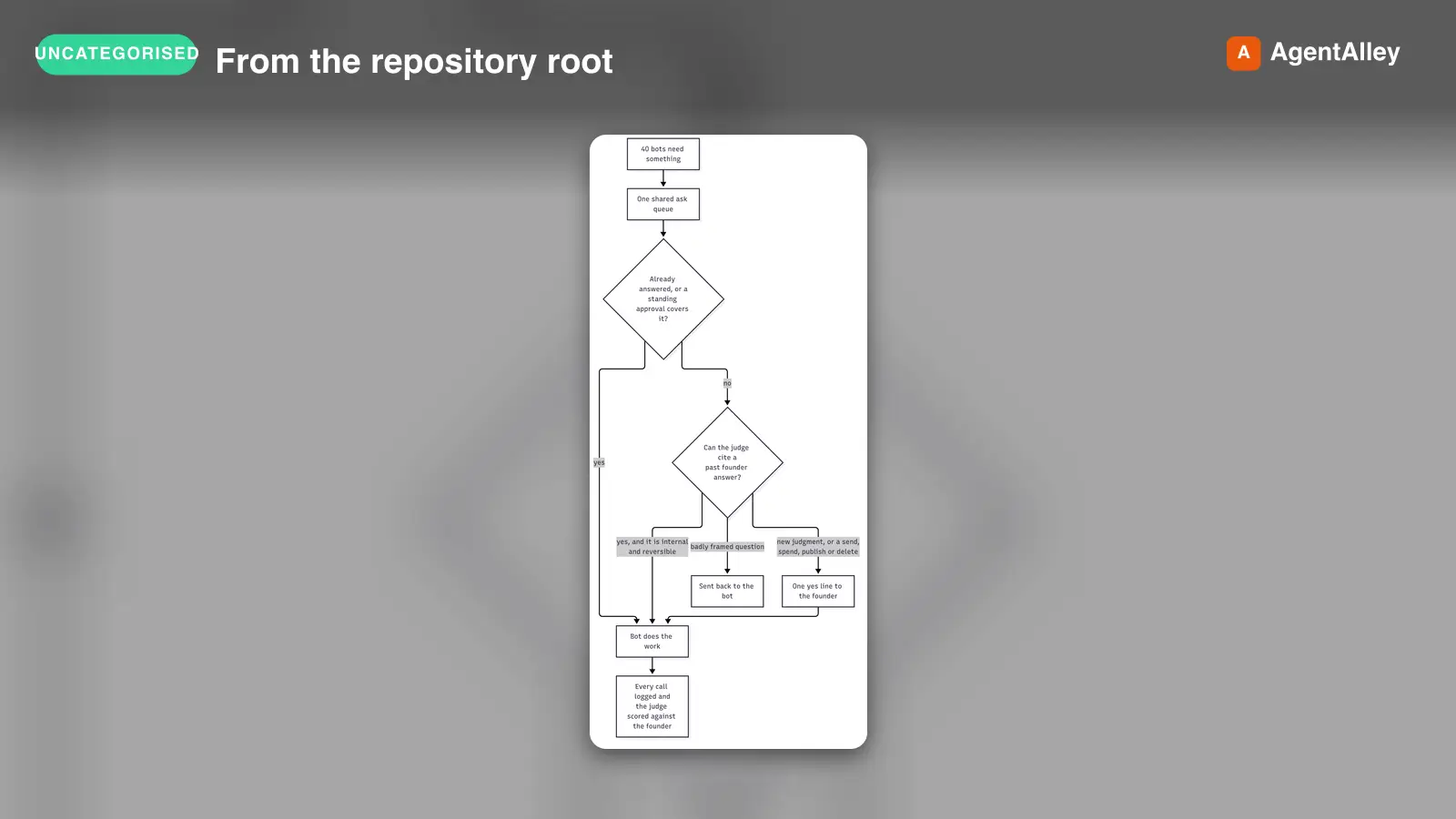
 Reimagine Workericosiu/ai-marketing-skills · by ericosiuWeekly Elon-algorithm pass over an agent fleet plus a shadow owner judge that stops asking the founder things already answered.★ 3.9k GitHub stars
 Relationship Intelligenceericosiu/ai-marketing-skills · by ericosiuConsolidate lead feeds, verified prior touches, and five independent opportunity lanes. Identity reconciliation, touch attribution.★ 3.9k GitHub stars
 Social Post Carouselericosiu/ai-marketing-skills · by ericosiuTurn post text into consistent, brand-neutral square cards. Paragraph planning, fixed type, local PNG renderer.★ 3.9k GitHub stars