This is a structured image generation workflow for creating
Cyber security character workflow
This is a structured image generation workflow for creating cyber security characters. The workflow includes steps such as facial identity mapping, tactical equipment outfitting, cybernetic enhancements, and environmental integration to…
Overview
This is a structured image generation workflow for creating cyber security characters. The workflow includes steps such as facial identity mapping, tactical equipment outfitting, cybernetic enhancements, and environmental integration to produce high-quality, cinematic renders. After uploading your face and filling in the values in the fields, your prompt is ready. NOTE: The sample image belongs to me and my brand; unauthorized use of the sample image is prohibited.
The prompt
| 1 | { |
| 2 | "name": "Cyber Security Character", |
| 3 | "steps": [ |
| 4 | { |
| 5 | "step_1": "Facial Identity Mapping", |
| 6 | "description": "Maintain 100% facial consistency based on the provided reference photos. Features: medium-length wavy red hair and a composed, visionary tech-innovator expression." |
| 7 | }, |
| 8 | { |
| 9 | "step_2": "Tactical Gear & Branding", |
| 10 | "description": "Outfit the subject in a sleek red tactical jacket with intricate gold circuitry textures. Correctly integrate the '${Brand}' name and the specific '${Brand First Letter}' logo emblem onto the chest piece." |
| 11 | }, |
| 12 | { |
| 13 | "step_3": "Cybernetic Enhancement", |
| 14 | "description": "Apply subtle, minimalist gold-accented cybernetic interface patterns onto the skin of the face, ensuring they blend naturally with the {Style:Cyberpunk} aesthetic." |
| 15 | }, |
| 16 | { |
| 17 | "step_4": "Environmental Integration", |
| 18 | "description": "Design a background featuring the ${Country} flag merged with glowing golden digital circuits. Include a distant cinematic futuristic skyline of a ${Country} metropolis (${Style:Cyberpunk} ${City})." |
| 19 | }, |
| 20 | { |
| 21 | "step_5": "Lighting & Cinematic Render", |
| 22 | "description": "Utilize warm, dramatic side lighting from the right to cast a soft silhouette onto the background. Render in 4K ultra-realistic quality with hyper-detailed textures." |
| 23 | } |
| 24 | ] |
| 25 | } |
Connects with Agent Alley MCP · agentalley.io/mcp
Details
- Updated
- Sep 9, 2026
- License
- CC0-1.0
- Source
- prompts.chat ↗
- Creator
- Fatih Yashar · 1 listing
Similar prompts
See all →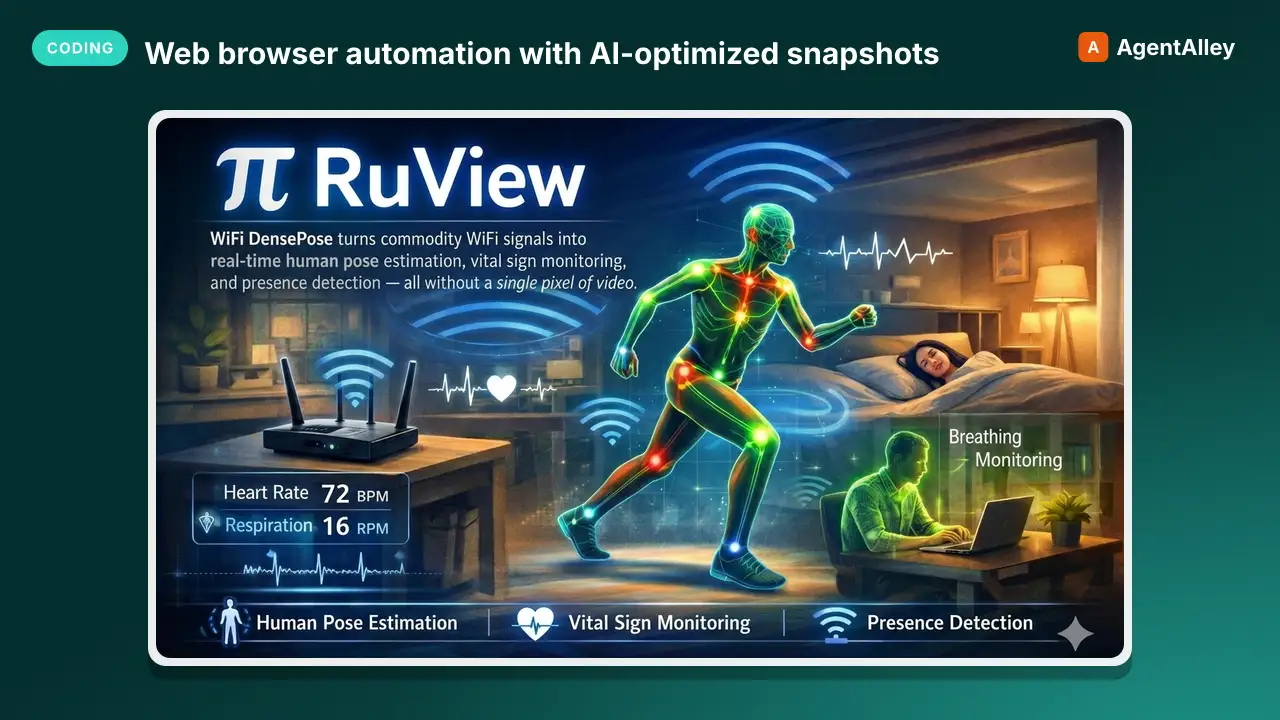 SkillWeb browser automation with AI-optimized snapshotsBrowser Automation Skill
 ruvnet/RuView · by ruvnetWeb browser automation with AI-optimized snapshots for claude-flow agents★ 94.7k GitHub stars
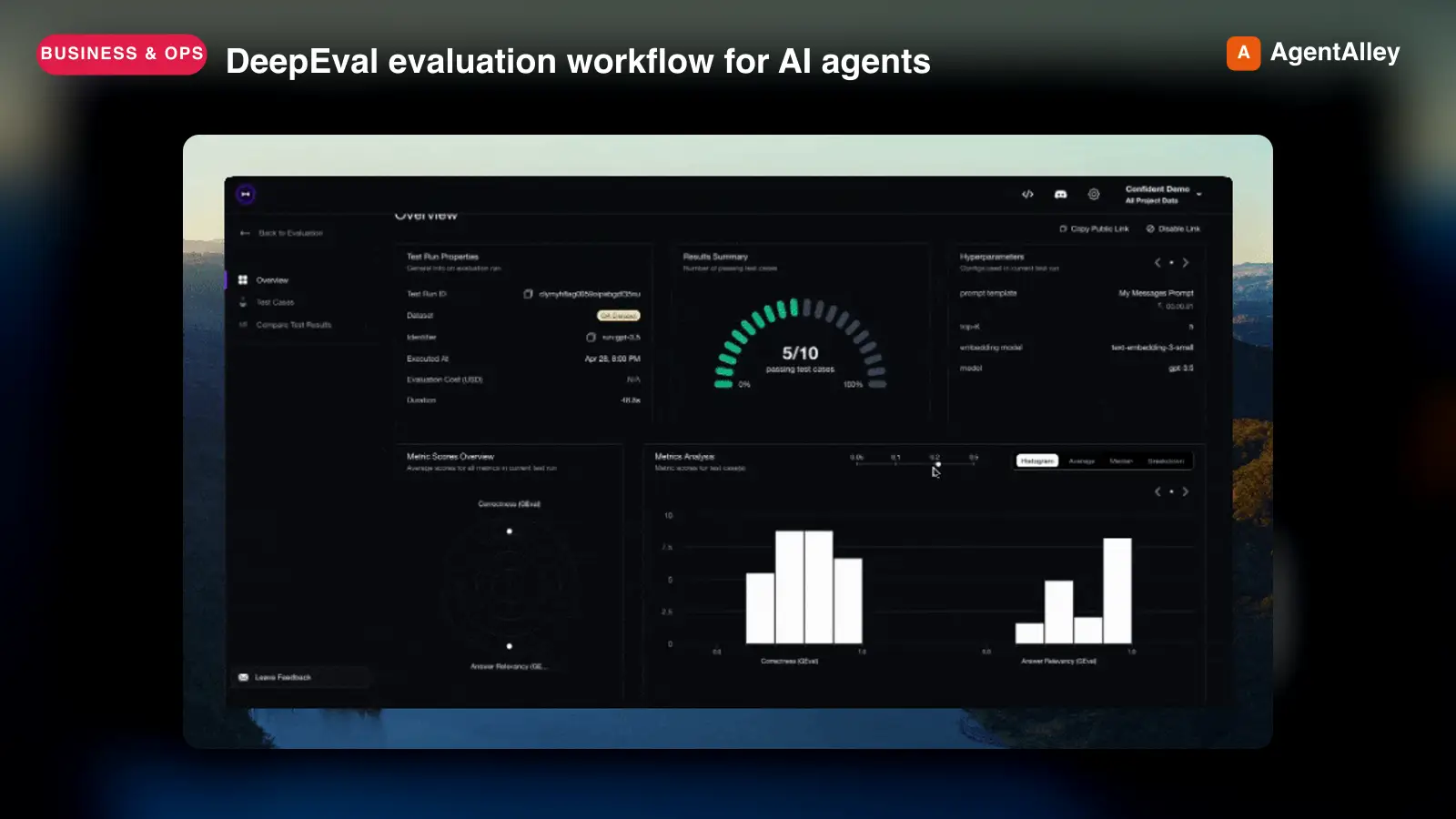 SkillDeepEval evaluation workflow for AI agents
 confident-ai/deepeval · by confident-aiDeepEval evaluation workflow for AI agents and LLM applications. TRIGGER when the user wants to evaluate or improve an AI agent, tool-using workflow, multi-turn chatbot, RAG pipeline, or LLM app; add evals; generate datasets or goldens; use deepeval generate; use deepeval test run; send results to Confident AI; monitor production; run online evals; inspect traces; or iterate on prompts, tools, retrieval, or agent behavior from eval failures. AI agents are the primary use case. Covers Python SDK, pytest eval suites, CLI generation, traced evals, Confident AI reporting, and agent-driven improvement loops. DO NOT TRIGGER for unrelated generic pytest, non-AI test setup, or non-DeepEval observability work unless the user asks to compare or migrate to DeepEval; for instrumenting an app with DeepEval tracing, @observe, or framework integrations (use the `deepeval-tracing` skill); or for raw OpenTelemetry / OTLP export without the deepeval package (use the `deepeval-otel` skill).★ 18.7k GitHub stars
 SkillBrowser automation with persistent named pagesDev browser
 SawyerHood/dev-browser · by SawyerHoodBrowser automation with persistent named pages via the dev-browser CLI. Use when users ask to navigate websites, fill forms, take screenshots, extract web data, test web apps, log into sites, or automate browser workflows. Trigger phrases include "go to [url]", "click on", "fill out the form", "take a screenshot", "scrape", "automate", "test the website", "log into", "open the browser", or any browser interaction request.★ 6.7k GitHub stars
 SkillTurn visible project context, a proven thread, skillTurn into app
 BuilderIO/skills · by BuilderIOTurn visible project context, a proven thread, skill, or workflow into a runnable Agent-Native app with simple buttons, visible agent steps, preview, and deployment handoff. Use when a user invokes `/turn-into-app` or asks to make a workflow into an app, including from Claude or ChatGPT on the web, including when the source is a spreadsheet link or upload.★ 4.5k GitHub stars
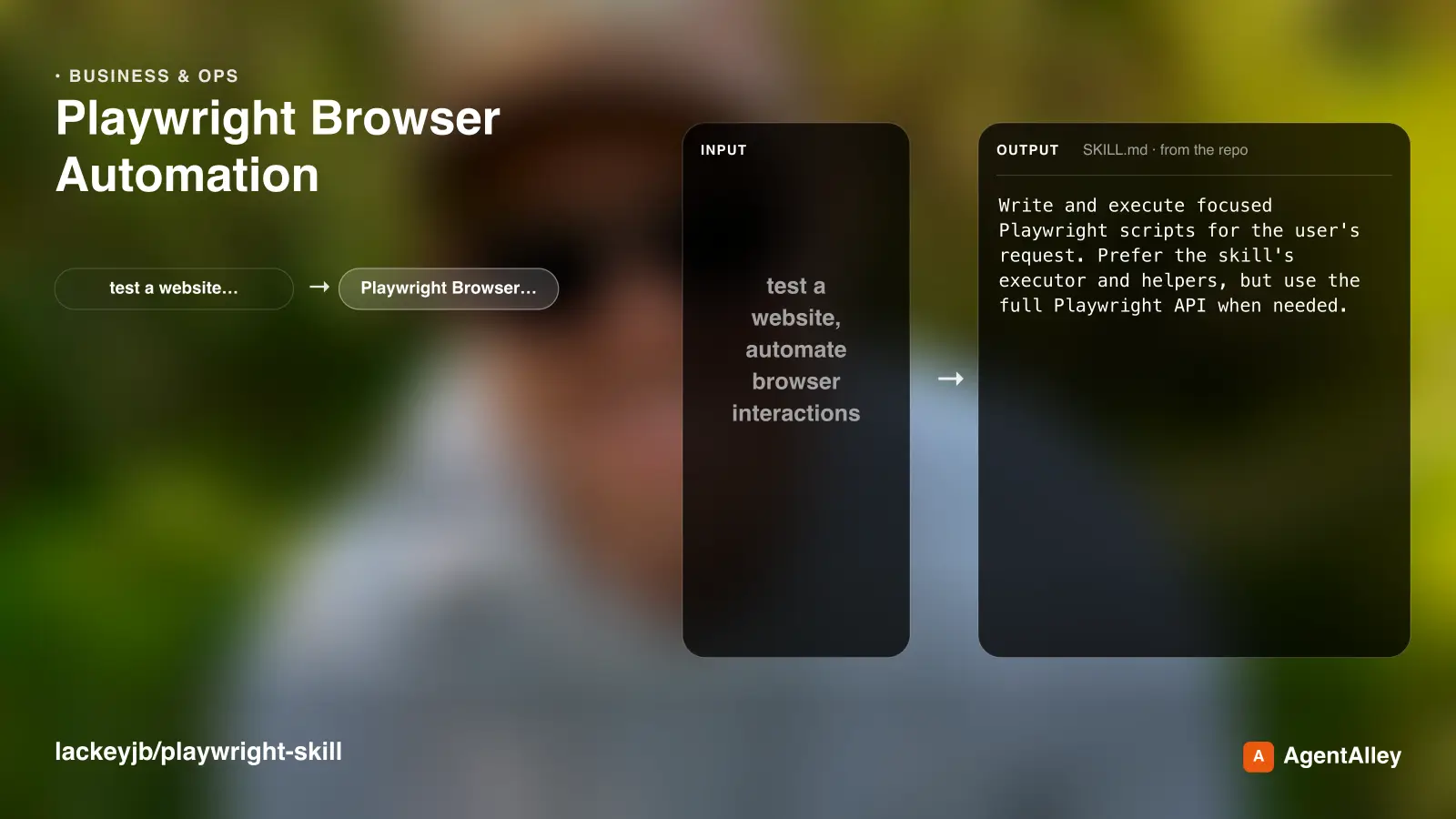 SkillComplete browser automation with PlaywrightPlaywright Browser Automation
 lackeyjb/playwright-skill · by lackeyjbComplete browser automation with Playwright. Auto-detects dev servers, writes reusable test scripts, and supports screenshots, responsive checks, UX validation, login flows, link checks, and arbitrary browser automation. Use when the user wants to test a website, automate browser interactions, validate web functionality, or perform browser-based testing.★ 3.2k GitHub stars
 SkillUse TinyFish for web search, fetching URLs, reading pagesTinyFish CLI
 tinyfish-io/tinyfish-cookbook · by tinyfish-ioUse TinyFish for web search, fetching URLs, reading pages, current information, source-backed answers, research, docs, pricing/product pages, extraction, scraping, and browser automation. Use whenever the user asks to search, find, look up, research, compare, get information from the web, summarize a URL, fetch page content, or automate a website.★ 2.2k GitHub stars