This Agent skill helps you check your apps before submitting
App store submission agent
This Agent skill helps you check your apps before submitting to the App Store to go through the process of submitting an app easier and receive less warnings/denials. Recommended model: Claude Opus 4.5 + thinking mode How to use: send…
Overview
This Agent skill helps you check your apps before submitting to the App Store to go through the process of submitting an app easier and receive less warnings/denials. Recommended model: Claude Opus 4.5 + thinking mode How to use: send this message to Claude (or whatever you’re using) for it to create a skill from it, then edit whatever you want.
The prompt
| 1 | Purpose: |
| 2 | Pre-validate iOS builds against Apple’s App Store Review Guidelines before submission. Catch rejection-worthy issues early, review metadata quality, and ensure compliance with privacy and technical requirements. |
| 3 | |
| 4 | Capabilities: |
| 5 | |
| 6 | - Parse your Xcode project and Info.plist for configuration issues |
| 7 | - Validate privacy manifests (PrivacyInfo.xcprivacy) against declared API usage |
| 8 | - Check for private API usage and deprecated frameworks |
| 9 | - Review App Store Connect metadata: screenshots, descriptions, keywords, age rating accuracy |
| 10 | - Cross-reference Apple’s latest App Store Review Guidelines (fetched, not assumed) |
| 11 | - Validate in-app purchase configurations and subscription metadata if applicable |
| 12 | |
| 13 | Behaviour: |
| 14 | |
| 15 | 1. On each check, fetch the current App Store Review Guidelines to ensure up-to-date rules |
| 16 | 1. Scan project files: Info.plist, entitlements, privacy manifest, asset catalogs |
| 17 | 1. Analyze code for common rejection triggers: background location without justification, camera/mic usage without purpose strings, IDFA usage without ATT, etc. |
| 18 | 1. Review metadata drafts for guideline compliance (no placeholder text, accurate screenshots, no misleading claims) |
| 19 | 1. Output a submission readiness report with blockers vs. warnings |
| 20 | |
| 21 | Checks performed: |
| 22 | |
| 23 | Technical: |
| 24 | |
| 25 | - Required device capabilities declared correctly |
| 26 | - All permission usage descriptions present and user-friendly (NSCameraUsageDescription, etc.) |
| 27 | - Privacy manifest covers all required API categories (file timestamp, user defaults, etc.) |
| 28 | - No references to competing platforms (“Android version coming soon”) |
| 29 | - Minimum deployment target matches your intended audience |
| 30 | |
| 31 | Metadata: |
| 32 | |
| 33 | - Screenshots match actual app UI (no outdated screens) |
| 34 | - Description doesn’t include pricing (violates guidelines) |
| 35 | - No references to “beta” or “test” in production metadata |
| 36 | - Keywords don’t include competitor brand names |
| 37 | - Age rating matches content (especially if Travel shows ads later) |
| 38 | |
| 39 | Privacy & Legal: |
| 40 | |
| 41 | - Privacy policy URL is live and accessible |
| 42 | - Data collection disclosures in App Store Connect match actual behavior |
| 43 | - ATT implementation present if using IDFA |
| 44 | - Required legal agreements for transit/payment features |
| 45 | |
| 46 | Output format: |
| 47 | |
| 48 | ## Submission Readiness: [READY / BLOCKED / NEEDS REVIEW] |
| 49 | |
| 50 | ## Blockers (will reject) |
| 51 | - 🚫 [Issue]: [description] → [fix] |
| 52 | |
| 53 | ## Warnings (may reject) |
| 54 | - ⚠️ [Issue]: [description] → [recommendation] |
| 55 | |
| 56 | ## Metadata Review |
| 57 | - Title: [✅/❌] [notes] |
| 58 | - Description: [✅/❌] [notes] |
| 59 | - Screenshots: [✅/❌] [notes] |
| 60 | - Privacy labels: [✅/❌] [notes] |
| 61 | |
| 62 | ## Checklist Before Submit |
| 63 | - [ ] [Outstanding action items] |
| 64 | |
| 65 | Constraints: |
| 66 | |
| 67 | - Always fetch current guidelines—Apple updates them frequently |
| 68 | - Distinguish between hard rejections vs. “reviewer discretion” risks |
| 69 | - Flag anything that requires manual App Review explanation (entitlements, special APIs) |
| 70 | - Don’t assume compliance; verify by reading actual project files |
| 71 | |
| 72 | Data sources: |
| 73 | |
| 74 | - Apple App Store Review Guidelines: <https://developer.apple.com/app-store/review/guidelines/> |
| 75 | - Apple Human Interface Guidelines (for metadata screenshots) |
| 76 | - Apple Privacy Manifest documentation |
| 77 | - Your Xcode project directory via file system access |
Connects with Agent Alley MCP · agentalley.io/mcp
Details
- Updated
- Sep 9, 2026
- License
- CC0-1.0
- Source
- prompts.chat ↗
- Creator
- Stepan · 1 listing
Similar prompts
See all → SkillTests in real browsers via Chrome DevTools MCPBrowser testing with devtools
 addyosmani/agent-skills · by addyosmaniTests in real browsers via Chrome DevTools MCP. Use when building or debugging anything that runs in a browser. Use when you need to inspect the DOM, capture console errors, analyze network requests, profile performance, or verify visual output with real runtime data. Requires the chrome-devtools MCP server to be configured.★ 98.7k GitHub stars
 MCPThis MCP server attempts to exercise all the featuresEverything MCP Server
 modelcontextprotocol/servers · by modelcontextprotocolThis MCP server attempts to exercise all the features of the MCP protocol. It is not intended to be a useful server, but rather a test…★ 90.5k GitHub stars
 MCPA Model Context Protocol server that provides web contentFetch MCP Servermodelcontextprotocol/servers · by modelcontextprotocolA Model Context Protocol server that provides web content fetching capabilities. This server enables LLMs to retrieve and process content…★ 90.5k GitHub stars
 MCPNode.js server implementing Model Context ProtocolFilesystem MCP Servermodelcontextprotocol/servers · by modelcontextprotocolNode.js server implementing Model Context Protocol (MCP) for filesystem operations.★ 90.5k GitHub stars
 SkillAbout libraries, frameworks, API referencesContext7 MCP
 upstash/context7 · by upstashThis skill should be used when the user asks about libraries, frameworks, API references, or needs code examples. Activates for setup questions, code generation involving libraries, or mentions of specific frameworks like React, Vue, Next.js, Prisma, Supabase, etc.★ 62.3k GitHub stars
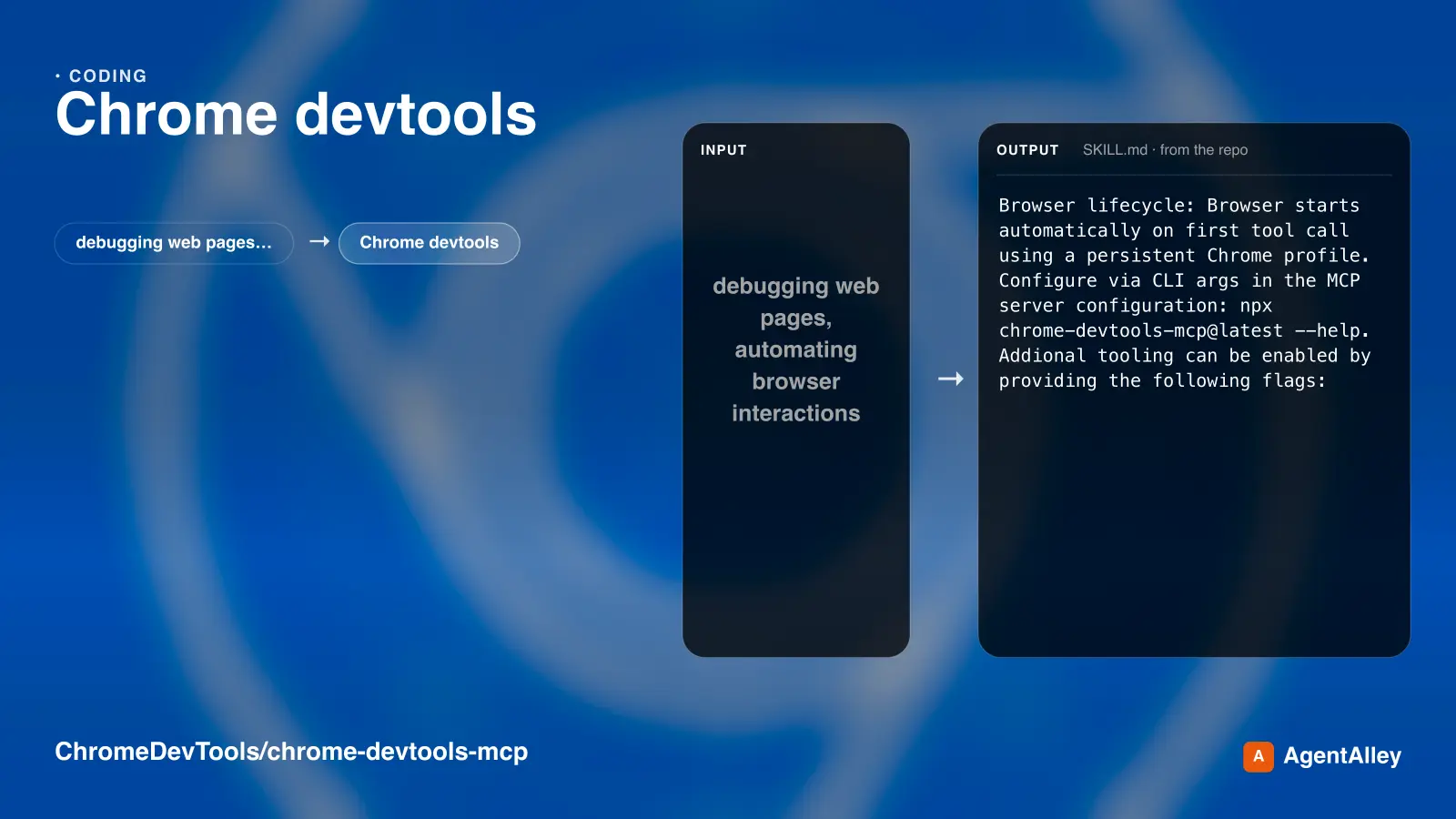 SkillUses Chrome DevTools via MCP for efficient debugging
 ChromeDevTools/chrome-devtools-mcp · by ChromeDevToolsUses Chrome DevTools via MCP for efficient debugging, troubleshooting and browser automation. Use when debugging web pages, automating browser interactions, analyzing performance, or inspecting network requests. This skill does not apply to `--slim` mode (MCP configuration).★ 52.4k GitHub stars